 Skava
Skava


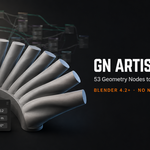
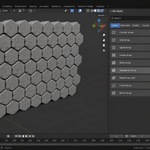
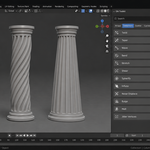
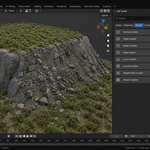
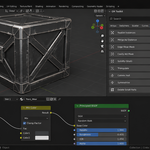
Download the zip and do not unpack it. In Blender open Edit > Preferences > Add-ons, click the drop-down arrow in the top-right corner and choose Install from Disk, then pick the zip. Tick the checkbox next to GN Artist Toolkit. Press N in the 3D Viewport and open the GN Toolkit tab.
Updating from an earlier version: remove the old one first (expand its entry in Add-ons and press Uninstall), then install the new zip and restart Blender.
Blender 4.2 LTS and newer. The README inside the zip records live tests on 4.2.9 and 5.2.0. It is pure Python with no compiled binaries and installs no extra Python packages.
No. You click a tool in the GN Toolkit tab and adjust its sliders in the Modifier Properties tab (the blue wrench). Each tool is an ordinary Geometry Nodes modifier, so it can be keyframed, driven and applied like any other modifier. The node editor is there if you are curious, but you never have to open it.
The array tools produce instances, which is what keeps them fast in the viewport. Add Realize Instances from the Utility category before exporting, and the copies become real geometry.
In a small JSON file in Blender's user configuration folder, not in the .blend. They follow you from one project to the next and survive reinstalling the add-on. Presets are saved from the Presets panel with Save Current Settings.
Yes. Apply Toolkit Modifiers in the On This Object panel turns the toolkit modifiers on the active mesh into real editable geometry (the object must be a mesh in Object Mode). After that the geometry no longer depends on the add-on.
No. The add-on contains no network code: no downloads, no account, no telemetry.
Yes. The add-on is licensed under GPL-3.0-or-later (full text in LICENSE.txt inside the zip). The license covers the add-on code; what you create with it is yours. The full guide is in the Documentation & FAQ tab on this product page, and README.txt inside the zip covers install, first run and uninstall.
Have questions about this product?
Login to message
| Published | 2 months ago |
| Blender Version | 3.4 - 5.2 |
| Extension Type | N/A |
| Render Engine Used | Cycles, Eevee |
| License | GPL |
Discover more products like this
modifier no-code Level Design deformer curve geometry nodes scatter environment non-destructive hard surface array procedural