 Hardlysleep.ing
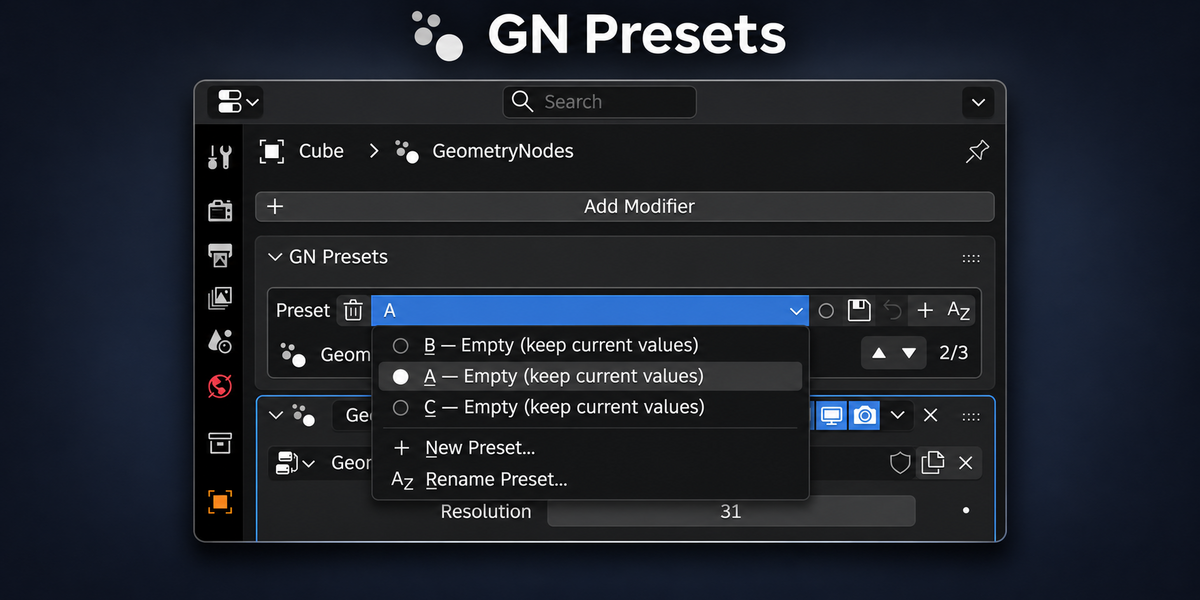
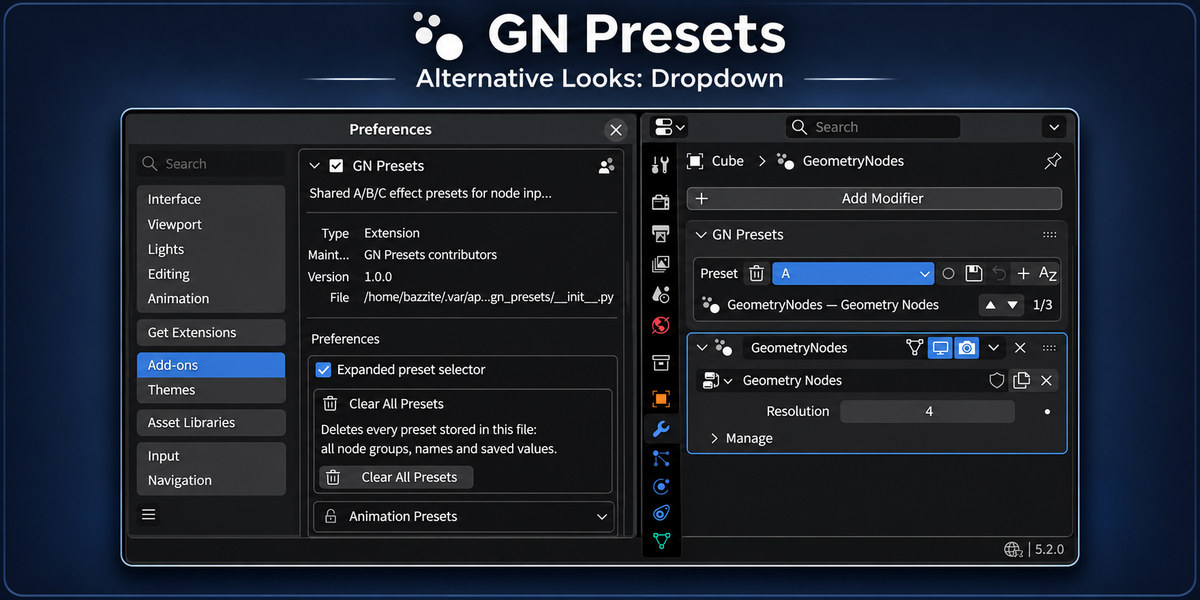
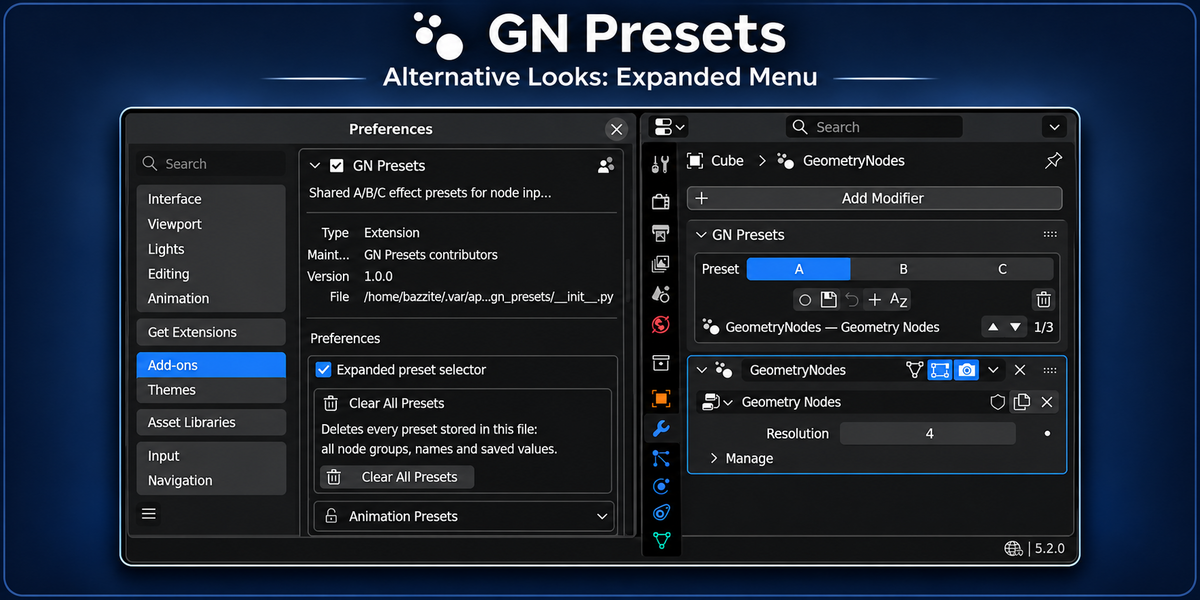
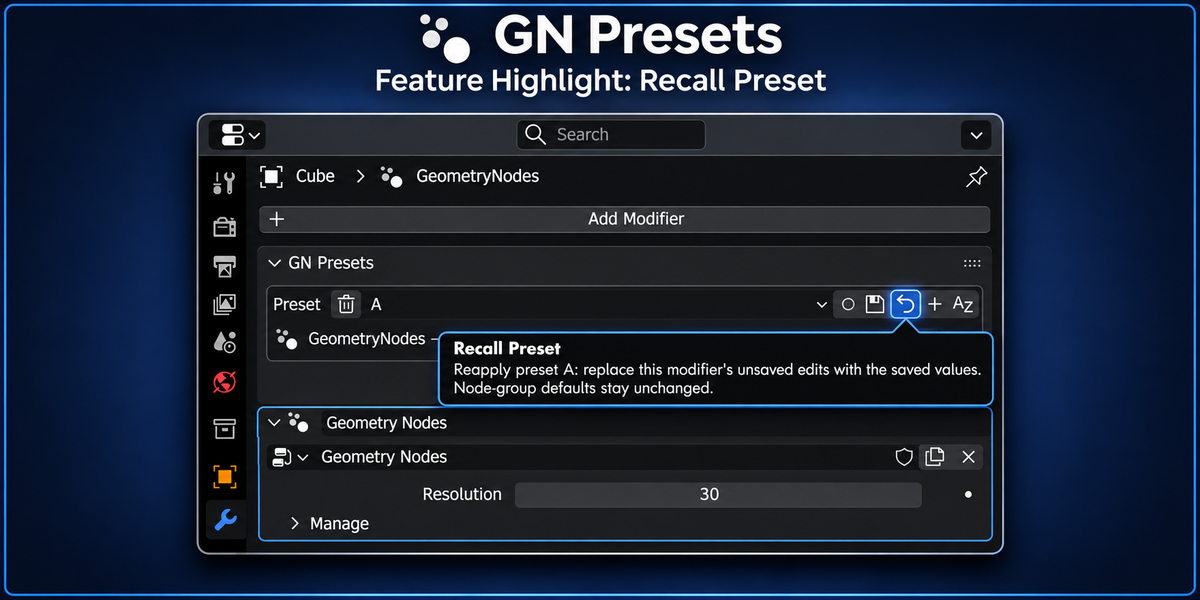
GN Presets — Geometry Nodes Preset Manager
Save, organize, and instantly switch between Geometry Nodes configurations — without duplicating node groups or assets.
GN Presets lets you save the exposed input settings of Geometry Nodes modifiers as reusable presets. Create as many variations as you need, give them meaningful names, and switch between configurations directly inside Blender.
Whether you're building procedural assets, comparing different looks, or preparing Geometry Nodes setups for other artists, GN Presets keeps your variations organized and easy to access.
Features
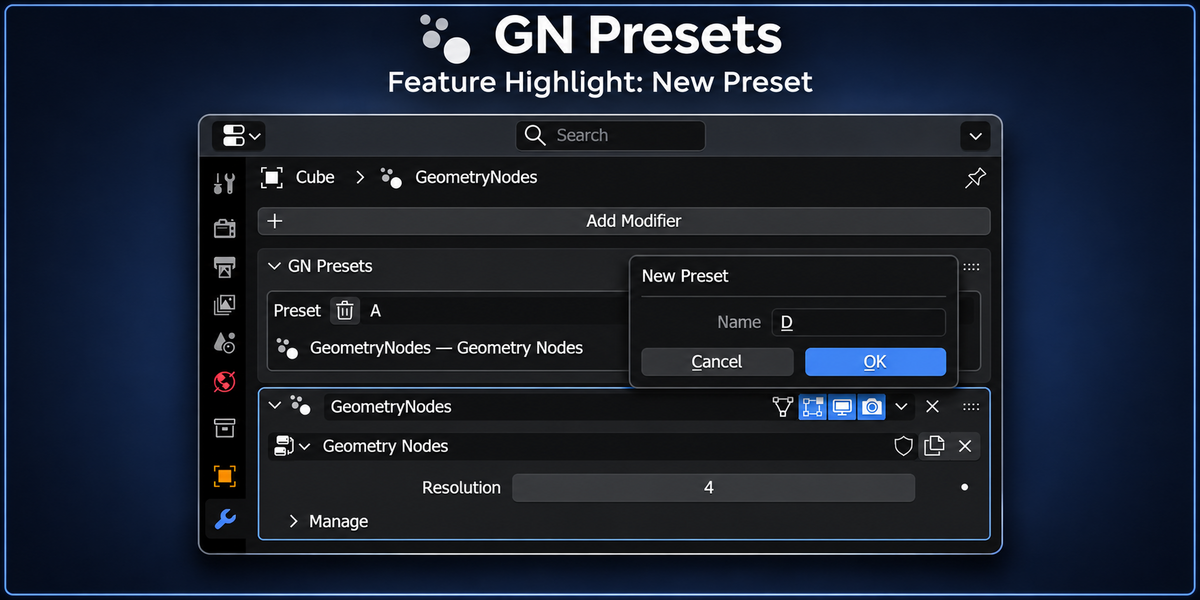
Unlimited Presets — Create as many configurations as your workflow requires.
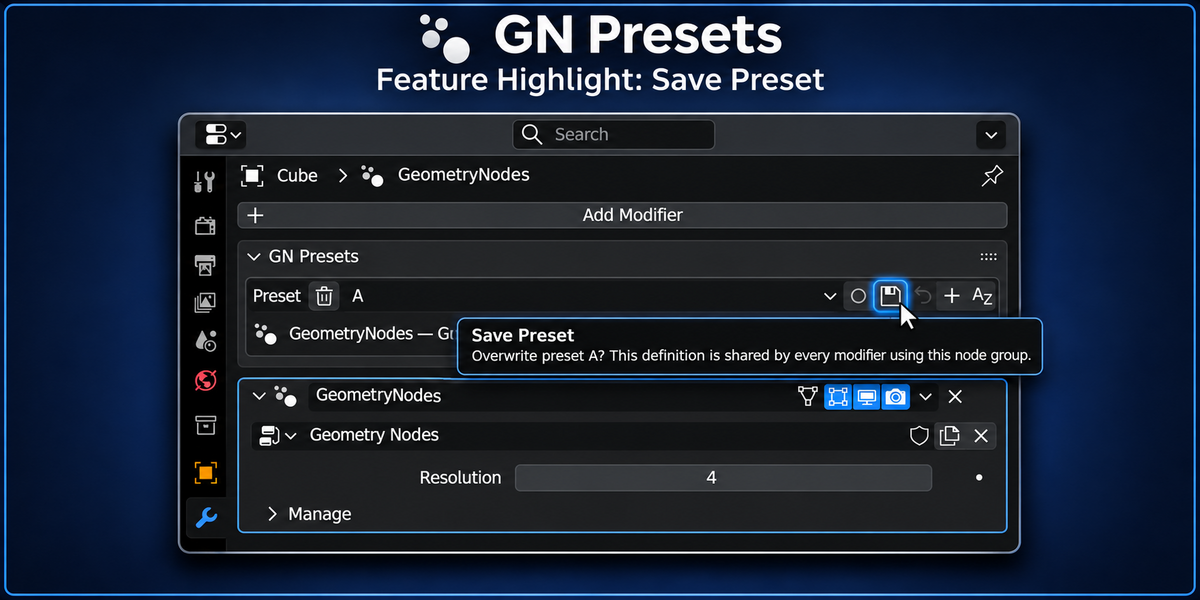
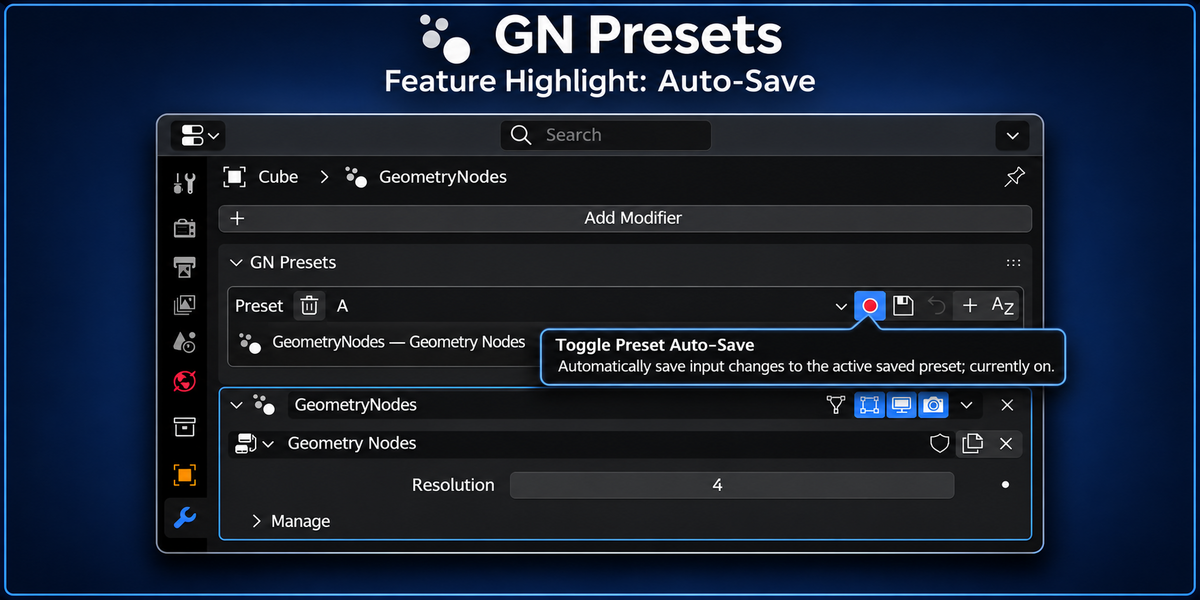
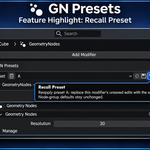
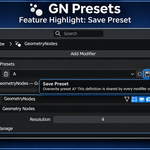
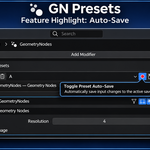
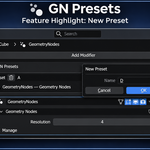
Save & Recall — Capture modifier input settings and restore them instantly. Overwriting an existing preset requires confirmation.
Rename & Organize — Give presets descriptive names, reorder them, and remove configurations you no longer need.
Shared Preset Libraries — Modifiers using the same node group share its preset library while keeping their own selected preset.
Portable Presets — Preset data is stored directly on the node group, allowing configurations to travel with your
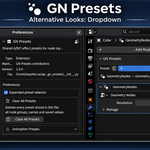
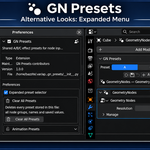
.blendfiles and assets.Compact or Expanded UI — Choose between a simple dropdown and an expanded preset selector.
Built-In Management — Clear all presets in the file from the add-on preferences, protected by confirmation.
Free Lite Companion — Share your saved presets with other Blender users without requiring them to purchase the full add-on.
Built Into Your Blender Workflow
GN Presets is available directly from:
Geometry Nodes Modifier Panel — Save and switch presets alongside your modifier settings.
3D Viewport Sidebar — Manage presets from the dedicated GN Presets panel.
Both interfaces use the same preset library, so you can work wherever it's most convenient.
One Node Group. Multiple Configurations.
Complex Geometry Nodes setups can expose dozens of parameters. Manually recreating settings to compare variations quickly becomes tedious.
GN Presets lets you capture different configurations and switch between them instantly without modifying the underlying node network or creating duplicate node groups.
It's especially useful for procedural modeling, motion graphics, scattering systems, generators, and reusable Geometry Nodes assets.
One node group. Multiple looks. No duplicated assets.
Presets That Travel With Your Projects
Presets are stored directly on their Geometry Nodes node group rather than in a separate external configuration file.
This means:
Presets remain available when reopening your
.blendfiles.Objects using the same node group share the same preset library.
Each modifier can independently select its active preset.
Different node groups maintain independent preset libraries.
Presets can travel with node groups shared through Blender projects and asset libraries.
Linked node-group presets can also be viewed and recalled, even when their definitions cannot be edited from the file where they are linked.
GN Presets Lite — Share Your Presets for Free
Create presets with GN Presets. Share them with anyone using GN Presets Lite.
GN Presets Lite is a free, open-source companion add-on designed for artists who only need to use presets created with the full version.
Create and organize your presets with GN Presets, then share the .blend file, appended node group, or linked asset library. The recipient simply installs GN Presets Lite to view and use every preset included with the asset.
They do not need to purchase GN Presets to use the presets you created.
With GN Presets Lite, users can:
View All Presets — See every saved preset with its original name and ordering.
Switch & Recall — Apply any saved configuration directly to the modifier.
Use Shared Assets — Access presets from
.blendfiles, appended node groups, and linked asset libraries.Preserve Your Library — Lite is read-only, so shared preset definitions cannot be accidentally changed.
Full GN Presets is required to:
Create, save, rename, reorder, or delete presets.
This makes GN Presets useful not only for your own workflow, but also for distributing procedural assets with multiple ready-to-use configurations.
Your customers, collaborators, and other Blender users can use the presets you provide for free.
GN Presets Lite — Free & Open Source
Download GN Presets Lite on GitHub
Non-Destructive by Design
GN Presets stores supported modifier input values without changing the underlying Geometry Nodes network or its default settings.
Recalling a preset restores the saved values to the selected modifier and replaces unsaved changes to those supported inputs.
Unsupported inputs are skipped and reported rather than overwritten.
Spend Less Time Managing Settings
Whether you're creating reusable procedural assets, experimenting with variations, or distributing Geometry Nodes setups to other artists, GN Presets gives you a simple way to keep configurations organized.
Save your variations. Switch instantly. Share freely.
Animation Support: Animated inputs normally remain consistent across presets rather than being saved individually. Experimental preset-specific animation support is available and continues to improve.
Preset Ordering: Save at least one preset per node group before using the reorder controls. The default A/B/C entries are placeholders until saved.
Compatibility: Blender 5.2 or newer.
