GN Presets
 Hardlysleep.ing
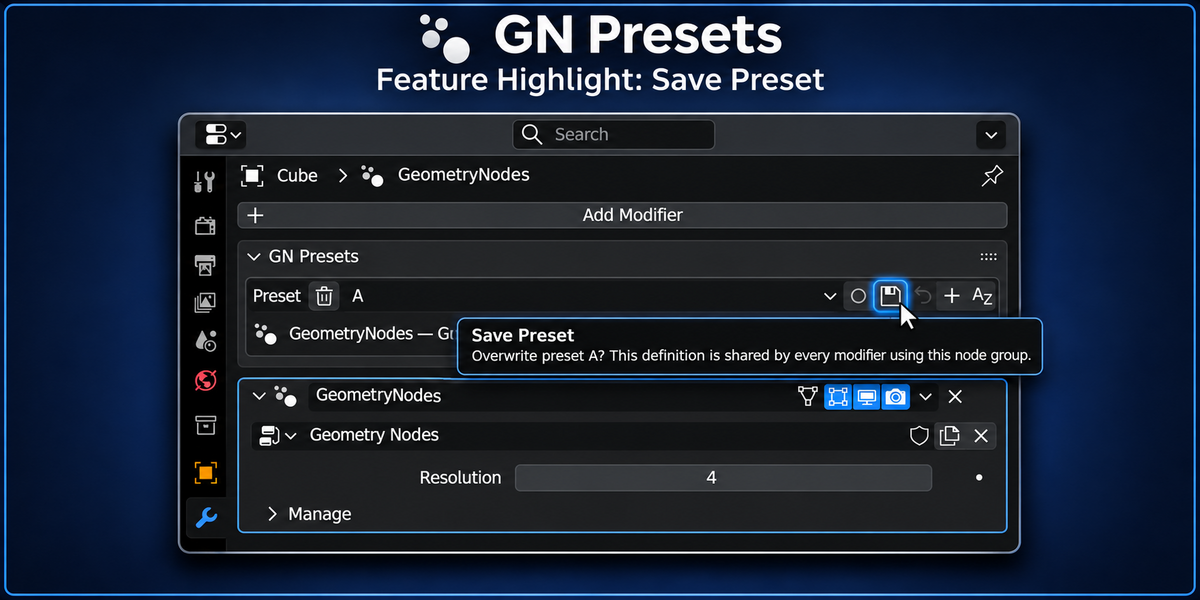
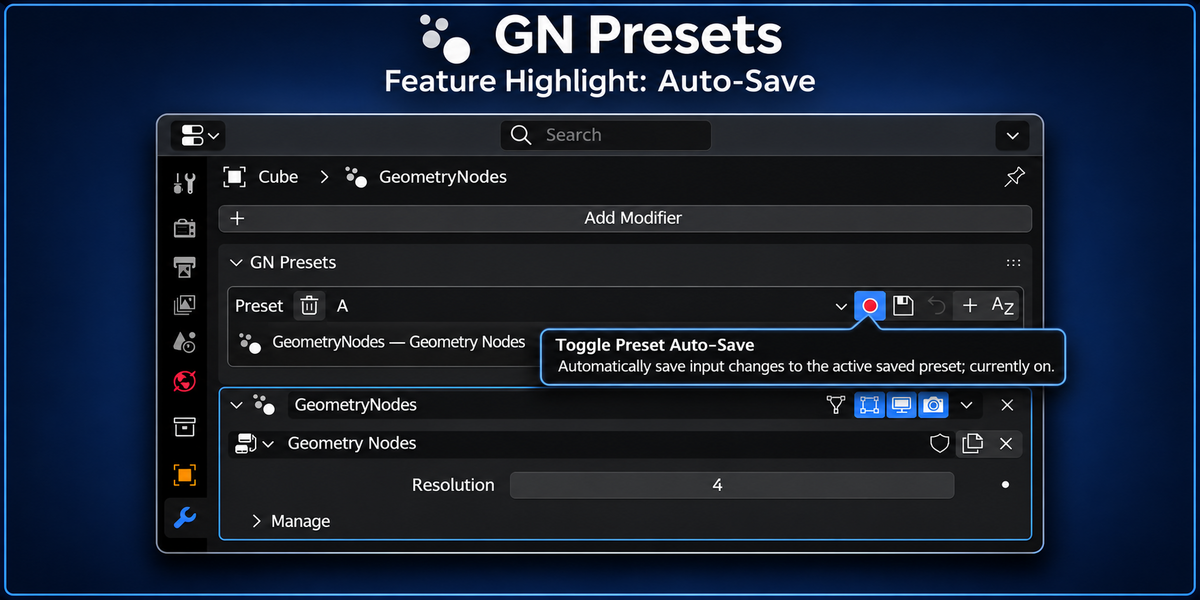
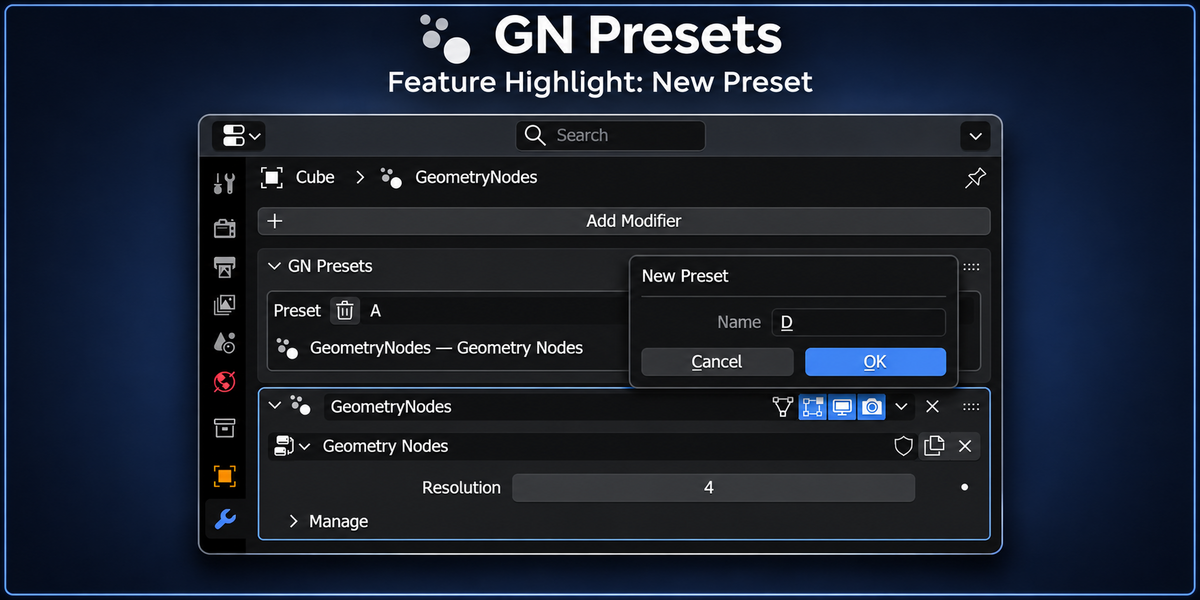
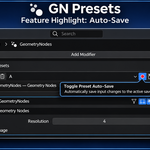
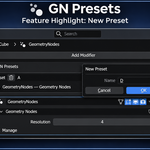
Do people I share presets with need to buy GN Presets?
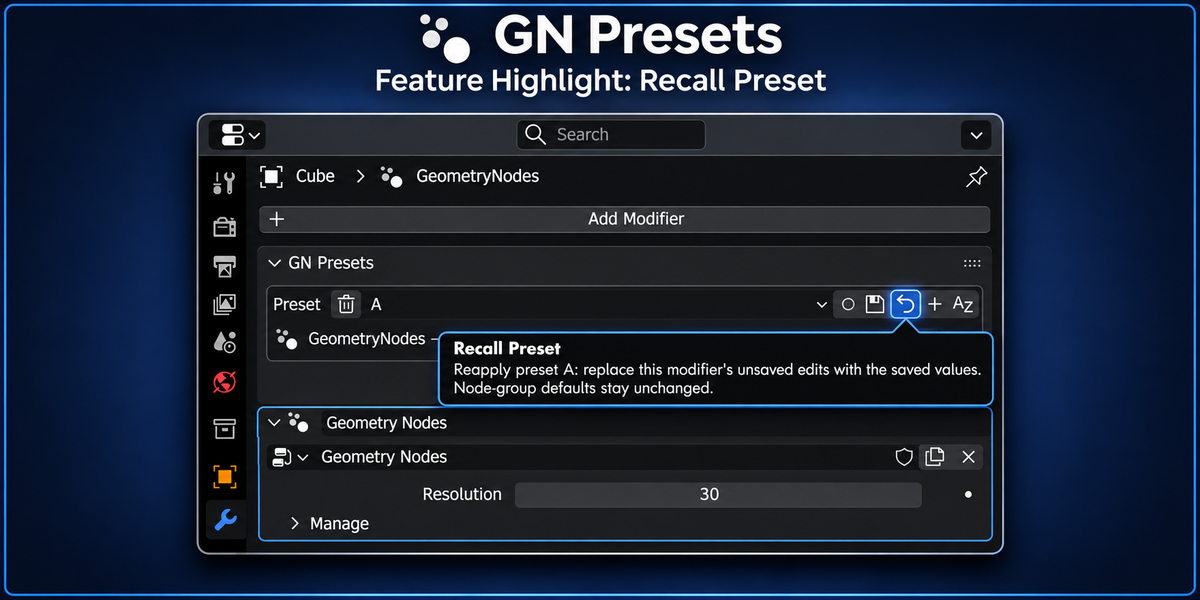
No. If they only need to view, switch, and recall presets you created, they can use the free GN Presets Lite extension instead.
Download GN Presets Lite
What can’t GN Presets Lite do?
GN Presets Lite is read-only. It cannot create new presets, save or overwrite presets, rename them, reorder them, delete them, clear the preset library, or auto-save changes.
Those preset creation and management features require the full version of GN Presets.
What can GN Presets Lite access?
GN Presets Lite can view and recall all presets created with the full GN Presets add-on that are stored on the node group.
That includes custom preset names, preset ordering, and saved supported input values from .blend files, appended node groups, and linked asset libraries.
Where are the presets actually stored?
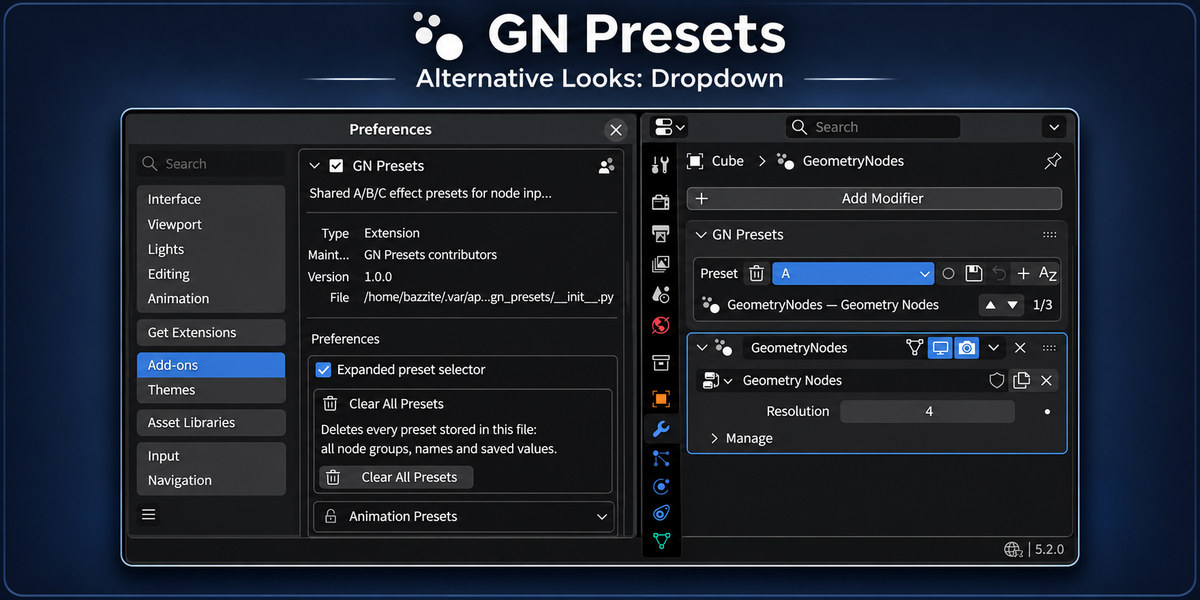
On the node group, inside the .blend. They are not in the add-on's preferences, so they survive add-on updates, travel with the effect, and are shared by every modifier using that group.
Will my presets be saved with my Blender project?
Yes. Presets are stored directly in the .blend file and travel with their node groups, including when reused through asset libraries.
Does GN Presets modify my Geometry Nodes setup?
No. Presets only change exposed modifier input values. Your node groups and their default settings remain untouched.
Can multiple objects share presets?
Yes. Objects using the same node group share its preset library, while keeping their own active settings and selected presets.
Do the presets come with the effect when I append it from another file?
Yes. Presets are stored on the node group, so appending that node group — or an object that uses it — brings the whole list with it: names, saved values, and the preset each modifier had selected. The asset browser appends the same node group, so a preset saved in a library file arrives the same way.
Do they still work when I link instead of append?
They come along and they can be recalled. They cannot be edited from the file that links them: saving reports linked/read-only; make the node group local to save.
Can I create unlimited presets?
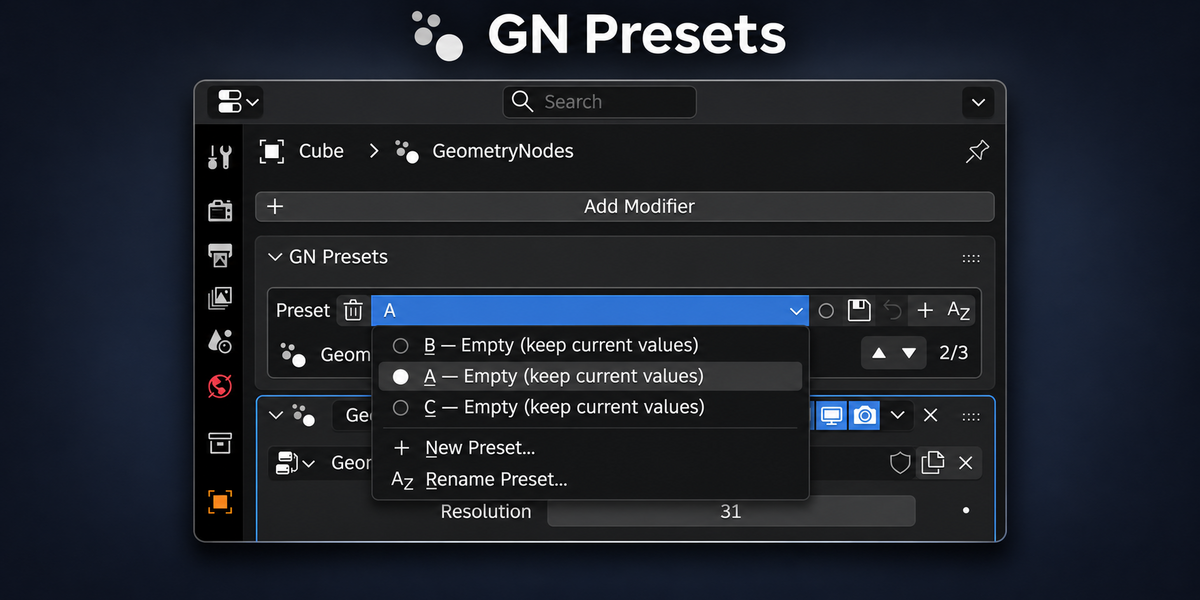
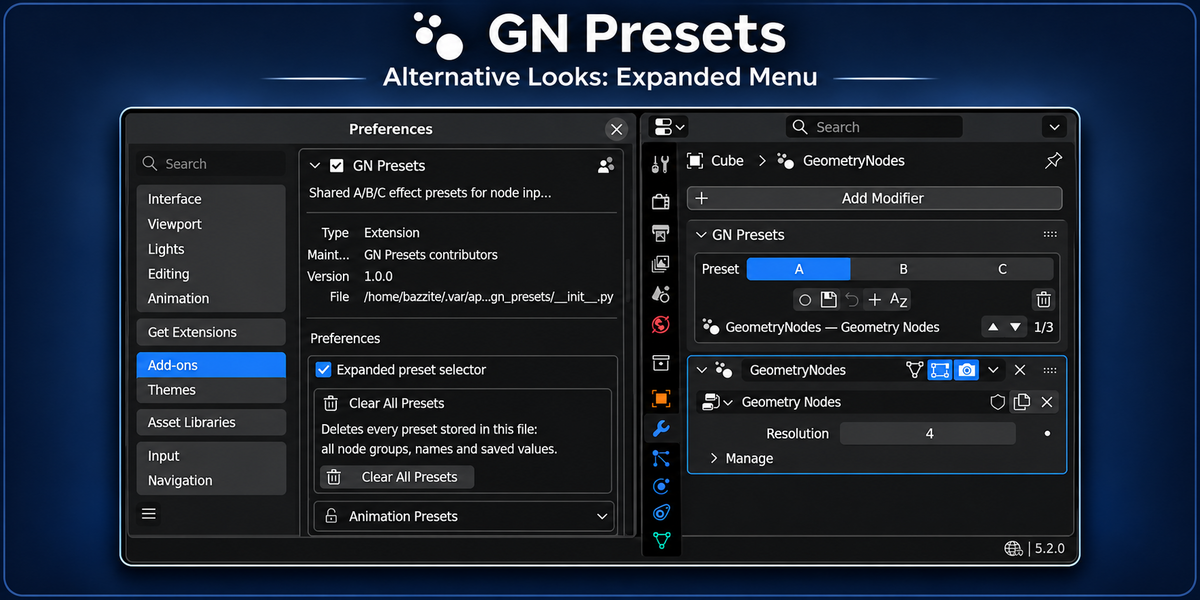
Yes! Start with A, B, and C, then add as many custom-named presets as you need.
Why are the ▲ / ▼ arrows greyed out on a new node group?
Nothing is saved yet. The A/B/C entries shown in the dropdown are placeholders that appear before a group has any presets of its own; they have no saved values, so there is nothing to move. Save at least one preset in that node group — select A, adjust the inputs, press Save — and both arrows become active from then on. Before that, clicks are simply ignored instead of reporting Unknown Preset ID: A.
Does GN Presets support animated inputs?
Animated inputs remain consistent across presets by default. Optional experimental support allows supported keyframed inputs to have preset-specific animations.
 Included
Includes 12 months of
- Support from Hardlysleep.ing
- Product updates
Extend this product’s Support Period +12 months: 50% of product price
Have questions before purchasing?
Login to message
| Blender Extension Compatible | Yes |
| Published | about 6 hours ago |
| Blender Version | 5.2 - 5.3 |
| Extension Type | Add-on |
| Render Engine Used | Cycles, Eevee |
| License | GPL |
Discover more products like this
ui intuitive modifier modifier-panel built-in presets geometrynodes Blender geometry nodes gn-presets menu Workflow geometry-nodes-presets