[GN] Procedural Roof Generator
 Frenkel Design


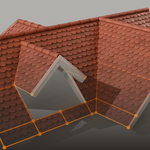

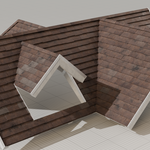

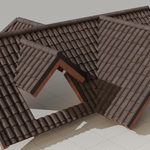
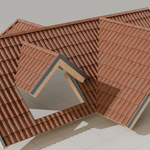
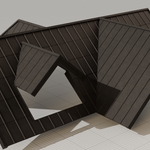
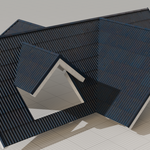
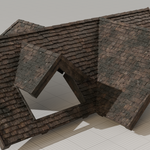
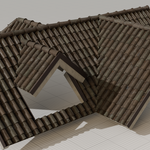
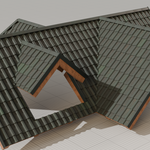

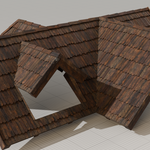
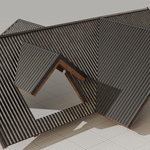
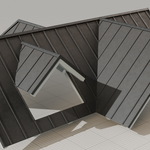
01 Modifier (per-object settings)
- Drag the modifier from the asset browser onto your mesh. It should immediately update.
- If you need extra performance while working on the shape, make sure to disable the live update in edit mode. This will limit redraws. Updates will only occur when exiting edit mode or changing modifier parameters.
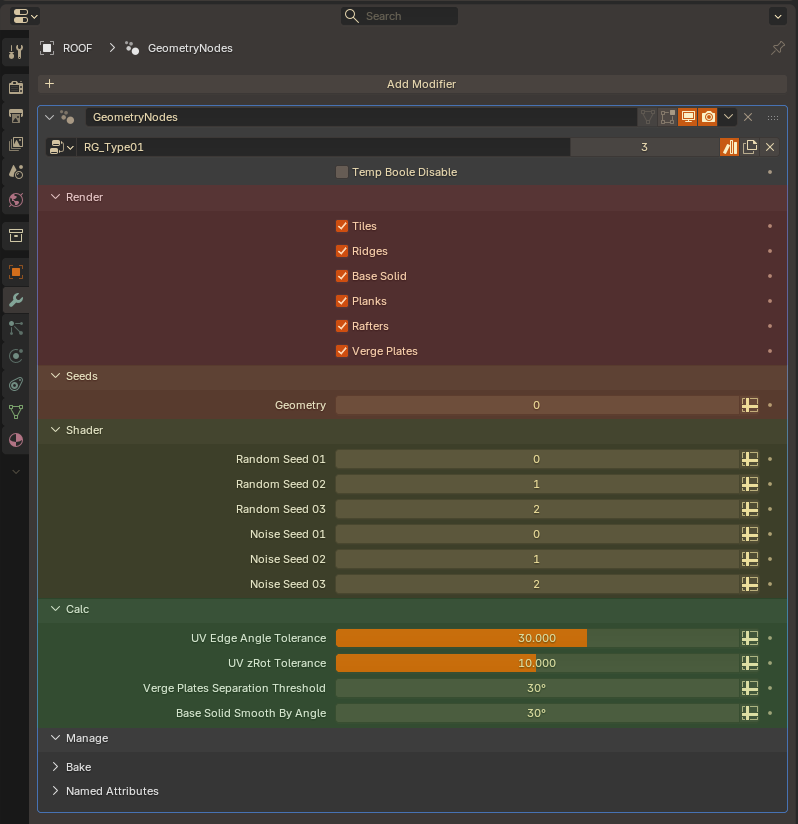
01 Render
Which aspects of the roof should be rendered?
Tiles
Ridges
Base solid
Planks
Rafters
Verge Plates
02 Seeds
Geometry
Per-object seed for randomness inside the geometry node tree (mostly random tile placement).
02a Shader
Per-object seeds that will be passed down to the material editor as attributes. These have to be used inside the shader editor for the applied material. Only then they lead to visible changes.
Random Seed 01
Random Seed 02
Random Seed 03
Noise Seed 01
Noise Seed 02
Noise Seed 03
03 Calc
UV Edge Angle Tolerance
Edge Angle threshold at which connected roof parts are split into separate islands with separate calculation.
UV zRot Tolerance
Face normal XY difference that is tolerated before splitting into separate islands.
Verge Plates Separation Threshold
Angle tolerance for verge plates before splitted into separate plates. This is irrelevant when roofs are not rounded.
Smooth By Angle
Minimum angle at which hard edges appear.
02 Component Node (per-profile settings)
Changes that are made on the component node will affect every object that has this modifier applied.
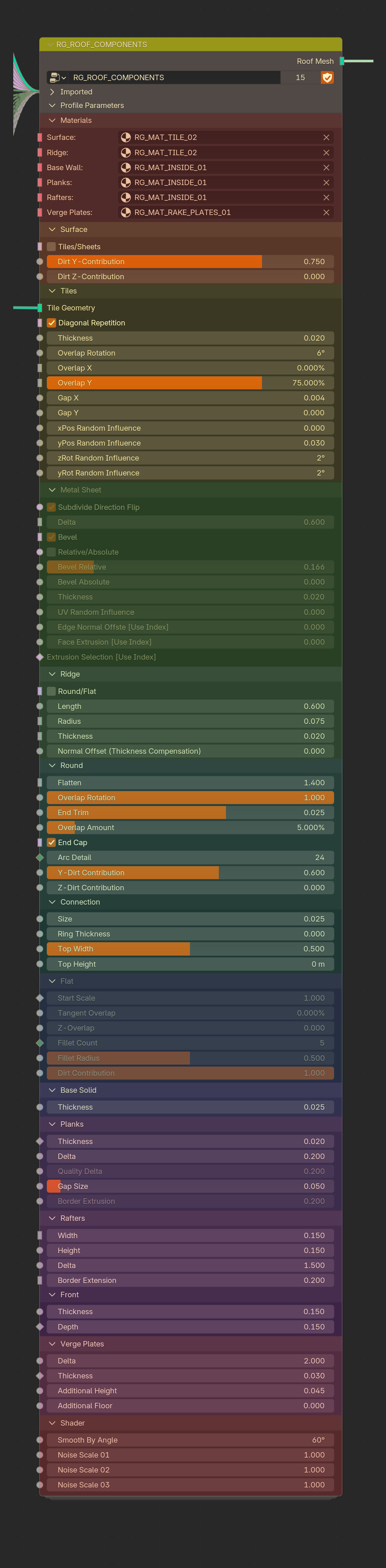
01 Materials
Surface Material:
Material used for the chosen surface type (Tiles or Sheets).
Ridge Material:
Material used for the chosen ridge type (Round or Flat).
Base Material:
Material used for the base extrusion.
Planks Material:
Material used for the inner planks.
Rafters Material:
Material used for the inner rafters.
Rake Plates Material:
Material used for rake plates.
03 Roof Surface
Tiles/Sheets:
Choose between tiles or sheets as a surface type. Tiles are individual instances, Sheet roofs are created by subdividing the input faces in specific ways. The accessibility of the following parameters depend on this decision.
Dirt Y Contribution:
Only visible if the dirt attributes are correctly used in the chosen materials. This will change the amount of dirt that is present under overlapping tiles (based on tile mesh Y-position values)
Dirt Z Contribution:
Only visible if the dirt attributes are correctly used in the chosen materials. This will change the amount of dirt that is present in tile crevices (based on tile mesh Z-position values)
02a Tiles
Tile Mesh:
The tile geometry. If you work with a custom profile, an "Object Info" node is connected to the tile mesh input. A default object that has been imported along the modifier should already be linked there. Studying this object in the 3D scene can give you valuable information on how to prepare your own tile mesh:
- For visibility purposes, the tile has to be created 10 times bigger than the actual tile size. This will let you model at a scale that is more suitable when you have the combined roof in the same frame.
- The tile has to be single sided, not solidified. Extruding will automatically happen in the node tree. This does not mean that the mesh has to be perfectly flat.
- Orient the tile so that Z is up and apply all transforms afterwards. Make sure the normals are pointing upwards and are not flipped.
Once you are happy with your tile, link it inside the "Object Info" node
Tile Diagonal Repetition:
Switches between grid and diagonal repetition.
Tile Thickness:
The thickness of the tile (Normal-Extrusion).
Tile Rotation:
X-Rotation of the tile to set and adjust the overlap contact point.
Overlap X:
Per centage of tile used for overlapping in the X direction.
Overlap Y:
Per centage of tile used for overlapping in the Y direction.
Gap X
Gap between tiles on the X-axis (Absolute value).
Gap Y
Gap between tiles on the Y-axis (Absolute value).
Random Pos X
Amount of random influence for the tiles X-position.
Random Pos Y
Amount of random influence for the tiles Y-position.
Random Angle Z
Amount of random rotation around the tiles local Z-axis (normal).
Random Angle Y
Amount of random rotation around the tiles local Y-axis.
02b Sheet Roofs [EXPERT]
Subdivision Direction
Flips between vertical and horizontal subdivisions.
Subdivision Delta
The distance between each intersection.
Fillet
If active, each intersection edge will be beveled to create new faces.
Fillet Percentage/Absolute
Determines if the bevel distance value is percentage based or absolute.
Fillet Percentage
If the percentage based method was chosen, use this slider to determine the bevel distance.
Fillet Absolute
If the absolute method was chosen, use this slider to determine the bevel distance.
Sheet Thickness
The base thickness of the metal sheet.
Sheet Thickness
The base thickness of the metal sheet.
Random Texture Offset Amount
Offsets the UV coordinates for each mesh island.
Normal Offset Edge [EXPERT]
Has to be based on the "EDGE_INDEX" attribute. Check the vanilla sheet roofs for reference. The index can be plugged into a sinus node for example. This will create wave deformations.
Extrude Faces [EXPERT]
Has to be based on the "FACE_INDEX" attribute. Check the vanilla sheet roofs for reference. The index can be plugged into an extrude logic.
Extrude Selection [EXPERT]
Has to be based on the "FACE_INDEX" attribute. Check the vanilla sheet roofs for reference. The index can be plugged into a modulo node setup for example. So that the extrusion only applies to every second face of the subdivision. Use this in combination with the Fillet checkbox to extrude only the beveled faces.
03 Ridges
Round/Flat
Choose between round or flat ridge tiles. The accessability of the following parameters depend on this decision.
Length
The length of the individual ridge tiles.
Radius
The radius of the ridge tiles profile.
Thickness
The extrusion distance of ridge tiles.
Normal offset
Chose the contact point between ridge tiles and normal surface tiles with this option. It offsets the ridge line outwards to compensate for settings used in the surface section.
03a Round Ridges
Flatten
"0" results in a perfectly round profile. Increasing the number will make the profile more and more elliptic.
Thickness Cascade
Rotation of the ridge tiles to compensate for overlap values.
Trim End
Trims the endpoints of downfacing ridge lines.
Overlap
Overlap of ridge tiles. Goes hand-in-hand with the "Thickness Cascade" value.
Cap
Gives the last downfacing ridge tile in a line a cap.
Arc Count
Basically roundness steps. Higher values increases the visual quality, but are more costly
Dirt Y Contribution
Basically roundness steps. Higher values increases the visual quality, but are more costly
Dirt Y Contribution:
Only visible if the dirt attributes are correctly used in the chosen materials. This will change the amount of dirt that is present under overlapping tiles (based on tile mesh Y-position values)
Dirt Z Contribution:
Only visible if the dirt attributes are correctly used in the chosen materials. This will change the amount of dirt that is present in tile crevices (based on tile mesh Z-position values)
Connection Size:
Size of the ridge connection on top of ridge tiles.
03b Flat Ridges
Start Scale:
Mainly used when the ridge tiles are overlapped. A value smaller than "1" will scale one side of the tile to fit under the previous tile.
Tangent Overlap:
The amount of overlap between tiles.
Z-Overlap:
Z-Offset, caused by overlap.
Fillet Count:
Roundness quality when "Fillet Radius" is used.
Fillet Radius:
Bevels the tile to introduce roundness. "0" equals no roundness, while "1" results in full roundness.
Dirt Contribution:
How much dirt is present on the ridge tiles.
04 Base Solid
Thickness:
Thickness of the base solid. This will reposition other components. Tiles will be forced outwards to make space for the solid.
05 Planks
Thickness:
Thickness of the inner planks.
Delta:
The width of the planks (repetition distance).
Quality Delta:
[Deprecated]
Gap Size:
Gap between planks
Border Extrusion:
[Deprecated]
06 Rafters
Width:
Width of the inner rafters.
Height:
Thickness of the inner rafters.
Delta:
Distance between each rafter.
Border Extension:
UV position-sampling scale factor. Should be left on default, fixes problems sometimes.
Front Thickness:
Thickness for the first rafter at roof verges.
Front Depth:
Depth for the first rafter at roof verges.
07 Verge Plates
Delta:
Length of verge plates.
Thickness:
Thickness of verge plates.
Additional Height:
Adds height at the top of the verge plates. This is needed when rotated or thick roof tiles with a larger side profile need to be covered.
Additional Floor:
Adds height at the bottom of the verge plates. This increases the covered area in front of the base solid, or first rafters.
08 Shader
Smooth By Angle:
Smoothing starts at the input angle. Mostly dependend on the roof tile that is used.
Noise Scale 01:
Influences the sclale of noise attributes that are exported to the shader.
Noise Scale 02:
Influences the sclale of noise attributes that are exported to the shader.
Noise Scale 03:
Influences the sclale of noise attributes that are exported to the shader.
Have questions about this product?
Login to message
| Sales | 800+ |
| Rating | 16 ratings |
| Dev Fund Contributor | |
| Published | over 3 years ago |
| Blender Version | 4.5 - 5.0 |
| License | Royalty Free |

Discover more products like this
roof nodes Generator Roofing procedural Geometry ArchViz geometrynode