GN Rounded Bevel
 B3D
B3D
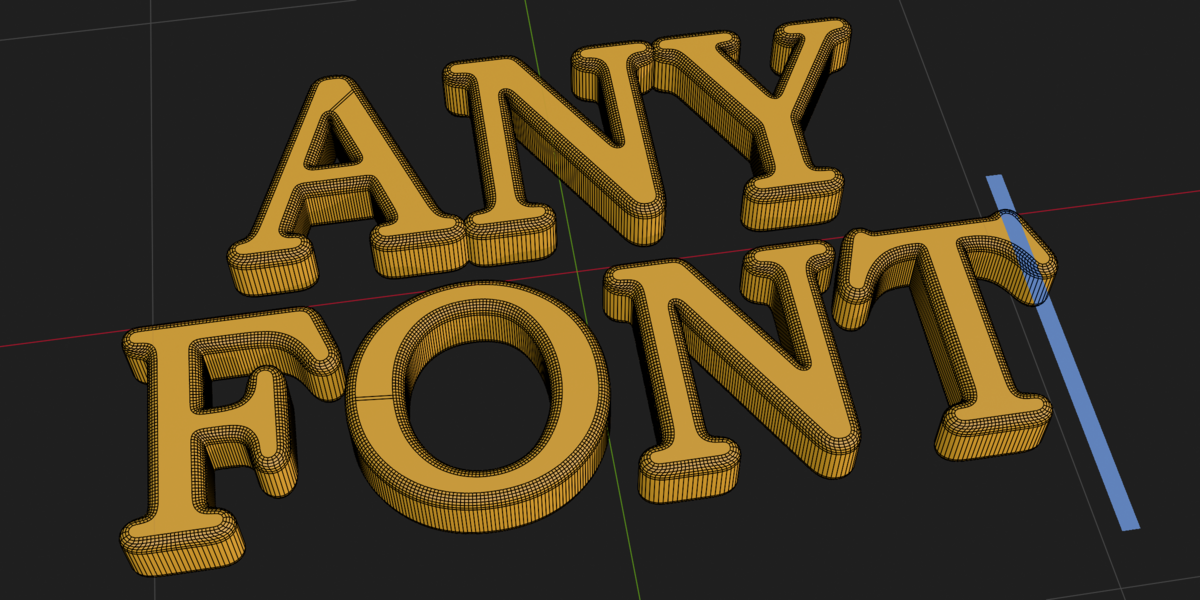
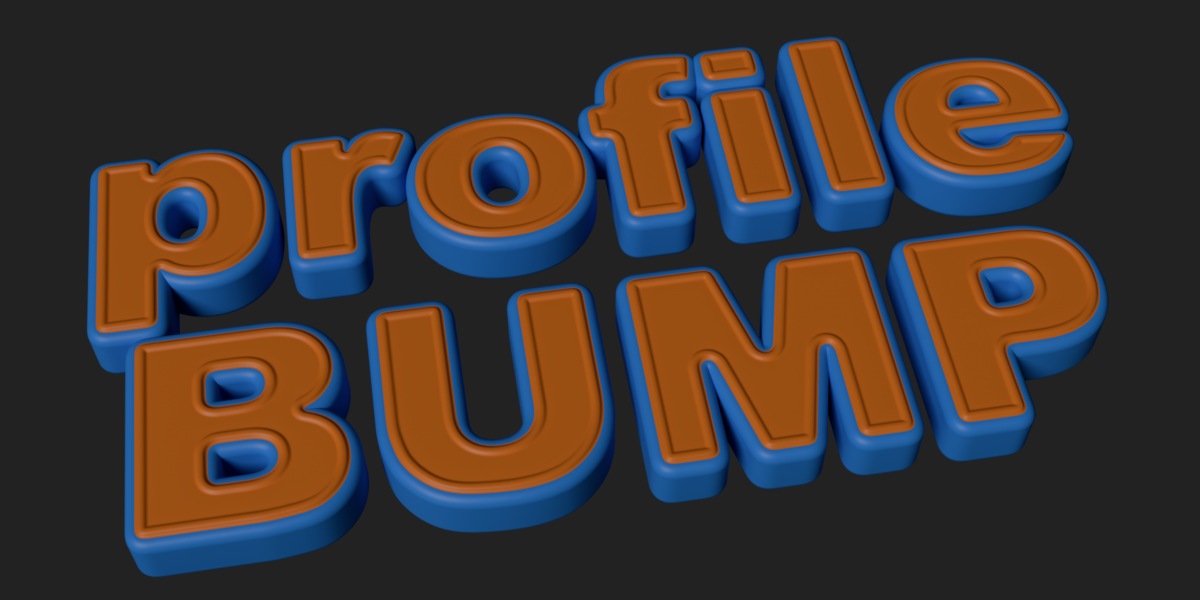
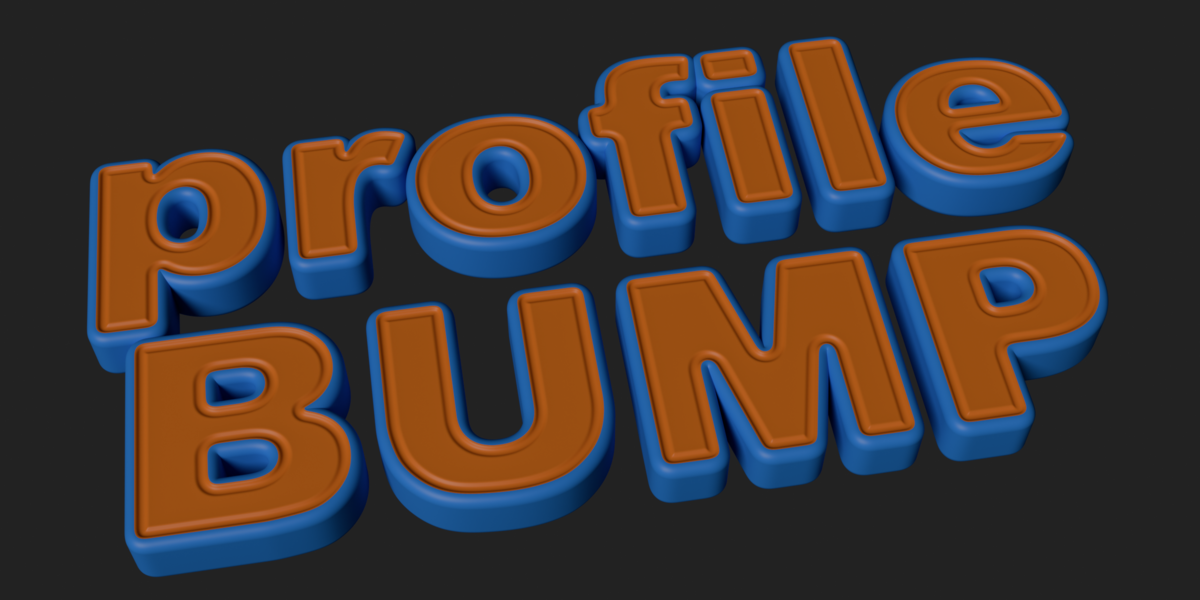
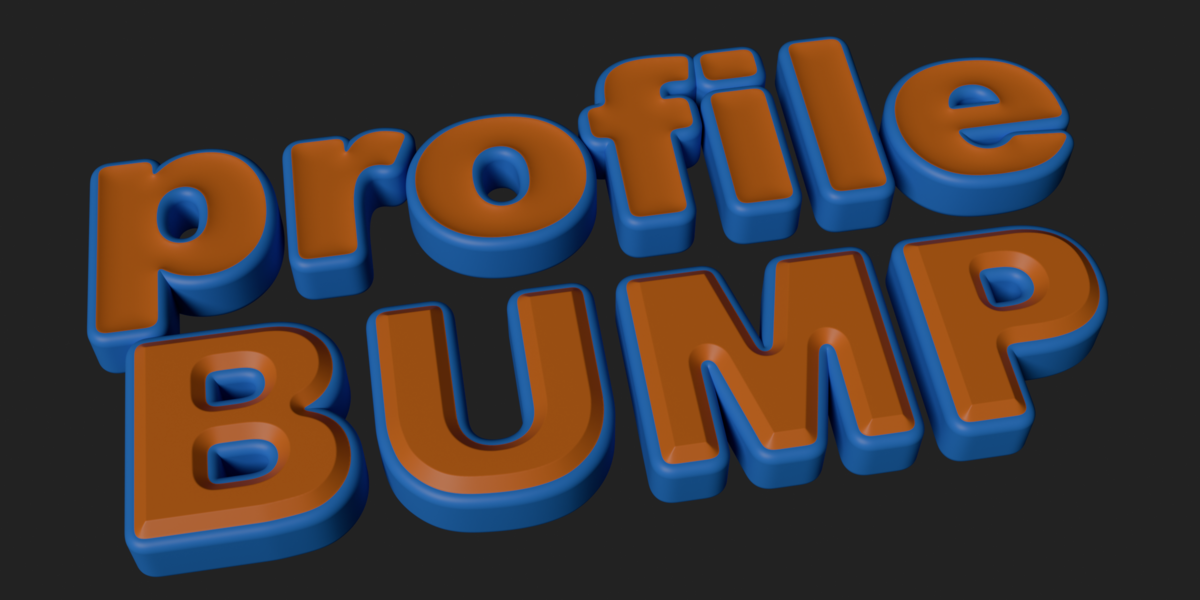
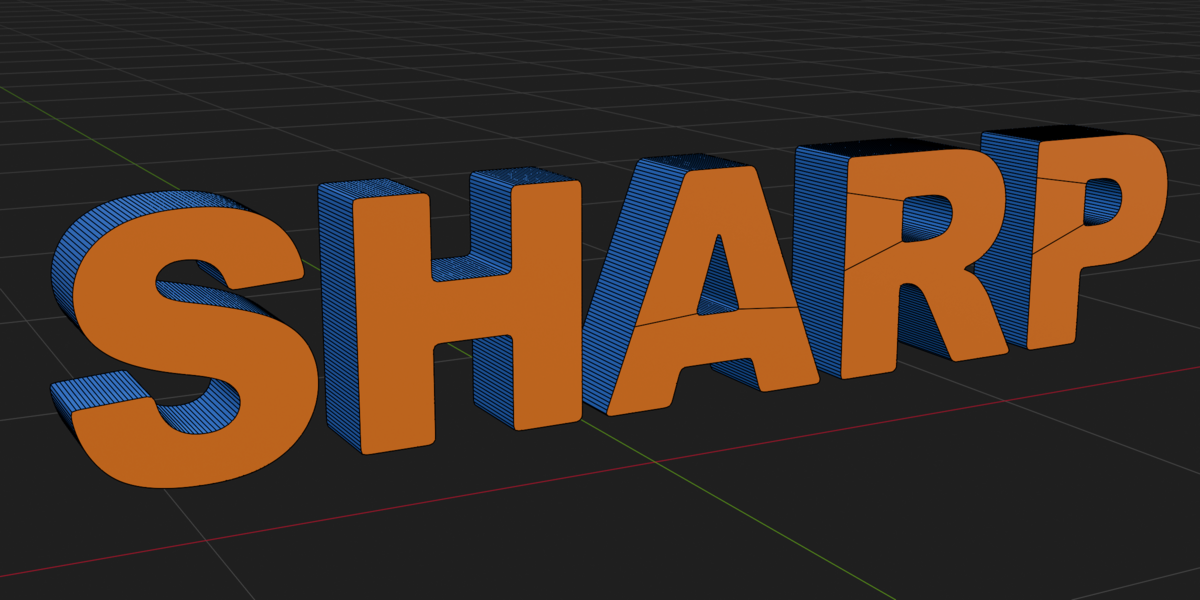
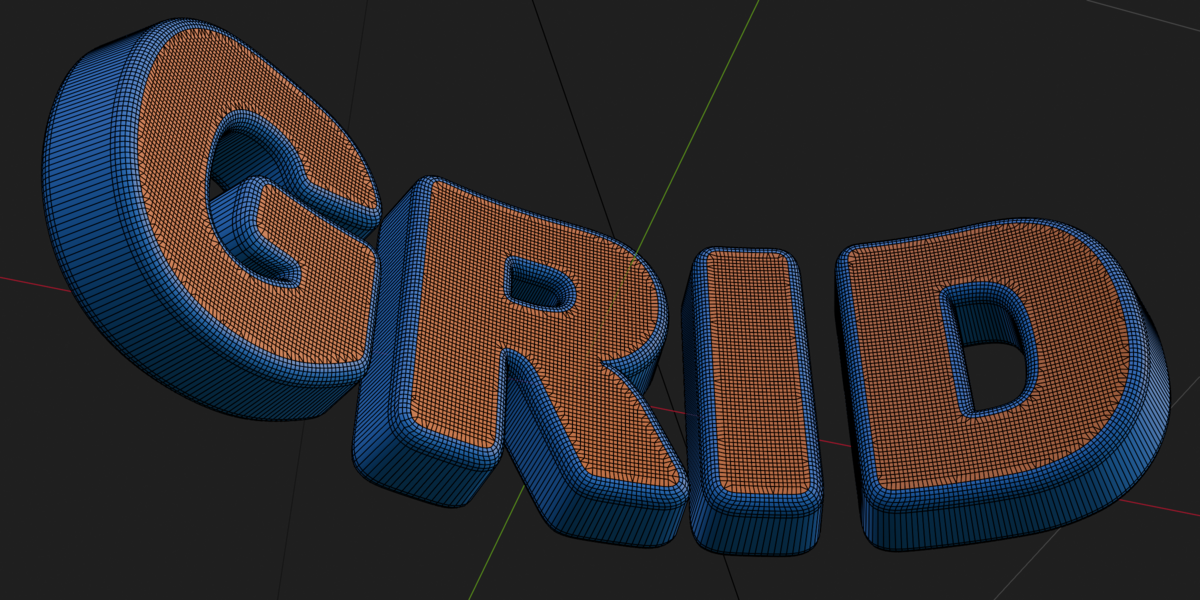
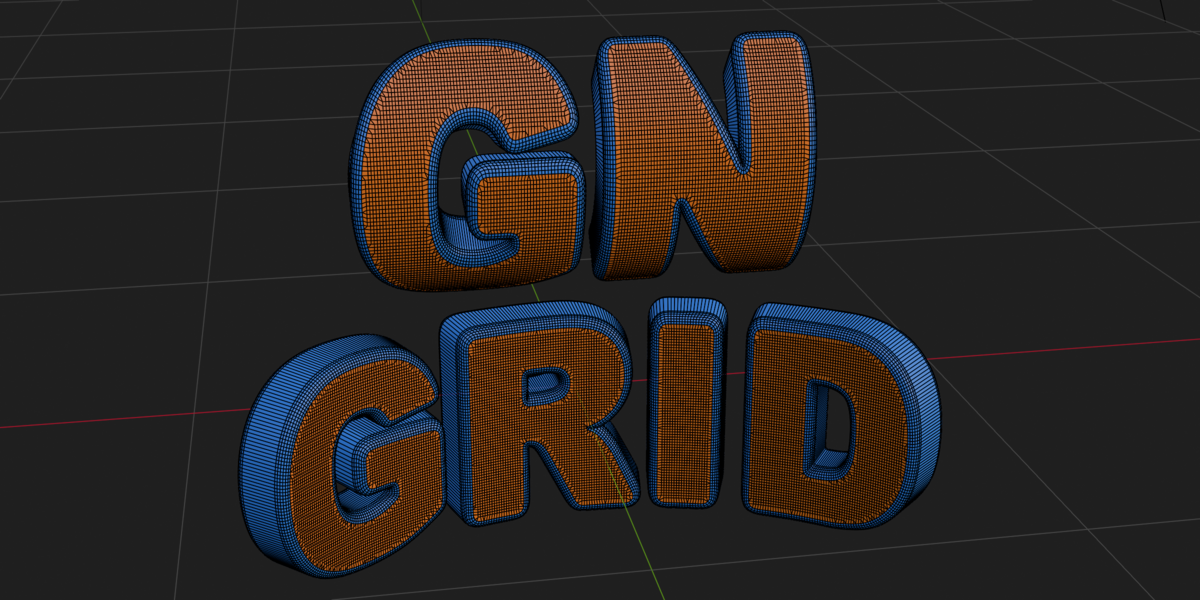
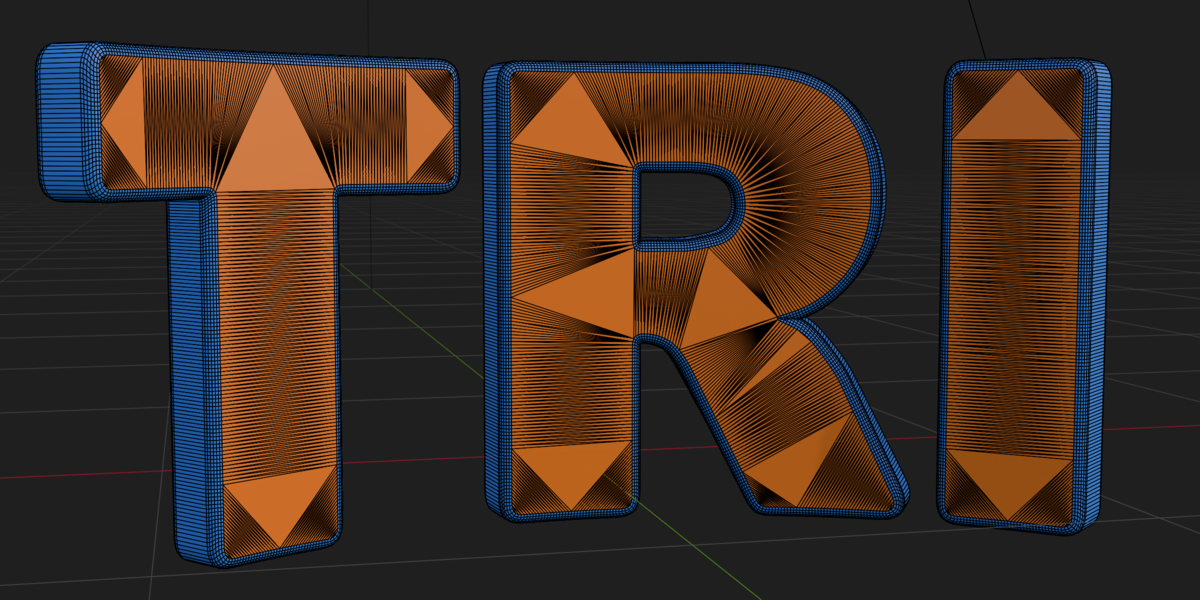
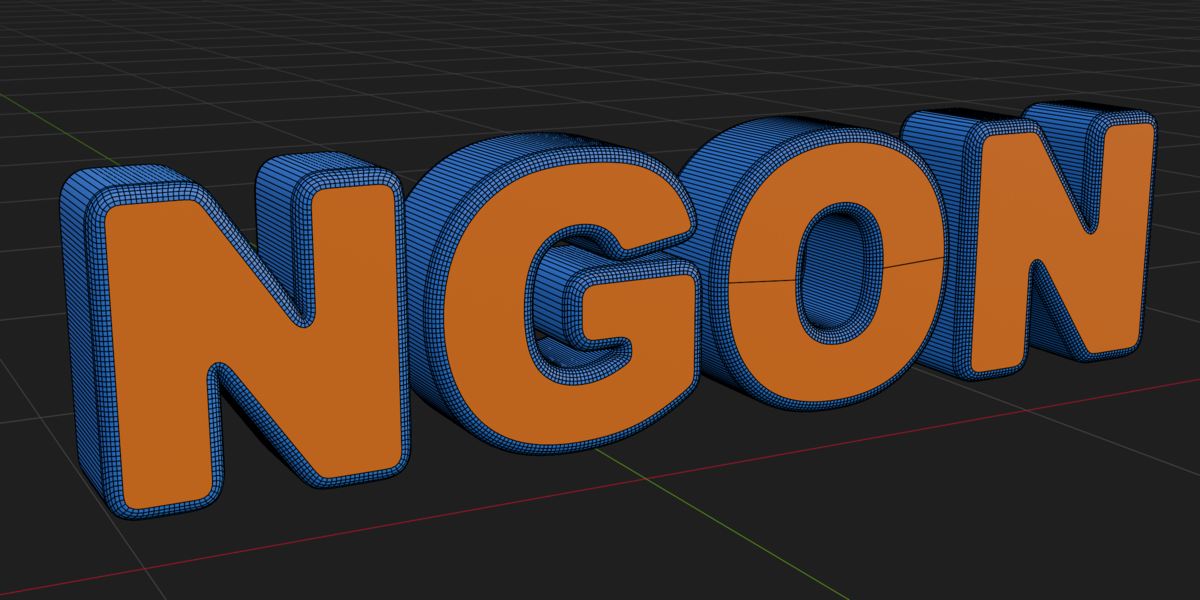
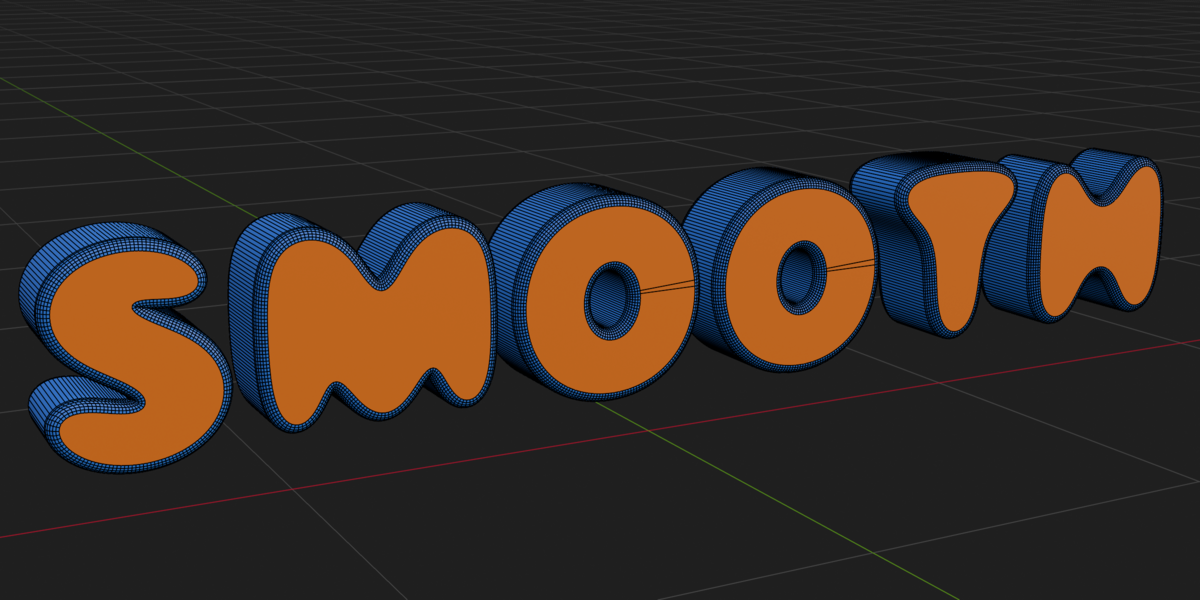
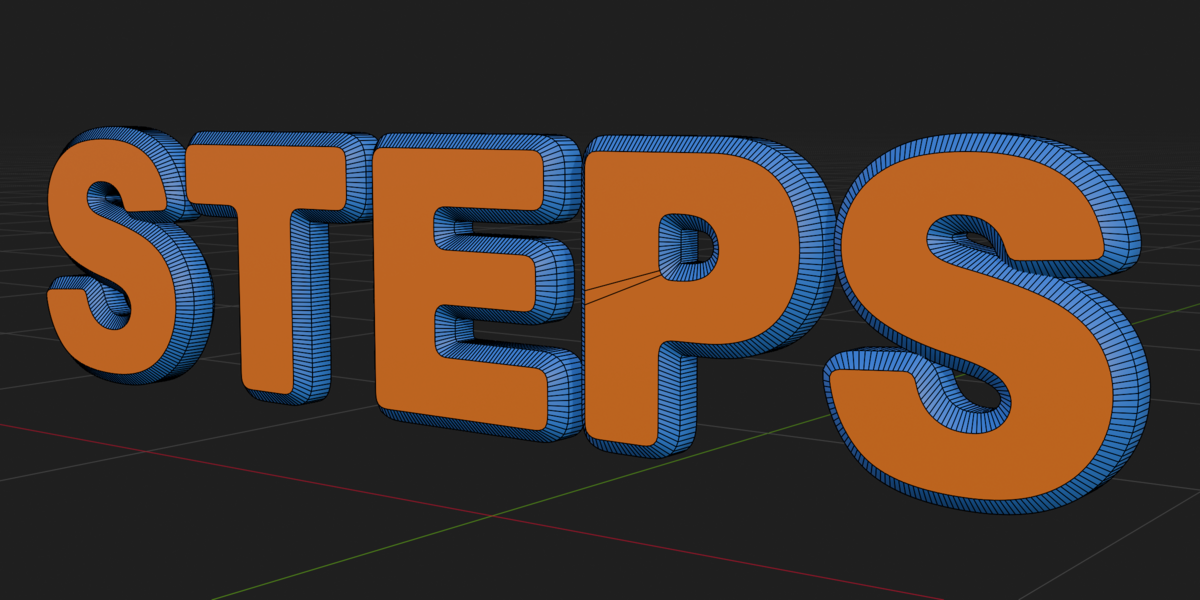
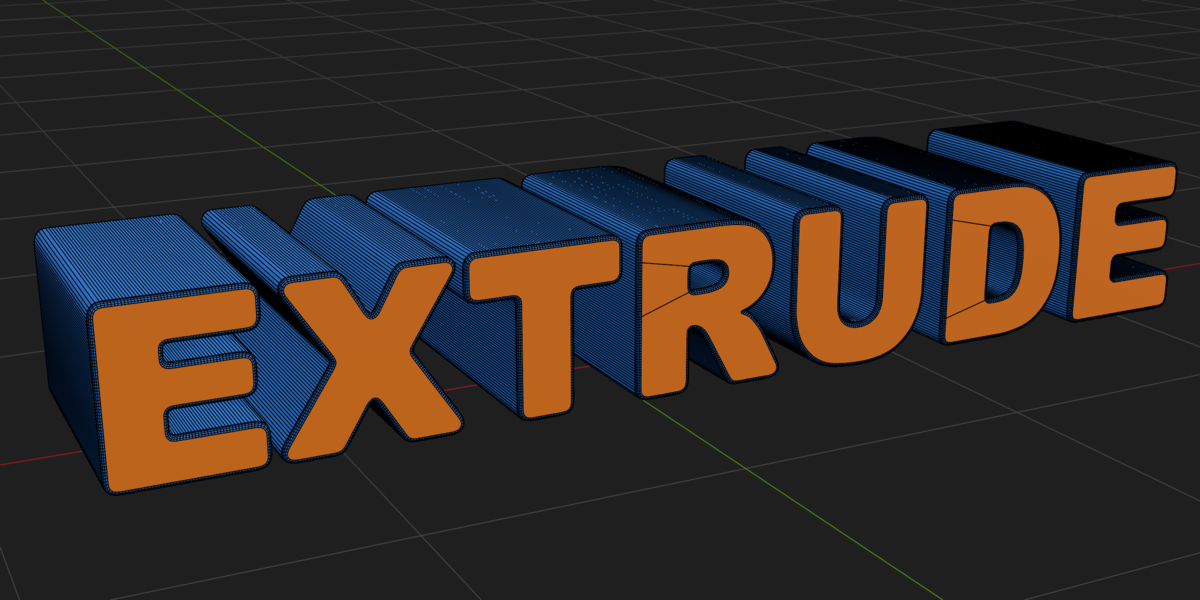
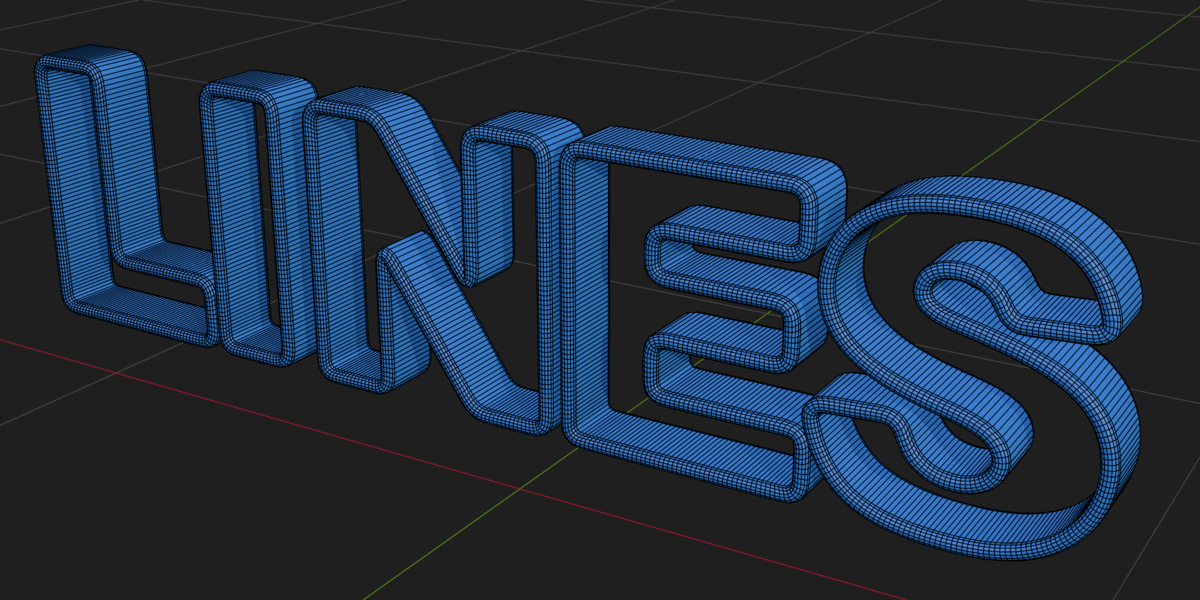
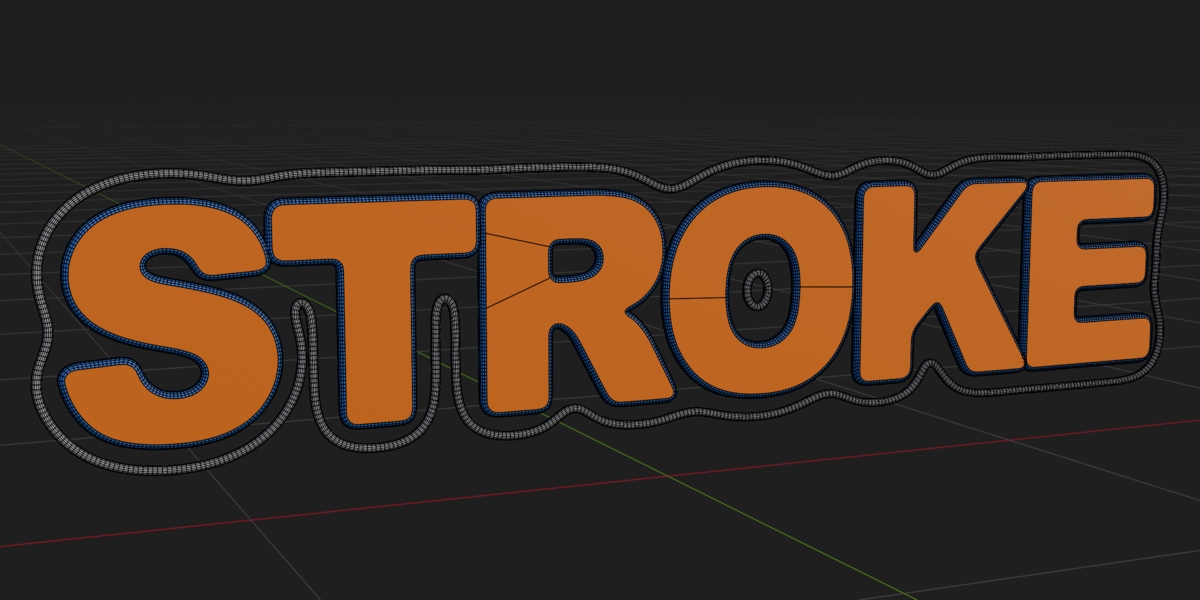
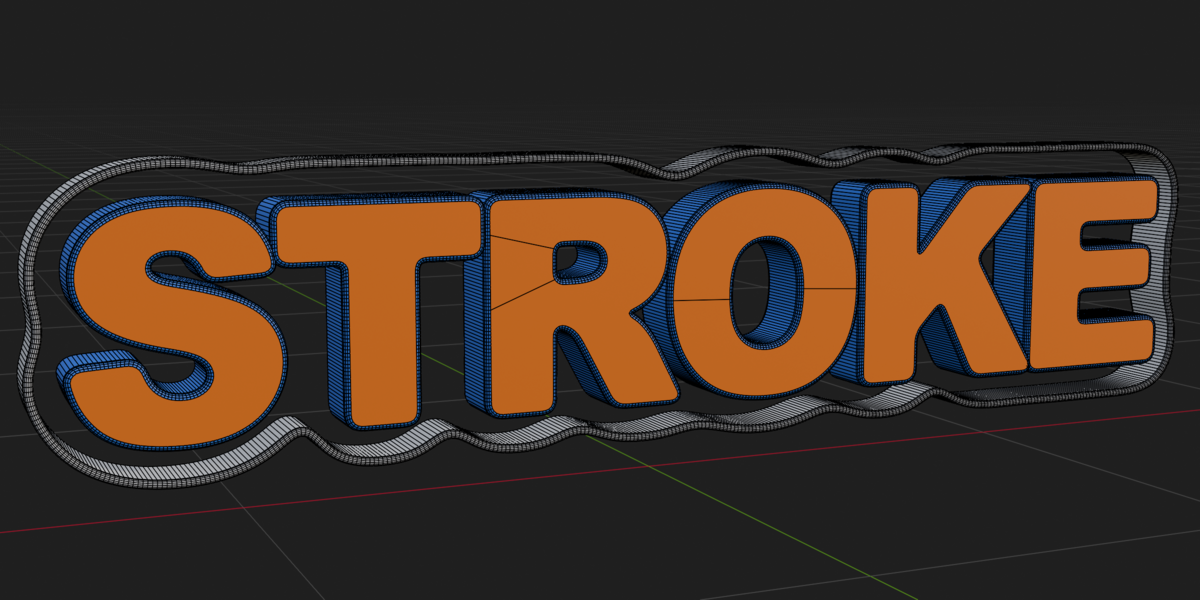
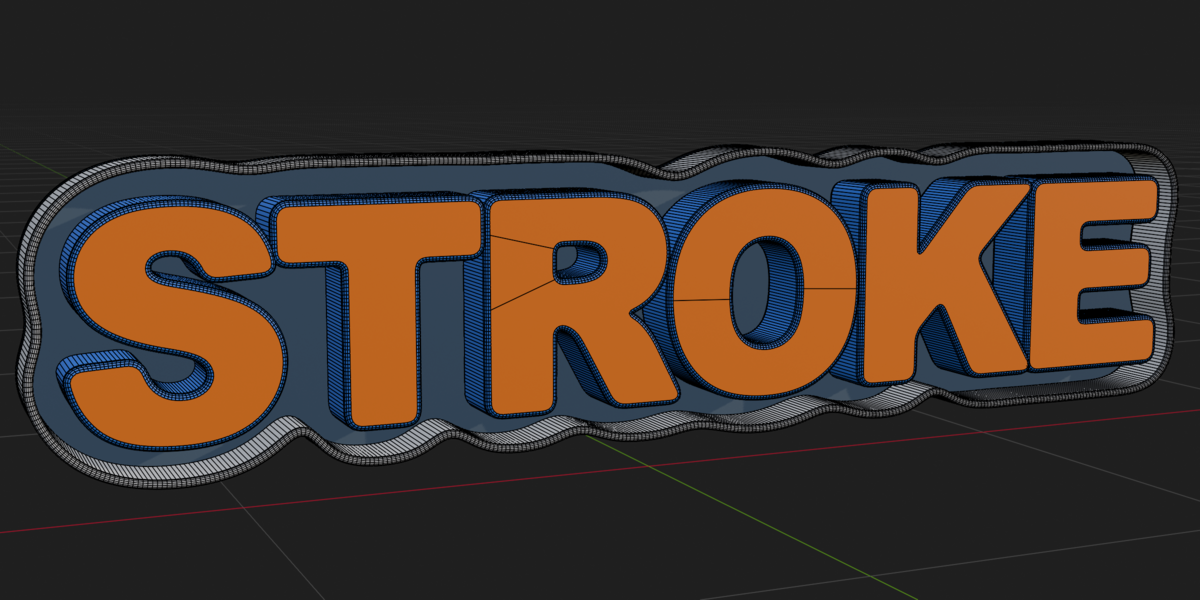
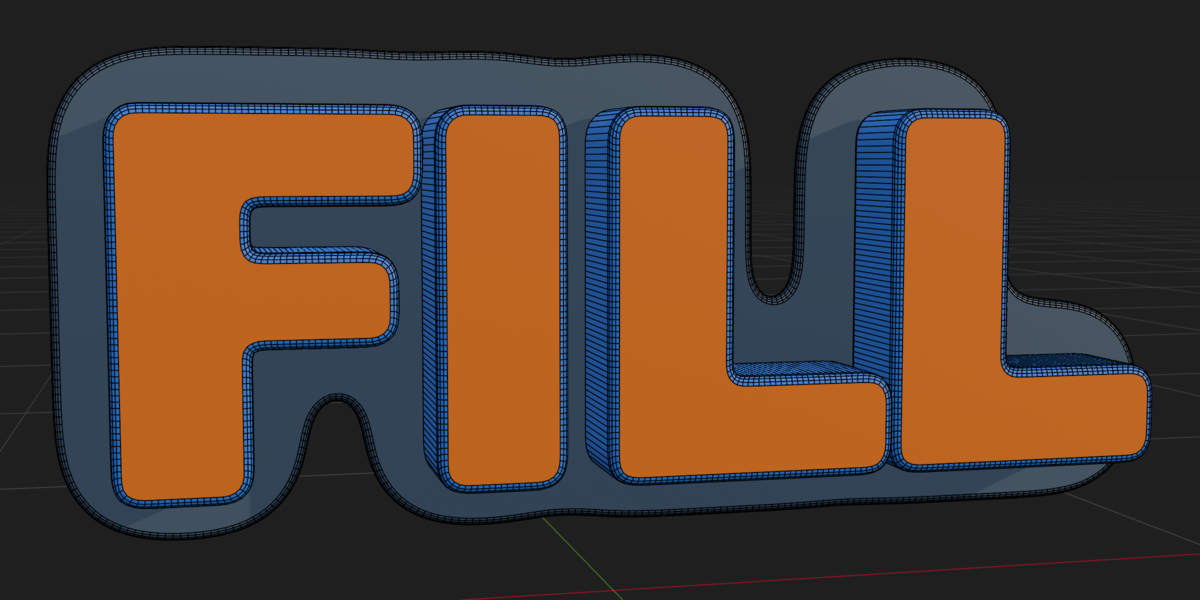
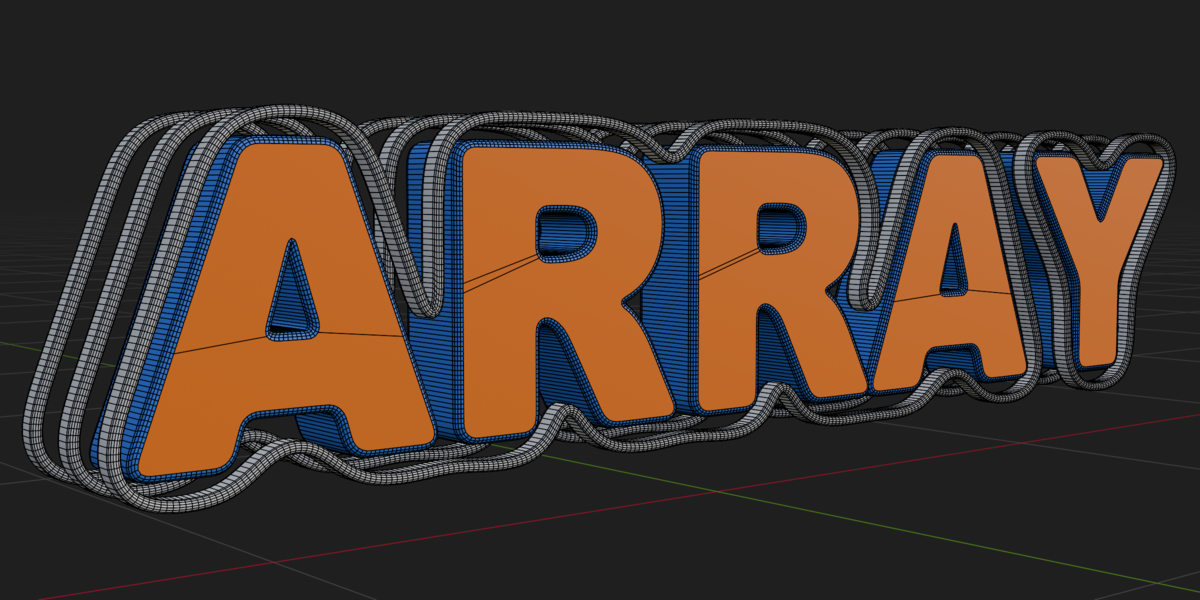
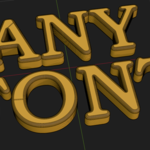
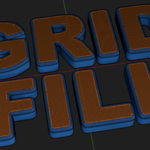
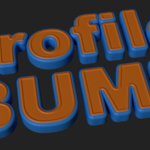
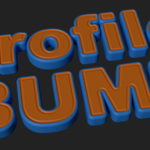
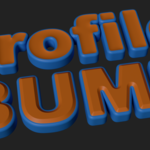
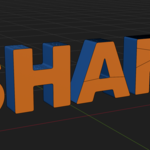
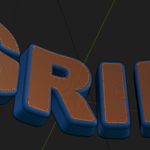
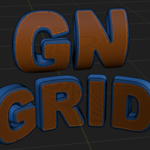
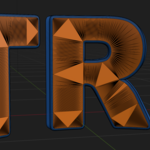
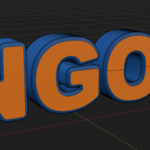
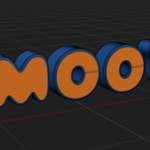
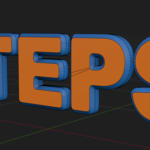
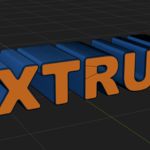
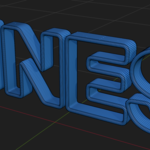
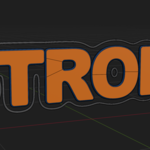
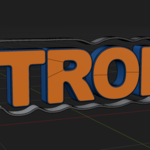
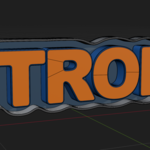
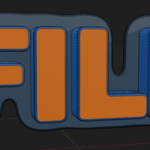
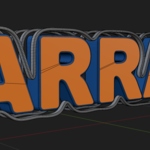
Does it work with any font?
Yes. It works with any font. But as it is set to work with Blender's default text, too small fonts need to have their scale increased and applied for a better result. Fonts that are only made of lines or have many small details or artifacts may depend on the resolution setting to look nice.
Does it work with shapes?
Yes. But it needs to be a 2D filled curve. As it is a procedural node, it works even with flat plane meshes. But pay attention to the size. Small mesh islands might not be visible, so if you need more detail, just upscale the object and apply the new scale.
Can I offset the text to compensate for the bevel?
Yes. You can use Blender's native text offset option outside the modifier, but it is highly not recommended because it can cause issues with the primary mesh that receives the modifier. So if you need to compensate for the bevel expansion, consider using a regular or thin font as base mesh instead of a bold one.
Why doesn't the Simple Deform modifier work properly when added afterward?
To properly work with some axes in modifiers like Simple Deform in bend mode, you must enable the option 'Rotate 90° (X-Axis)' in the last section of the modifier (Extra Settings).
Have questions about this product?
Login to message
| Published | about 8 hours ago |
| Blender Version | 5.2 |
| Render Engine Used | Blender-Internal, Cycles, Eevee |
| License | Creative Commons |
Discover more products like this
geometrynodes procedural text Geometry nodes rounded modifier bevel