Gobos Lighting Library + Gobos AI
 Atelier SG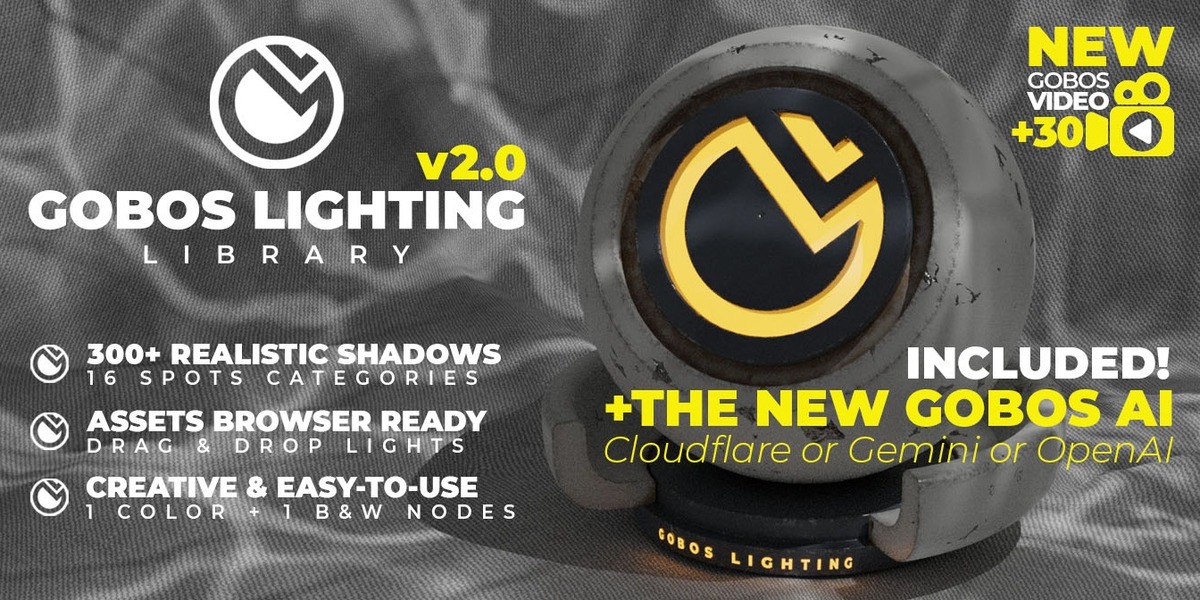
1- Download the "GOBOS LIGHTING Library" .zip file
2- Unzip the file
3- Copy the "GOBOS LIGHTING Library" folder on your personnal "User Asset Libraries" blender paths preferences

(be sure that these 3 files are in your "GOBOS LIGHTING Library" folder
4- "GOBOS LIGHTING Library" now ready to use in your Blender Asset Browser !
5- Drag & Drop to Create !
Blender 4.0 Update :
blender modify things on the lights parameters, I had to adapt certain functions on the nodes.
I put a past & replace blender4.0 ready files when the beta version was released, several weeks ago, you will find it in the download product files.
Now to use the blur effect : Leave the default Size at 0 and go to the gobos node options using the Radius (Blur) option.
------------------------------------------------------------------------------------------------------
Version 2.0 – Blender 5.x compatibility update
The Gobos Lighting Library is back, fully working in Blender 5.x. All three packs have been updated and checked one by one. No patch files to copy anymore: just download, unzip and use.
What's new
- Blender 5.x support. Fixed the issue that made gobos render black in Blender 4.2 and later. All 304 gobos, the 30 video gobos and the 304 KitOps files now project correctly.
- Radius (Blur) everywhere. The soft-edge blur control is now included in every pack, including the KitOps version.
- Sharper shadows by default. Spot radius set to 0 for crisp gobo projections across all packs.
- Video gobos fixed. Video lights were disabled for rendering when dropped into a scene; they now render straight away.
- Video gobos now grouped in a single "GOBOS VIDEO" catalog for quick access.
- Blender 4 patch included. The previous "paste & replace" update is now built in, so there is nothing to replace by hand.
- Removed an old backup file from the library pack, so the download is about 100 MB lighter.
Compatibility
- Blender 5.0 and newer (tested in Blender 5.0 and 5.2).
- Cycles only. EEVEE does not support textured lights, as before.
- Using Blender 4.1 or older? Keep using the previous version (v1.3), which is still available for download.
Setup tips for Blender 5
- Import Method: go to Preferences › File Paths › Asset Libraries, select each Gobos library and set Import Method to Append (Reuse Data). Blender 5 uses "Pack" by default, which makes dropped lights read-only. You only need to do this once.
- Spot power: gobo lights are set to 5000 W. In small scenes, lower the power (around 500 W) to keep the pattern from washing out.
Downloads
-
GOBOS LIGHTING Library V2_0 Blender5.zip: the full asset library (304 gobos, B&W and color) -
GOBOS-LIGHTING-VIDEO-Library-v2_0-Blender5.zip: 30 animated video gobos -
GOBOS_LIGHTING_KITOPS-v2_0-Blender5.zip: the KitOps version (304 files)
---------------------------------------------------------------------------------------------------------
NEW : GOBOS AI add-on (included)
GOBOS AI lets you create unlimited new gobos right inside Blender. Describe a light pattern, or pick one of 12 presets, then click Generate Gobo. GOBOS AI turns the result into a clean round gobo, saves it as a PNG in your folder, and creates a ready-to-render Cycles spot light above your selected object. It uses the same nodes as the library. Gobo From Image also turns any photo or drawing into a gobo, even offline.
Quick start:
- In Blender, open Edit › Preferences › Get Extensions › ⌄ › Install from Disk… and select
gobos_ai-0.4.0.zip. Do not unzip it. - Tick Preferences › System › Allow Online Access.
- Connect an AI service in the GOBOS AI preferences: Cloudflare (free daily quota, about 100–170 gobos a day), Google Gemini or OpenAI (paid, with your own key). Note: a ChatGPT subscription does not include API access.
- Open the Gobos AI tab in the 3D viewport sidebar (press N) and generate!
Creating each service's key is explained step by step in the GOBOS AI User Guide (PDF), included in the download files.
Thanks to everyone who has supported this library over the years. Enjoy lighting in Blender 5!
Have questions about this product?
Login to message
| Sales | 400+ |
| Rating | 7 ratings |
| Dev Fund Contributor | |
| Published | almost 4 years ago |
| Blender Version | 4.0 - 5.2 |
| Render Engine Used | Cycles |
| License | Royalty Free |
Discover more products like this
kitops 3d lighting assets ai generator blender lighting ai gobo 3d-light gobos kpacks 3d-lighting kpack projector