Gobos Lighting Library + Gobos AI
 Atelier SG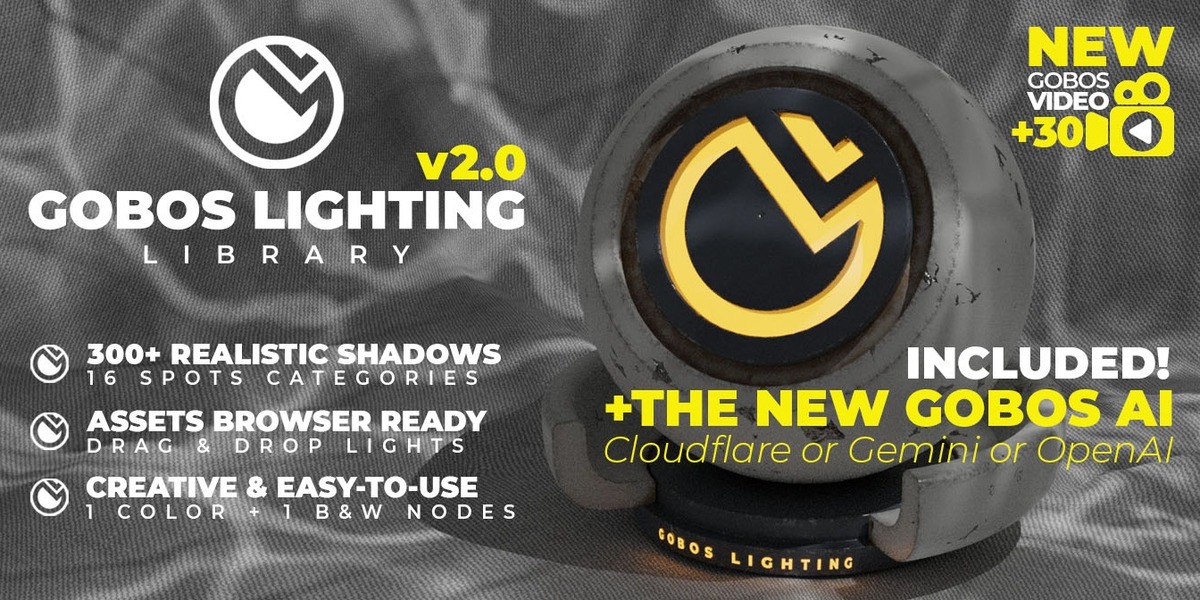
The gobo pattern looks washed out / too bright.
Gobo lights are set to 5000 W for large scenes. In smaller scenes, lower the spot Power (around 500 W), or adjust the Emission and Contrast values in the gobo's Nodes panel.
How do I install the library?
Unzip the library pack anywhere on your drive. In Blender, go to Edit › Preferences › File Paths › Asset Libraries, click + and select the unzipped GOBOS LIGHTING Library folder (and GOBOS LIGHTING VIDEO Library for the video gobos). Set the Import Method to Append (Reuse Data). The gobos then appear in the Asset Browser, ready to drag into your scene.
Which Blender versions are supported?
Version 2.0 works with Blender 5.0 and newer (tested in 5.0 and 5.2). If you use Blender 4.1 or older, download the previous version (v1.3).
Does it work with EEVEE?
No. Gobos rely on textured light nodes, which only Cycles supports. EEVEE ignores light textures and renders a plain spot.
Why are the light settings greyed out / not editable after dropping a gobo?
In Blender 5, new asset libraries use the "Pack" import method by default, which imports assets as read-only. Go to Edit › Preferences › File Paths › Asset Libraries, select each Gobos library and set Import Method to Append (Reuse Data). You only need to do this once.
For a light already in your scene: select it, then use Object › Relations › Make Local › All.
$17$13.60
Have questions about this product?
Login to message
| Sales | 400+ |
| Rating | 7 ratings |
| Dev Fund Contributor | |
| Published | almost 4 years ago |
| Blender Version | 4.0 - 5.2 |
| Render Engine Used | Cycles |
| License | Royalty Free |
Discover more products like this
kpacks projector gobo gobos kitops kpack 3d-light blender lighting 3d-lighting ai ai generator 3d lighting assets