 Pixonomic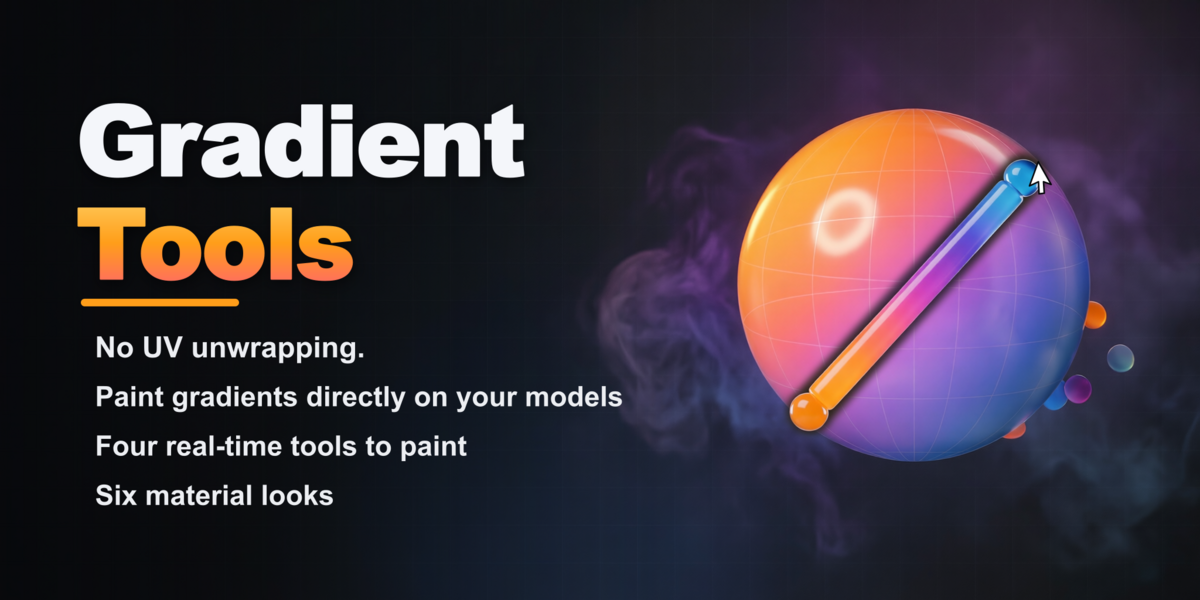


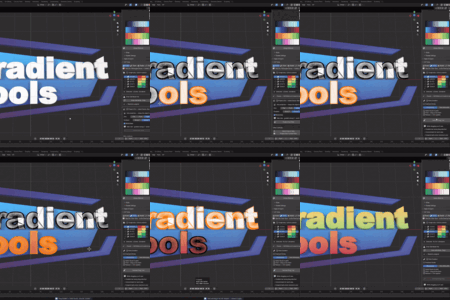
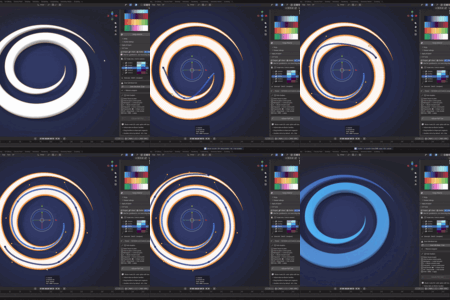
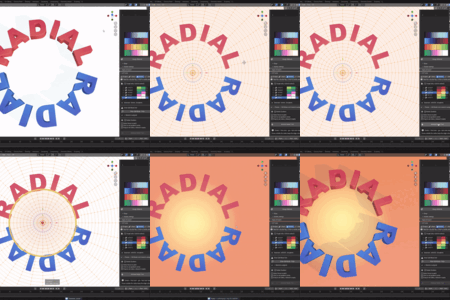
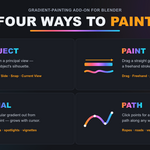
Design palettes & gradients on a simple grid — then paint them onto meshes, curves & vertex colors in real time.
No UV unwrapping. No node wrangling. No external software.
Why Gradient Tools?
It's not just another palette manager — it's a complete, interactive gradient-painting system built right into Blender's viewport and Image Editor. Here's what sets it apart:
|
⚡ No UV Unwrapping — Ever Every tool generates the UVs it needs on the fly. Most palette add-ons assume a clean UV map already exists. This one doesn't. |
🖌️ 4 Live Painting Tools Drag, draw, click or project — every gradient shows a live on-screen preview before you commit, with instant invert (F) and a shortcut HUD. |
|
🧩 Vertex Colors & Curves Bake any palette to per-face vertex colors (texture-free, game-ready), or apply gradients straight to Curve objects. Few add-ons offer either. |
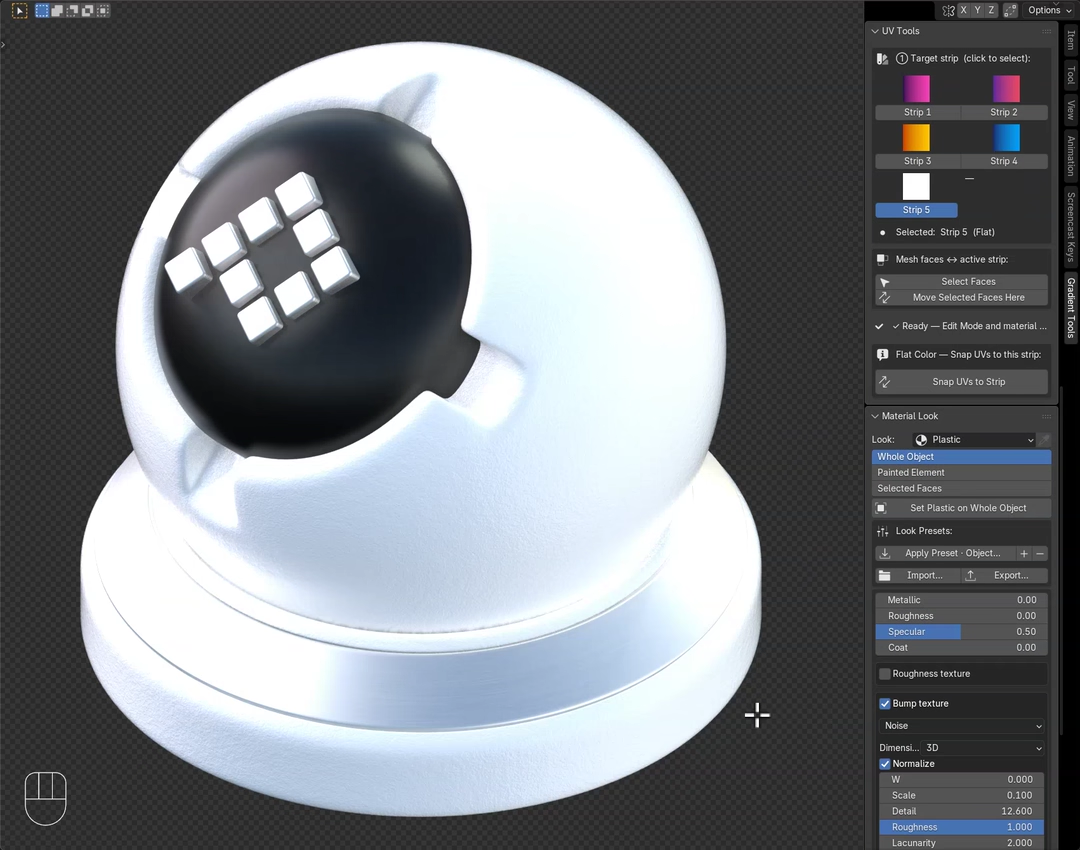
✨ Per-Object Material Looks Turn any palette color into one of six looks — Toon, Flat, Plastic, Glossy, Metal, Glass — that keep the exact hue while showing the model's 3D form. Flat & Toon stay lighting-independent (the Shadeless look, now with real form). |
|
💧 Eyedropper From Any Image Click any pixel of a reference photo or mood-board in the Image Editor and add that exact color as a new strip. No averaging, no shifts. |
🔄 Real Blender Color Ramps Every gradient strip is a genuine Color Ramp node — full interpolation & hue-path control, fully non-destructive, editable forever. |
🎨 Palette grid • 🖌️ 4 paint tools • ✨ Material looks ×6 • 📚 Look presets • 🧩 Vertex colors • 🧵 Curves • 💧 Image eyedropper • 🖥️ Viewport + Image Editor • 🚫 No UV unwrap
Overview
Gradient Tools is a Blender add-on for building color palettes and gradients on a simple 2D grid, then painting them directly onto meshes, curve objects, and vertex color layers — interactively, in real time, without ever leaving the viewport.
Pick a color (or gradient), paint, and watch your model update live. Whether you're hand-painting a stylized character, color-blocking a hard-surface prop, prototyping material variations, or preparing a vertex-color-only asset for a game engine, you get a fast, fully visual, non-destructive pipeline from palette to finished surface.
🖌️ Four Real-Time Tools to Paint Gradients
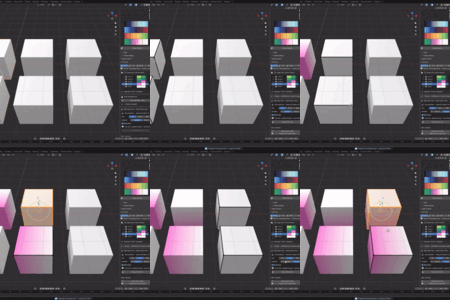
This is where Gradient Tools really shines. Select faces, pick a strip, choose a tool — and watch a live preview follow your cursor before you commit to anything.
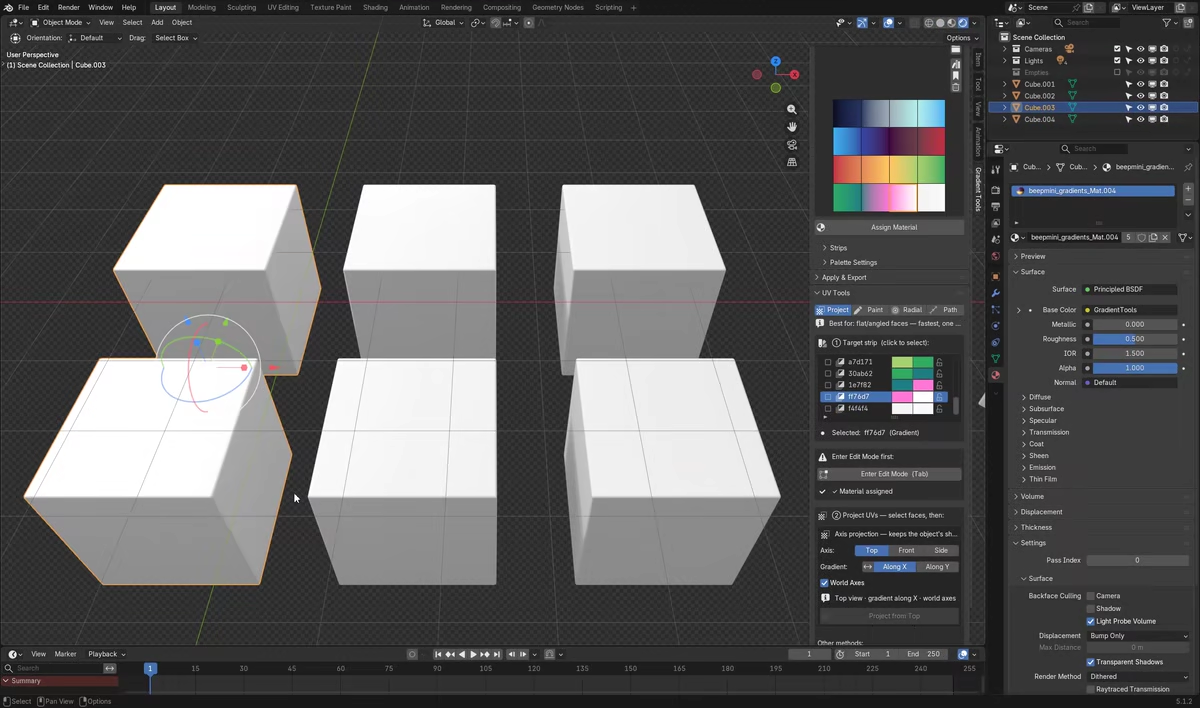
Project — One Click, Instant Results
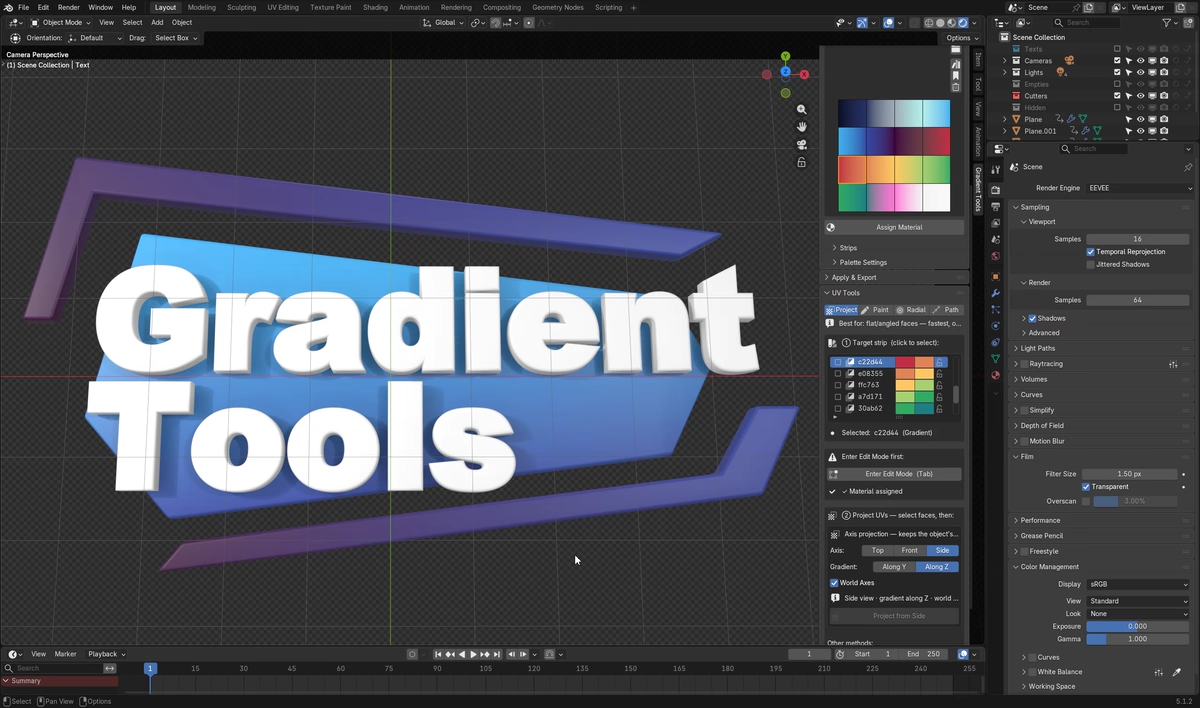
- Axis projection (Top / Front / Side) — projects from a principal view and preserves the object's silhouette on the strip; pick which axis the gradient runs along. Predictable and repeatable.
- Quick Snap — instantly centers the selected strip on the selected faces. Perfect for fast color-blocking, piece by piece.
- Current View — projects a gradient using your current viewport angle. Look from the angle you want, click once, done.
Paint — Click, Drag, Done
- Drag — click and drag to lay down a linear gradient; a live ribbon with an arrowhead shows start, end and direction. An optional View Silhouette mode wraps the gradient to match what you see on screen.
- Freehand — draw a flowing stroke by hand; the gradient follows your stroke's shape, smoothed automatically. Ideal for organic surfaces.
Radial — Circles, Glows & Spotlights
Drag from a center point outward; a live circular preview grows with your cursor. Perfect for eyes, lights, decals, vignettes, or any "glow from a point" effect.
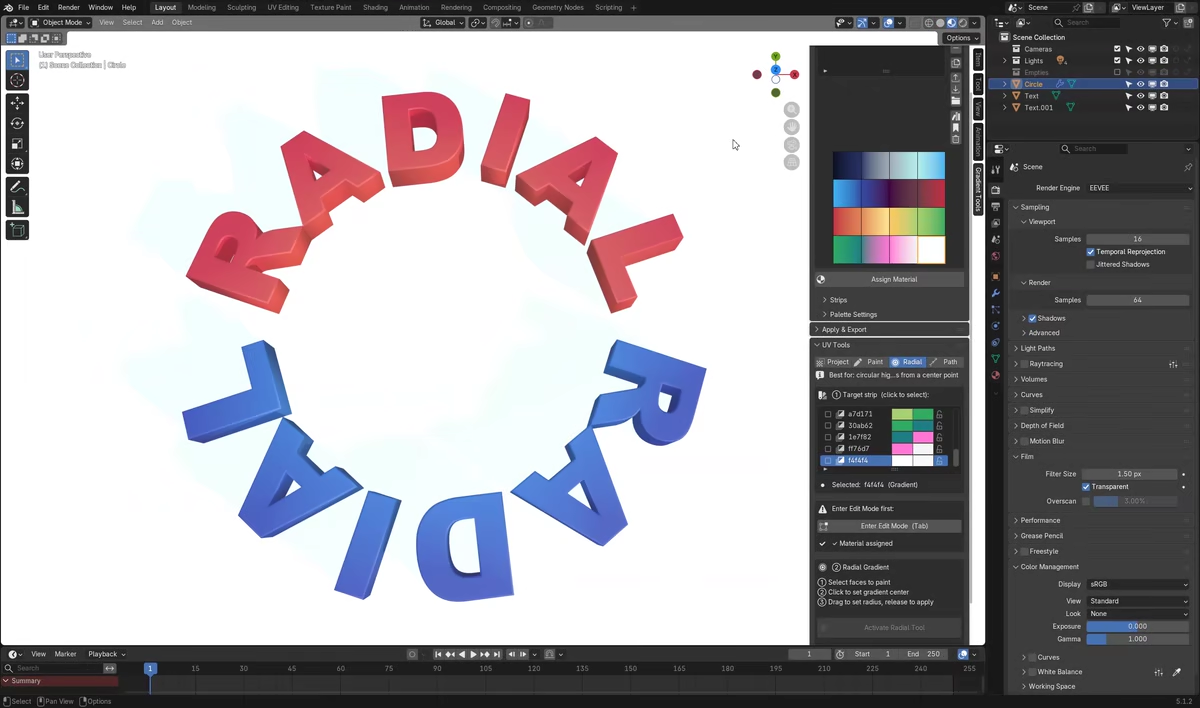
Path — Multi-Point Gradients Along Any Shape
Click to place points and build a smooth Bézier path across your mesh — the gradient flows along it from start to end. Great for ropes, roads, veins and seams a straight line or circle can't follow. Toggle smoothing on/off to compare live.
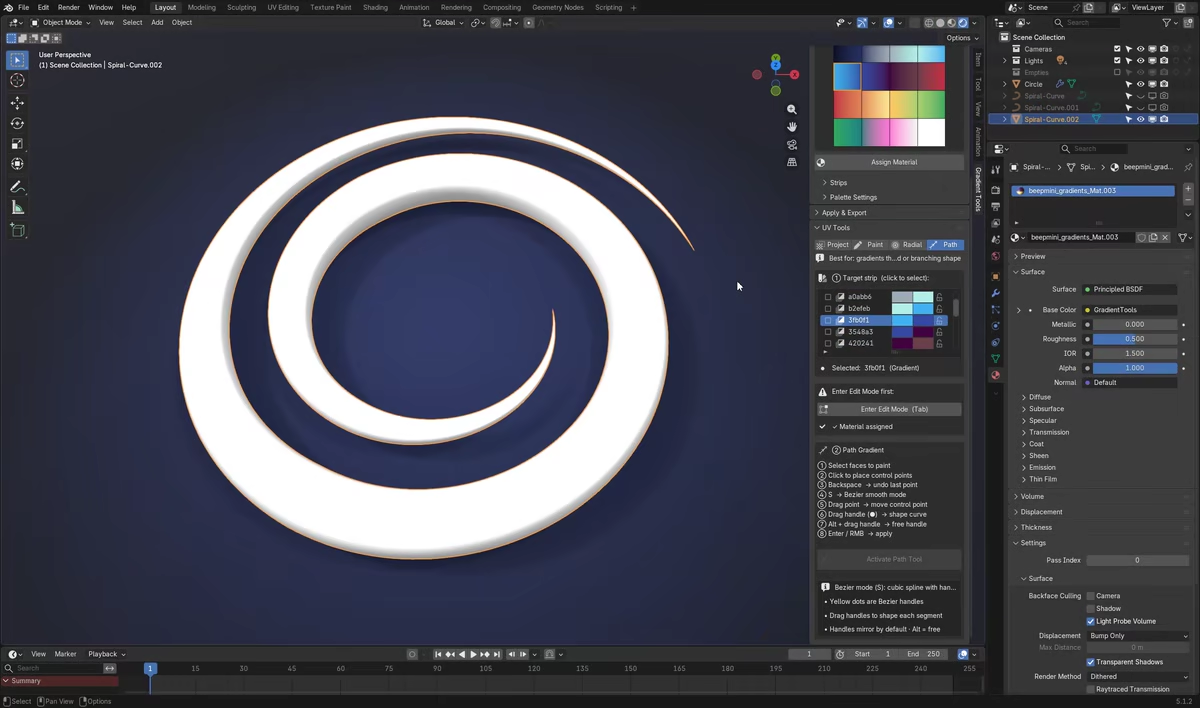
Every Tool Includes
- A live GPU preview, redrawn every frame — what you see is what you get.
- Press F to invert the gradient at any time, even mid-drag.
- An on-screen shortcut HUD, and the selected-face overlay auto-hides so nothing blocks your colors.
- Robust, artifact-free projection — handles dense or irregular meshes and geometry behind the camera with no stray colors, seams or noise.
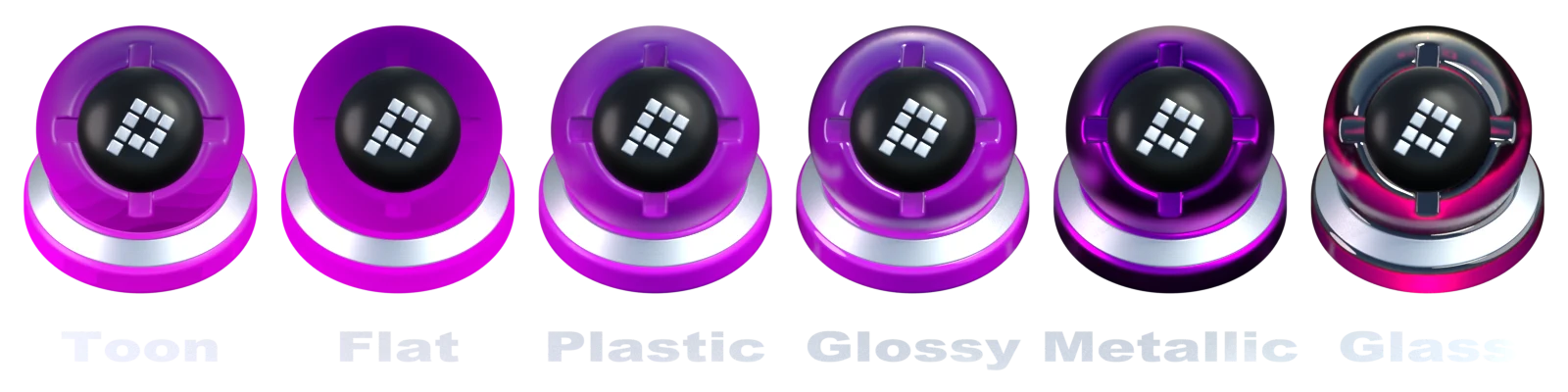
✨ Per-Object Material Looks — One Color, Six Looks
New in 2.5.0. Your palette colors now become real per-object materials. Pick any color or gradient and render it as one of six looks — each keeps the exact palette hue and only changes how light plays on it, so the model finally shows its 3D form.
- Toon — crisp cel-shaded bands.
- Flat — soft-shaded but reads the color exactly — the Shadeless successor, still lighting-independent.
- Plastic, Glossy (clear-coat), Metal and Glass (transmissive & refractive) — believable PBR shading, same palette color.
-
Color stays exact where it matters. Flat & Toon keep an emission floor, so a client's
#RRGGBBreads correctly even without lights — the old Shadeless promise, now with real form (best in EEVEE with the Standard view transform, set in one click from the new Color Management panel). - Per object, per face. Looks live in native material slots, so one object can mix looks by face and different objects keep independent looks and colors.
- Tunable per look — metallic, roughness, specular, coat, IOR, transmission, emission floor and Toon band count, plus optional procedural roughness / bump channels with a live color-ramp control.
- Glass that refracts in EEVEE — screen-space + ray-traced refraction turns on automatically (one-click “Enable EEVEE Raytracing” when the scene needs it).
- Apply to the whole object, the painted element, or selected faces.
The new Material Look panel lives in both the 3D Viewport and Image / UV Editor sidebars and auto-selects the look on your current object or faces, so its parameters are ready to tweak.
Open your old files — they just work. .blend files made with the old Shadeless mode migrate automatically to the Flat look on open. No manual steps, no data loss; palettes, painting and curve gradients are untouched.
📚 Save a Look Once, Reuse It Everywhere
Looks are as portable as palettes — save one, then push it anywhere.
- Look presets library — save, apply, import and export looks as JSON, with a searchable Apply popup and your own library folder. Every tunable and the procedural roughness/bump setup round-trips. Ships with 5 built-ins: Chrome, Clay, Frosted Glass, Cel Toon, Matte Plastic.
- Copy Look to Selected — push the active look onto other objects while each keeps its own colors.
- Link Looks (Shared) — selected objects share one material: edit once, all update.
- Eyedropper a look — click any object in the viewport to adopt its look, full fidelity.
- Switch an object's palette in one click — re-point a material to a different palette while keeping the tuned look (matching grids keep the painting; you're warned if they don't).
🧩 Beyond UV Textures — Vertex Colors & Curves
Your palette doesn't have to live only on a UV texture — and this is a genuine edge over other palette add-ons.
- Bake to Vertex Colors — convert your palette assignment into per-face vertex colors in one click, with an optional matching material. A texture-free, game-ready color pipeline.
- Apply to Curves — run a gradient directly along the length of a curve object, no mesh conversion. Perfect for hair, ropes, cables and procedural curve setups.
🖥️ Works Everywhere — 3D Viewport and Image / UV Editor
The full toolset lives in both the 3D Viewport sidebar and the Image / UV Editor sidebar — design, apply and inspect wherever you're working.
- Eyedropper — click any pixel of a reference photo open in the Image Editor to add that exact color as a new strip.
- Grid overlay — cell borders, the active strip highlighted, and optional strip-name labels drawn right over the palette texture (size adjustable).
- Pick Strip — click the palette texture to select that strip instantly.
- Select Faces by Strip — select every face that uses the active strip ("which faces are this color?").
- Move Faces to Strip — retarget a selection's UVs to another strip, preserving their layout: a true palette swap by selection.
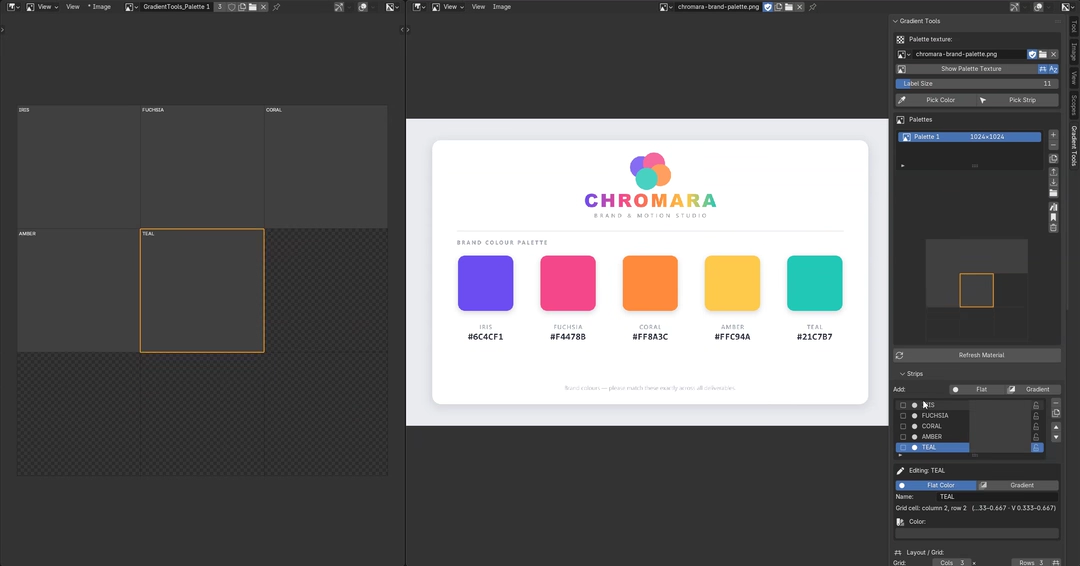
🎨 Build Your Palette — A Visual 2D Color Grid
Every palette is a grid of "strips" — cells you fill with color, like a real swatch sheet. Behind the scenes, Gradient Tools generates a real texture and a ready-to-use material for you.
Two strip types:
- Flat — a single solid color.
- Gradient — a complete Blender Color Ramp: any number of stops, every interpolation mode (Linear, Ease, Constant, B-Spline, Cardinal…) and hue-interpolation mode (Near, Far, Clockwise, Counter-Clockwise).
- Mini Grid Map — see your whole palette at a glance and drag & drop strips to reorder; every UV assignment in your scene follows the move automatically.
- Resolution control from 64×64 to 4096×4096, with optional square lock.
- Color space per palette — Non-Color for in-Blender shading or sRGB for PNG export / game engines.
- Auto-Fit Grid, Compact Slots, multi-select delete, one-click flip, duplicate, and copy a strip into another palette for a shared color library.
- Accurate, gamma-correct live thumbnails everywhere — what you see in the panel is what lands on your model.
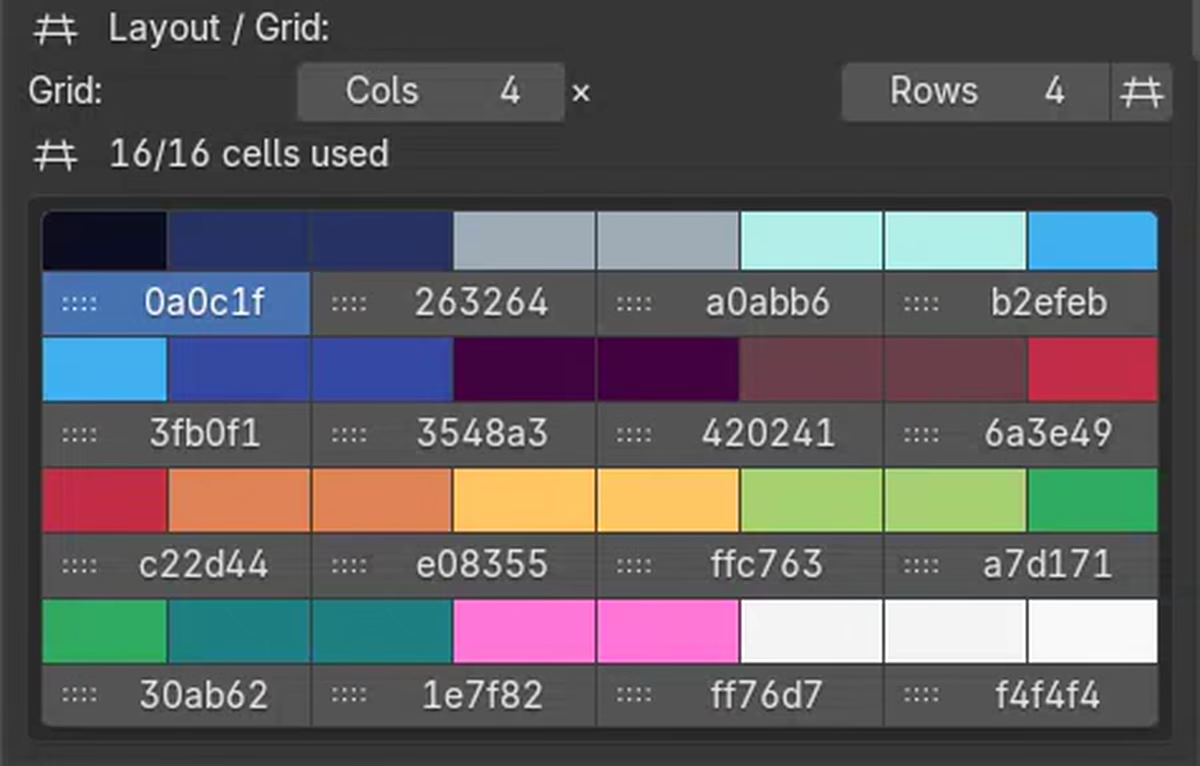
🚀 Presets, Import & Export — Start in Seconds
You don't have to start from a blank grid.
- Built-in presets — Flat Colors, Grayscale and a Gradients sampler, each shown with real color swatches and loaded in one click at your default size.
- Save your own presets and reuse them across every project, with a searchable picker — type to filter, even with hundreds of saved palettes.
-
Universal import — drop in a file and the format is detected automatically: JSON (Gradient Tools' own round-trip format), Adobe Swatch Exchange (
.ase), GIMP Palette (.gpl), PaintShop Pro (.pal), plain text (.txt) and hex lists (.hex). - Export to JSON to back up, move or share a palette — exported palettes keep their exact size on re-import.
⚙️ Also Includes
- Assign Material to the active object, or to every selected object at once (it reuses a single shared material instead of creating duplicates).
- Save PNG — export the generated palette texture for use outside Blender; or Show in Image Editor in one click.
- A searchable UV Map selector (auto-creates one if your mesh has none).
- Add-on preferences for your defaults — starting grid size, default texture resolution and default strip type. New and imported palettes adopt your default size automatically.
- A cleaner read-only strip picker in UV Tools & Curve — each cell shows the strip's real color or gradient as a crisp swatch (Grid or List style); the full editor stays in the Strips panel.
- A genuinely plain-language interface, organized into clear panels, with a dismissible Quick Start for newcomers.
Great For
- Stylized, hand-painted texturing — flat-shaded characters, props and environments
- Hard-surface kitbashing — fast color-blocking of panels, trims and details
- VFX & motion graphics — exact, lighting-independent brand / client colors (the Flat look)
- Look development — six material looks per object (Toon to Glass) with no node wrangling
- Skin-tone studies and material exploration
- Smooth, procedural-looking gradients with no procedural setup
- Quick palette swaps and color variants across asset families
- Hair, rope, cable and road gradients via Curve support
- Lightweight, vertex-color-only assets for game engines
Technical Details
| Version | 2.5.0 — per-object Material Looks (old Shadeless files migrate automatically) |
| Blender version | 4.2+ (including Blender 5.x) |
| Render engines | Cycles and EEVEE — six per-object Material Looks (Flat & Toon read the exact color, best in EEVEE + Standard) |
| Object types | Mesh and Curve |
| Output | UV texture, vertex colors, or curve gradient — PNG export |
| Texture resolution | 64×64 to 4096×4096, Non-Color or sRGB |
| Dependencies | None — Blender Python API, native shader nodes and NumPy only |
DEMO VIDEOS
FAQ
What makes Gradient Tools different from other Blender palette add-ons?
It needs no UV unwrapping (every tool generates its own UVs), gives a live preview on every tool, and can output to UV textures, vertex colors, or curve gradients — plus per-object Material Looks (six looks that keep the exact color) and a full Image / UV Editor workflow. All from real Blender Color Ramps.
Do I need to UV unwrap my model first?
No. Every painting tool (Project, Paint, Radial, Path) generates the UVs it needs automatically. If your mesh has no UV map yet, one is created for you.
Can I create vertex color gradients without a UV map?
Yes. Paint with any tool, then run Bake to Vertex Colors — the result is a per-vertex color gradient with no texture dependency at all.
I work in VFX — can I get exact client colors?
Yes. Use the Flat (or Toon) look — it's lighting-independent, so a client's exact hex renders as picked. The new Color Management panel sets the Standard view transform in one click (best in EEVEE).
Can I pull colors from a reference image?
Yes — open the image in the Image Editor and use the Eyedropper; each pixel you click is added as a new strip with that exact color.
Can I edit a gradient after applying it?
Yes — gradients are real Blender Color Ramps. Add, move or recolor stops anytime, and every face using that strip updates instantly.
Does this work with Cycles and EEVEE?
Yes. All six Material Looks work in both engines; Flat and Toon read the palette color most exactly in EEVEE, and the Toon graph is rebuilt per engine automatically.
Will my old Shadeless files still work?
Yes. Open them and they migrate automatically to the new Flat look — no manual steps and no data loss. Palettes, painting, vertex-color bakes and curve gradients are untouched.
Can different objects have different looks?
Yes. Looks live in native material slots, so each object (and even each face) can carry its own look and colors. Copy, link or eyedropper a look across objects, and switch an object's palette in one click.
What if my mesh is dense, irregular, or partly outside the camera view?
The projection tools are built to handle dense, irregular meshes and geometry outside the camera's view without stray colors, seams or noise.
Stop unwrapping UVs by hand. Start painting.
Gradient Tools is actively developed and updated — feedback and feature requests are welcome.