Gradient Tools
 Pixonomic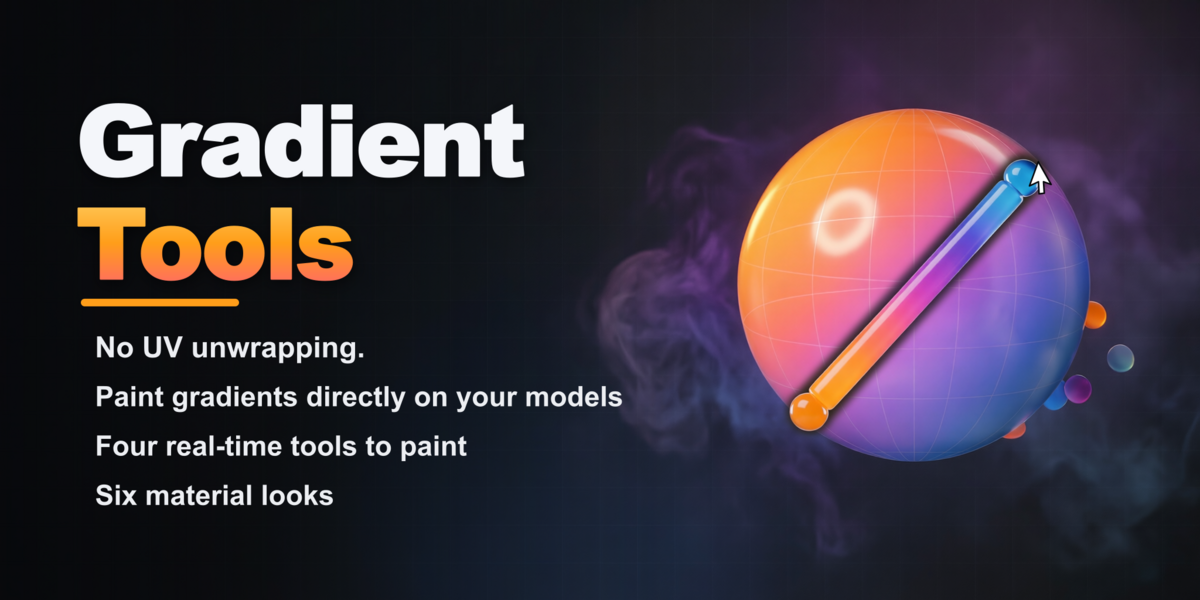


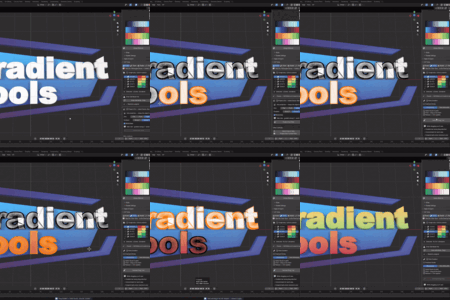
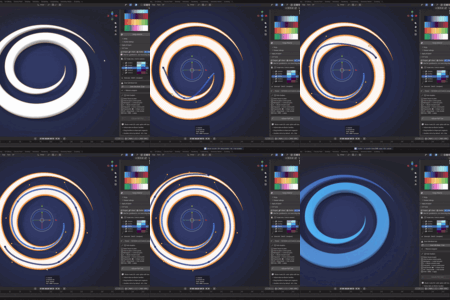
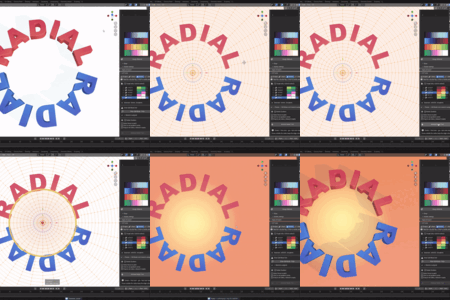
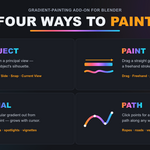
What makes Gradient Tools different from other Blender palette add-ons?
Three things: it needs no UV unwrapping (every tool generates its own UVs), every gradient tool gives you a live, real-time preview, and it can output to UV textures, vertex colors, or curve gradients — all from the same palette, all built on real Blender Color Ramps.
Do I need to UV unwrap my model first?
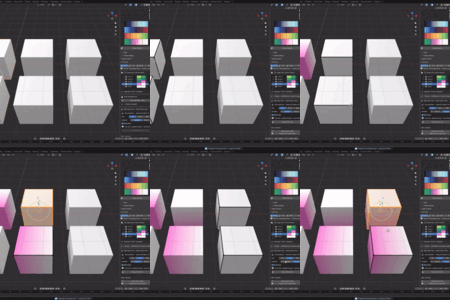
No. Every painting tool (Project, Paint, Radial, Path) generates the UVs it needs automatically. If your mesh has no UV map yet, one is created for you.
Can I create vertex color gradients without a UV map?
Yes. Paint your gradient with any of the four tools (Gradient Tools creates the UVs behind the scenes), then run Bake to Vertex Colors — the result is a per-vertex color gradient with no texture dependency at all.
Can I edit a gradient after applying it?
Yes — gradients are real Blender Color Ramps. Add, move, or recolor stops at any time, and every face using that strip updates instantly, everywhere it's used.
Does this work with Cycles and EEVEE?
Yes. Gradient Tools sets up standard Principled BSDF materials, so your palettes work with Blender's built-in render engines out of the box.
Can I use this for game assets?
Yes — use Bake to Vertex Colors for a texture-free, vertex-color pipeline, or Save Texture to export a PNG palette texture for the engine of your choice.
What if my mesh is dense, irregular, or partly outside the camera view?
Gradient Tools' projection tools are specifically built to handle dense, irregular meshes and geometry extending outside the camera's view without producing stray colors, seams, or visual noise.
$20
Have questions about this product?
Login to message
| Blender Extension Compatible | Yes |
| Sales | 10+ |
| Published | 3 months ago |
| Blender Version | 4.5 - 5.1 |
| Extension Type | Add-on |
| Render Engine Used | Blender-Internal, Cycles, Eevee |
| License | GPL |
Discover more products like this
Palette color gradients vertex color shading gradient color gradient color gradients VFX Color Palettes