Gradient Tools
 Pixonomic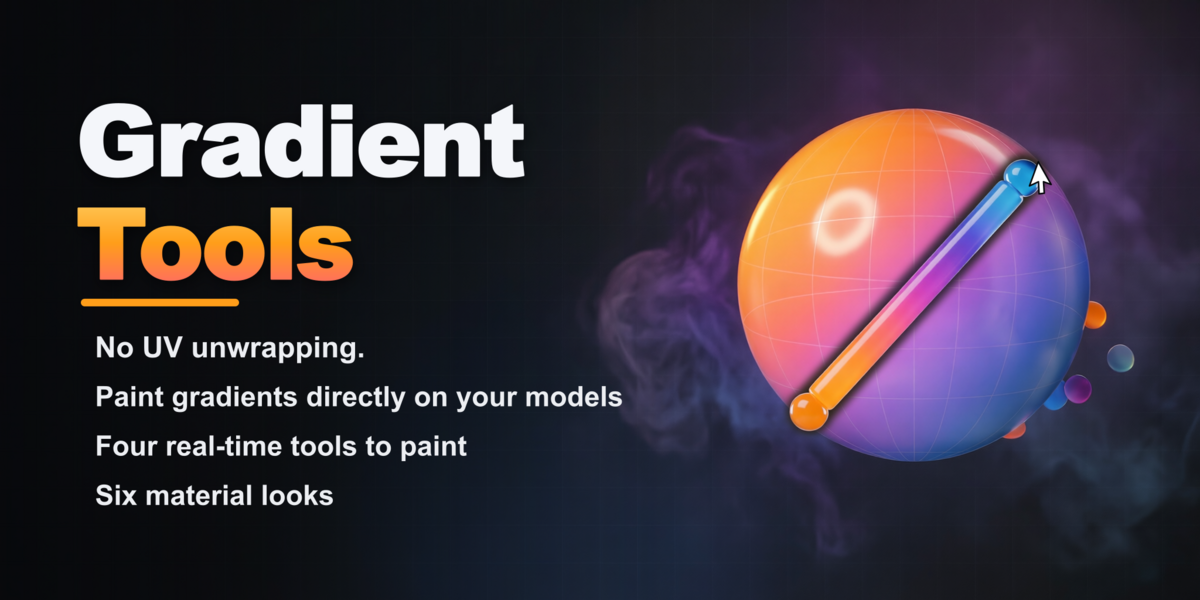


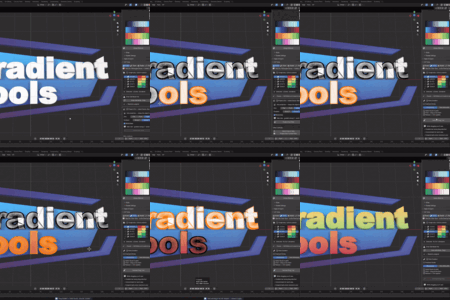
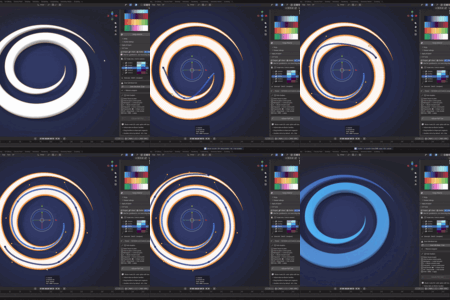
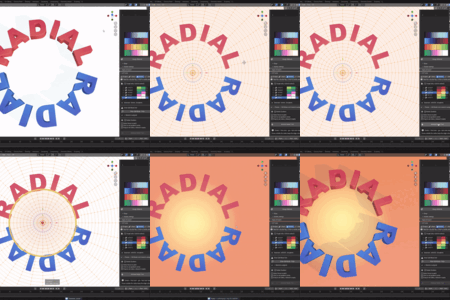
2.5.0
- Per-object Material Looks.** Palette colours now become real materials, per object. Pick a colour or gradient and render it as one of six looks — Toon, Flat, Plastic, Glossy, Metal, Glass — that keep the exact palette hue while showing the model's 3D form. Flat and Toon stay lighting-independent (the old Shadeless mode's exact colour), while Plastic, Glossy, Metal and Glass add believable PBR shading. Looks live in native material slots, so different objects — and different faces — can carry different looks and colours at once. Each look has tunable parameters (metallic, roughness, highlight, coat, IOR, transmission, Toon bands) plus optional procedural roughness/bump channels. (Sidebar ▸ Gradient Tools ▸ Material Look.)
- Apply a look to Whole Object, Painted Element, or Selected Faces.** Choose the scope — a look change updates the shading and keeps the object's own palette colours.
- Material Look presets — a shareable library.** Save, apply, import and export looks as JSON (full fidelity, including procedural channels), with a searchable picker and 5 built-ins (Chrome, Clay, Frosted Glass, Cel Toon, Matte Plastic).
- Copy, Link & Eyedropper looks across objects.** Copy the active look onto other objects (each keeps its own colours), link objects to share one material (edit one → all update), or eyedrop a look straight from an object in the viewport.
- Switch an object's palette in one click.** Re-point an object to a different palette while keeping its tuned look — no more deleting and re-assigning materials. The Apply & Export button now adapts: Set Up Object → Refresh Material → Switch to '{palette}'.
- Dedicated Color Management panel.** View Transform, Look and Exposure in one place, with a one-click reset to Standard (best for exact Flat/Toon colour). (Sidebar ▸ Gradient Tools ▸ Color Management.)
- Cleaner strip picker.** The strip selector in UV Tools and Curve Gradient is now a read-only picker showing each strip's real colour or gradient (no accidental edits; the full editor stays in the Strips panel). Switch between Grid and List in Preferences. UV Tools now also offers "Assign to Active" for flat colours, not just gradients.
- The Material Look panel follows your selection.** Select an object (or faces) with a single look and its parameters become editable immediately — no dropdown hunting. Toggle in Preferences.
- Your old files just work.** .blend files made with the previous Shadeless mode migrate automatically to the Flat look on open — no manual steps, no data loss.
- Rock-solid.** Shipped after four adversarial QA rounds: crash-free live editing, correct per-object colour/look behaviour, honest UI states, and unique palette/strip names.
$20
Have questions about this product?
Login to message
| Blender Extension Compatible | Yes |
| Sales | 10+ |
| Published | 3 months ago |
| Blender Version | 4.5 - 5.1 |
| Extension Type | Add-on |
| Render Engine Used | Blender-Internal, Cycles, Eevee |
| License | GPL |
Discover more products like this
color shading color gradient vertex color color gradients Palette Color Palettes gradients VFX gradient