 Raih


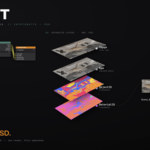

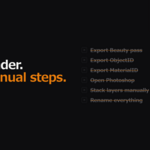
Full documentation is available here: Graft User Documentation
Requirements
- Blender 4.0 or later
- ImageMagick (free — not bundled)
- Windows: click [Install ImageMagick] in the Graft Preferences panel
- Mac: run
brew install imagemagick
Installation
- Download
graft_v1.9.2.zip - Blender → Edit → Preferences → Get Extensions → Install from Disk
- Search "Graft" → Enable
- Install ImageMagick if not detected (see above)
- Restart Blender
Quick Setup
- Open a scene in Blender
- View3D → Sidebar (N) → Graft tab
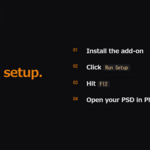
- Click Run Setup
- Check the Output section in the Graft panel: the PSD is saved to Folder (//Graft/ next to your .blend by default), and "Saves as" shows the exact file names. Put a folder path only in Folder, never in Name Prefix. In the Compositor, the note above the Graft PSD Output node explains its two fields
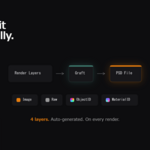
- Hit F12 to render — PSD is generated automatically
Have questions about this product?
Login to message

Discover more products like this
cryptomatte ArchViz photoshop compositor architectural visualization Render automation psd pipeline