 Mars0hod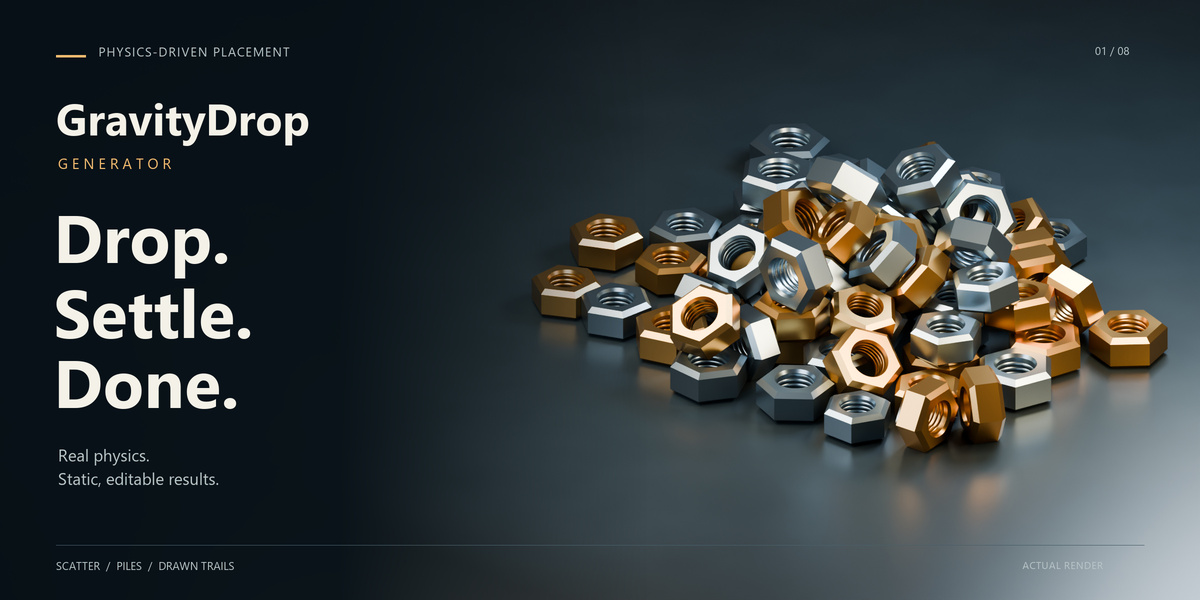




Can I use the results in commercial projects?
Yes. You can use generated arrangements in personal and commercial projects, subject to the licenses of any source models, materials or other assets you use.
Can GravityDrop simulate holes, hollow objects or interlocking parts?
Copies use convex collision shapes that approximate their outer form. Hollow interiors and interlocking parts are not simulated. Small contact gaps or tolerances may remain. The landing surface uses its evaluated triangle mesh.
Why can a complex arrangement take longer to generate?
Calculation time depends on object count, collision complexity, surface detail and repeated settling attempts. Dense piles generally require more work than loose scatter. Try Fast quality for previews and simplify unnecessarily detailed landing surfaces.
Will I receive the exact number of objects I request?
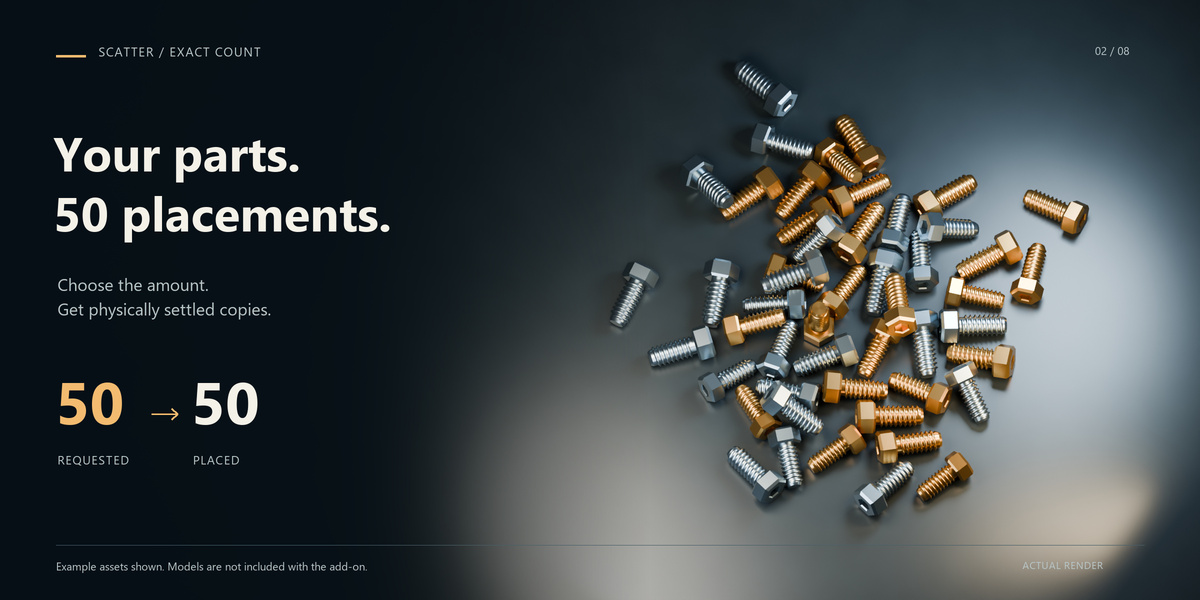
Yes, on successful completion. Count 50 produces 50 objects. Failed placements are retried without discarding copies. If a complete arrangement cannot settle within the available attempts, the previous result is preserved.
Are the models shown in the images included?
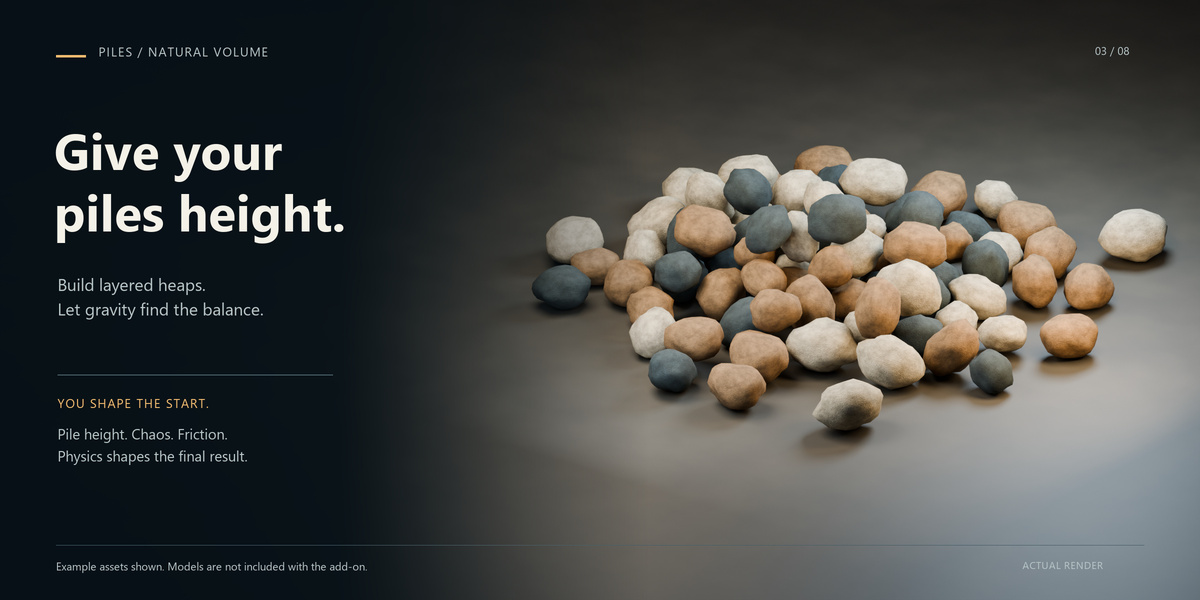
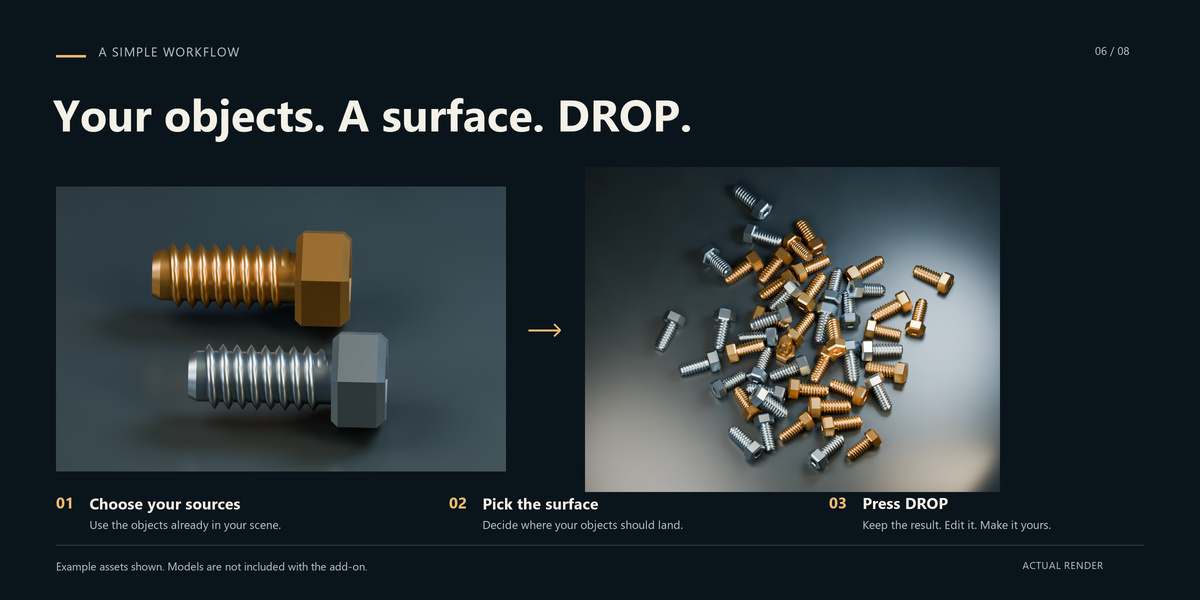
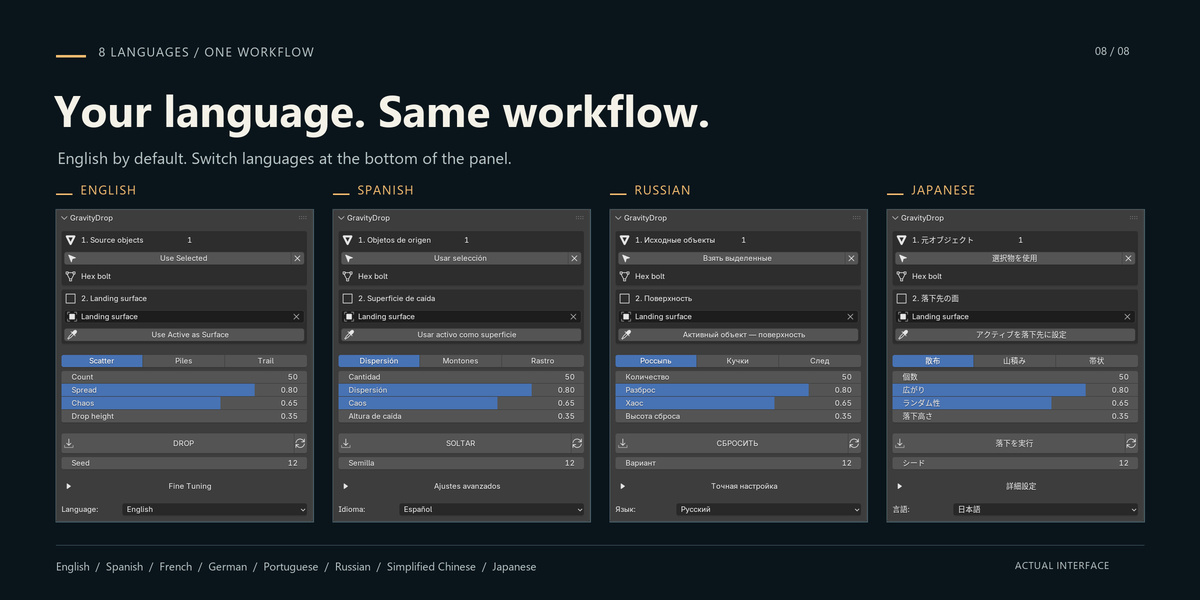
No. The models and demonstration scenes are used to illustrate the add-on. GravityDrop works with your own source objects and landing surfaces.
Does GravityDrop use real physics?
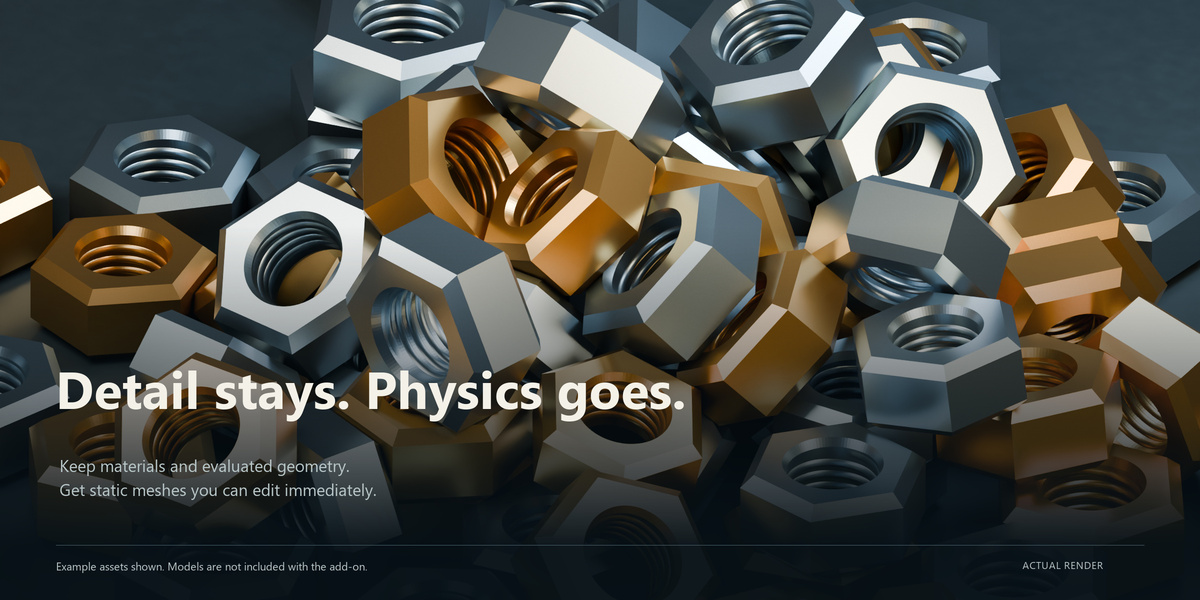
Yes. GravityDrop uses Blender’s Bullet rigid-body simulation. When generation finishes, the settled transforms are saved as static mesh objects and the temporary simulation is removed.
Have questions about this product?
Login to message
| Blender Extension Compatible | Yes |
| Published | about 4 hours ago |
| Blender Version | 4.2 - 5.2 |
| Extension Type | Add-on |
| Render Engine Used | Cycles, Eevee |
| License | GPL |
Discover more products like this
procedural placement object placement rigid body environment art scatter scene dressing trail physics path drawing piles props surface scattering