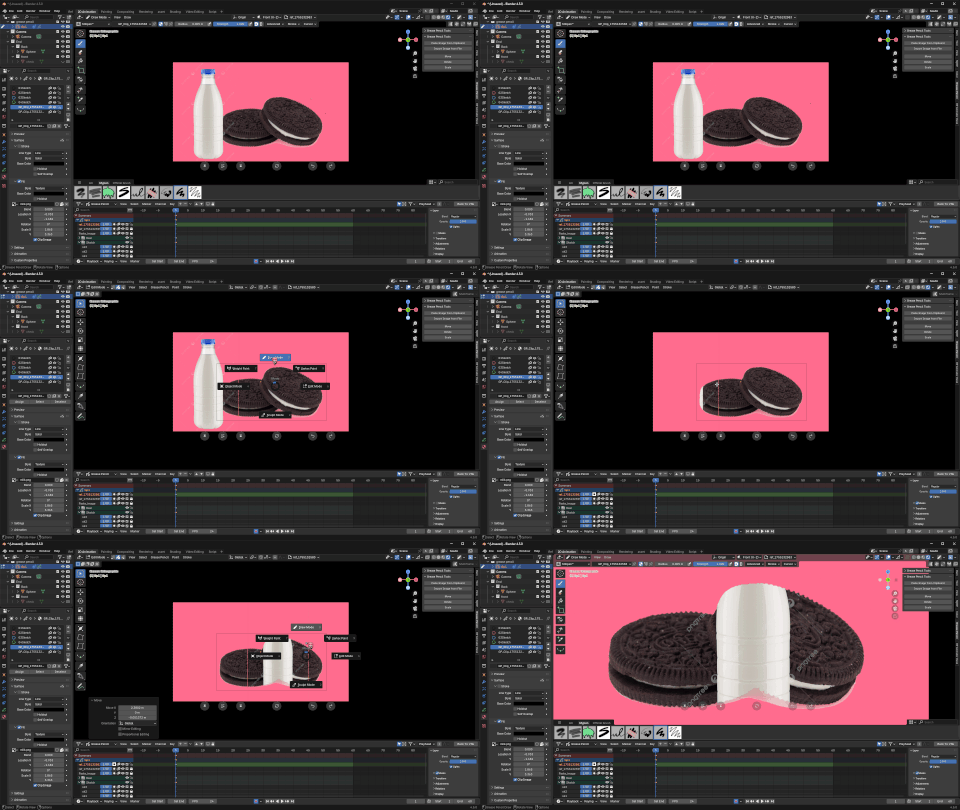
 GoblinInTheVoid


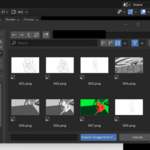
IF YOU WANT IT FREE!!!
https://goblininthevoid.gumroad.com/l/hvmbu
DISCLAIMER:
This add-on requires the Grease Pencil Tools add-on to work.
🔗 Grease Pencil Tools Addon
It also requires the Pillow Python library for the "Paste from Clipboard" feature. This add-on will try to install Pillow automatically, but in rare cases, you may need to install it manually.
Grease pencil Image Importer V1.12.0
This is a simple addon for importing images directly into Blender Grease Pencil!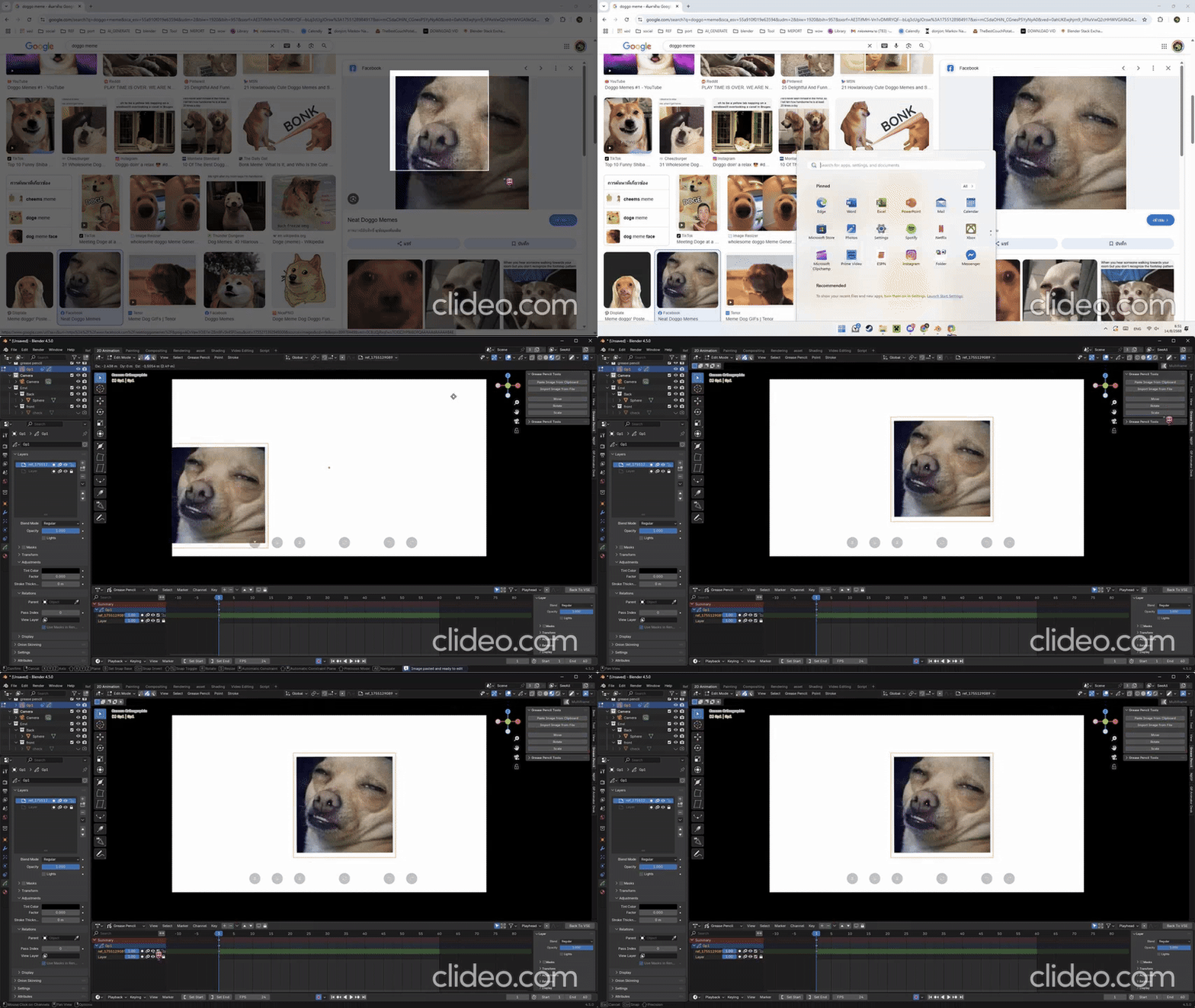
(this image is old ver.)
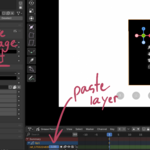
Just find your image. copy/take a screenshot or find it on your pc!
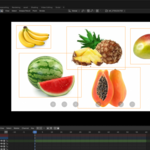
And then paste it into your current grease pencil directly! No more image plane or other reference board!
Grease pencil can do it now! Just paste it here!
- Support image (for now, such as jpeg, png, tiff, etc.)
- Support the Transparent and blend modes.
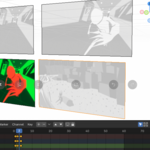
- Support multi-layer and multi-frame editing.
- support SEQ.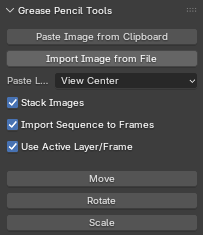
Simple UI
It's located in the same original grease pencil n-panel
(Work in draw mode and edit mode only.)
Use case.
- Import image to make a reference board like pure ref.
- Make a simple board for planning a project.
- Import the image to be a background for a 2d animation.
- Use for shift and trace for 2d animation
limitation
- right now, this addon uses the Blender gradient tool as a way to cheat Blender texture into paste and scale the image. So the native scale tool can't be used. Instead, I make a move, rotate, and scale button to support just that.
- because the scale of this addon is a completely new tool. Sometimes it may not work correctly. such as when in multi-frame editing. when scaling the image. The image sometimes will not scale alongside the plane instantly. But it will be automatically corrected when you play the keyframe.