Gridfinity Forge
 Sonneblom Digitaal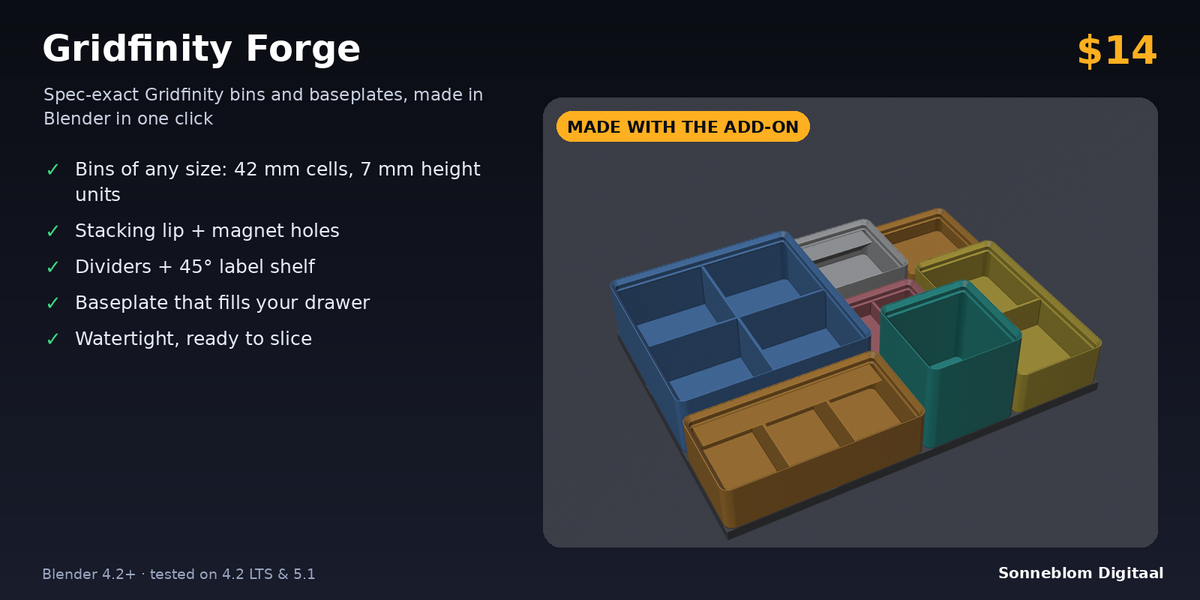
Gridfinity Forge 1.0.0
Spec-exact Gridfinity bins and baseplates for 3D printing. Blender 4.2 LTS or newer, tested on 4.2 LTS and 5.1.
Install
-
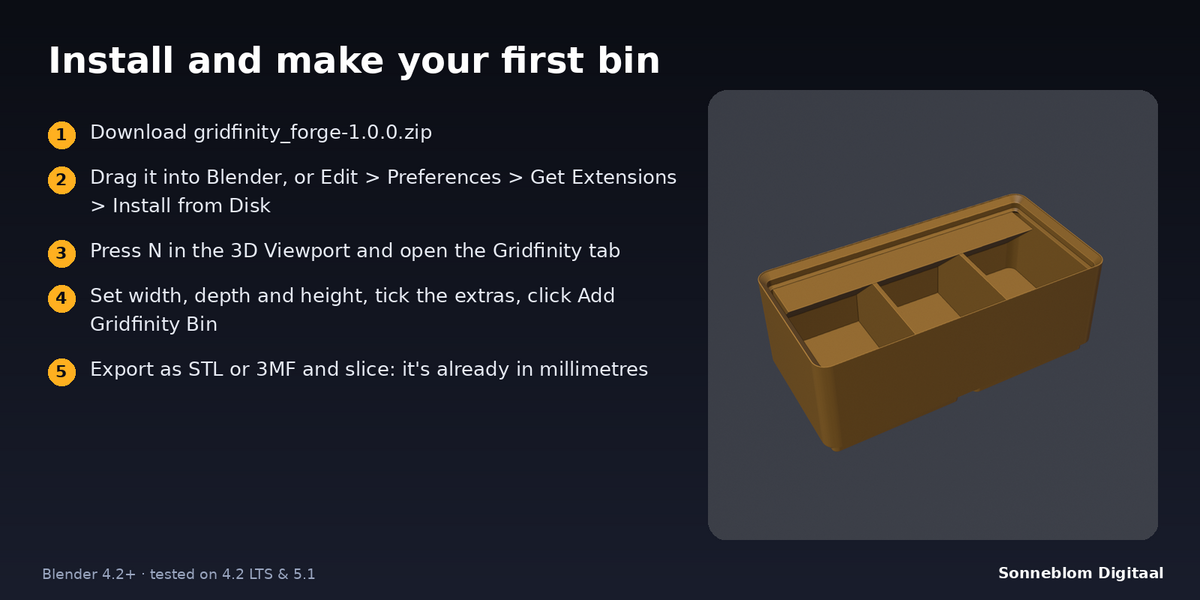
Extension zip (recommended): download
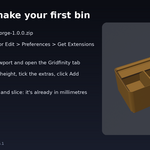
gridfinity_forge-1.0.0.zip. Drag it into Blender, or go to Edit > Preferences > Get Extensions, open the drop-down at the top right and choose Install from Disk. -
Legacy zip:
gridfinity_forge-1.0.0-legacy.zip. Go to Edit > Preferences > Add-ons > Install from Disk, then tick Gridfinity Forge.
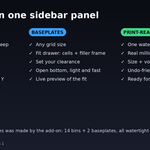
The panel is in the 3D Viewport sidebar: press N and open the Gridfinity tab.
Make a bin
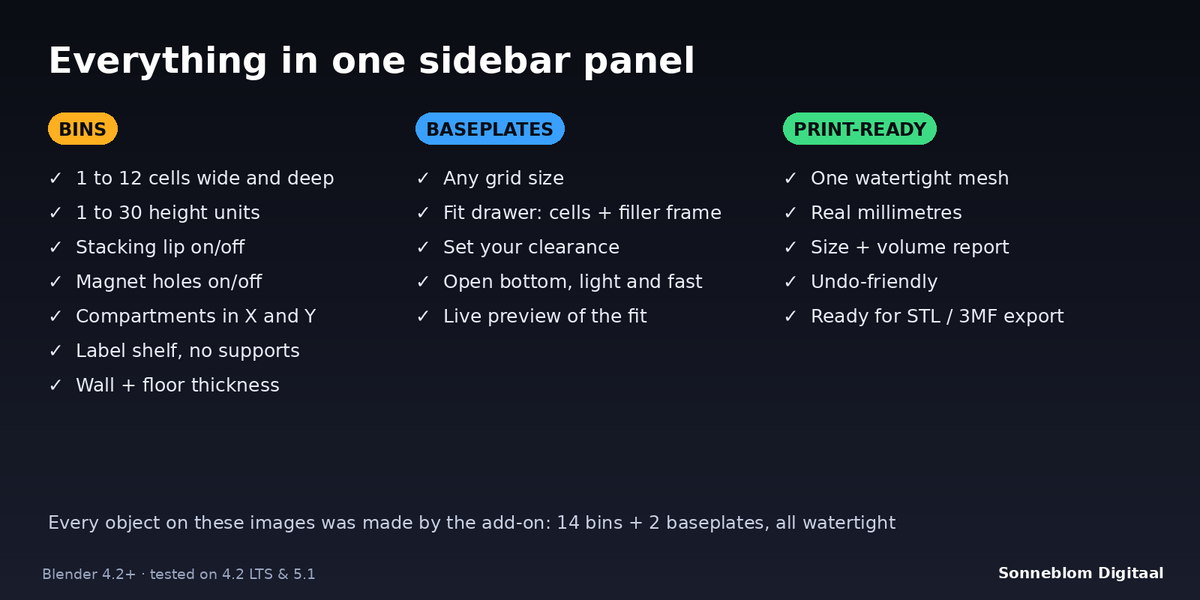
- Set W and D (cells of 42 mm) and H (units of 7 mm). The size in mm is shown under the settings.
- Tick Stacking lip, Magnet holes and Label shelf as needed.
- Set Comp. X / Comp. Y for the number of compartments in each direction (1 = no divider).
- Click Add Gridfinity Bin. The bin appears at the 3D cursor with its bottom on the cursor. The report shows its size, compartments, solid volume and whether it is watertight.
Make a baseplate
- Grid size: set W and D in cells and click Add Gridfinity Baseplate.
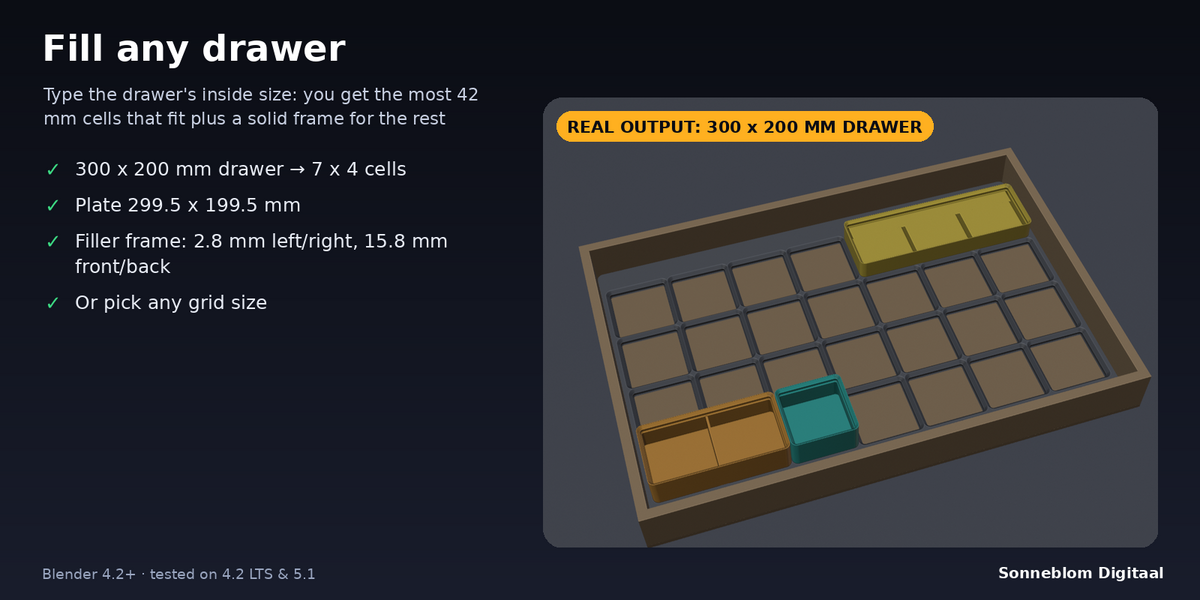
- Fit drawer: enter the drawer's inside width and depth and a clearance. The panel shows how many cells fit and how thick the filler frame will be. Click Add Gridfinity Baseplate.
Settings
| Setting | Default | What it does |
|---|---|---|
| Model units | 1 unit = 1 mm | Best for printing. Scene units follows Scene > Units instead. |
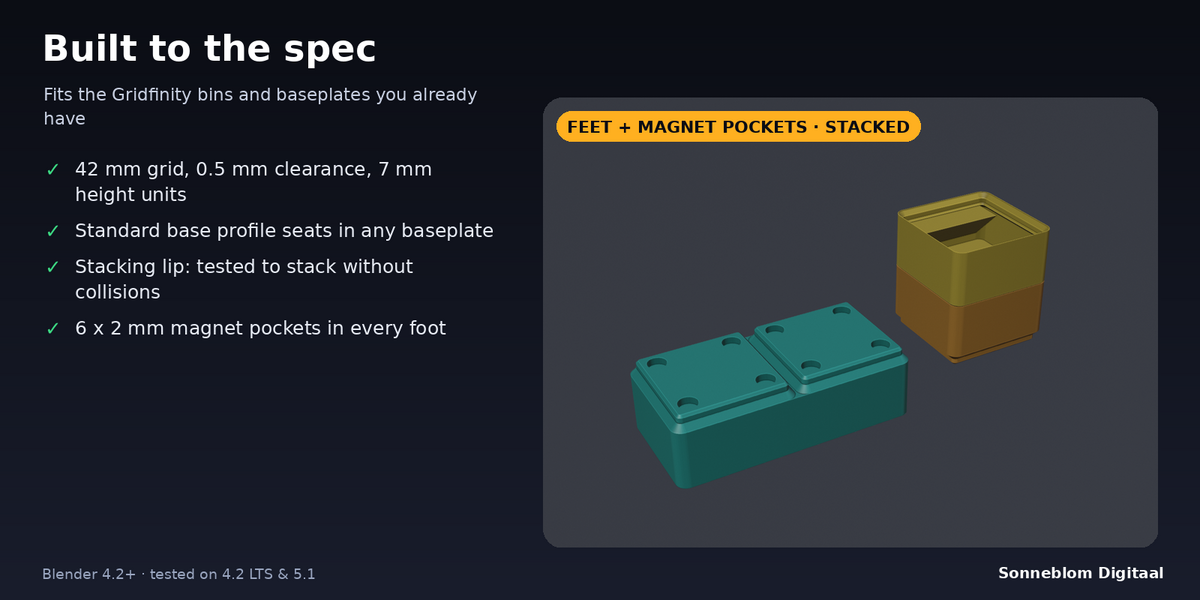
| Width / Depth (cells) | 1 / 1 | Bin footprint in 42 mm cells (1-12). The bin is 0.5 mm smaller than its footprint, as the spec requires. |
| Height (units) | 3 | 7 mm per unit (1-30). The stacking lip adds 4.4 mm on top. |
| Stacking lip | On | Lets bins stack. Needs 2 or more units. |
| Magnet holes | On | 6.5 mm wide, 2.4 mm deep pockets, 4 per foot, for 6 x 2 mm magnets. |
| Wall (mm) | 1.2 | Inner wall thickness (0.6-4). |
| Floor (mm) | 1.0 | Floor thickness above the feet (0.6-6). |
| Compartments X / Y | 1 / 1 | Dividers are 1.2 mm thick and stop 0.6 mm below the stacking seat, so a bin on top still sits flat. |
| Label shelf / Label depth | Off / 12 mm | 45 degree shelf along the back wall, prints without supports. |
| Baseplate size | Grid size, 3 x 3 | Or Fit drawer: drawer width 300 mm, depth 200 mm, clearance 0.5 mm. |
Dimensions used
- Grid 42 mm. Bin = 42 x cells - 0.5 mm. Height = 7 mm x units (+ 4.4 mm lip). Outer corner radius 3.75 mm.
- Bin foot: 4.75 mm high (0.8 mm and 2.15 mm 45 degree chamfers with a 1.8 mm straight part between them).
- Baseplate: 4.65 mm high, open bottom (0.7 / 1.8 / 2.15 mm profile), pocket corner radius 4 mm.
- A seated bin has about 0.35 mm of clearance on the chamfers.
Printing tips
- Print bins upright with no supports. Magnet pockets face the bed and print as small bridges.
- For magnets, pause the print at the layer above the pocket depth (2.4 mm), or glue the magnets in after printing.
- If your bed is too small for a whole baseplate, make several smaller plates. They sit side by side on the 42 mm grid.
Limits
- No scoop, no custom cut-outs and no screw holes in this version.
- Baseplates are the open type (no magnet or screw holes in the plate).
- The outer corners of a baseplate without a frame are square, so they fit flush in a drawer corner.
Licence
GPL-3.0-or-later. Made by Sonneblom Digitaal.
Have questions about this product?
Login to message
| Blender Extension Compatible | Yes |
| Published | 1 day ago |
| Blender Version | 4.2 - 5.2 |
| License | GPL |
Discover more products like this
organizer gridfinity 3d printing storage bins parametric baseplate