 KacaDev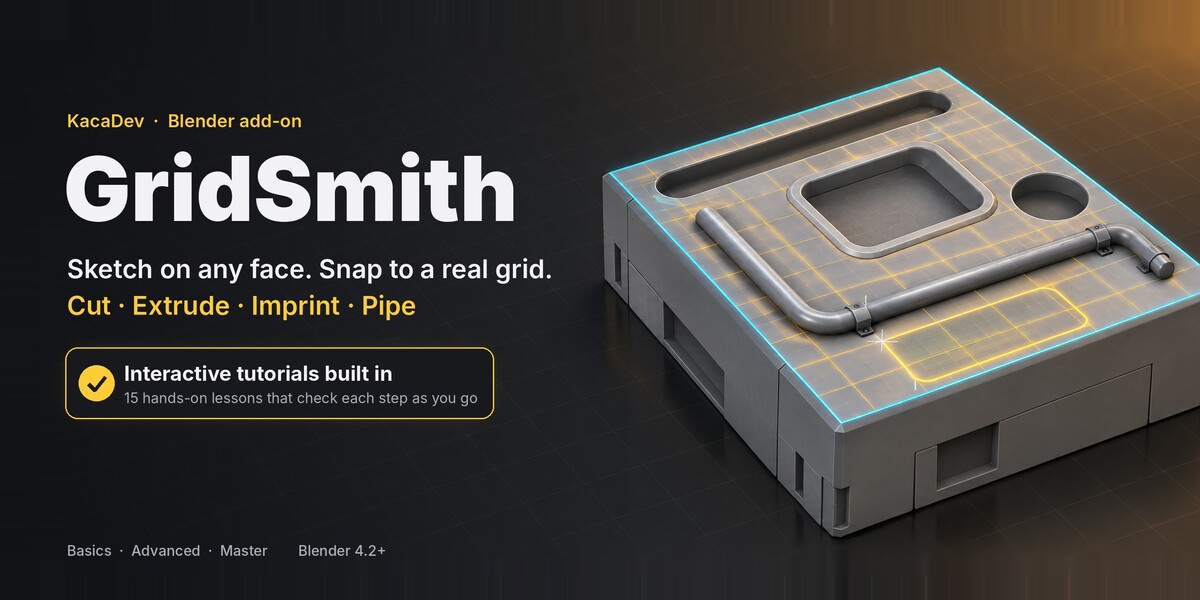
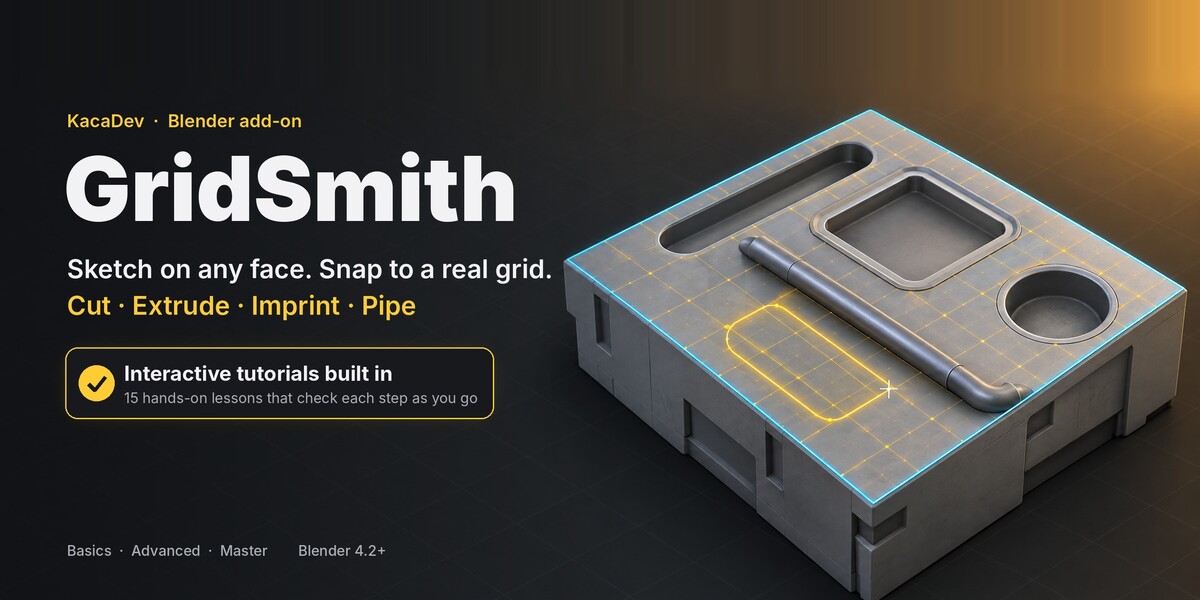
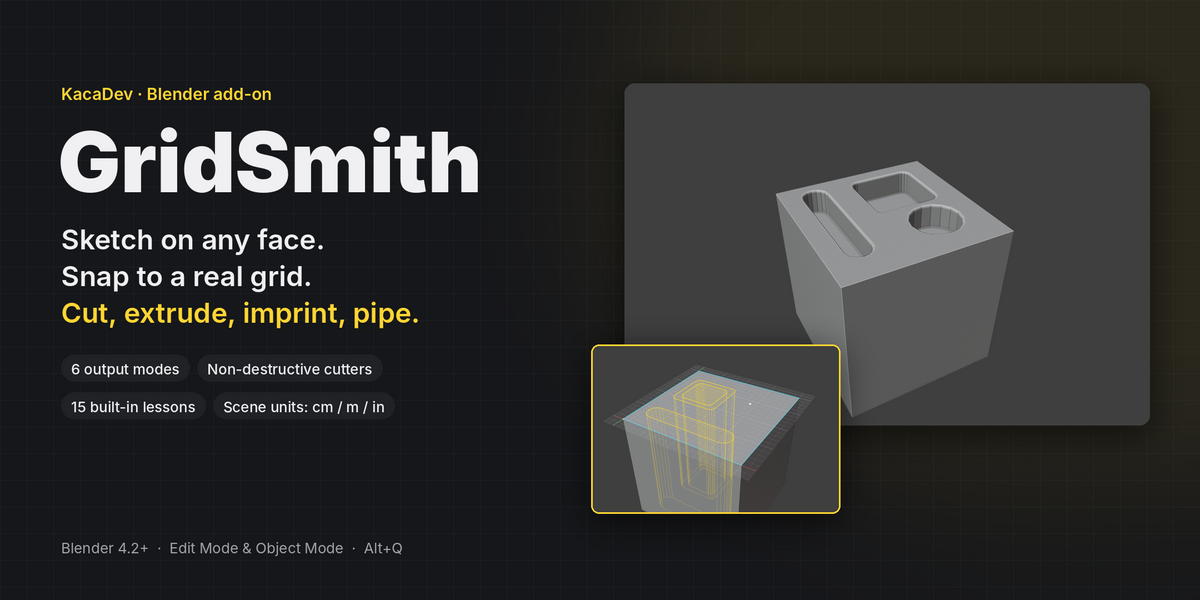
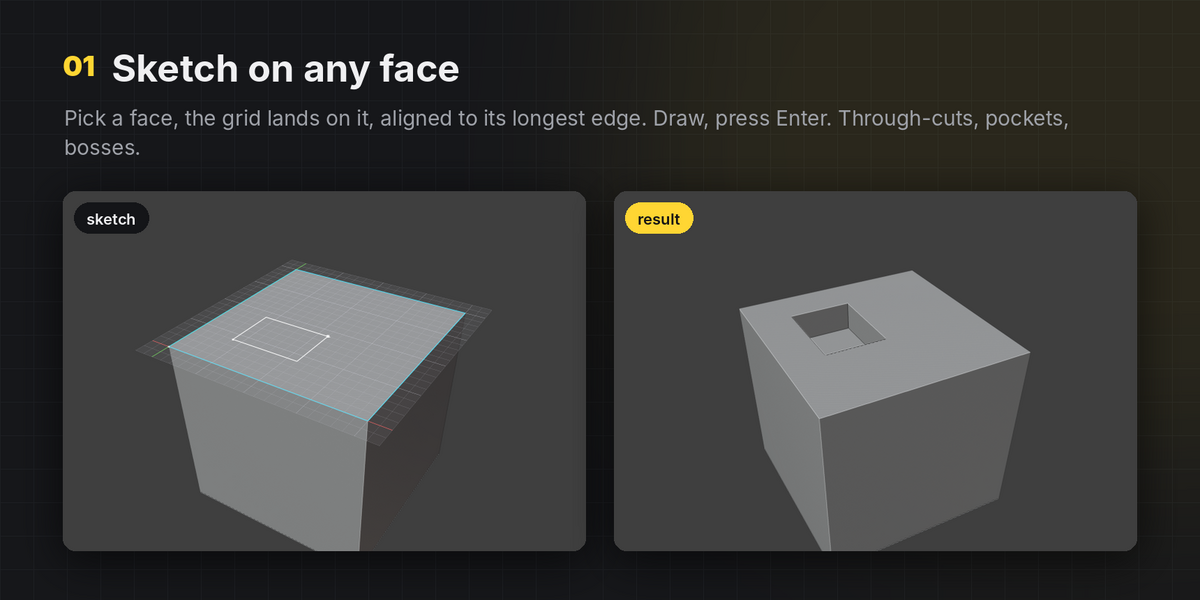
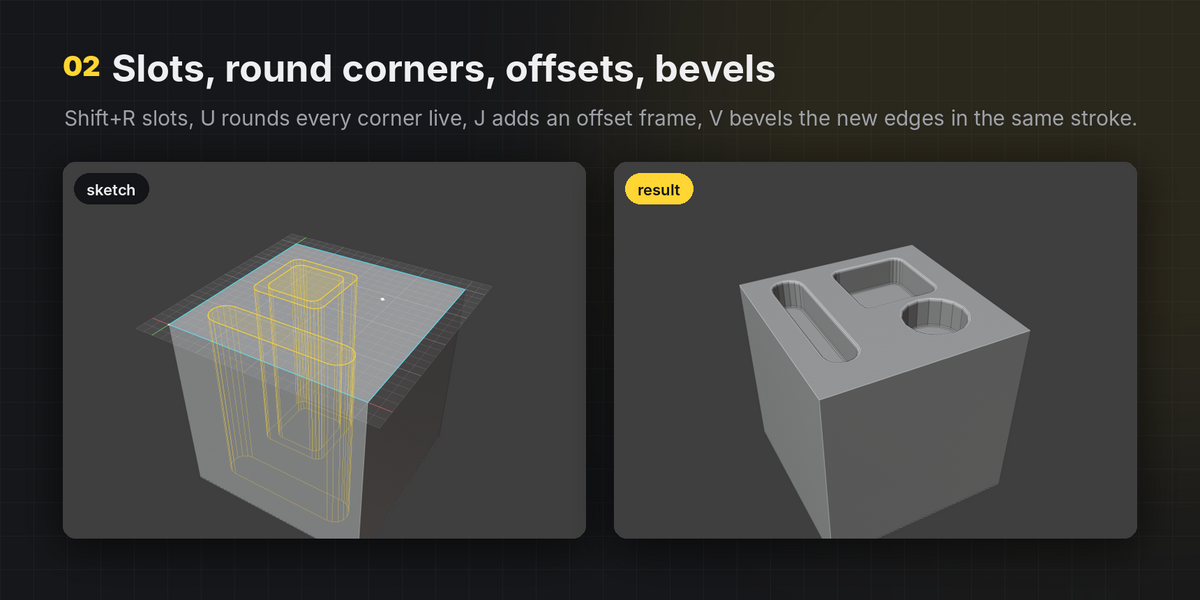
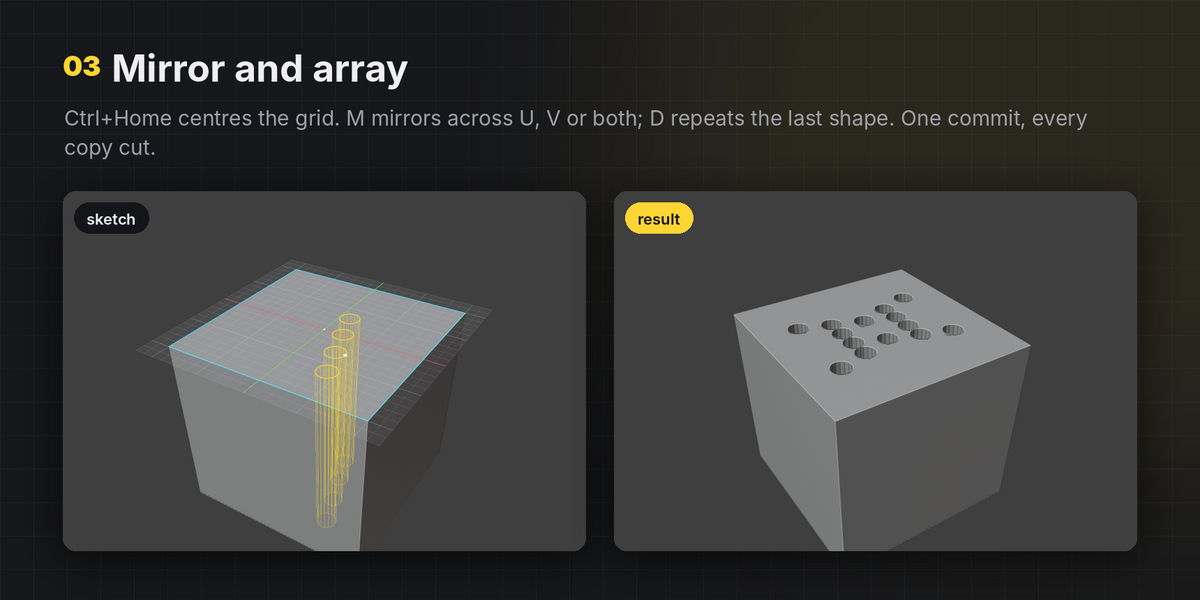
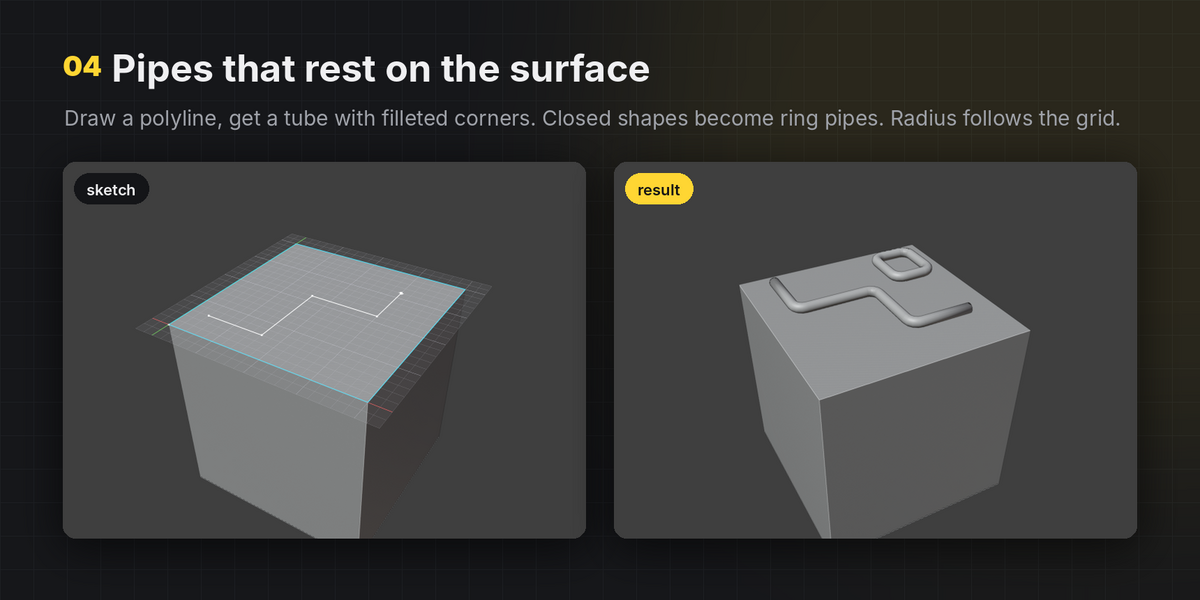
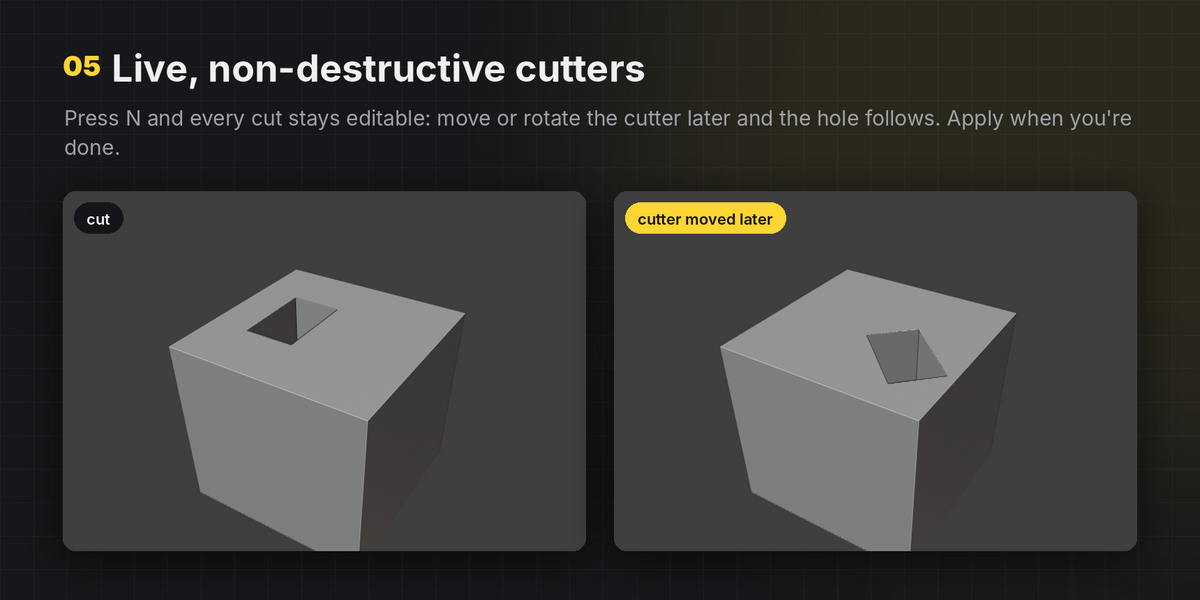
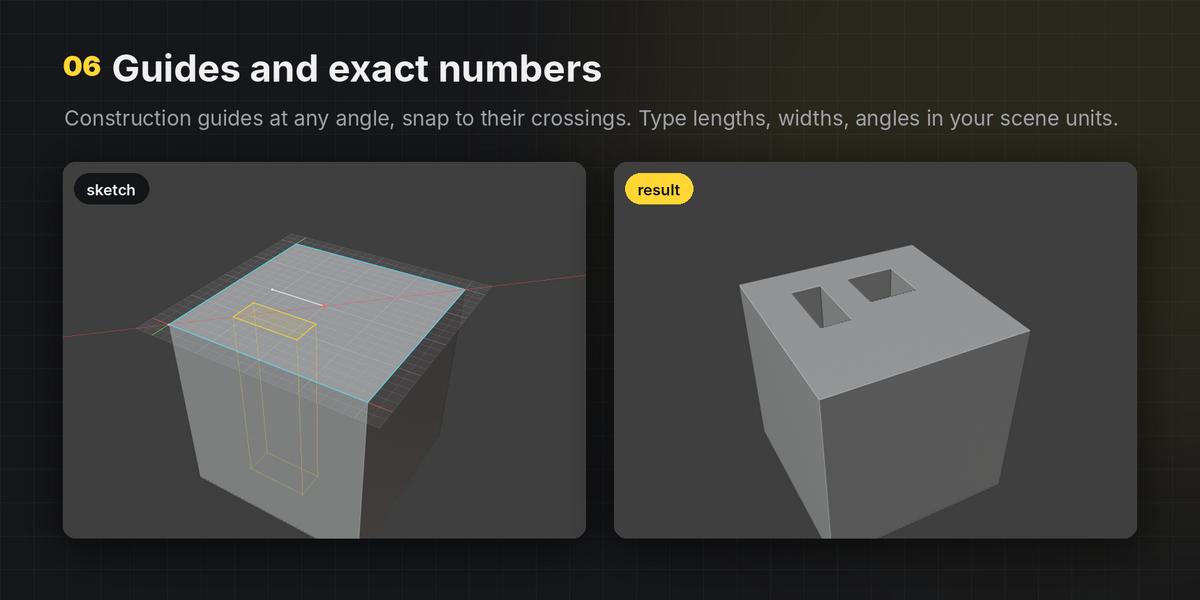
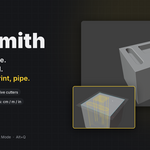
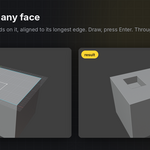
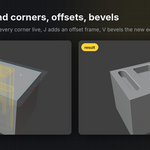
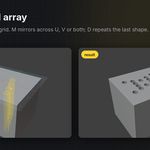
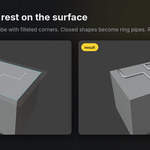
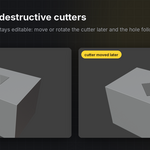
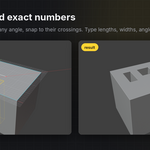
By default cuts are applied directly, like a normal modelling operation, and one Ctrl+Z after exiting undoes the whole sketch. Press N in the tool for live, editable cutters instead.
Yes. The grid, HUD and typed numbers all follow the scene's unit system and scale: cm scenes show and accept centimetres, imperial scenes accept inches and feet.
Yes. Overlapping and touching shapes are merged correctly, and shapes that cross the face border are cut with a boolean so the result stays closed.
Face and Extrude modes rebuild only the faces you sketch on and carry UVs and materials over from the original face. Boolean modes follow Blender's boolean behaviour.
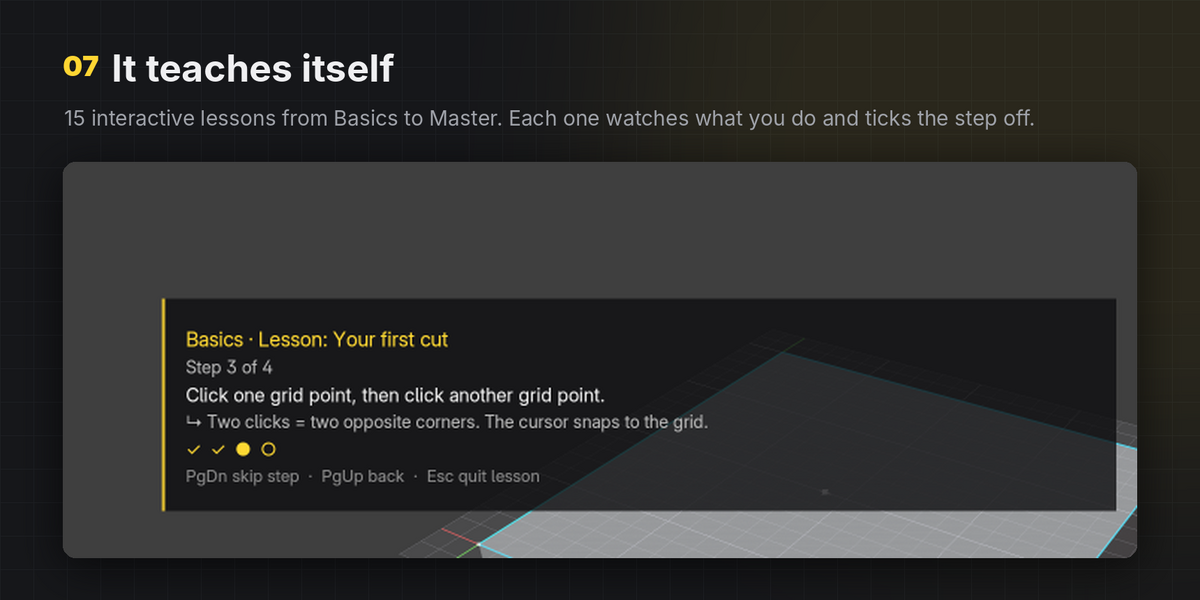
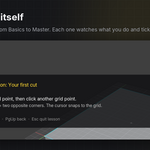
Open N-panel › GridSmith › Learn GridSmith. The 15 interactive lessons (Basics, Advanced, Master) walk you through every tool inside the viewport. Press F1 in the tool at any time for the key help overlay.
Use Shift+mouse wheel for circle sides, slot width and array count. The + and - characters also work from any keyboard layout.
Have questions about this product?
Login to message
| Blender Extension Compatible | Yes |
| Published | 1 day ago |
| Blender Version | 4.2 - 5.2 |
| Extension Type | Add-on |
| License | GPL |