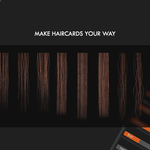
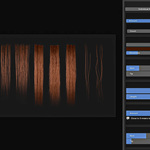
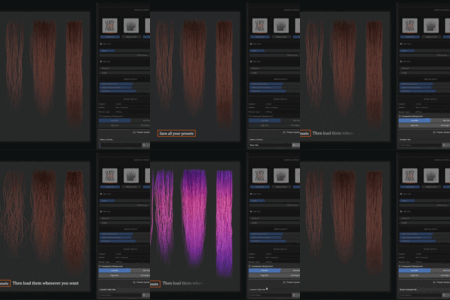
Hair Card Studio (Hair Card Creator Addon for Blender)
 PixelicaCG




Installation:
Run Blender 4.0 or above
Go to Edit > Prefrence > Add-on
Click on the icon on the top right corner and install from disk
Click on the Addon zip file
Turn it on or off if it's not appearing
Press N in the Viewport to bring out the right menu
Click on Haircard Studio
-
Enjoy
✅ Recommended Blender Version: Blender 4.0+
(Works on 3.6 but might experience bugs)
✅ Full support: Feel free to ask any question or report problems
Discover more products like this
hair card making blender tools Hair Addon haircard Hair Tool hair modeling character hair hair cards geometry nodes hair blender addon hair card hair card creator