Hair Card UV Tool
 Dreamy Art World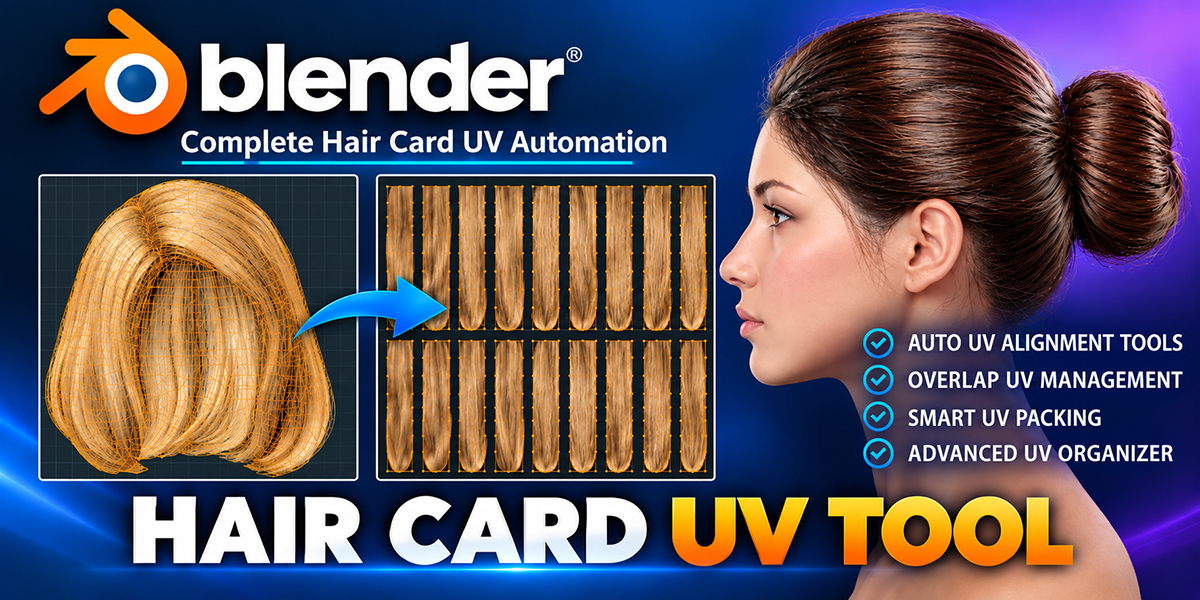


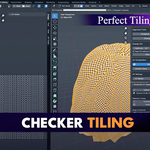
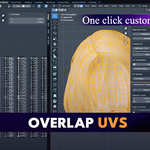
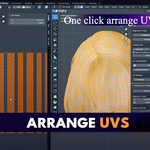
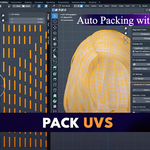
What’s included in the package?
Along with the Hair Card UV Tool add‑on, you’ll get:
Two ready‑to‑use hair models (one male, one female)
Hair opacity textures
Hair diffuse textures
These assets are perfect for testing the tool or starting new projects.
How do I install it?
Simply go to Edit → Preferences → Add‑ons → Install, select the .py file, and enable the Hair Card UV Tool in Blender.
Does it come with textures or shaders?
No – the tool focuses solely on UV mapping. You can use your own textures or third‑party hair texture packs.
Can I use it for commercial projects?
Absolutely – once purchased, you can use it in both personal and commercial projects without extra fees.
Does it support batch processing?
Yes – you can unwrap and pack multiple hair cards at once, saving significant time on complex hairstyles.
Will it affect my existing hair geometry?
No – the tool only adjusts UV layouts, keeping your hair mesh intact.
Can I use this tool for other UV layouts, not just hair cards?
Yes – while it’s optimized for hair cards, you can use it for similar flat mesh strips or objects that need quick, clean UVs.
What Blender versions are supported?
It works with Blender 2.9 and above, including the latest releases.
Do I need to know advanced UV mapping to use it?
No – the tool is beginner‑friendly with one‑click features, but it also offers precise controls for professionals who want full customization.
Who is this tool for?
It’s designed for 3D artists, game developers, and character creators who work with hair cards in Blender and want to save time while improving UV quality.
What is the Hair Card UV Tool?
The Hair Card UV Tool is a Blender add‑on that automates the process of unwrapping, aligning, and packing UVs for hair cards. It helps you create clean, optimized UV layouts for game‑ready hair textures in minutes.
 Included
Includes 12 months of
- Support from Dreamy Art World
- Product updates
Extend this product’s Support Period +12 months: 50% of product price
Have questions before purchasing?
Login to message
| Blender Extension Compatible | Yes |
| Sales | 10+ |
| Published | about 1 year ago |
| Blender Version | 4.1 - 5.2 |
| Extension Type | Add-on |
| Render Engine Used | Arnold, Blender-Internal, Blender-Game-Engine, Cycles, Eevee, Freestyle, Mental-Ray, Vray |
| License | GPL |
