 Ilyaken
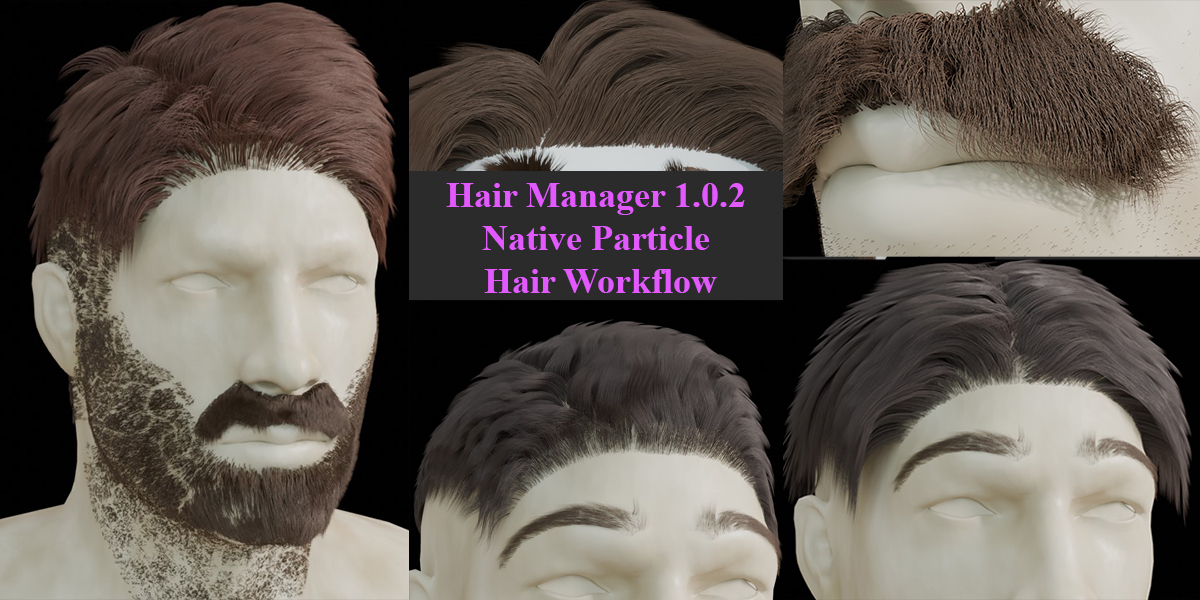
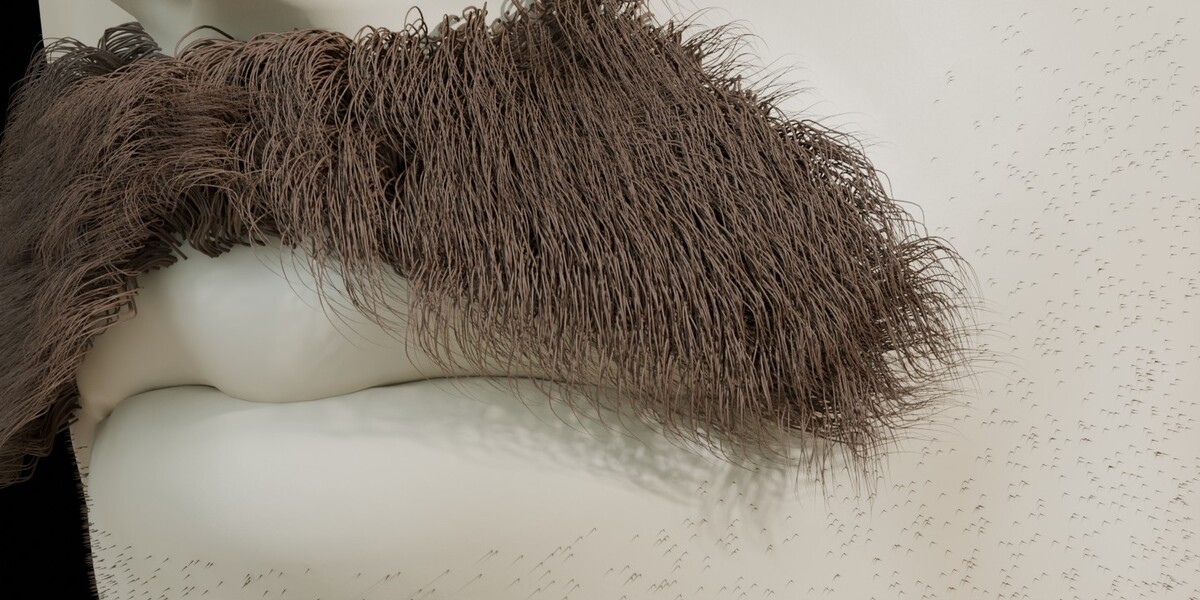
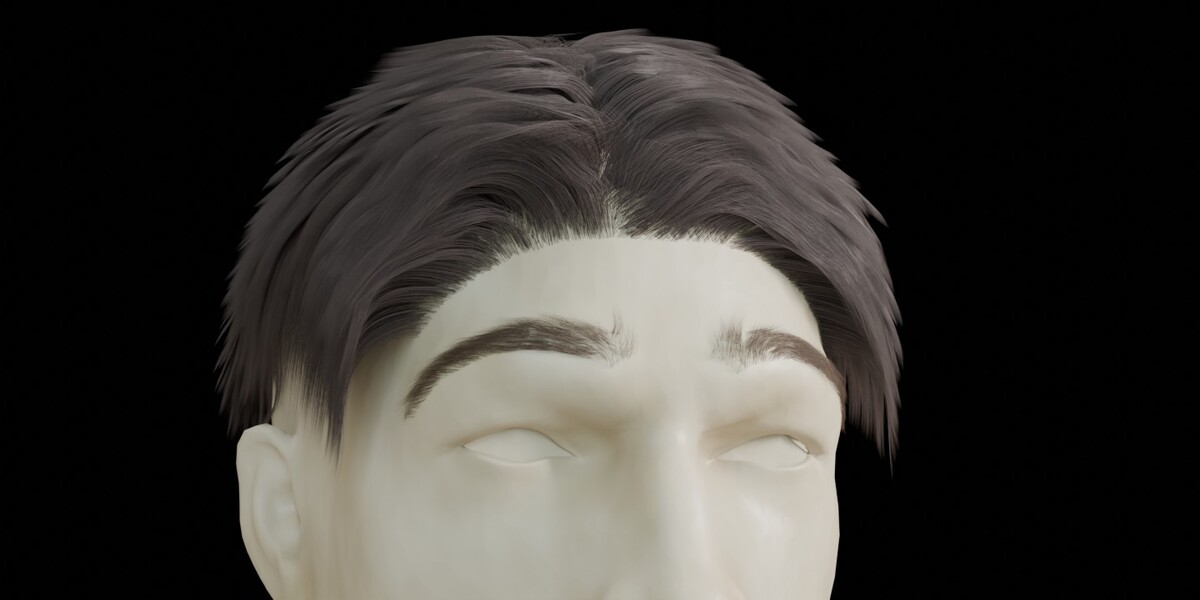
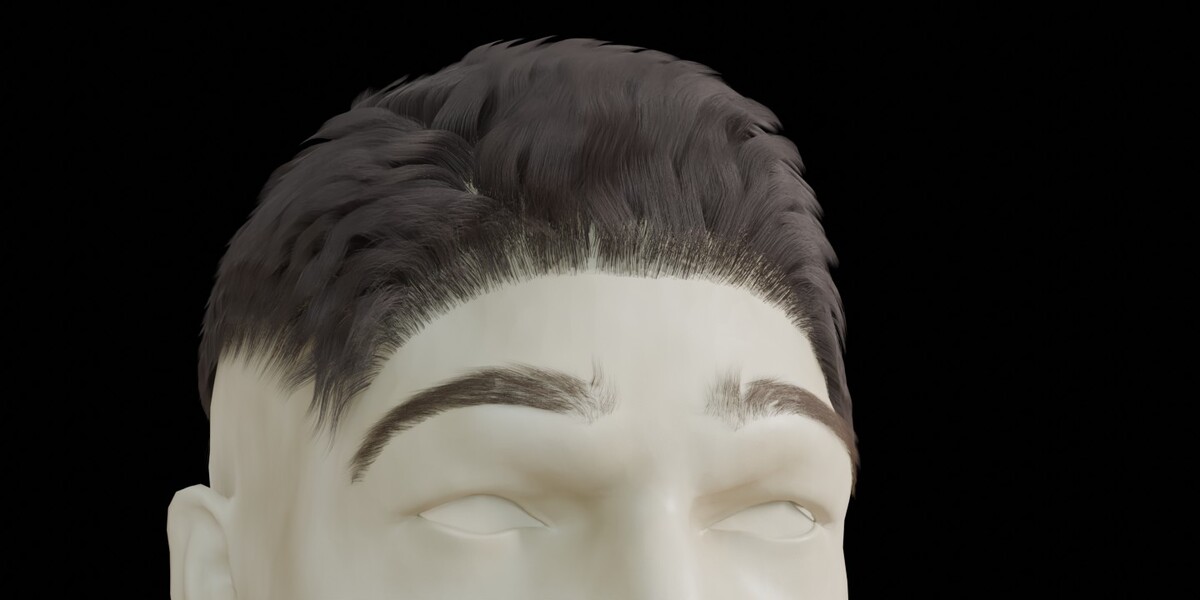
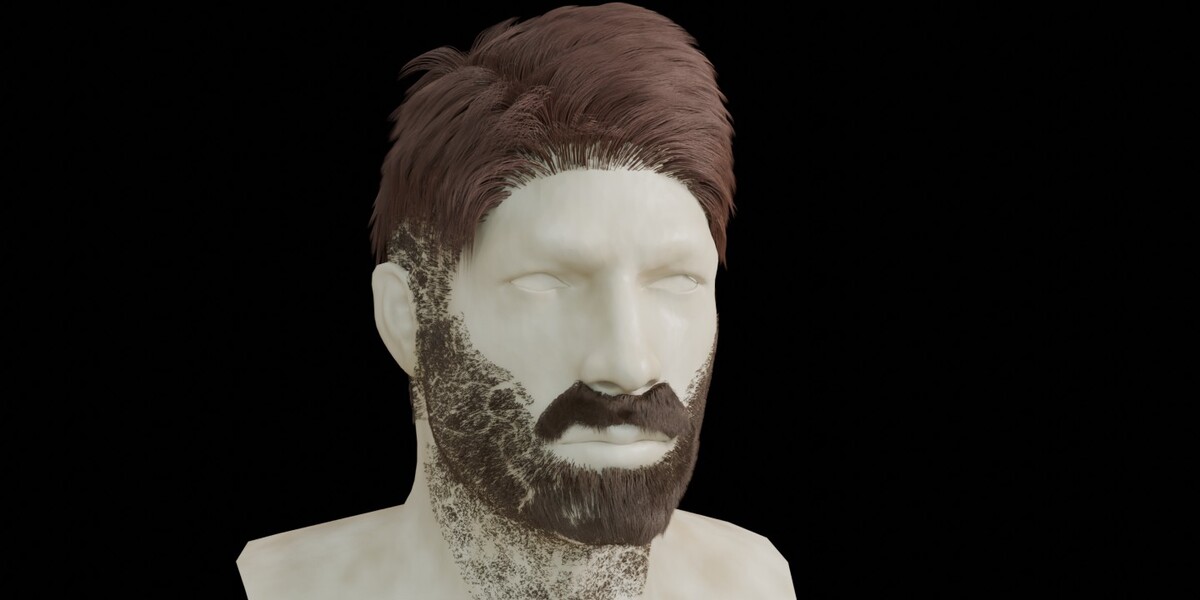
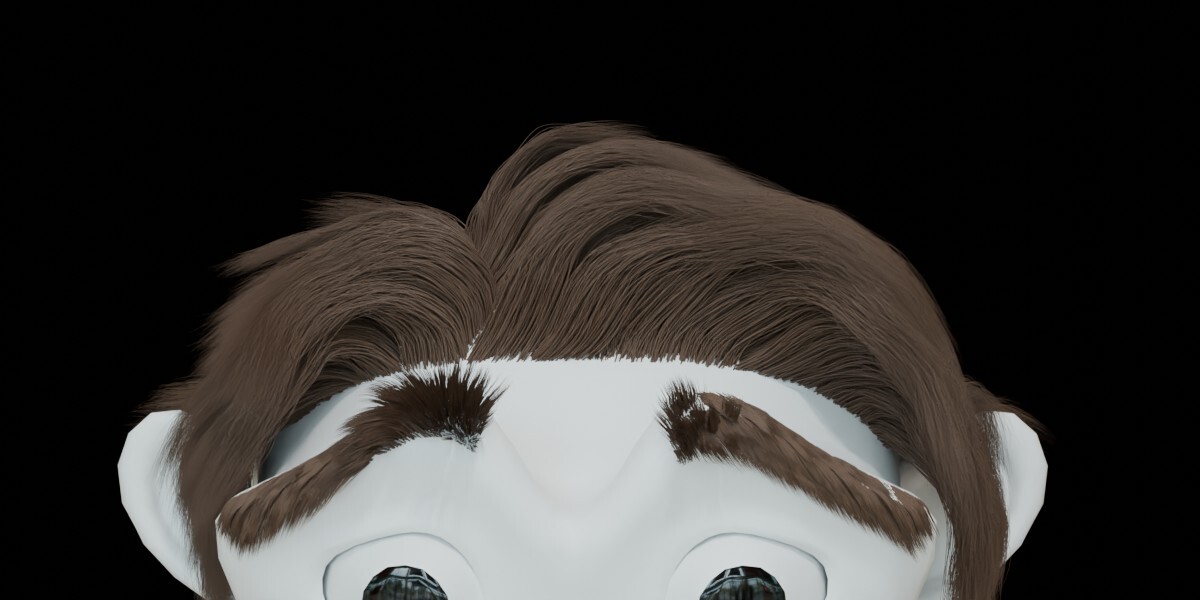
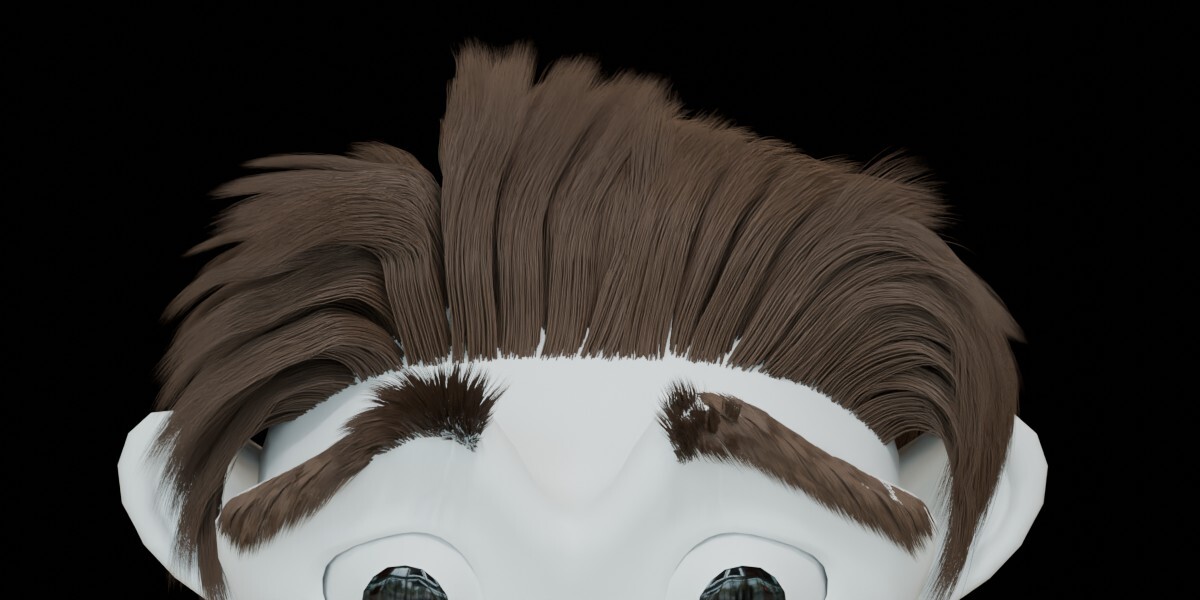
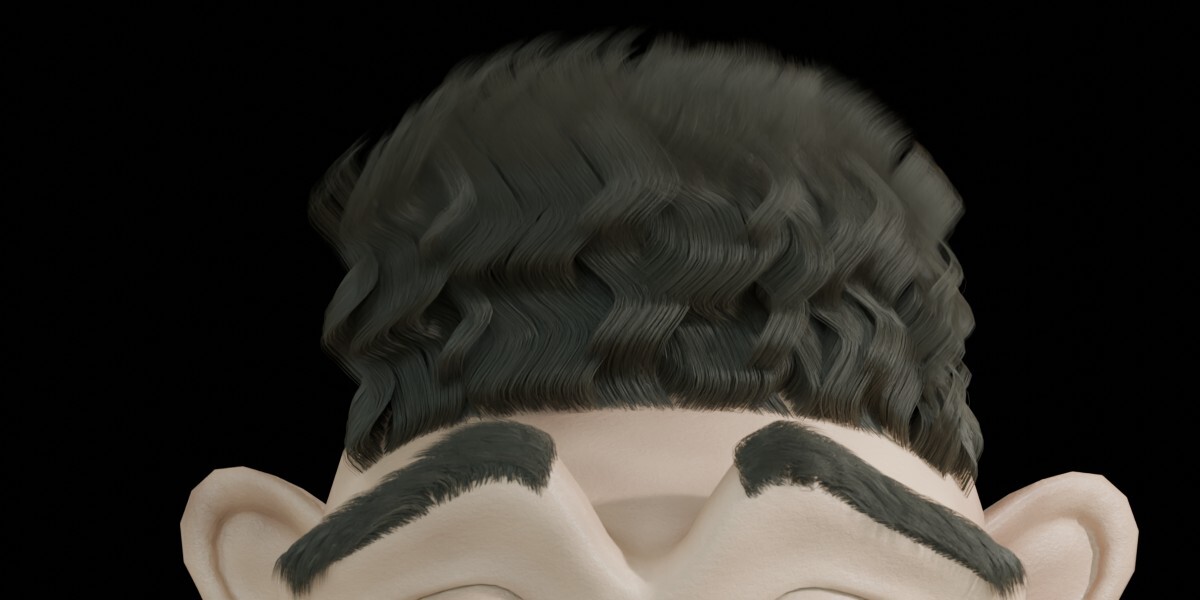
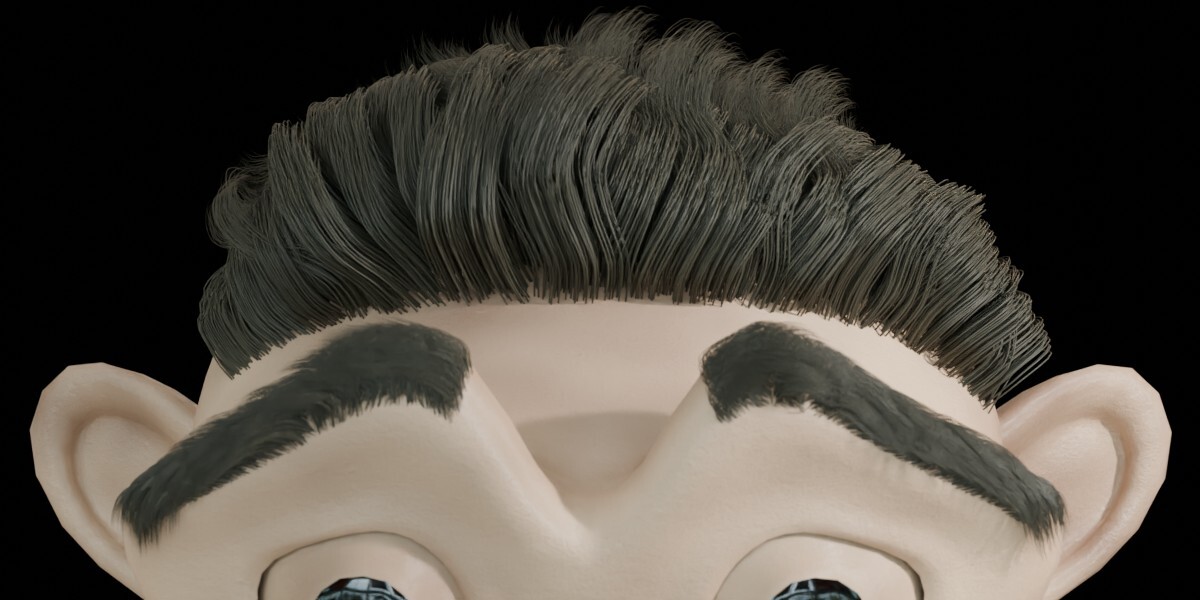
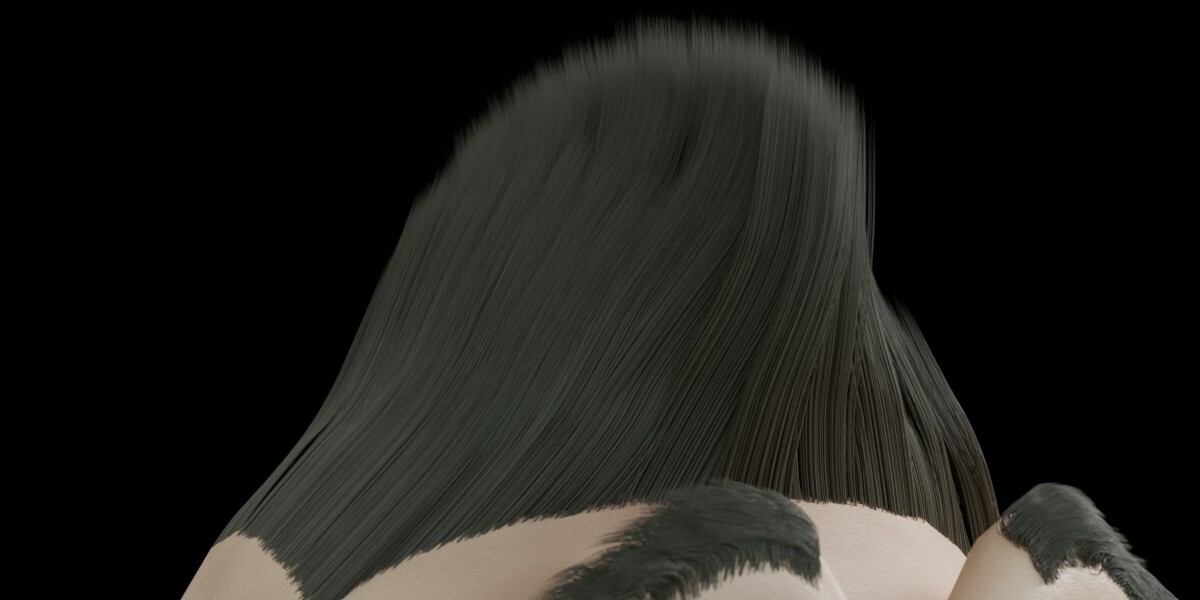
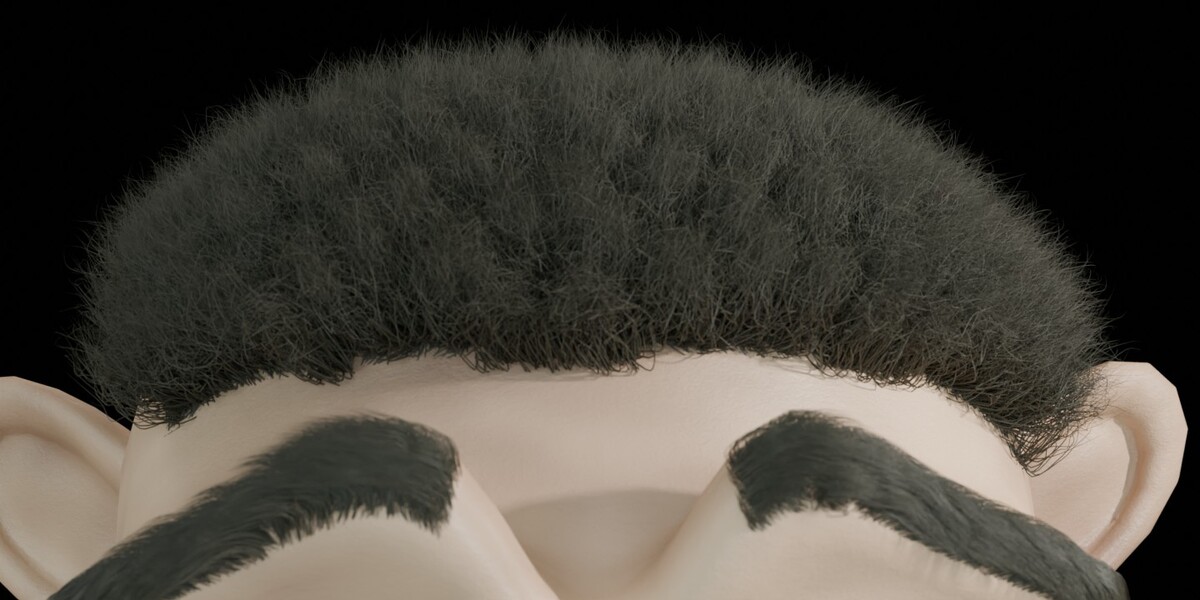
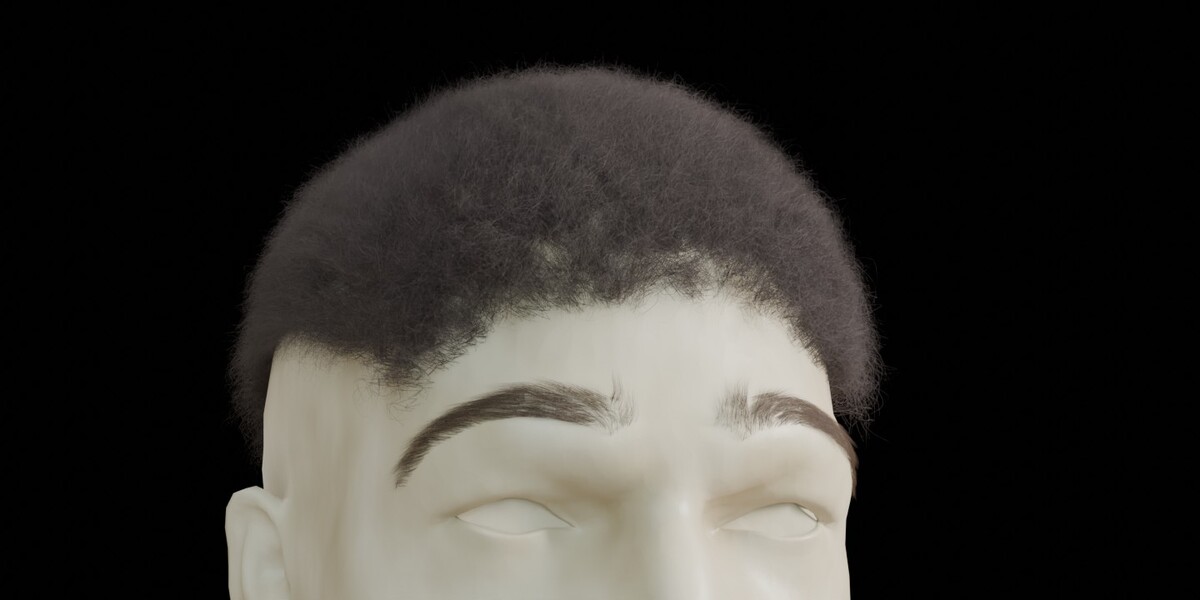
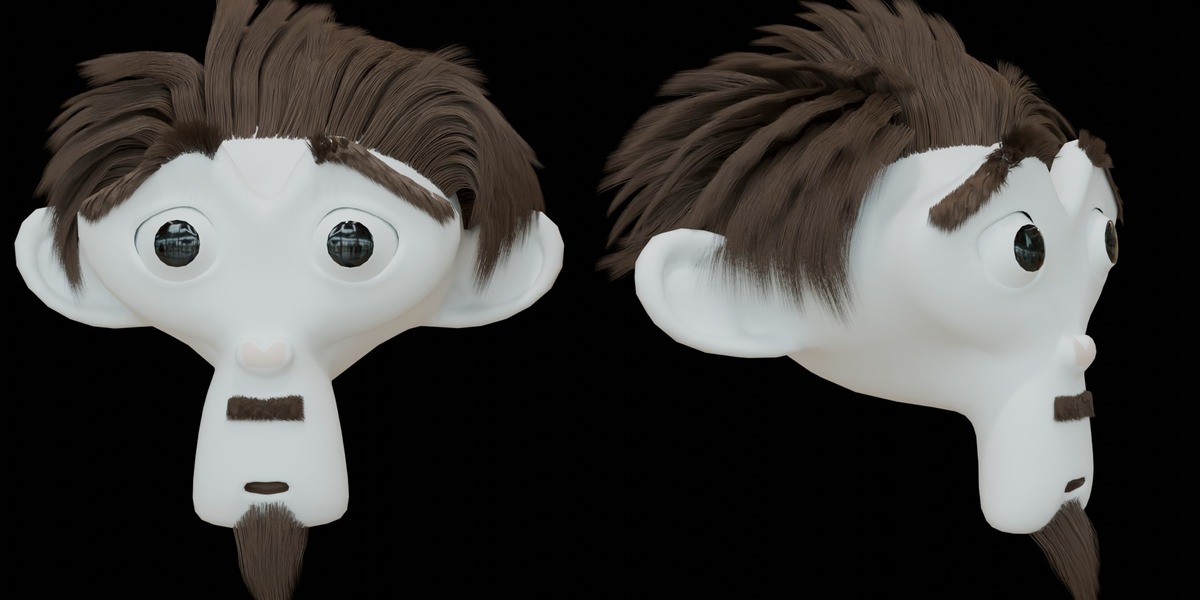
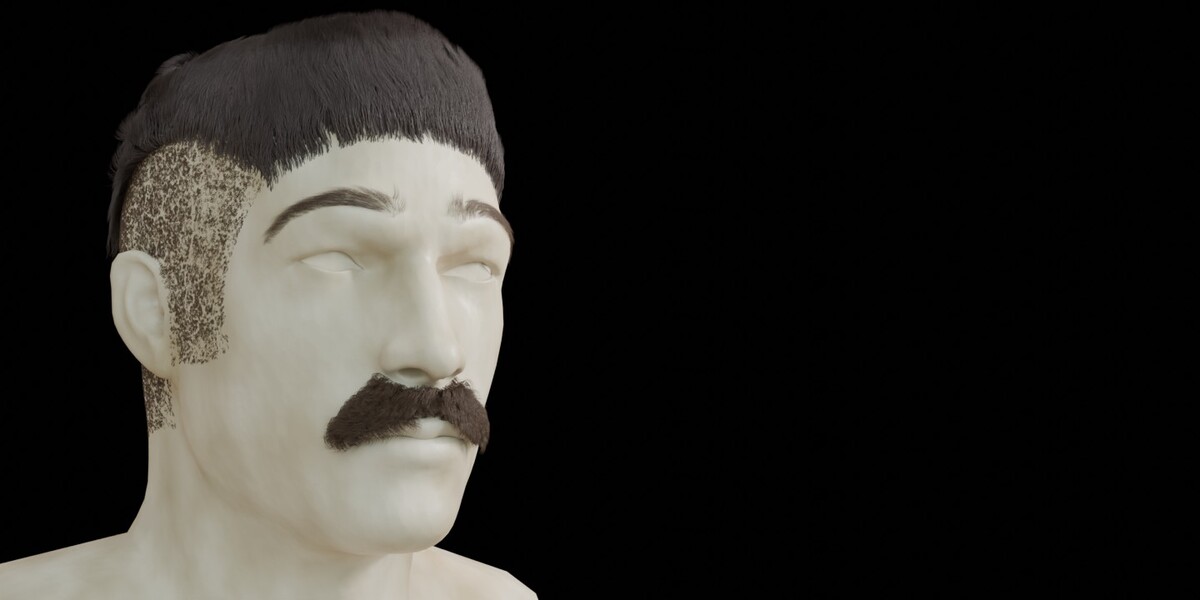
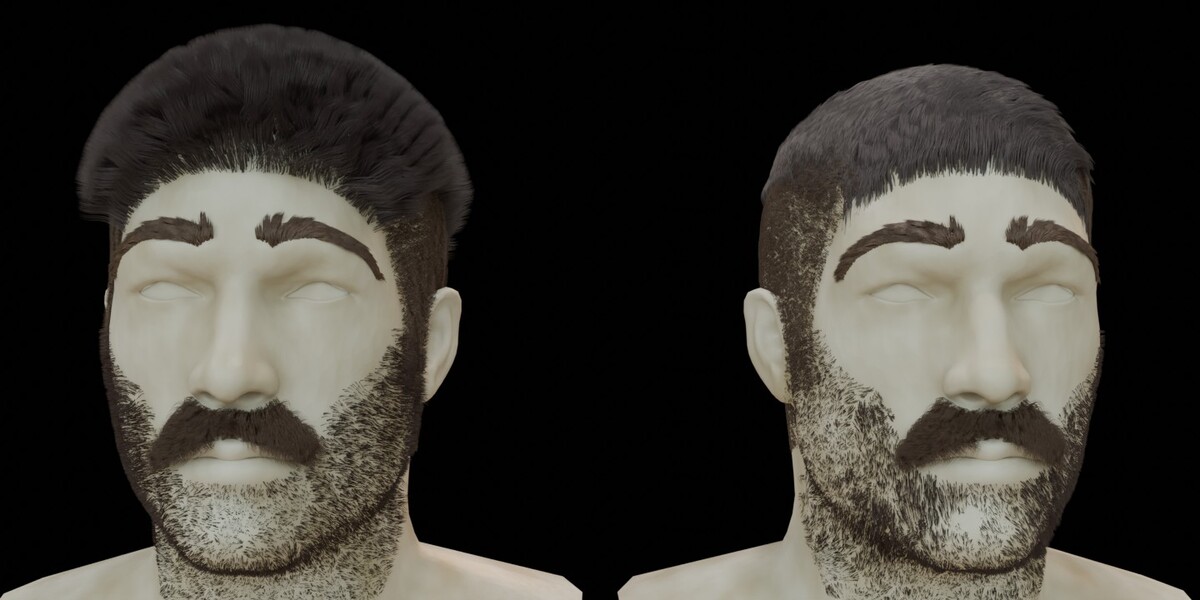
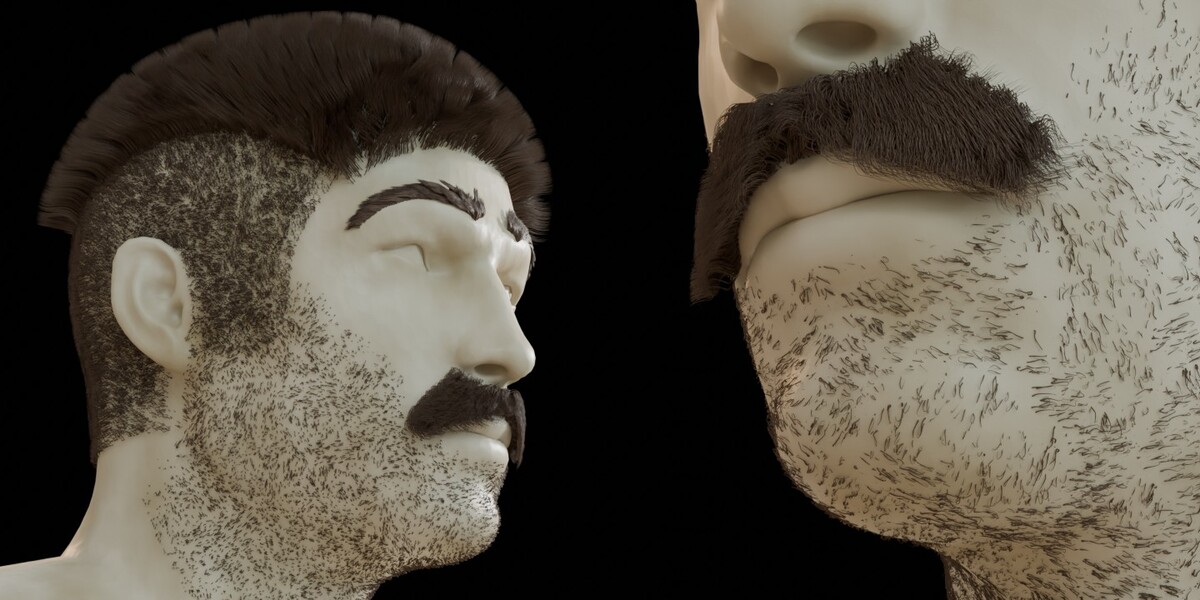
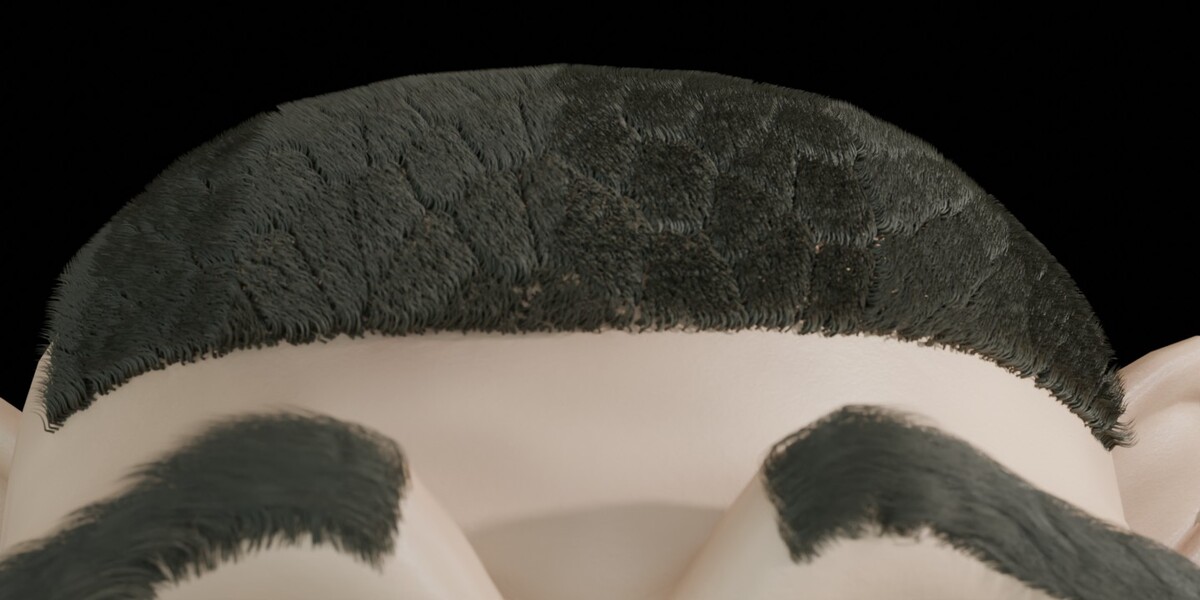
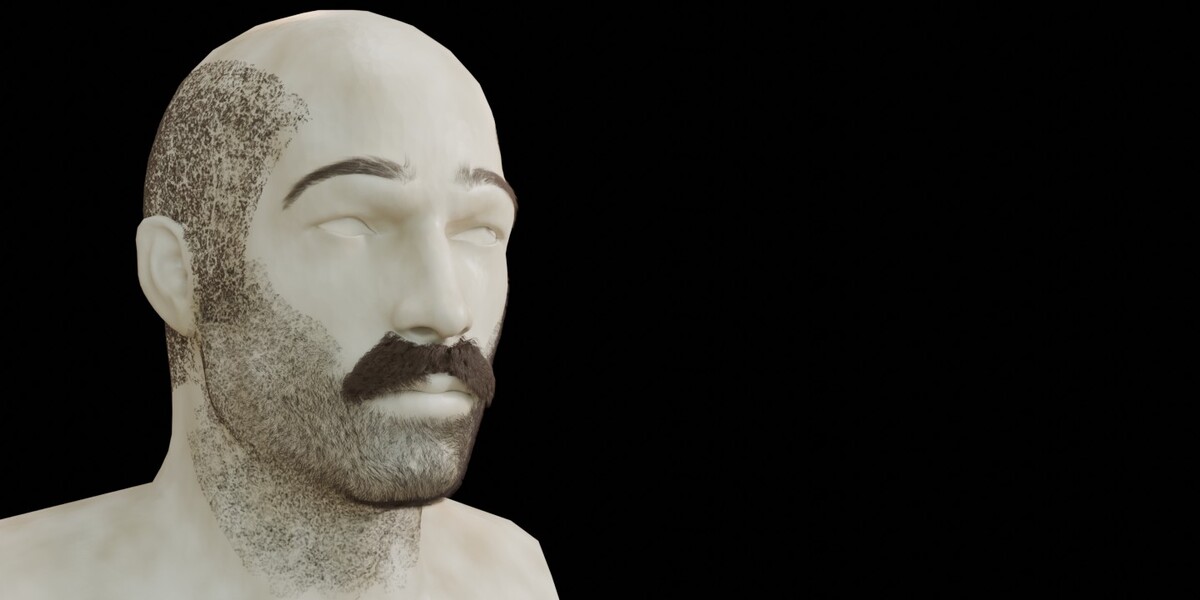
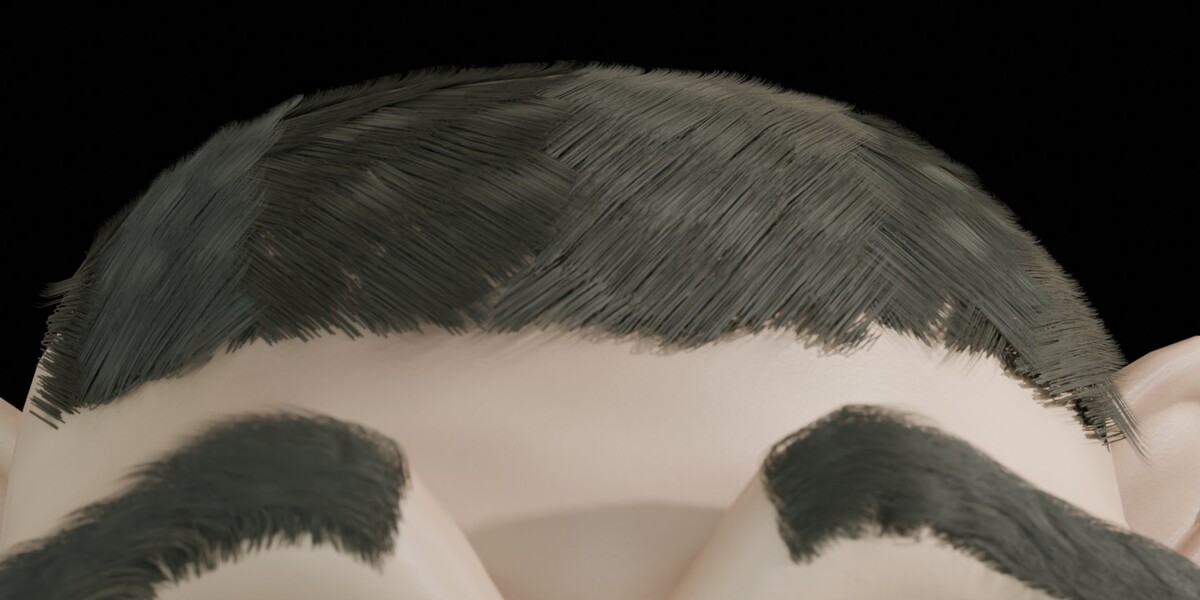
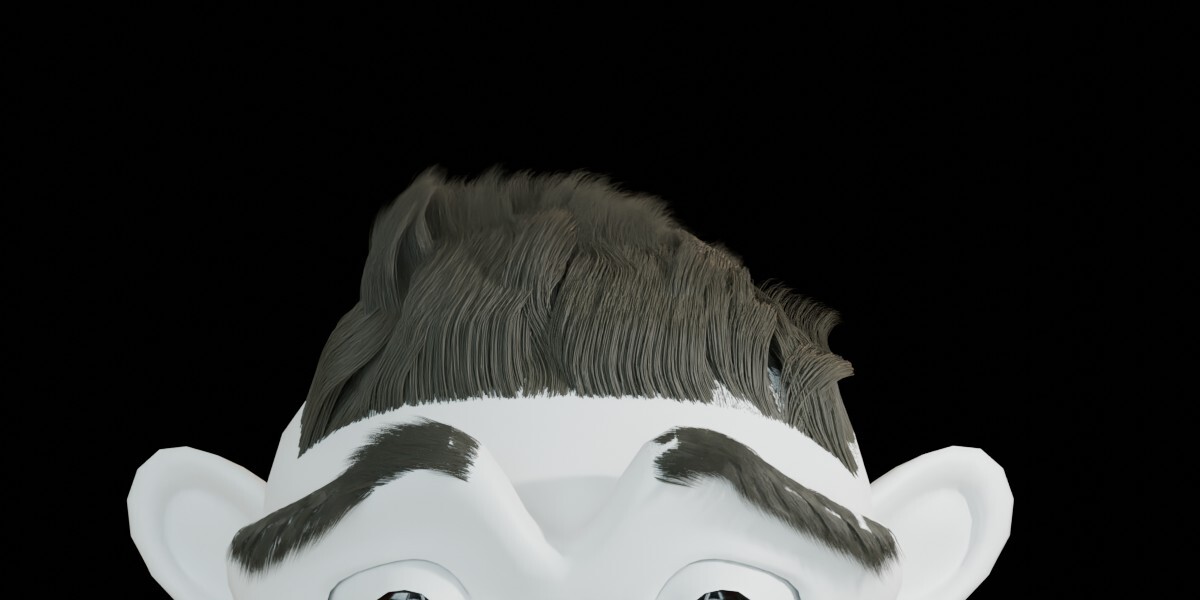
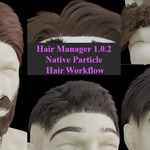
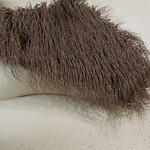
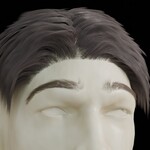
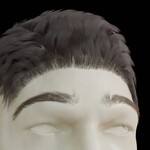
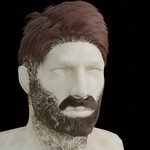
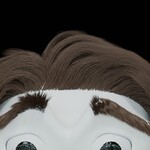

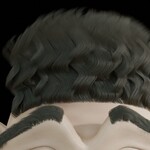

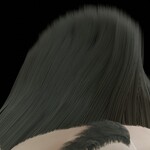
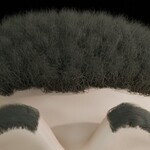
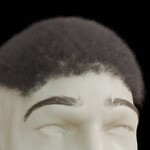
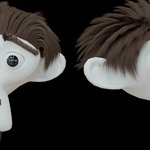
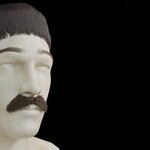
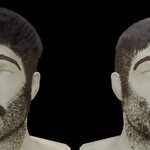
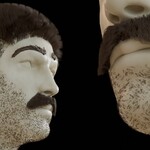
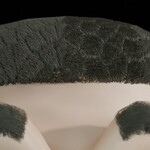
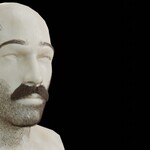

Manage multiple Blender Particle Hair systems from one focused 3D Viewport panel. Apply Hair Look presets, adjust essential hair and child settings, control growth areas with vertex groups, and assign or create simple materials.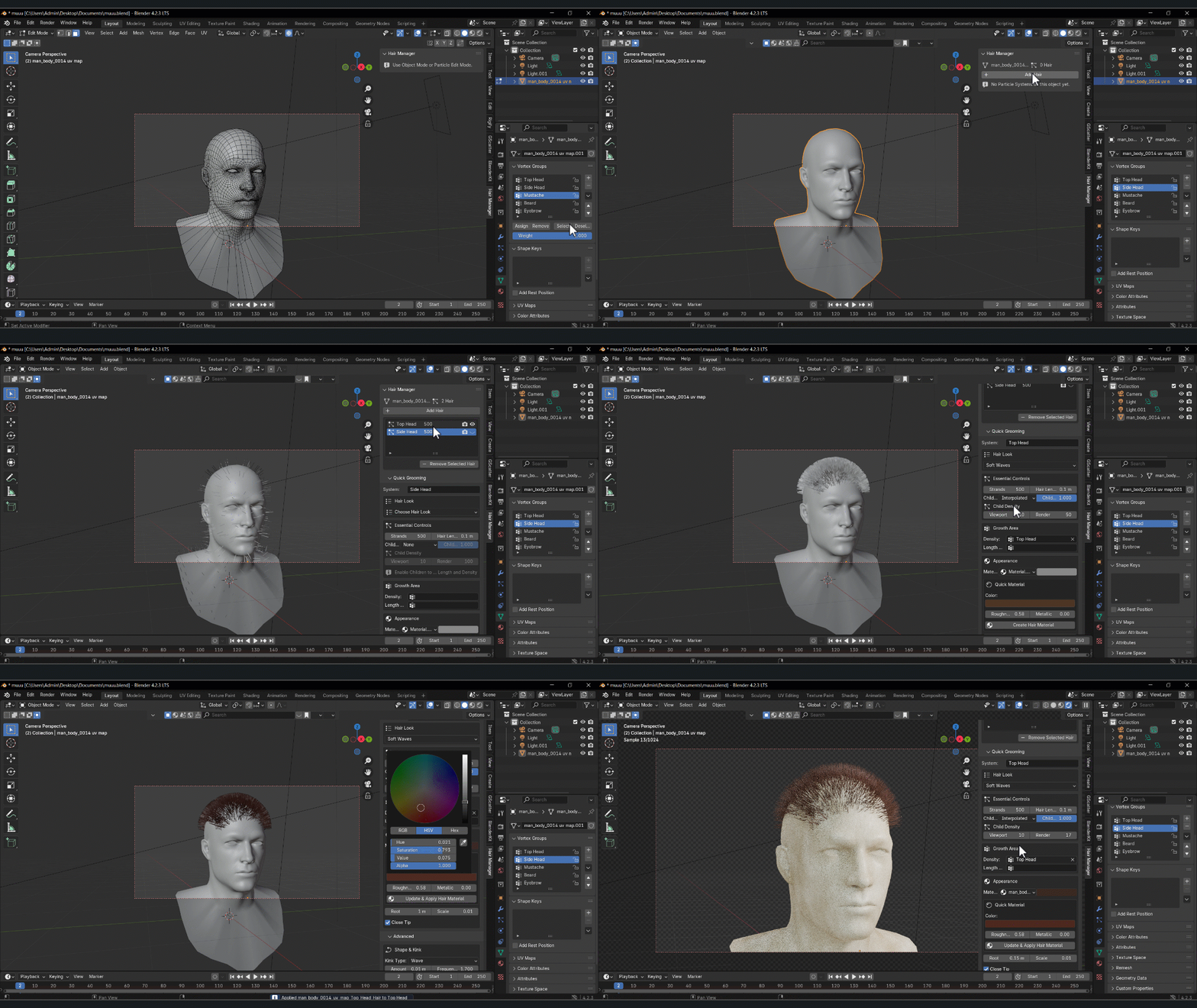
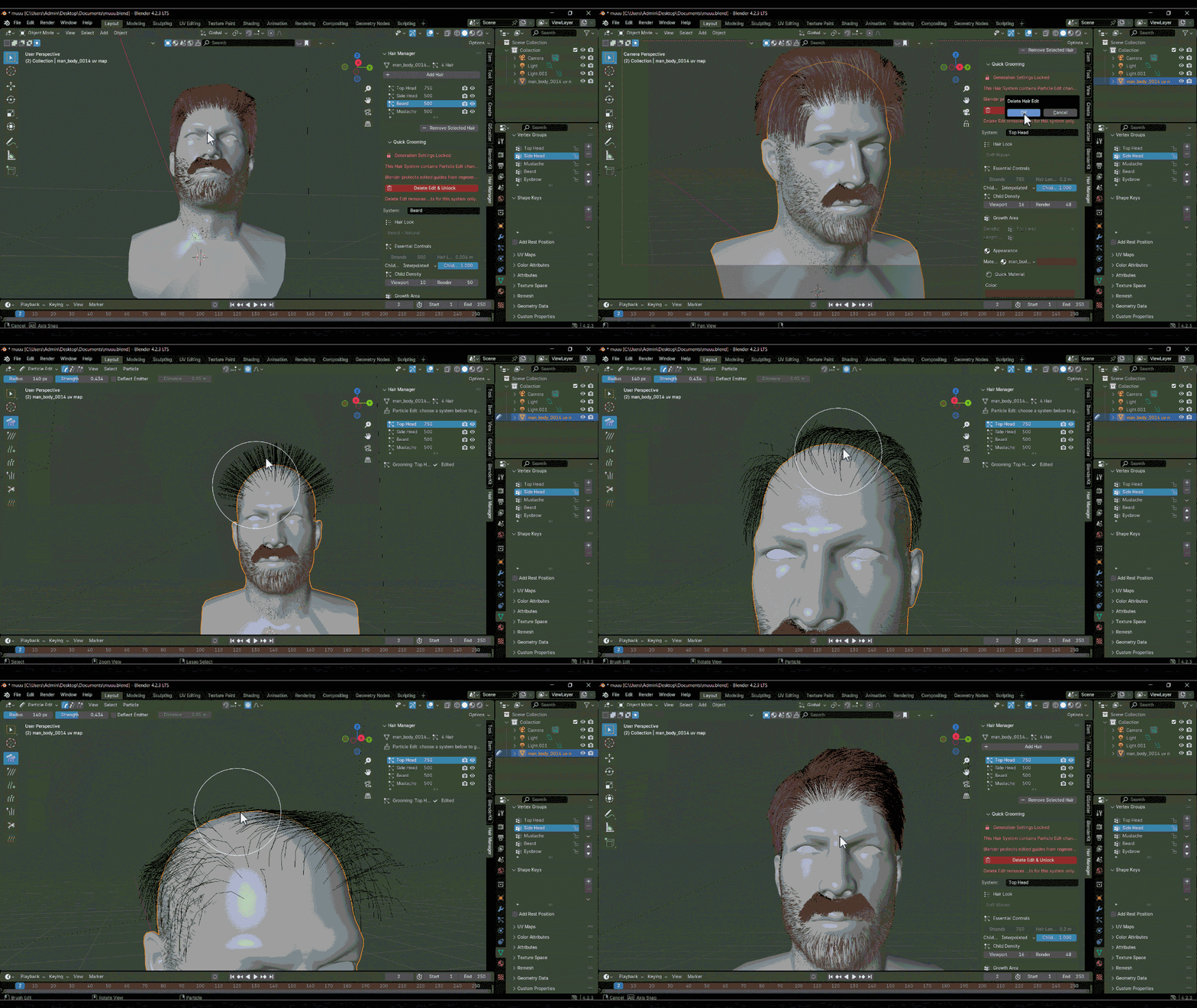
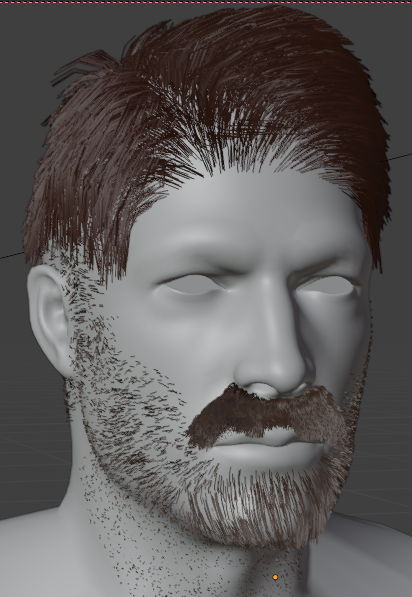
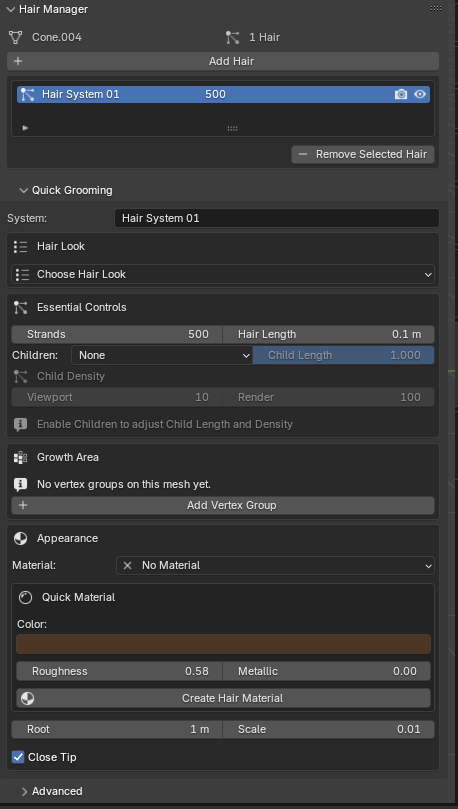
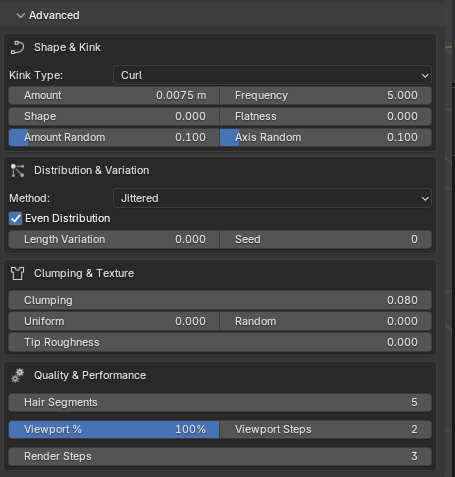
------------------------------------------------------------------------------------------------------------
Hair Manager is a workflow-focused add-on for artists who use Blender's native legacy Particle Hair system. It gathers commonly used controls in the 3D Viewport sidebar, making it easier to manage multiple hair systems on a mesh without constantly switching between Properties panels.
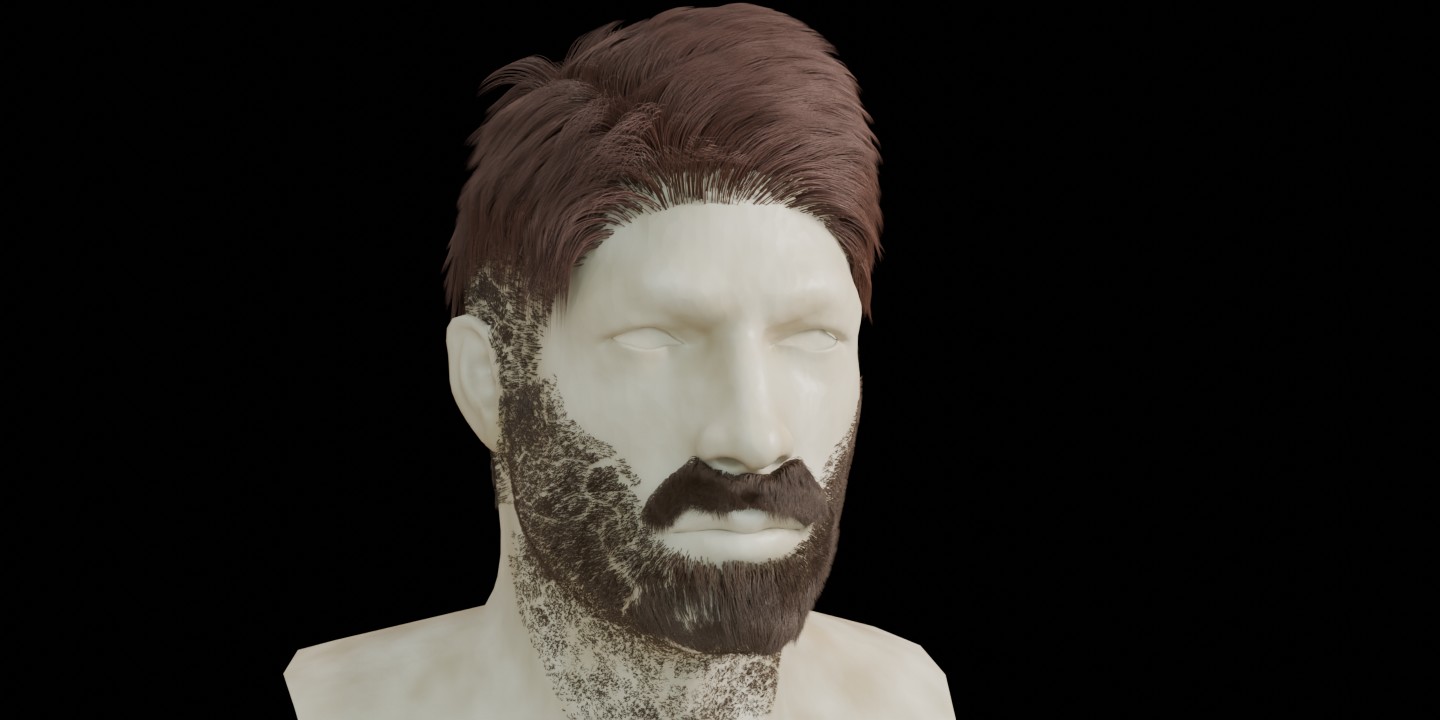
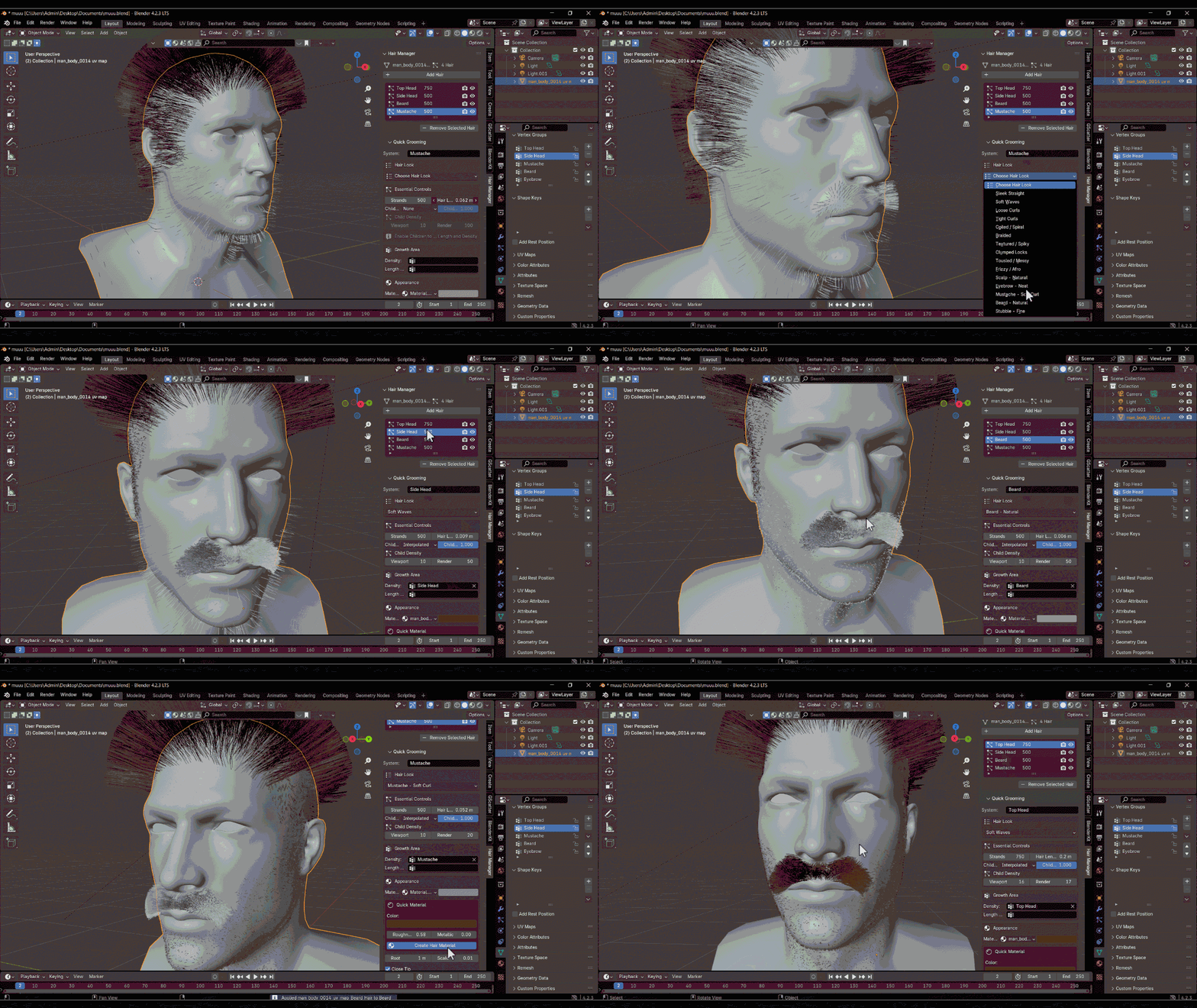
Use the Hair Look presets as a starting point for different strand styles, then fine-tune strand count, hair length, Children, child length, and child density. Vertex Group controls help define where hair grows and how its length is influenced. You can select an existing material from the current Blender file or create a simple Principled material using Color, Roughness, and Metallic controls.
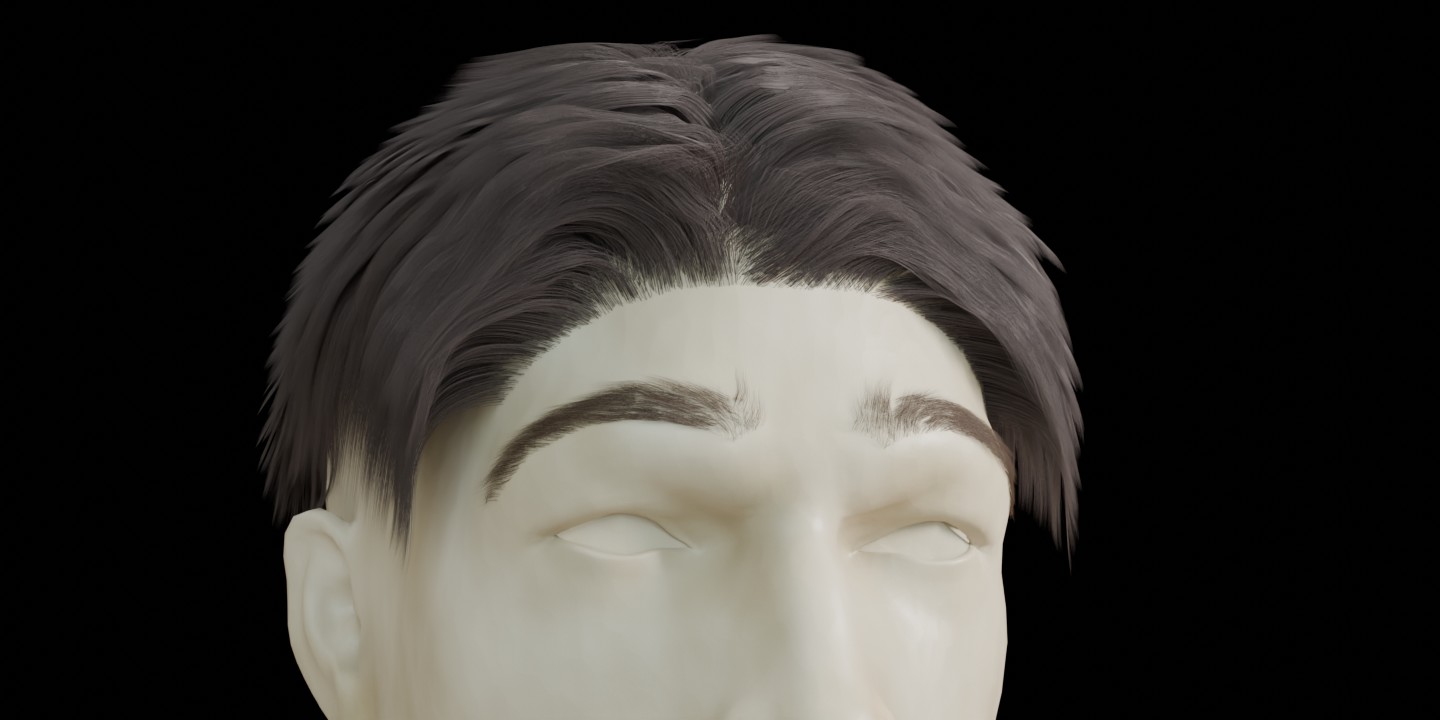
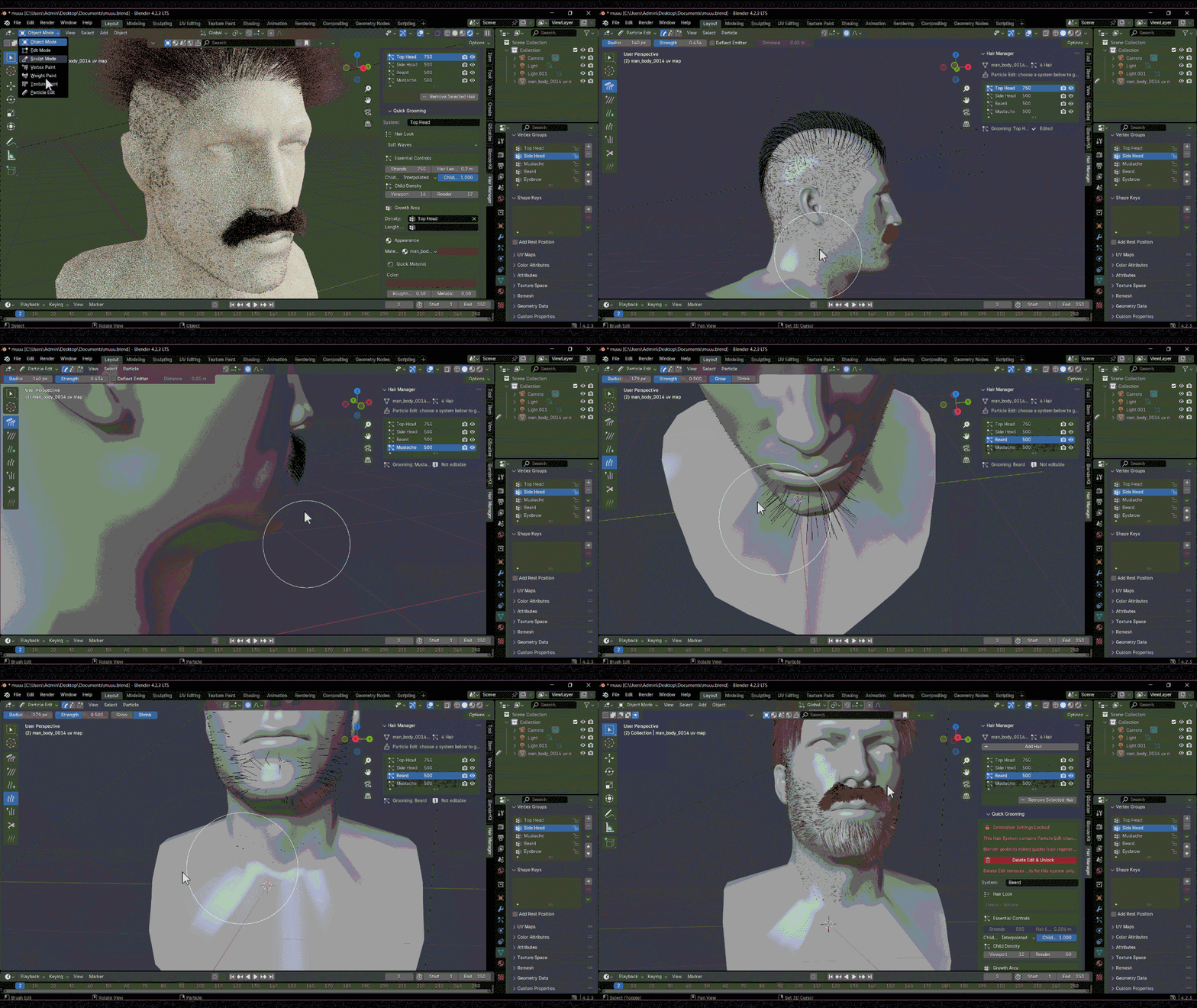
Each hair system has its own Viewport and Render visibility controls. Additional native settings are available in a collapsed Advanced section for users who need more detailed control. If Blender locks generation settings after Particle Edit, Hair Manager explains the state and provides a confirmation-based recovery action for clearing manual edit data on that system.
-
Main features:
- Manage multiple native Hair Particle Systems on a mesh object.
- Toggle Viewport and Render visibility per system.
- Choose from Hair Look presets for straight, wavy, curly, coiled, braided, textured, frizzy, and facial-hair starting styles.
- Adjust strand count, Hair Length, Children type, Child Length, and Child Density.
- Define growth and length influence with Vertex Groups.
- Select a material from the current `.blend` file or create a simple Principled material.
- Access additional shape, distribution, variation, texture, and quality controls in Advanced.
- Detect Particle Edit locks and access a confirmed Delete Edit action when applicable.
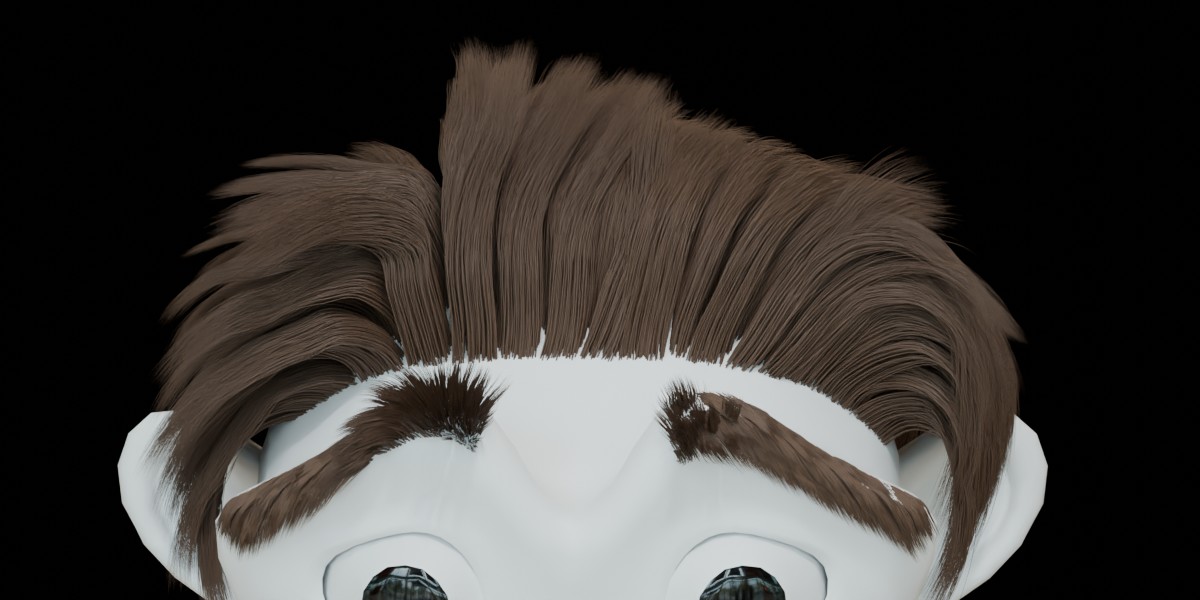
You can see the installation and operation guide below: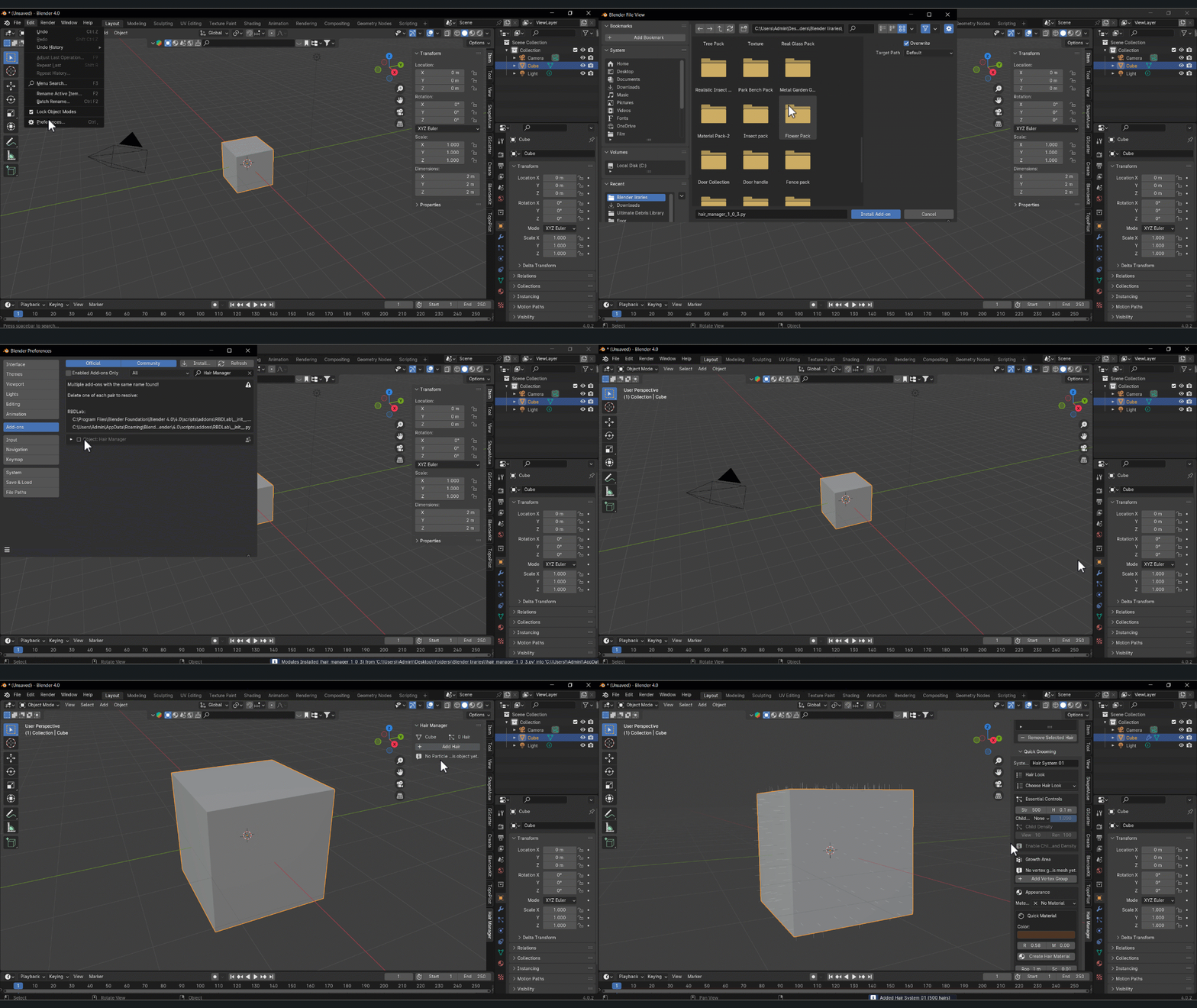
Hair Look presets are parameter starting points, not finished groom assets. Results depend on the mesh, scale, strand distribution, Children settings, and manual grooming. The material swatch is a compact color indicator rather than a rendered shader preview. Delete Edit clears manual Particle Edit grooming data for the selected system; save a backup before using it if those edits are important.
Hair Manager is released as version 1.0.3, and user feedback is welcome. If you encounter a bug, compatibility issue, or unexpected behavior, please send your Blender version, a short description, reproduction steps, and a screenshot or short recording when possible. Reports and suggestions are appreciated and will help guide future improvements and fixes.
Compatibility
Hair Manager declares Blender 4.0 as its minimum target version and is designed for Blender's legacy Particle Hair system.
It does not support the newer Hair Curves system. The availability and behavior of legacy Particle Hair features may vary between Blender releases.
Please check compatibility with your intended Blender version before using the add-on in a production project.
Built with user feedback in mind.
Hair Manager is designed to make Blender's native Particle Hair workflow more accessible and organized. We welcome honest feedback, bug reports, and practical suggestions from artists. Your feedback helps us identify issues and improve the add-on in future updates.
----------------------------------------------------------------------------------------------------