 Ilyaken

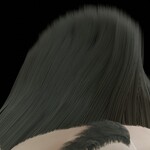
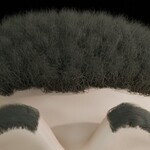
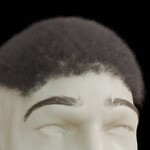
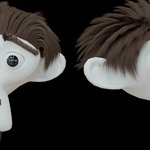
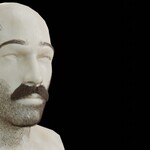
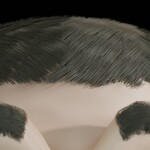

Hair Manager – User Documentation
1. About Hair Manager
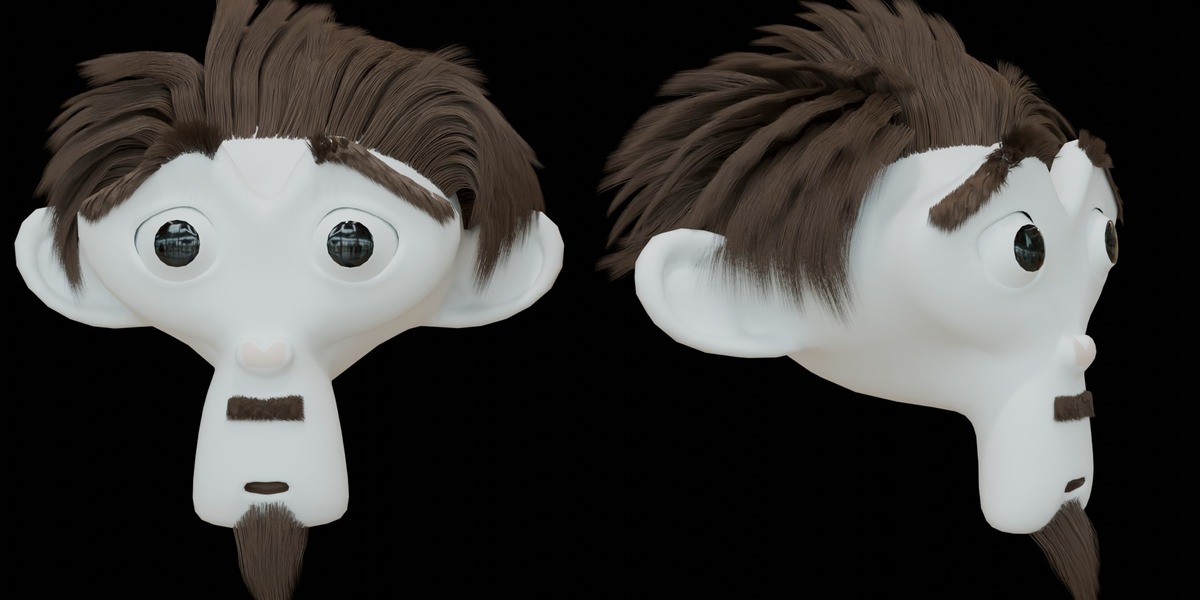
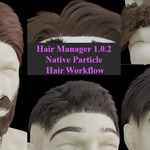
Hair Manager is an independent third-party add-on designed to provide a centralized interface for managing Blender's native legacy Particle Hair systems.
It brings selected hair management, appearance, material, and grooming-related controls into the 3D Viewport Sidebar.
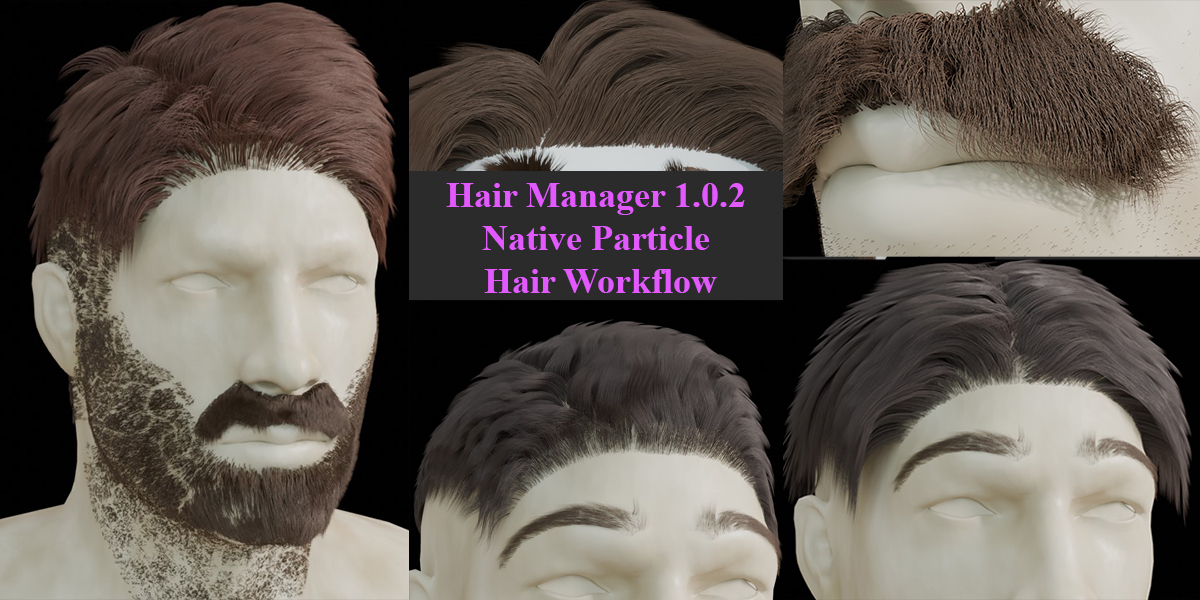
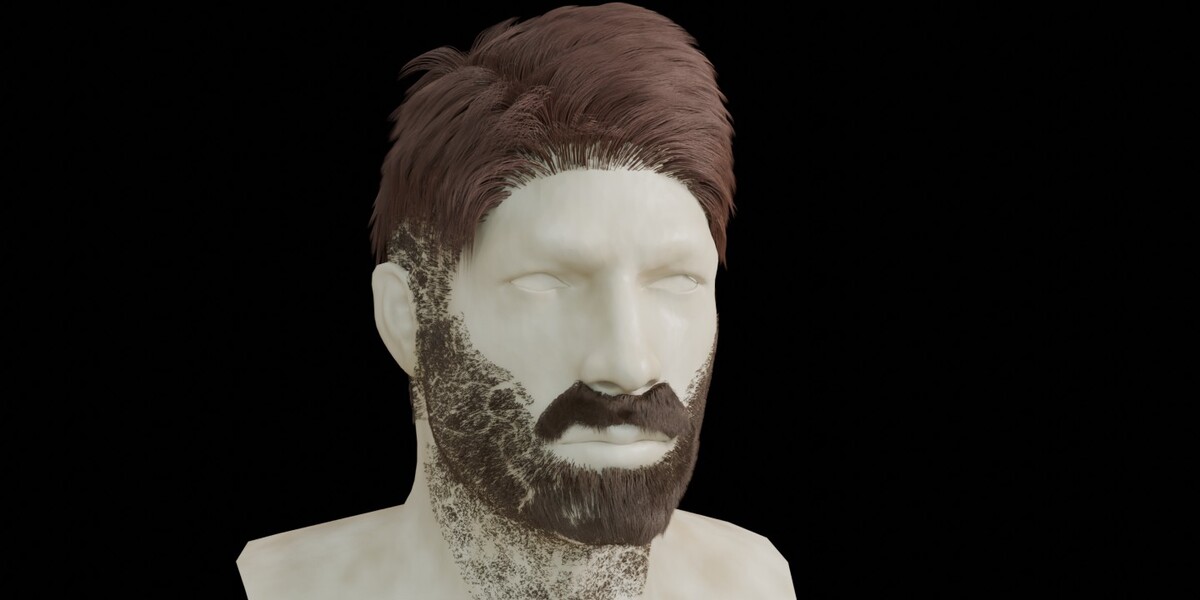
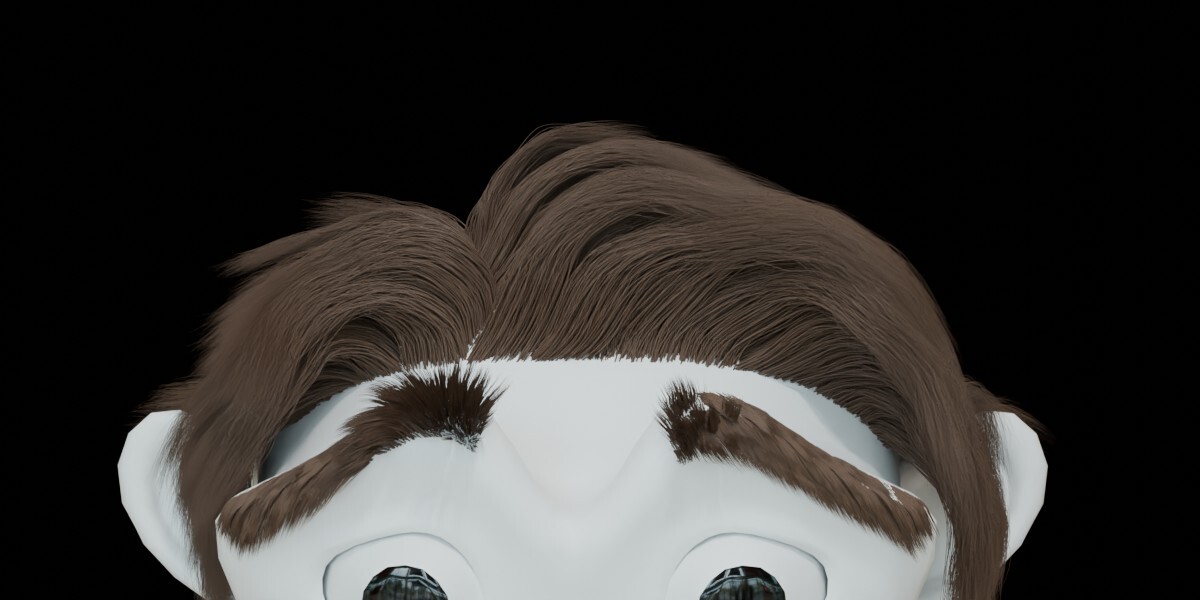
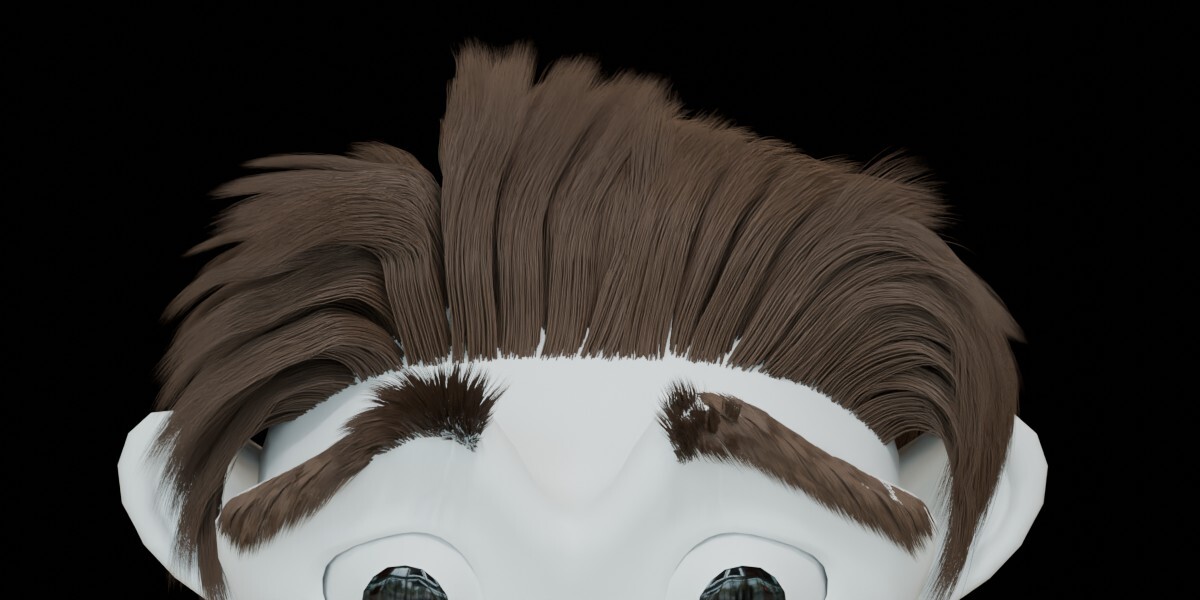
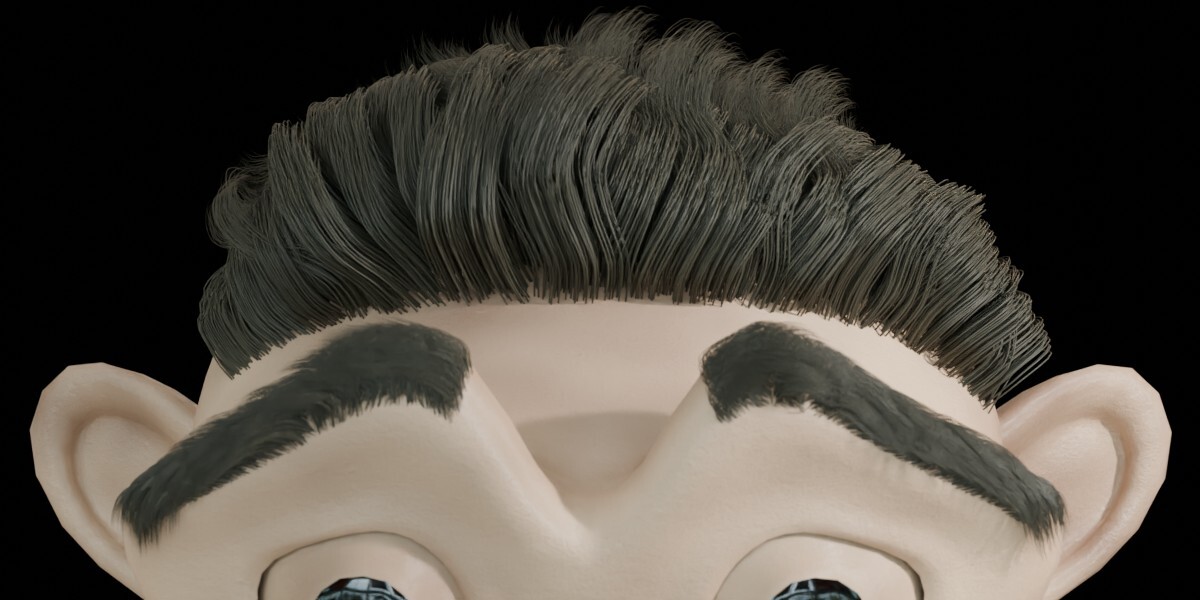
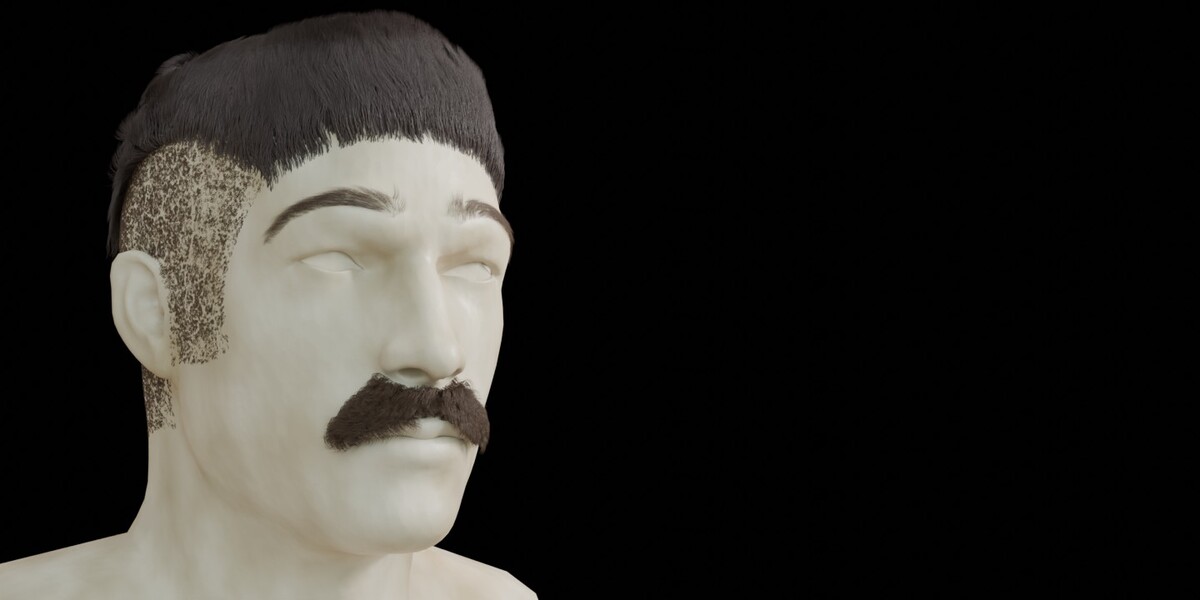
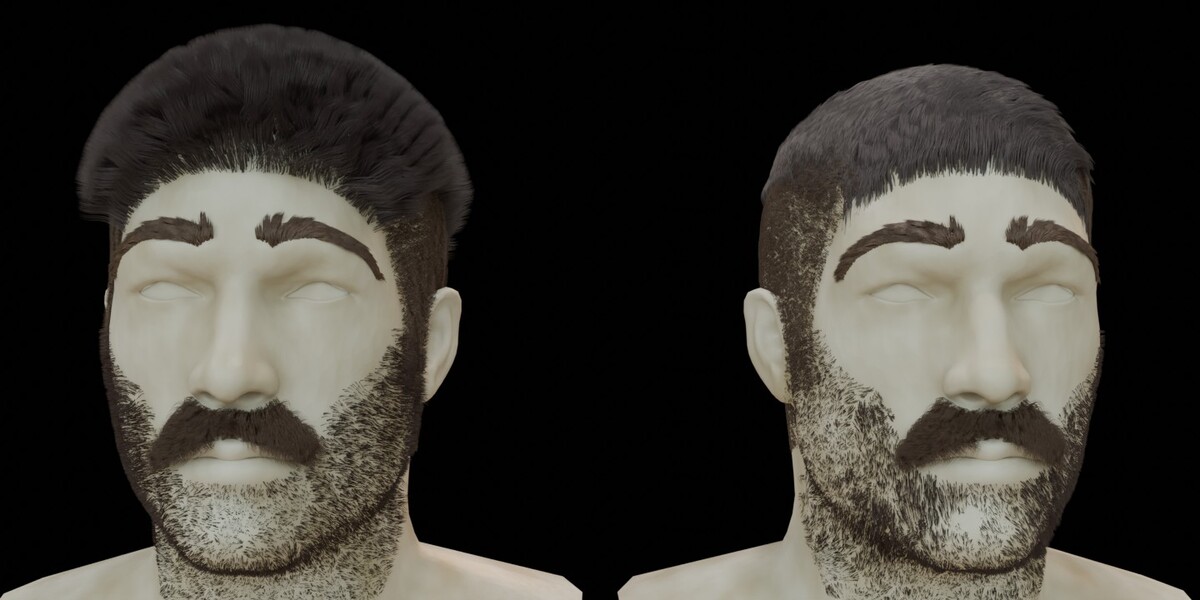
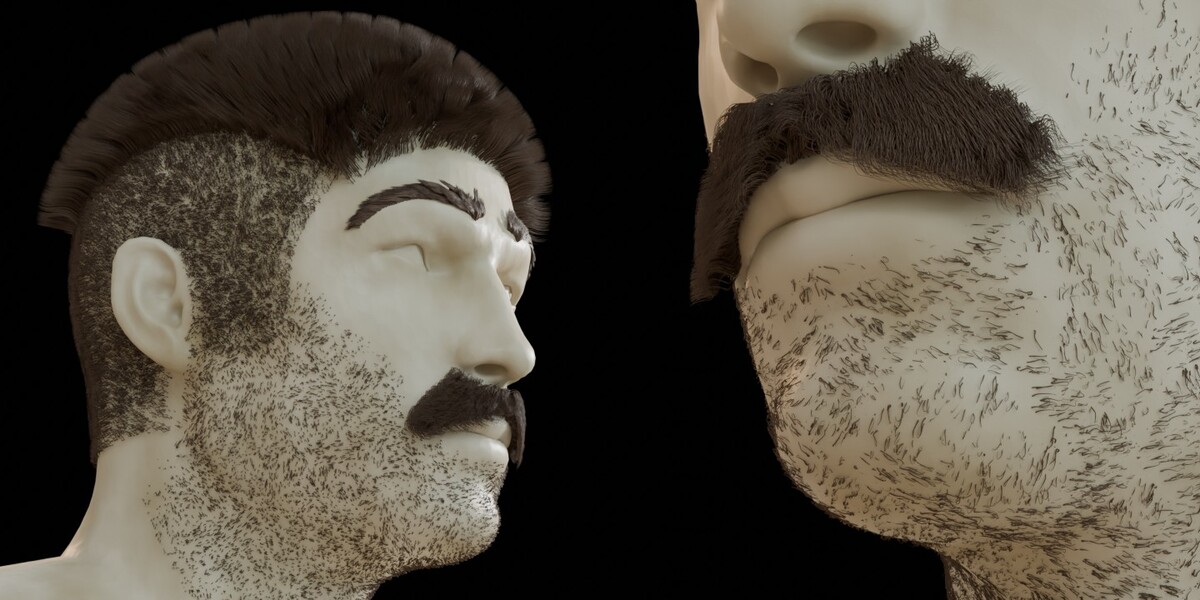
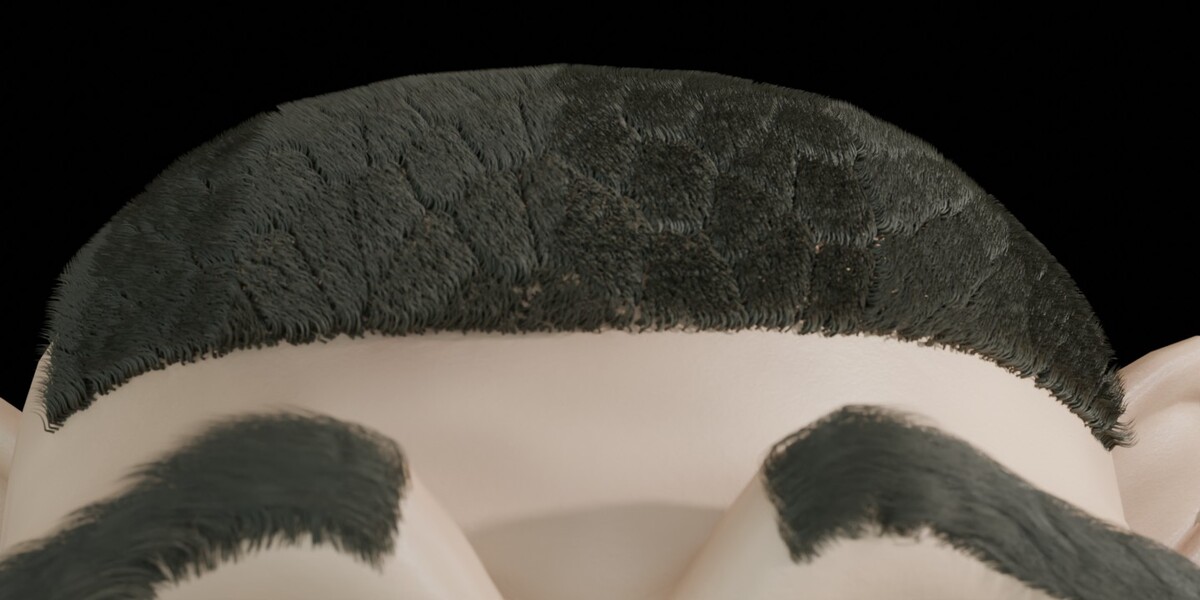
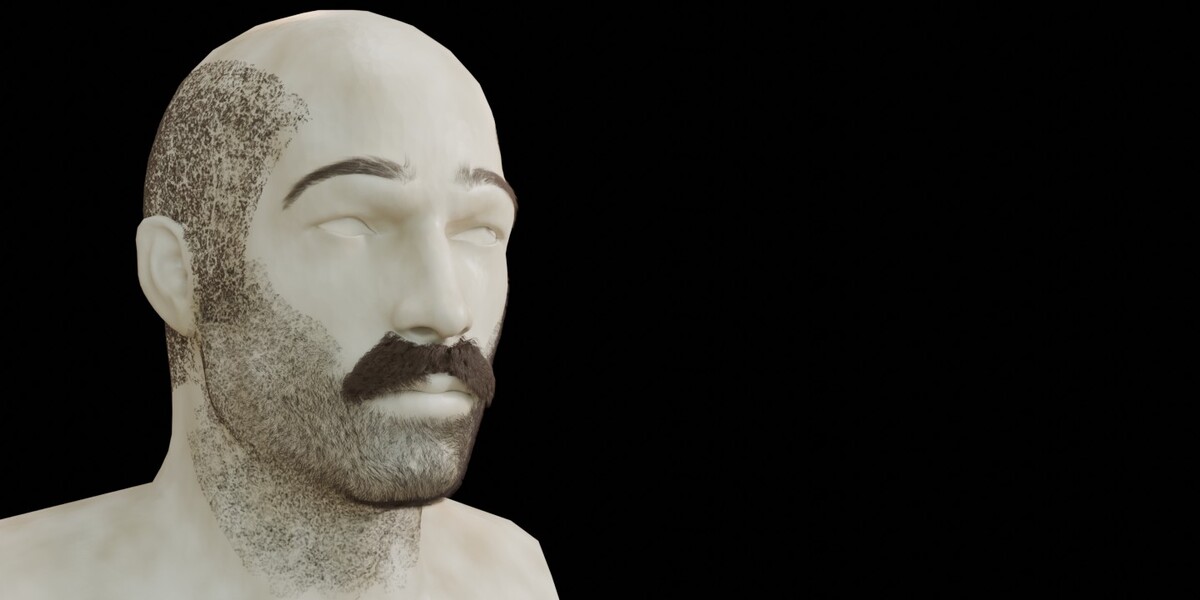
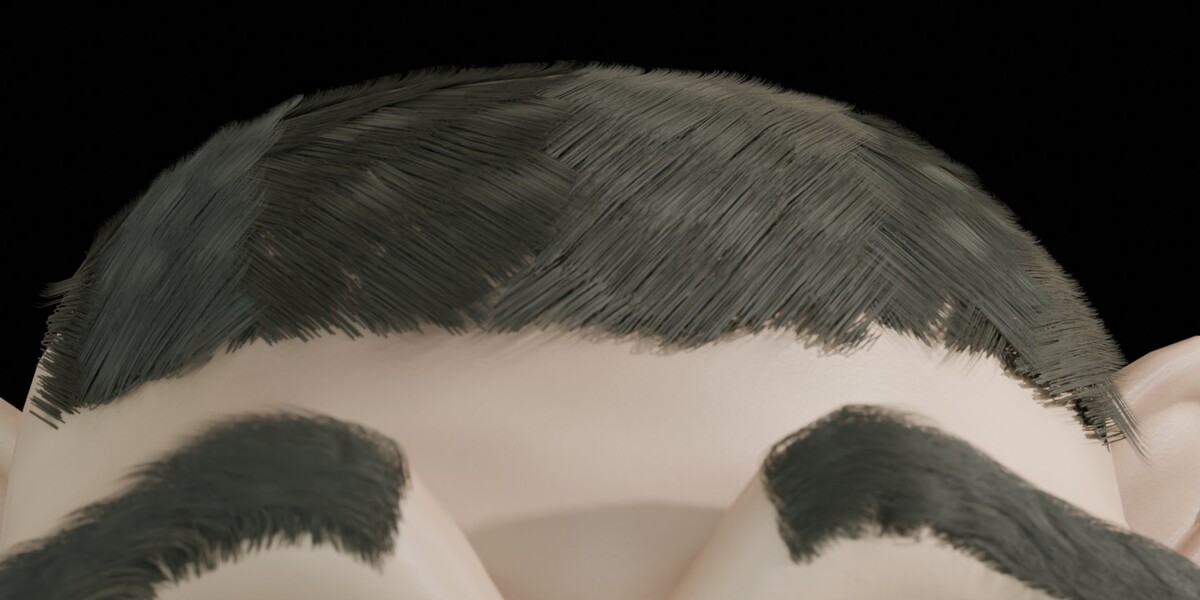
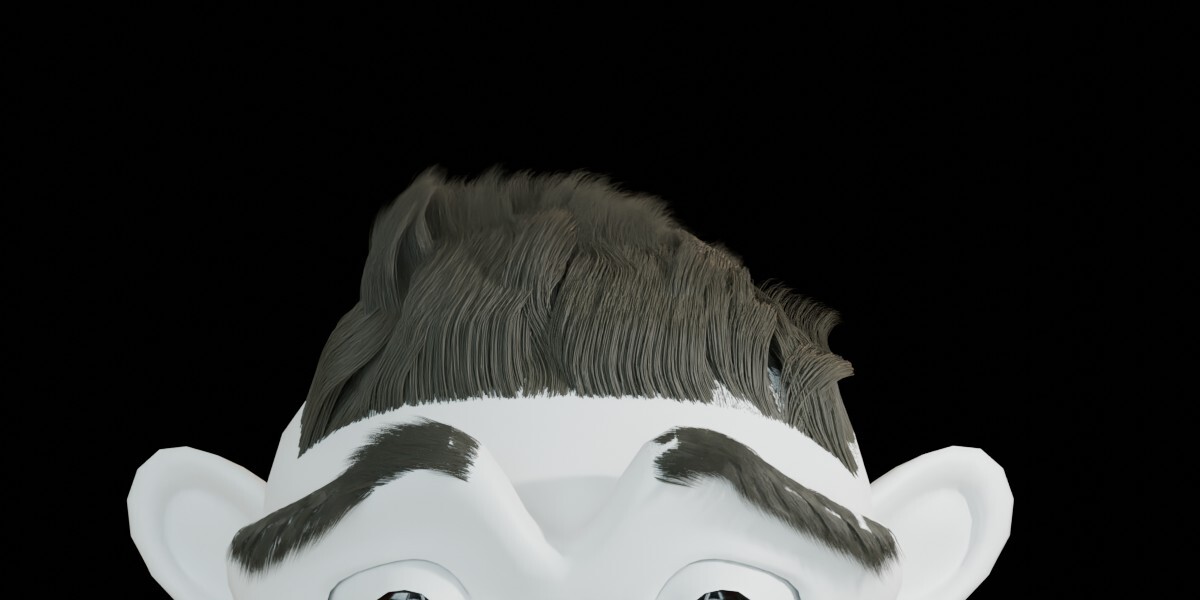
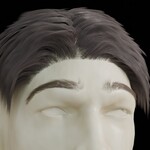
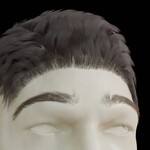
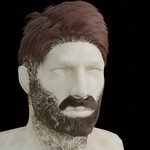
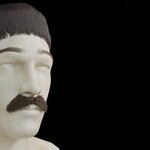
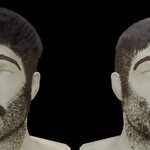
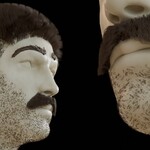
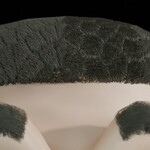
The add-on is intended for workflows involving scalp hair, eyebrows, eyelashes, moustaches, beards, stubble, and other strand-based applications.
Hair Manager uses Blender's existing Particle Hair functionality. It does not provide a separate hair simulation engine or replace Blender's native hair system.
2. Installation
Download the Hair Manager ZIP package.
Extract the ZIP file to a folder on your computer.
Locate the included Python (
.py) file.Open Blender.
Go to Edit → Preferences → Add-ons.
Select Install from Disk from the installation menu.
Browse to the extracted Python file and select it.
Enable Hair Manager in the add-ons list.
After installation, select a mesh object, press N in the 3D Viewport, and open the Hair Manager tab.
Menu names and locations may vary slightly between Blender versions.
3. Adding and Managing Hair Systems
Select a mesh object and click Add Hair to create a Particle Hair system.
Additional systems can be added to the same object. Each system can be selected and managed separately through the Hair Manager system list.
Typical applications include:
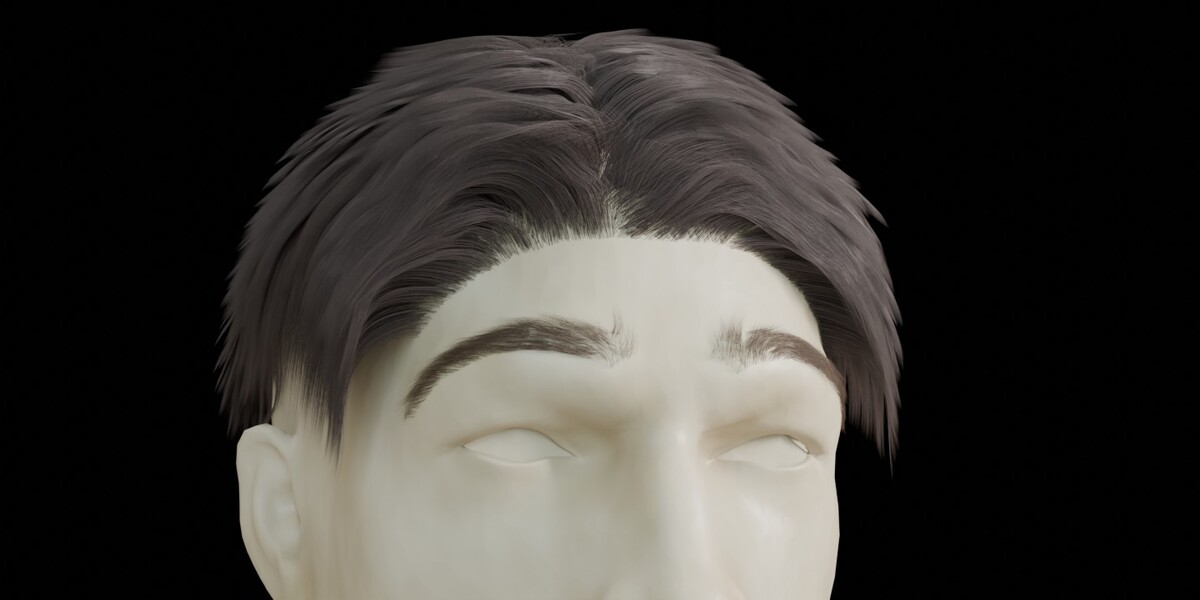
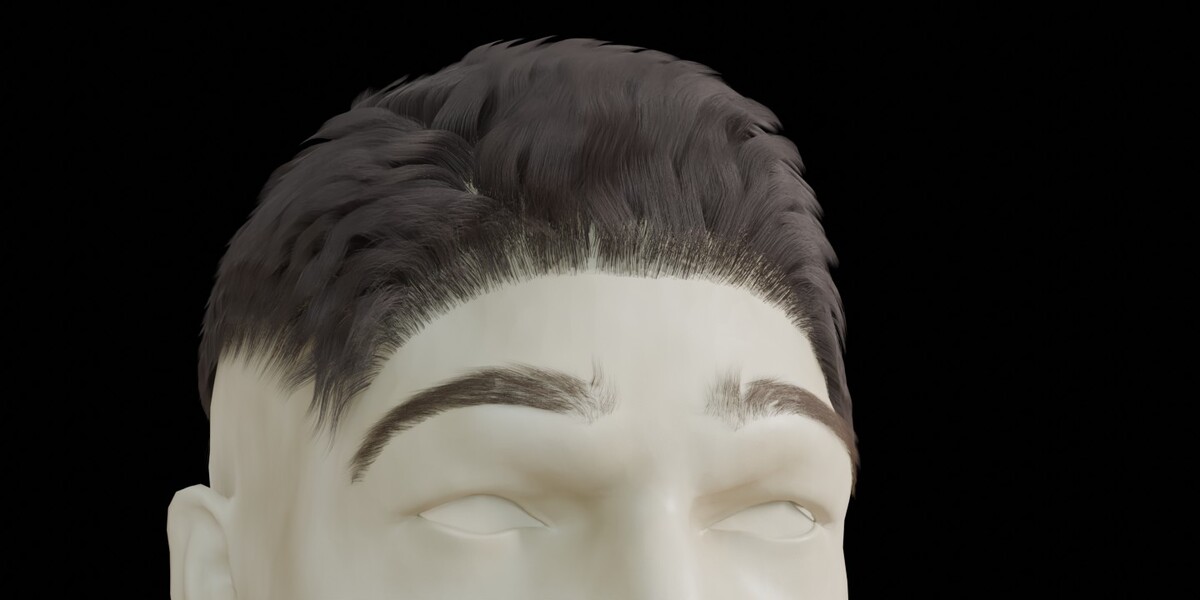
Scalp hair
Eyebrows
Eyelashes
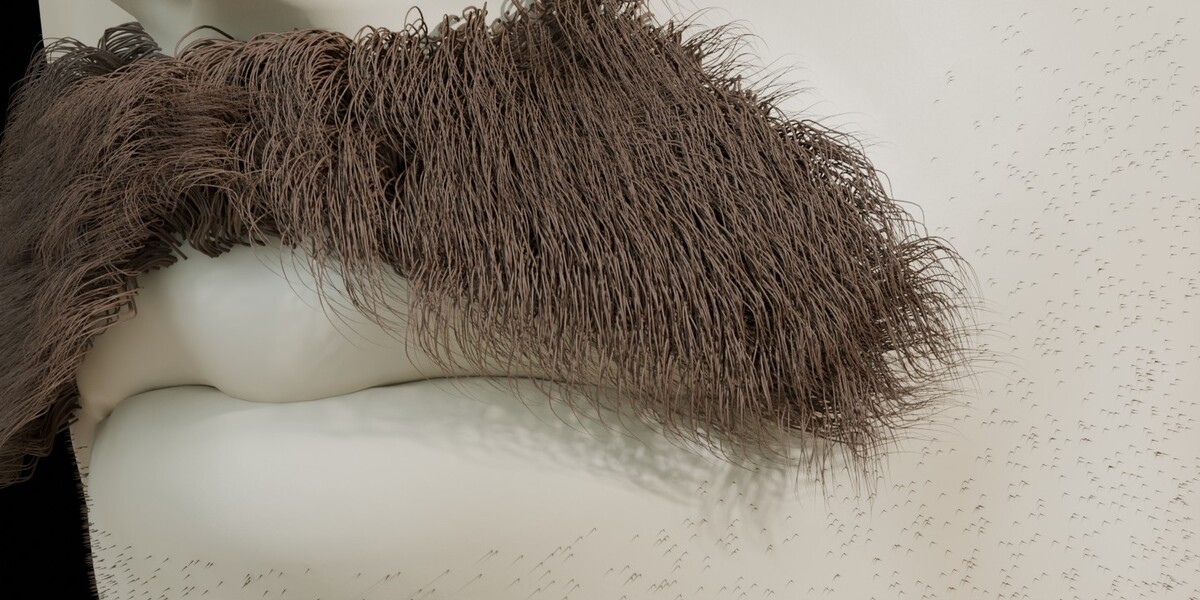
Moustache
Beard
Stubble
Available controls and their behavior depend on the active hair system and Blender's native restrictions.
4. Hair Looks
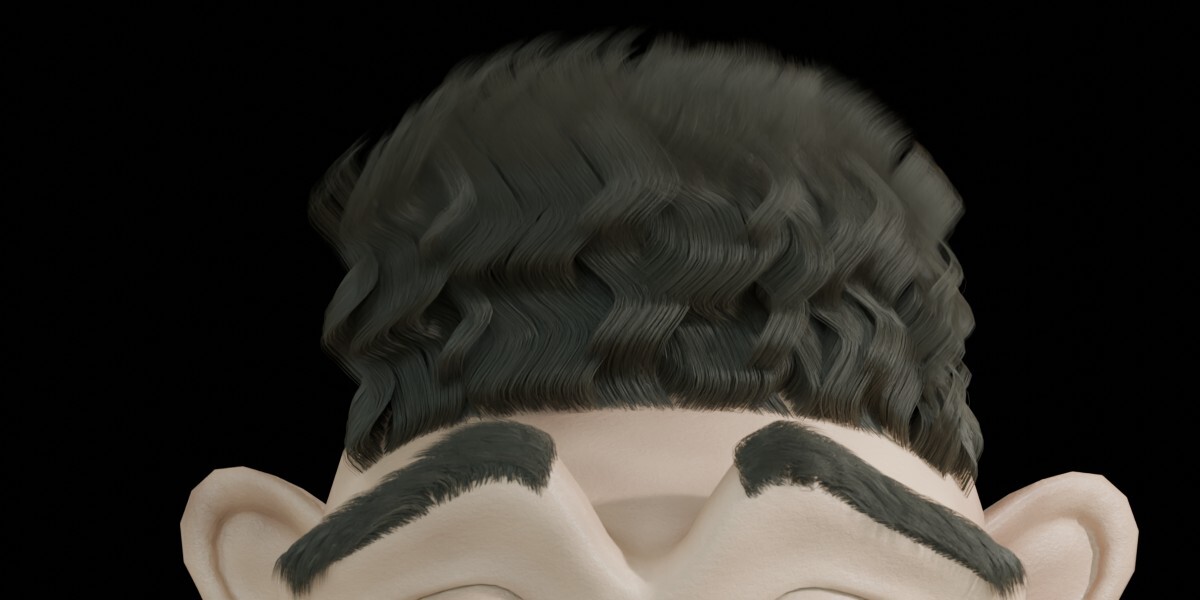
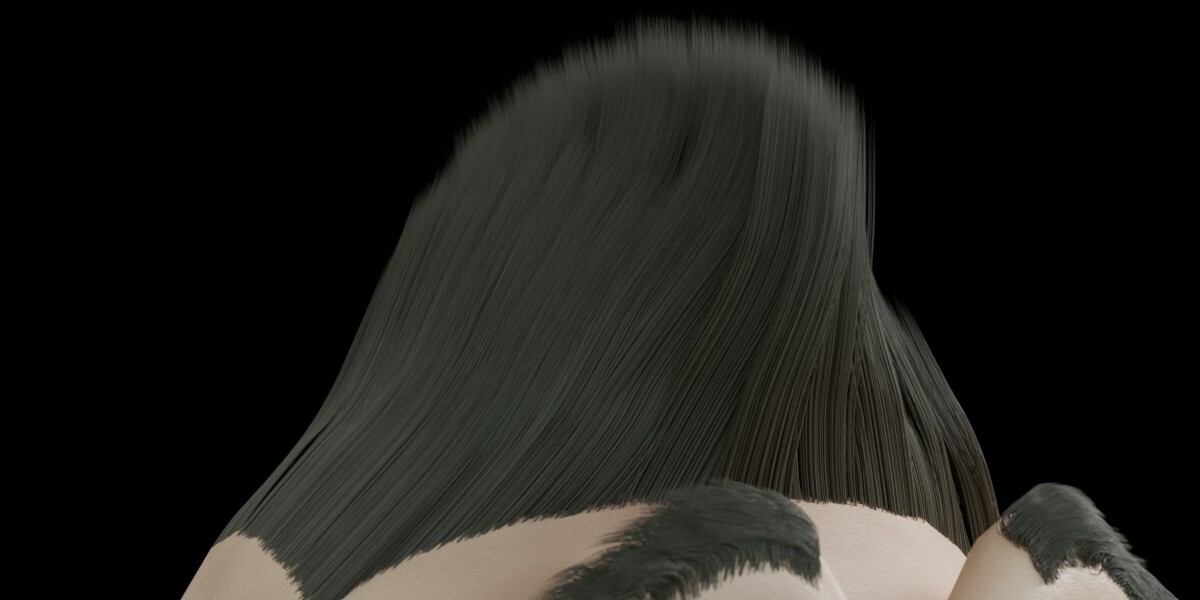
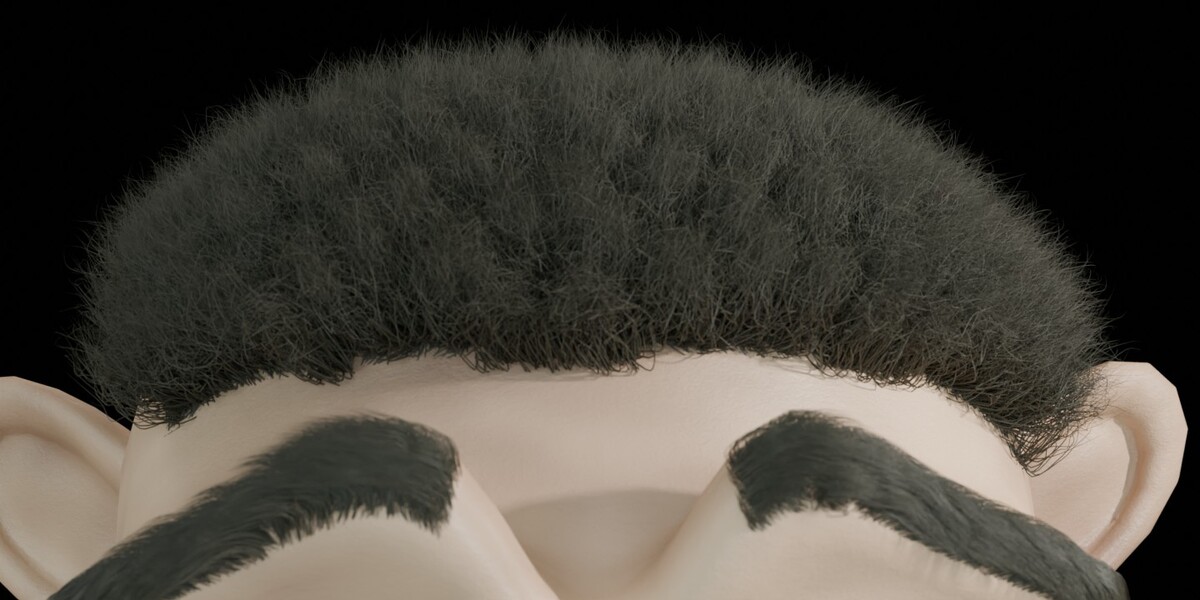
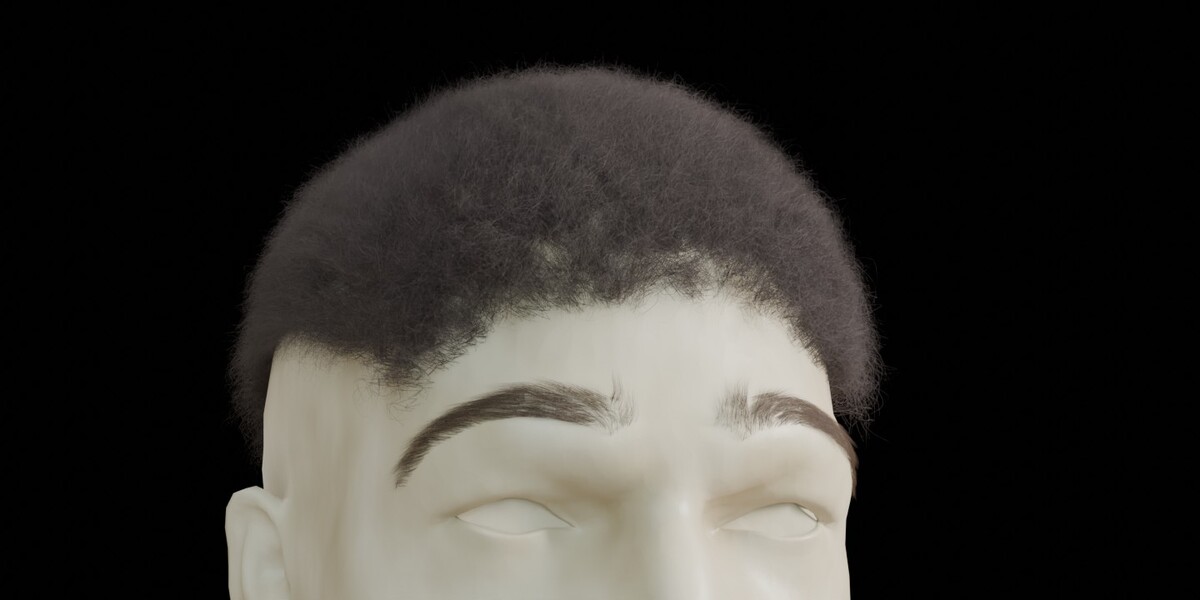
Hair Looks provides a collection of starting presets for different hair appearances.
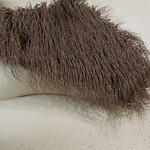
Available styles may include straight, wavy, curly, coiled, braided, frizzy, and facial-hair variations.
Presets adjust selected settings of the active Particle Hair system. They are intended as starting configurations rather than finished hairstyles.
The final appearance depends on the underlying mesh, hair distribution, particle settings, and any additional grooming.
5. Essential Hair Controls
The Essential Controls section provides access to commonly used Particle Hair properties.
Strands: Controls the number of parent hair strands.
Hair Length: Controls the length of parent hair strands.
Children: Provides access to Blender's available child hair generation modes.
Child Length: Controls the length of child hairs independently of the parent hair length.
Child Density: Provides separate controls for child hair display and render amounts.
The availability and editability of these properties may depend on the state of the selected Particle Hair system.
6. Growth Area – Vertex Groups
Hair Manager provides access to Blender's Vertex Group controls.
Density: Uses a Vertex Group to influence where hair is generated.
Length Mask: Uses vertex weights to influence hair length across the mesh.
The resulting distribution depends on the assigned group and its weight values.
7. Materials and Appearance
Hair Manager provides access to existing Blender materials and a Quick Material section.
Quick Material offers controls for:
Base Color
Roughness
Metallic
The simplified material creation workflow uses Blender's Principled BSDF shader.
Artists who require more complex shading can continue editing the material through Blender's Shader Editor.
The appearance of the final hair material depends on the shader configuration, lighting, rendering engine, and scene settings.
8. Particle Edit and Grooming
Hair Manager includes a system selection interface intended to make switching between Particle Hair systems more convenient during grooming.
This can be useful when working with separate systems for scalp hair, eyebrows, moustaches, and beards.
The selected Particle System is controlled through Blender's native particle system selection.
Particle Edit behavior remains subject to Blender's own tools, data structures, and restrictions.
9. Locked Settings and Delete Edit
Blender may restrict certain hair-generation properties after manual Particle Edit operations.
Hair Manager provides access to Blender's native Delete Edit operation when applicable.
Important: Delete Edit clears stored manual hair-editing data for the selected system. This operation may remove previously groomed hair paths.
Save a separate backup of your project before using this operation if you need to preserve the existing grooming work.
Other properties may remain editable depending on the selected system's state and Blender's native restrictions.
10. Visibility Controls
Hair Manager provides separate Viewport and Render visibility controls for individual hair systems.
These controls affect the corresponding system's visibility in the working viewport or final render.
Actual visibility may also be influenced by other Blender settings, modifiers, and scene configuration.
11. Advanced Settings
The Advanced section provides access to additional native Particle Hair properties.
Depending on the selected system and Blender version, these may include controls related to:
Hair shape and kink
Child distribution
Clumping
Roughness and variation
Randomization
Texture-related properties
Viewport and render display settings
The available settings are determined by the underlying Blender API and the state of the active Particle Hair system.
12. Compatibility and Technical Scope
Hair Manager is developed for Blender's legacy Particle Hair system.
The add-on package declares Blender 4.0 as its minimum target version. However, the availability and behavior of individual properties may differ between Blender releases.
Blender's legacy Particle Hair system has been marked as end-of-life in newer Blender documentation. Some related editing features are also deprecated.
Hair Manager does not manage the newer Hair Curves system.
Users should verify the add-on in their intended Blender environment before incorporating it into important production workflows.
Compatibility with future Blender versions is not guaranteed.
13. Important Usage Considerations
Save your project before performing operations that remove or replace existing grooming data.
Consider keeping separate project backups during extensive grooming sessions.
Test the add-on in your intended Blender version before using it in a critical production environment.
Some controls may be unavailable or behave differently depending on Blender's native Particle Hair state.
Final results depend on the mesh, particle settings, materials, and rendering configuration.
14. Feedback and Issue Reports
Users may submit feedback, suggestions, or issue reports through the product's available support or marketplace communication channels.
When reporting an issue, providing the following information may help with investigation:
Blender version
Description of the observed behavior
Steps to reproduce the issue
Relevant screenshots or screen recordings
Submission of feedback does not imply a guaranteed response, correction, or future update.
Thank you for your interest in Hair Manager.
Product Disclaimer
Hair Manager is an independent third-party add-on. It is not affiliated with, endorsed by, or officially supported by Blender Foundation or Blender Studio.
Blender is referenced solely to identify the software environment and compatibility scope of this add-on.
Hair Manager is provided as a software tool for use at the user's discretion. No guarantee is made that it will be free from errors, operate identically across all Blender versions, or be suitable for every project or production environment.
Nothing in this documentation is intended to exclude or limit any consumer rights or legal protections that cannot lawfully be excluded under applicable law.
Have questions about this product?
Login to message
| Published | 1 day ago |
| Blender Version | 4.0 - 5.2 |
| Extension Type | N/A |
| Render Engine Used | Blender-Internal, Cycles, Eevee |
| License | GPL |
Discover more products like this
particle hair system mustache face hair grooming facial hair Eyebrow Grooming Beard Grooming animal character grooming Blender Add-on hair-presets