 alastorv

Installation
1. Download Halation-Pro-0.1.0.zip from your Superhive purchase.
2. In Blender 5.2 or later, open Edit > Preferences > Get Extensions.
3. Choose Install from Disk and select the ZIP file. Do not extract the archive first.
4. Enable Halation if Blender does not enable it automatically.
Getting started
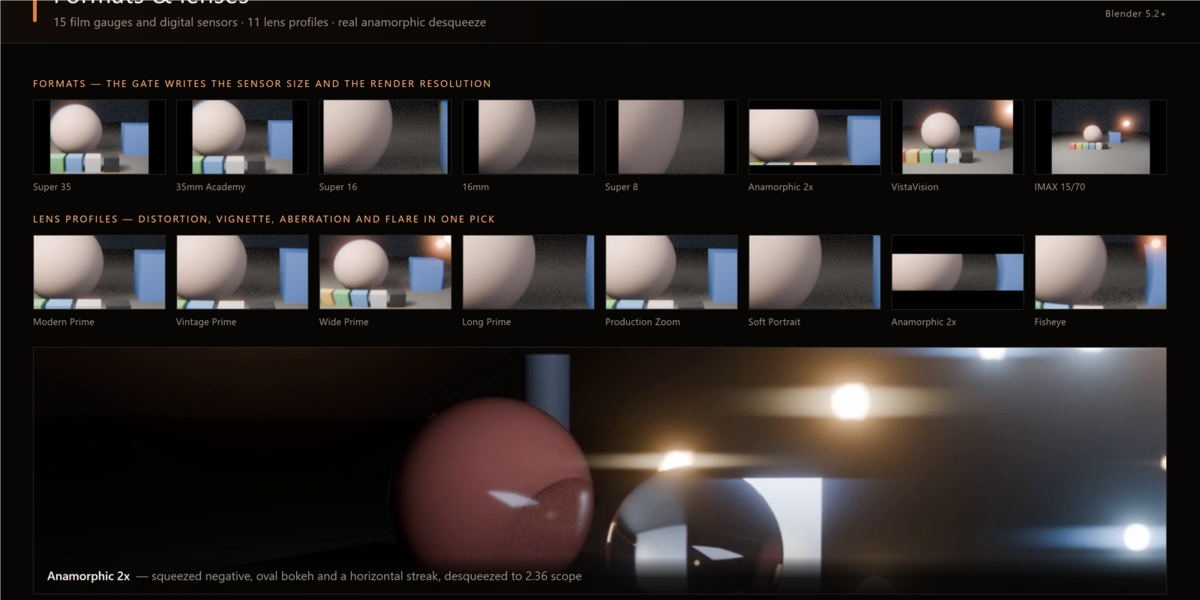
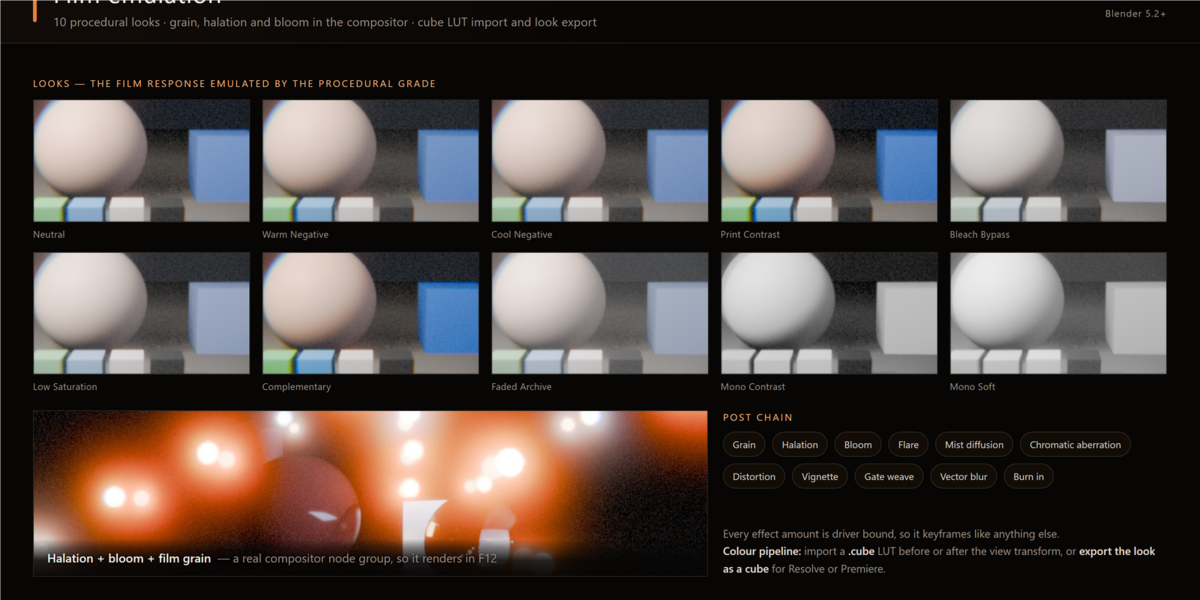
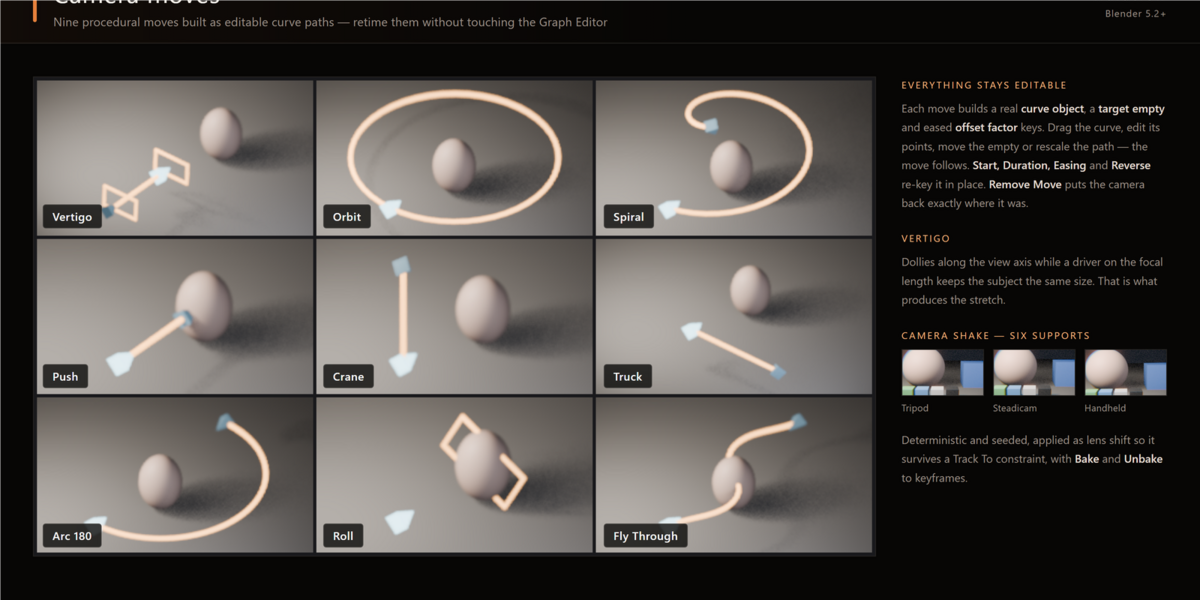
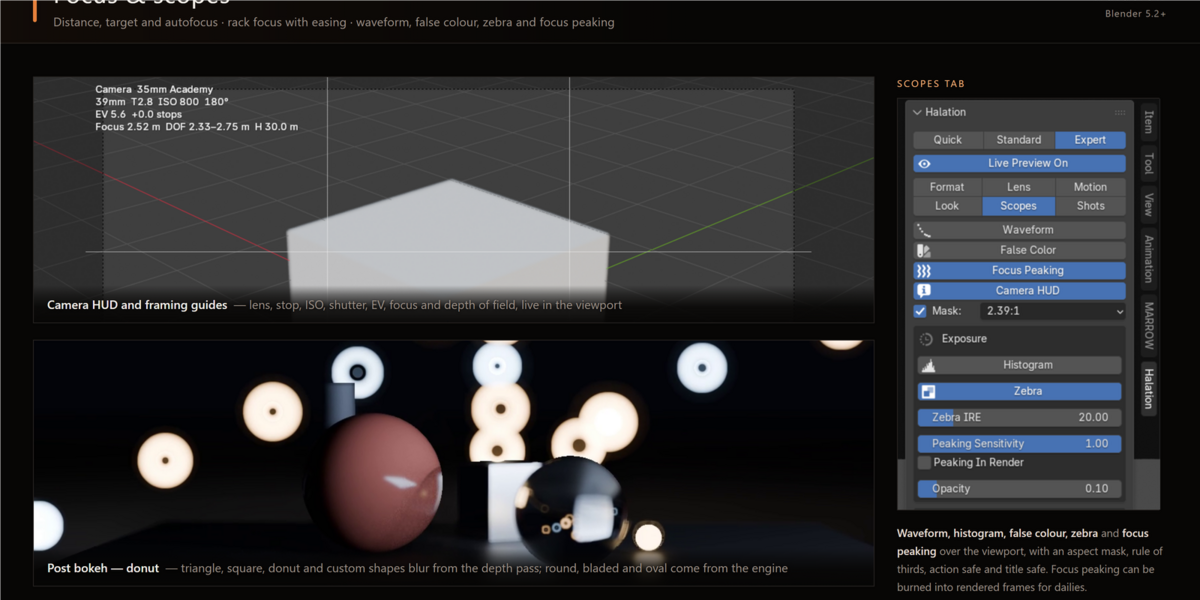
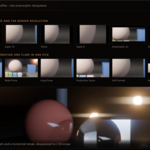
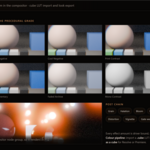
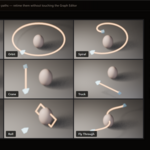
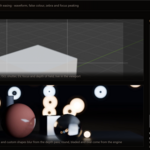
Open Halation from its Blender interface and choose Quick mode for a streamlined setup or Expert mode for full control. Select a film gauge and lens profile, configure exposure and focus, then enable the film-emulation effects you want. Camera moves, scopes, shot management, LUT tools and compositor controls are available in the Pro edition.
Compatibility
Blender 5.2 or later on Windows, macOS and Linux. EEVEE and Cycles are supported. No external dependencies are required.
Support
When reporting a problem, include your Blender version, operating system, render engine and the steps needed to reproduce the issue.
$39
Have questions about this product?
Login to message
| Blender Extension Compatible | Yes |
| Published | about 15 hours ago |
| Blender Version | 5.2 |
| Extension Type | Add-on |
| Render Engine Used | Cycles, Eevee |
| License | GPL |
Discover more products like this
camera cinematography anamorphic film emulation compositor Motion Blur depth of field lens