 alastorv
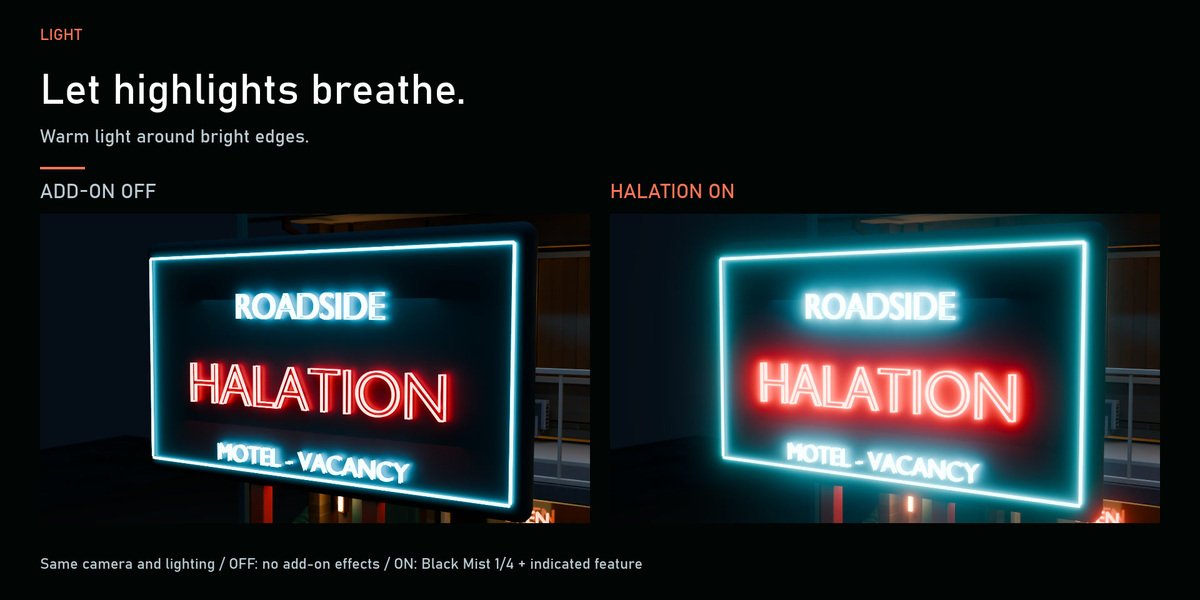
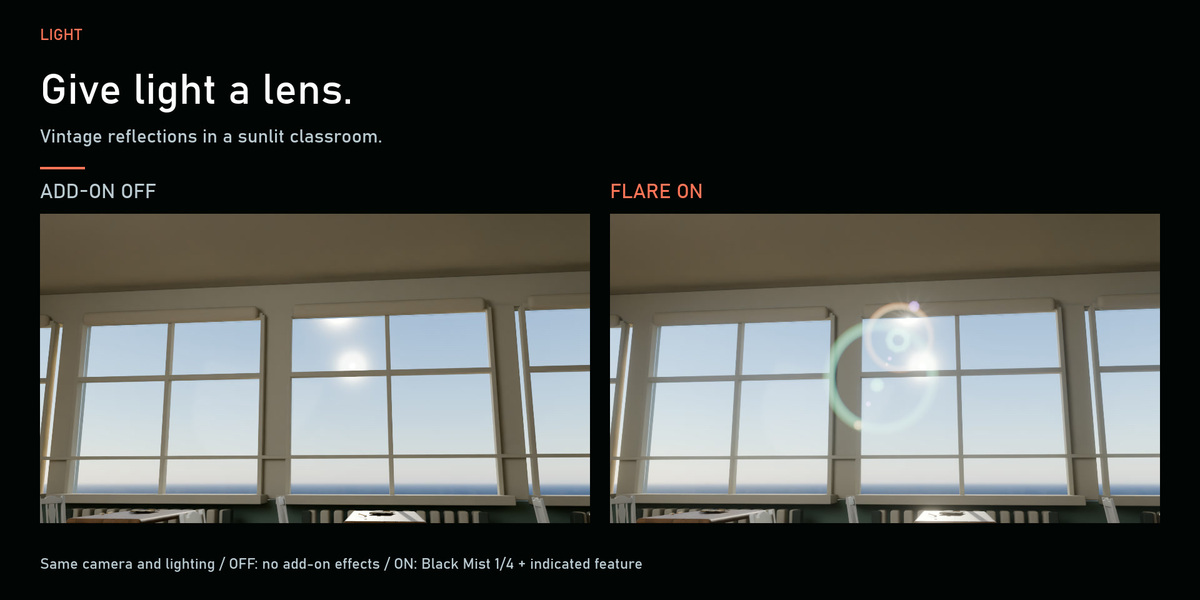
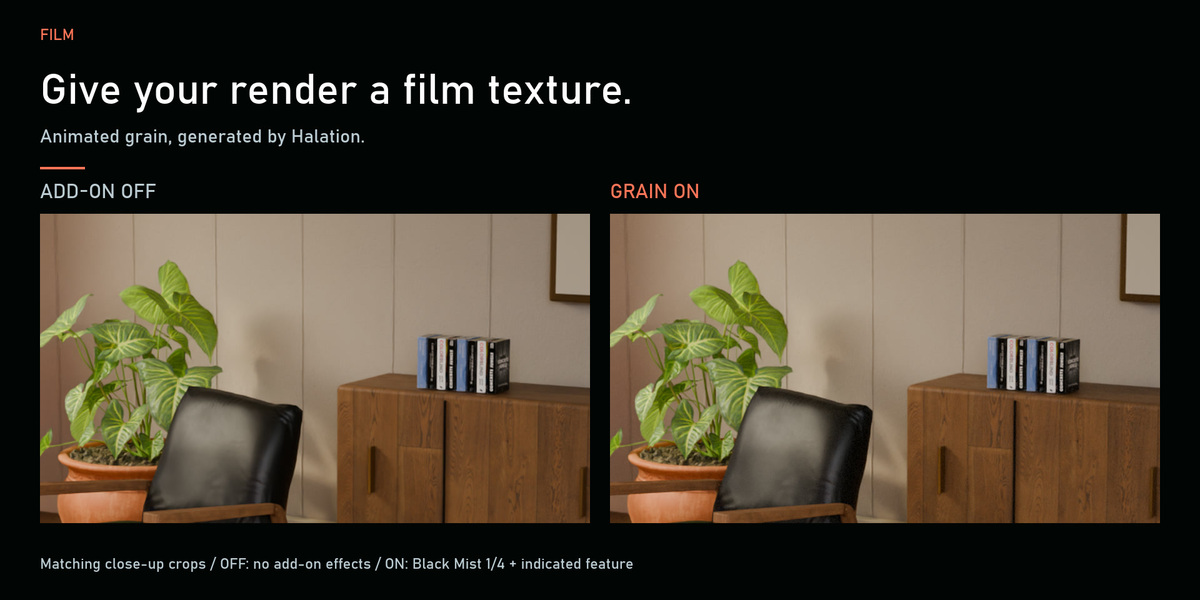
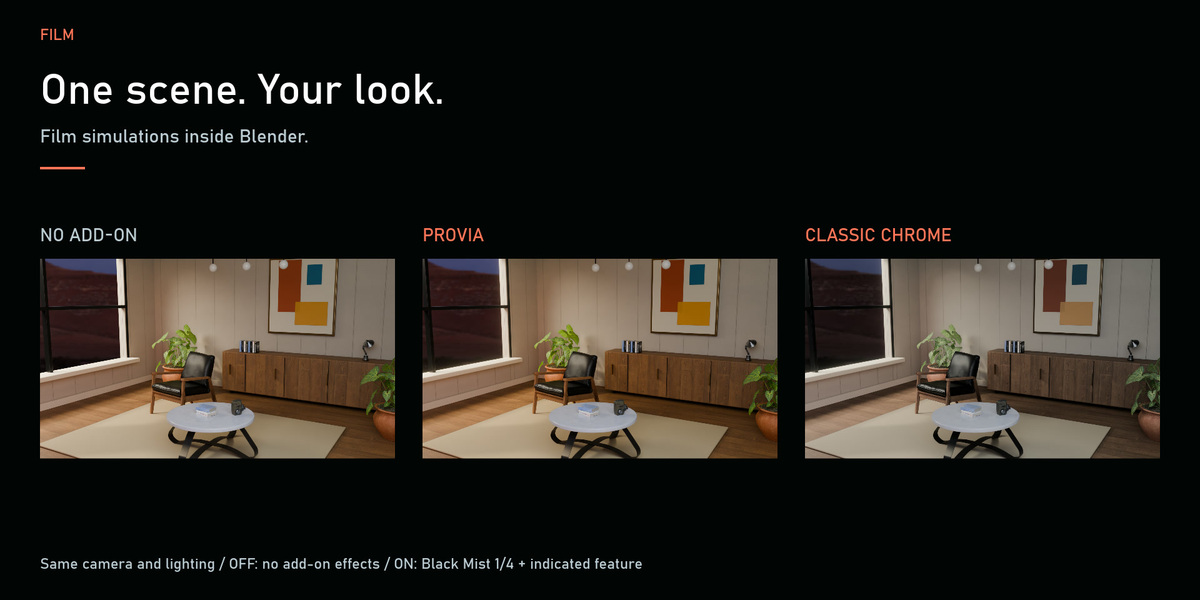
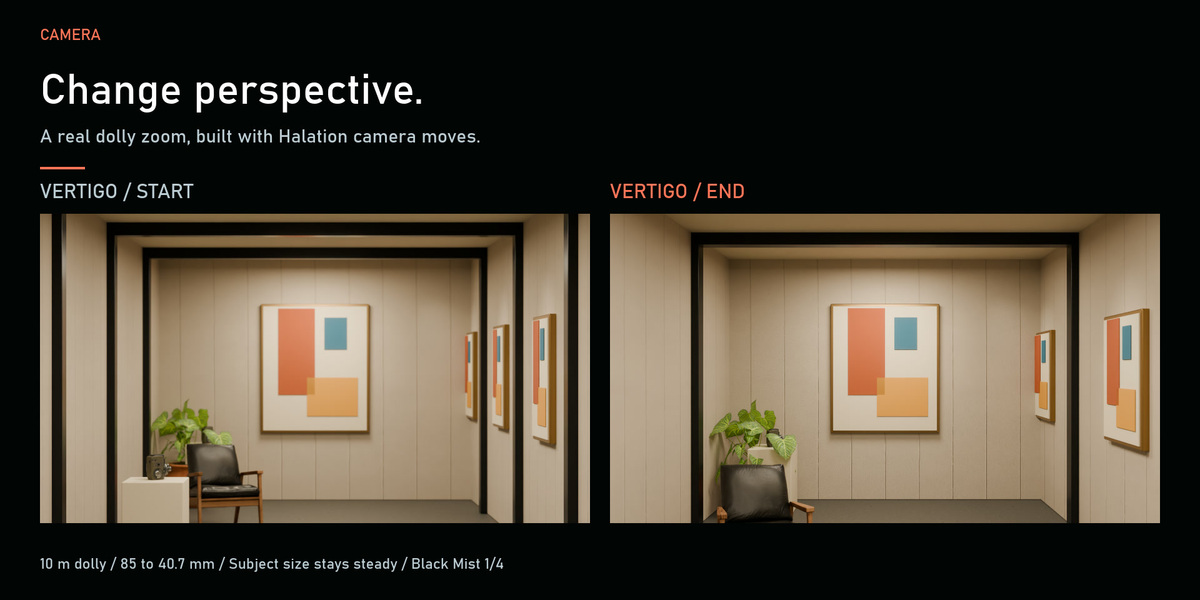
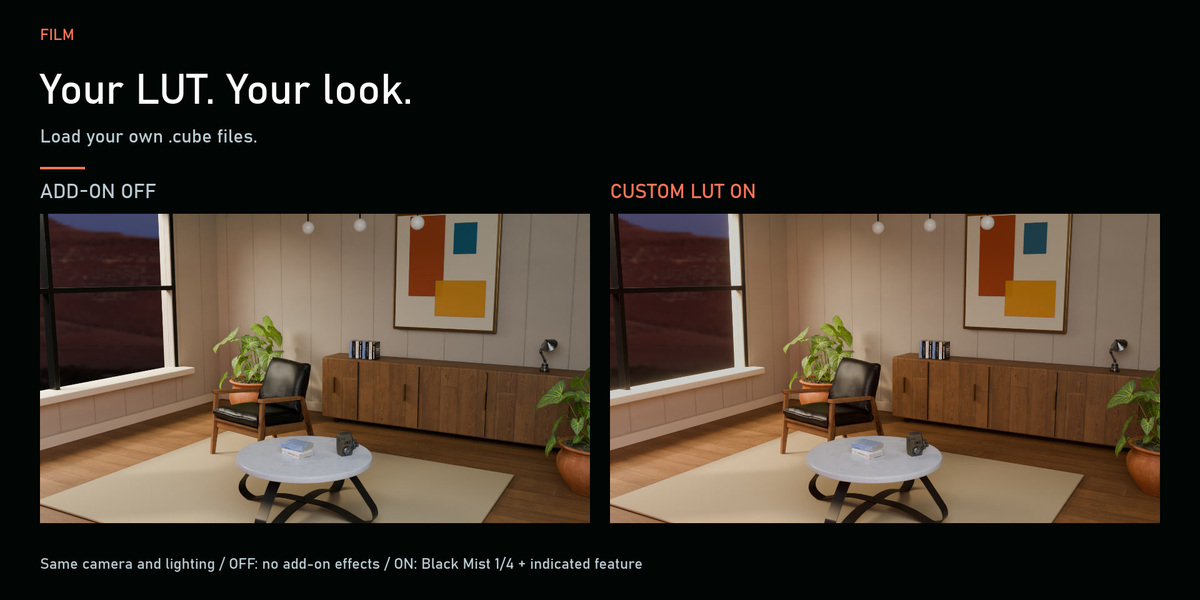
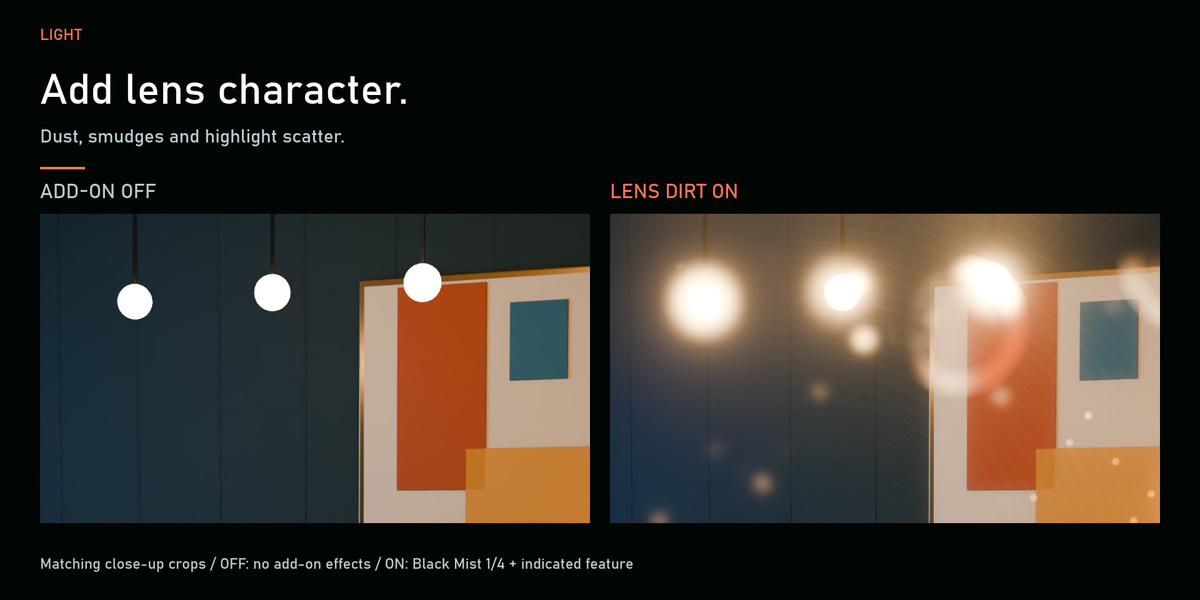
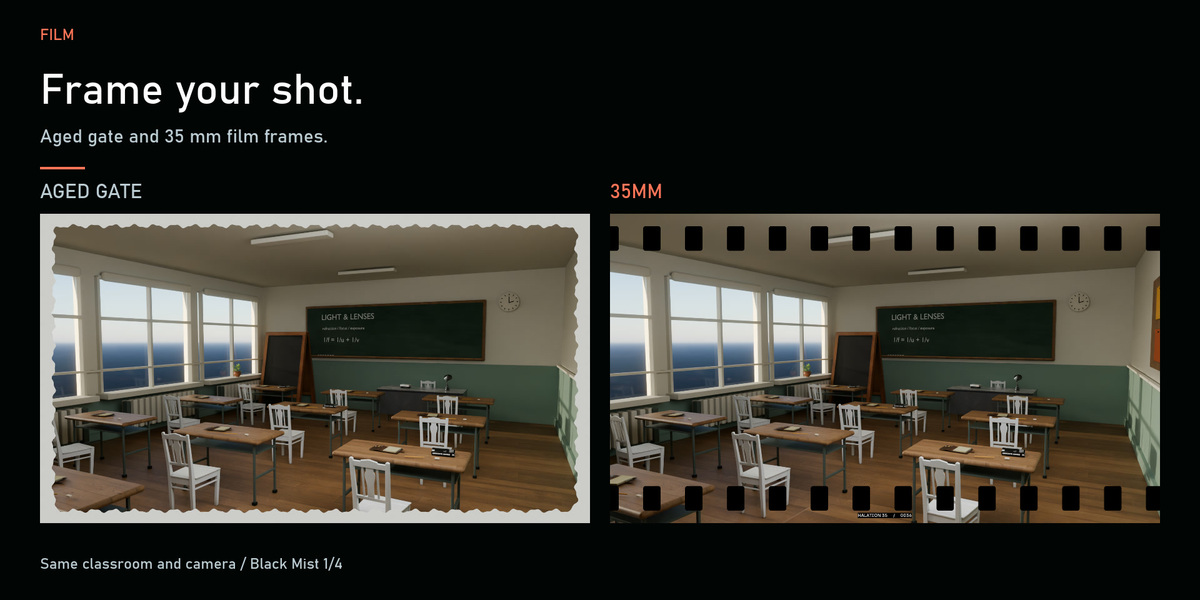
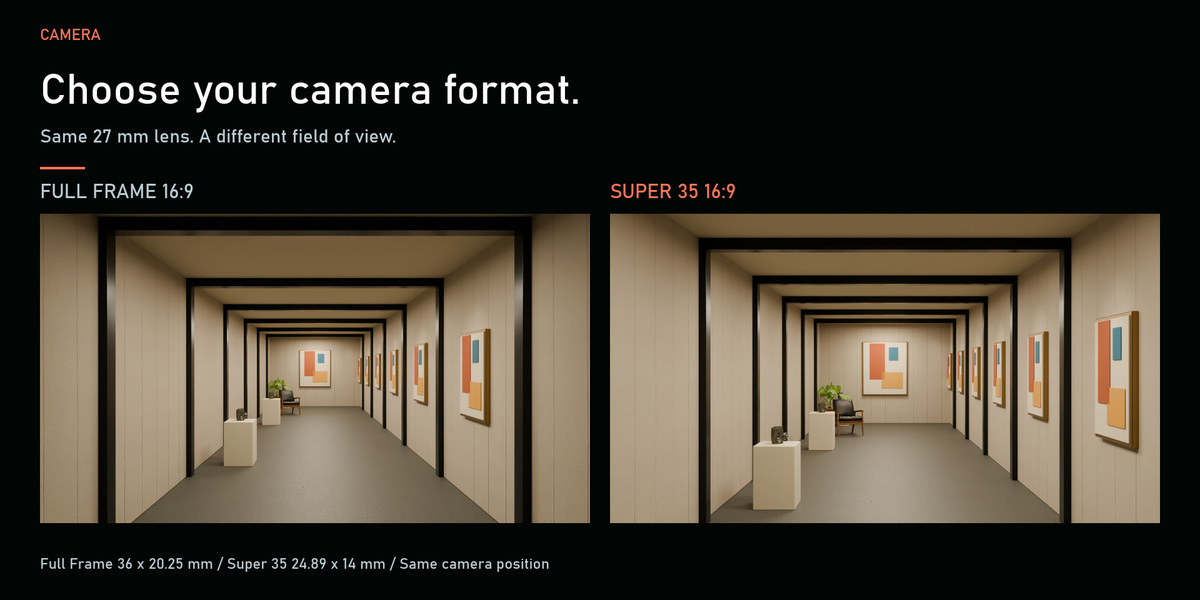
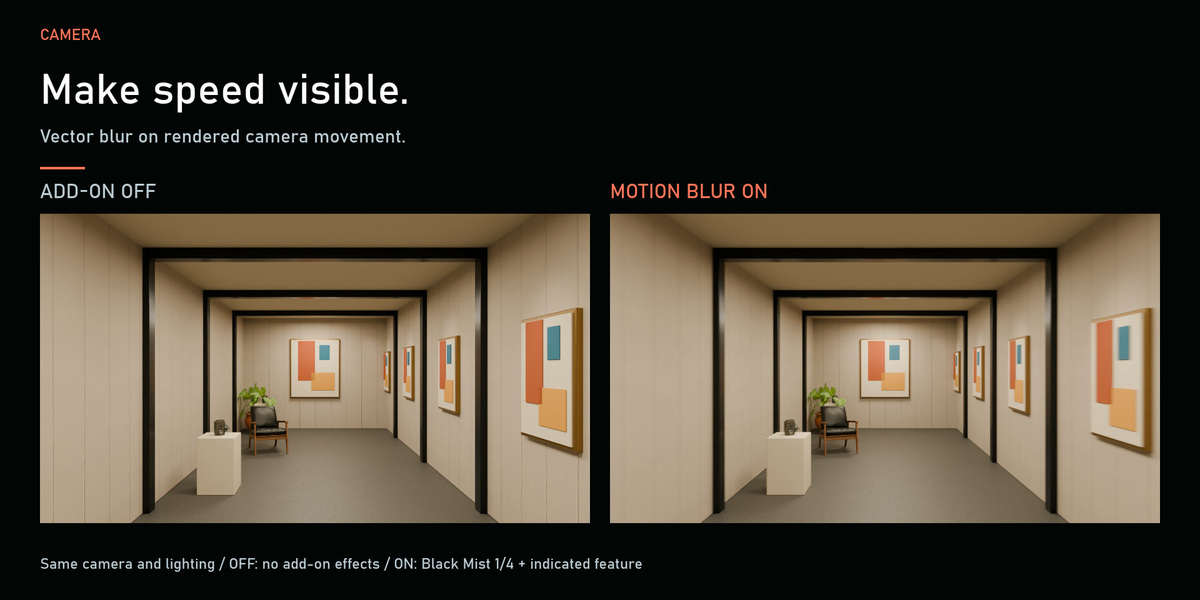
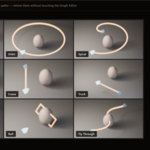
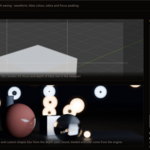
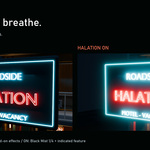
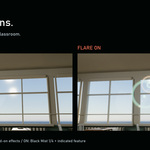

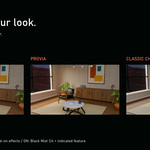
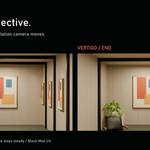
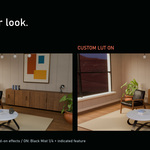
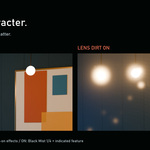
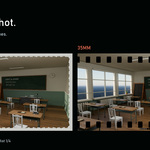
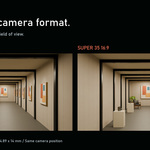
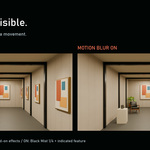
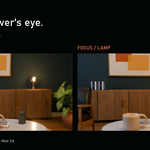
What is the difference between the OFF and ON examples?
OFF shows the original render with no add-on processing or Black Mist. ON uses Black Mist 1/4 plus the demonstrated effect. Lens dirt is applied selectively in its dedicated example. This tour demonstrates Pro 2.0; the separate free Lite edition has its own feature scope.
Are the promotional scenes included, and can I use renders commercially?
The purchase delivers the add-on ZIP. Promotional scenes are demonstration assets. The add-on uses GPL-3.0-or-later, and your resulting rendered work may be used commercially.
Can I load my own LUT?
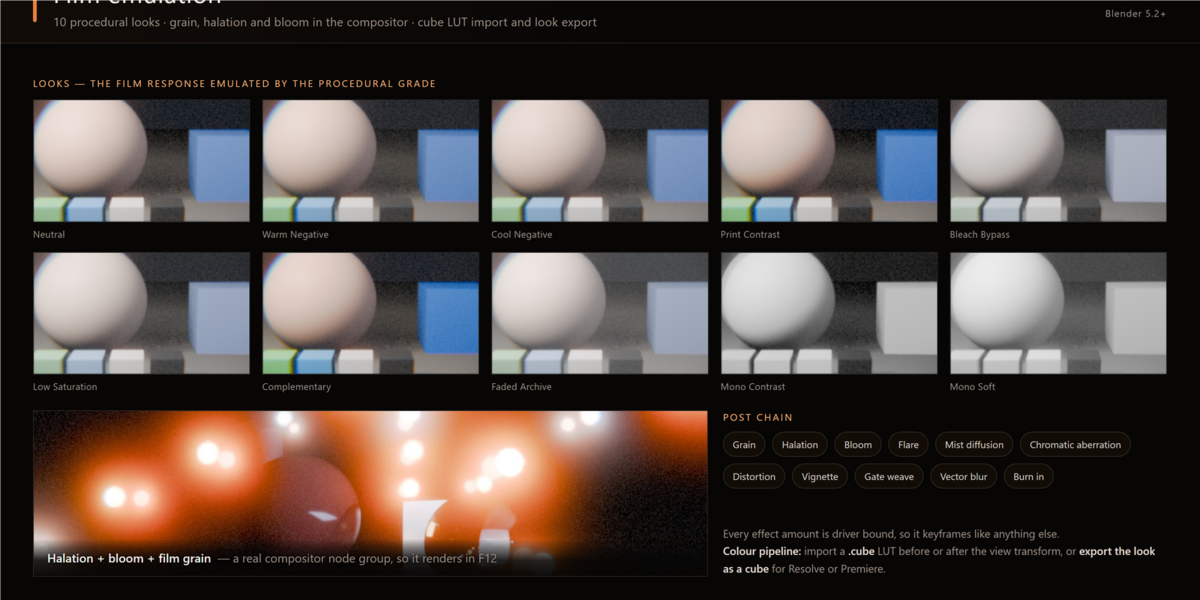
Yes. Halation Pro supports importing your own .cube LUT.
Which focus options can I use?
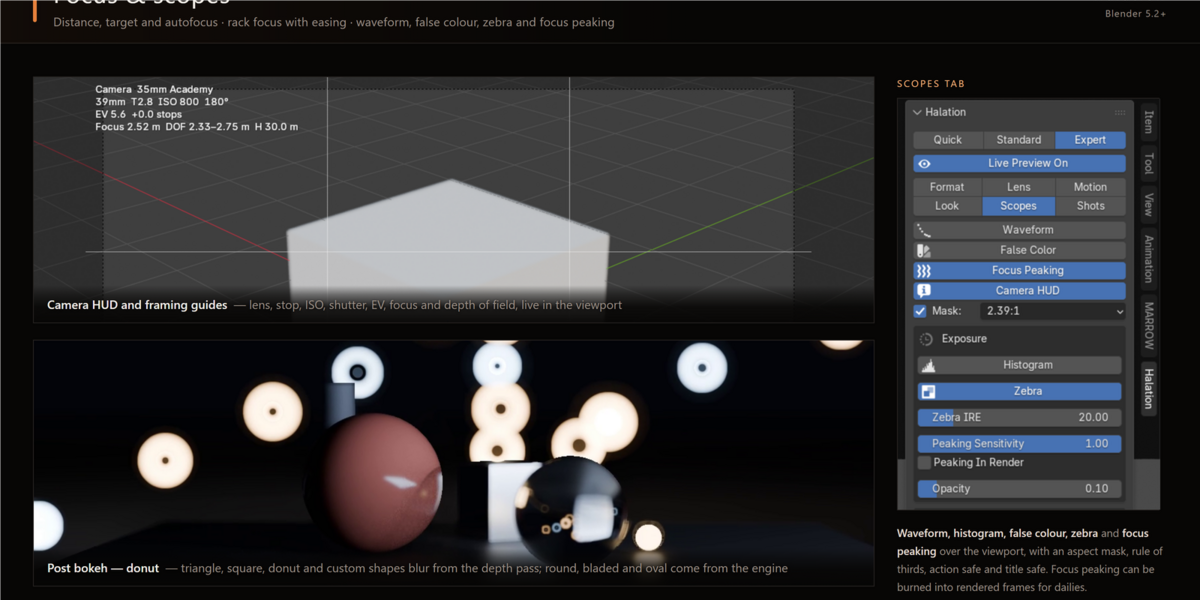
Choose Distance for manual focus, Target for object tracking, or Autofocus with Point or Zone sampling. Store A/B/C focus marks, build timed rack-focus transitions between two objects or distances, use focus peaking, and bake autofocus to renderable keyframes. Advanced controls include near/far limits, tracking response, Target Lock and optional focus hunting.
How many film looks, lens profiles and camera moves are included?
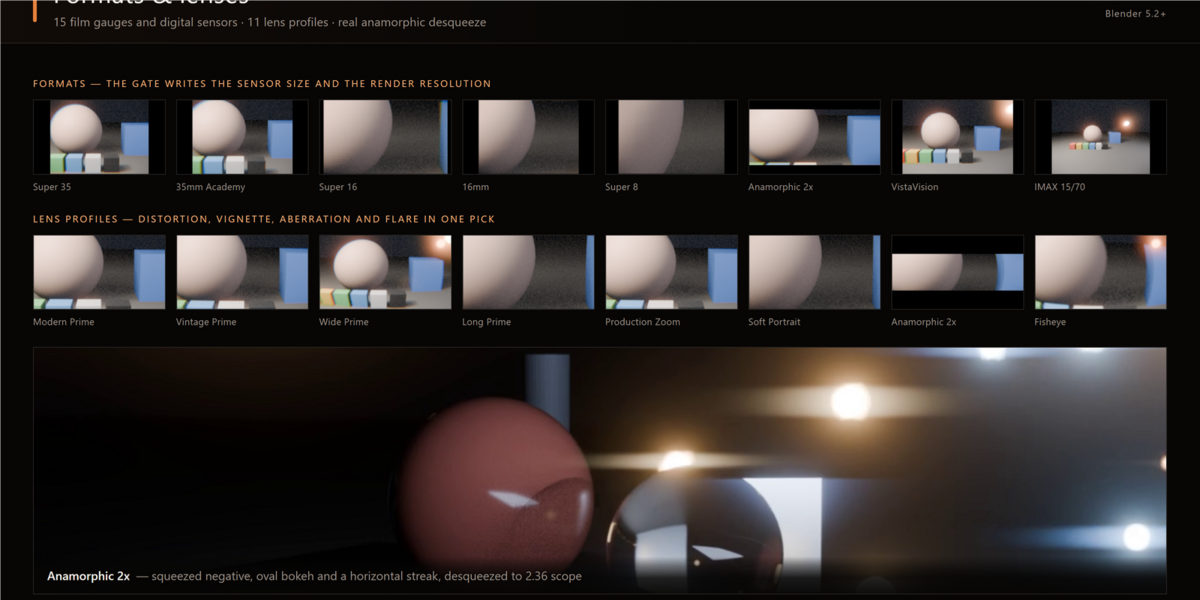
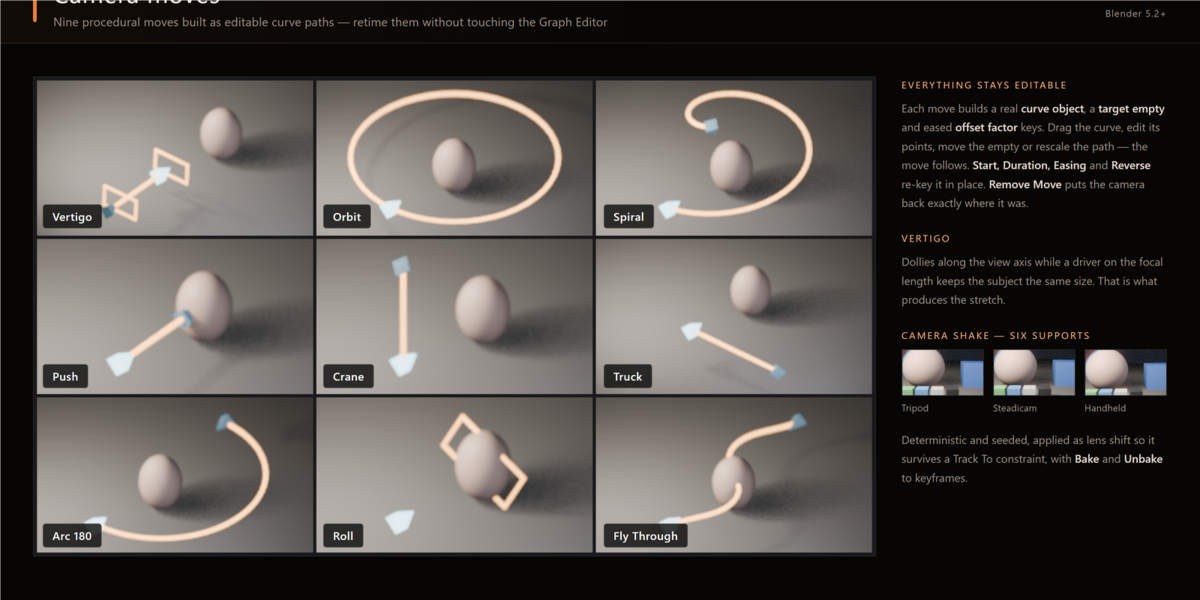
Pro 2.0 includes 20 film-stock models and 20 camera-look adaptations, including monochrome filter variants; 11 lens-character profiles; 15 camera formats; 13 camera moves; 3 procedural flare profiles plus the retained Legacy system; and 7 bokeh shapes. The looks are creative adaptations, and some stock profiles use approximations.
What is Halation, and what does Pro 2.0 do?
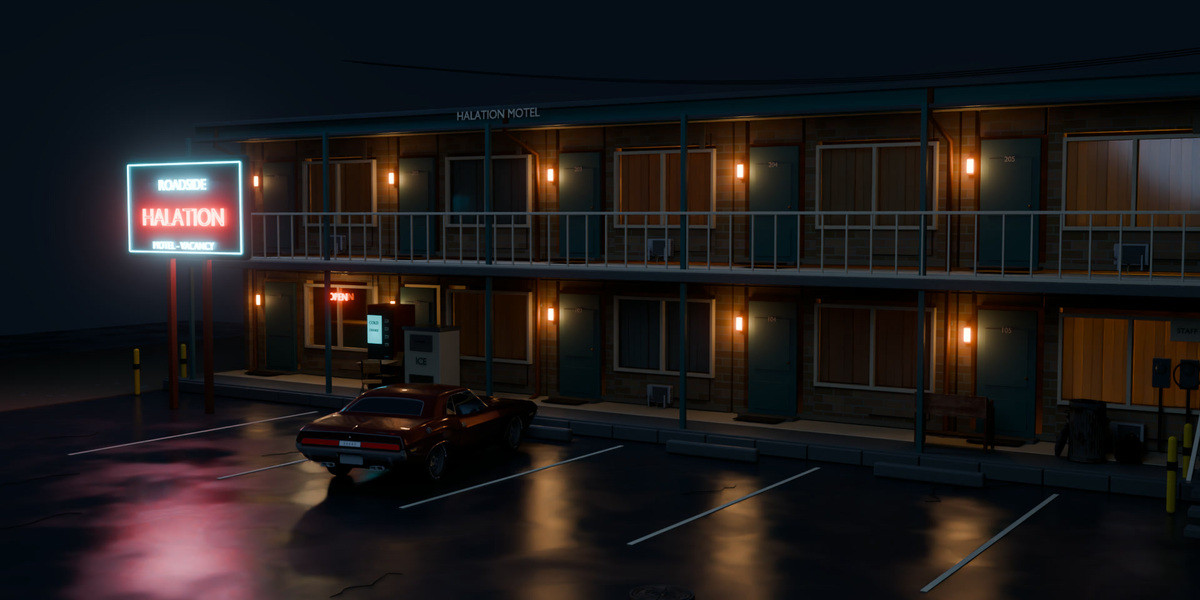
In film photography, halation is a warm glow around bright highlights. Halation Pro 2.0 brings that character to Blender alongside film looks, lens effects, camera movement, focus controls, grain, frames and custom LUT tools.
How do I install Halation?
Halation Pro 2.0 requires Blender 5.2 or later. Open Edit → Preferences → Get Extensions → Install from Disk, select Halation-Pro-2.0.zip without extracting it, and enable Halation.
Have questions about this product?
Login to message
| Blender Extension Compatible | Yes |
| Published | about 2 months ago |
| Blender Version | 5.2 |
| Extension Type | Add-on |
| Render Engine Used | Cycles, Eevee |
| License | GPL |
Discover more products like this
depth of field LUT lens camera moves cinematography compositor camera anamorphic film grain Motion Blur film emulation blender 5.2