 Skava
Skava

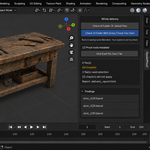
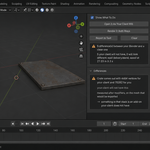
It works on your machine. That is the whole problem.
You send the file. The client opens it and half of it is not there: a modifier that produced the detail, a material that came from a library, a rig that no longer moves, an engine they have never heard of. You cannot reproduce any of it, because on your machine everything is fine. It has to be — your add-ons are loaded, your paths resolve, your preferences are in effect. Yours is the one environment where the file is guaranteed to work.
HandoffProof stops asking your session. It starts two background Blenders on the file you already saved — both from factory settings, so nothing about your saved preferences comes into it. One of them is given exactly the add-ons you have switched on right now; the other is given none. Then it compares what the two of them see. What comes back is not our opinion about your file. It is the difference between two environments that differ in one declared way.
Taking the add-on list from your live session rather than from your saved preferences matters more than it sounds. Studios launch Blender from a wrapper that enables add-ons on the command line; plenty of people switch an add-on on and never save preferences. In all of those cases a check built on saved settings reports that everything is fine — which is the one answer it must never give wrongly.
Why every other checker misses this
There are nine tools on this marketplace that check a scene before you send it. All nine run inside your session. They can count your n-gons and find your unapplied scale, and they are useful for that. But an add-on cannot notice that it is itself the reason the file works — from the inside, a node group that an add-on rebuilds on open is simply a node group that is there. That is not a gap in their checklists. It is a place their vantage point cannot see.
What it finds
- a texture, font or library that resolves to a different file for you than for a clean Blender — or to nothing at all — because something on your machine redirects the path when the file opens. Both Blenders sit on the same disk, so an ordinary absolute path is not what this catches: it catches the redirection
- a linked library or a font only your machine has, with the path it is loading from
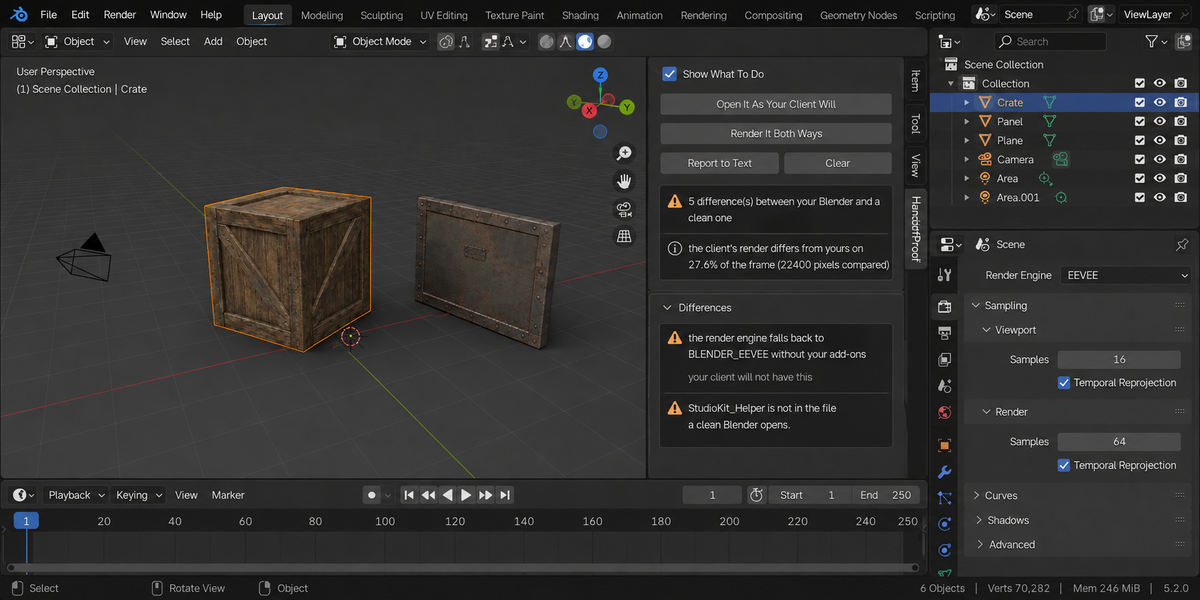
- a render engine the file asks for that a clean Blender silently falls back from, so nothing about the look survives the trip
- a node group that is rebuilt when the file opens and simply is not there otherwise
- drivers whose expression calls a function an add-on registers — in a clean Blender they fail and the value freezes where it stood
- objects that are in your session but never made it into the saved file
- the world, the output size, the pixel aspect and the frame the file opens on — an add-on that applies a studio output preset or moves the playhead when a file loads changes what your client renders, and none of it shows in the objects
- shader node groups that exist only in your Blender because an add-on builds them on load
- the same texture path resolving to a different file on the two sides — caught by comparing the resolved paths, not just the pixel dimensions
- a compositor node tree that is not the same on both sides — an add-on that quietly inserts a grade node when the file opens changes every frame your client renders, and no probe frame can show it, so the list says it instead
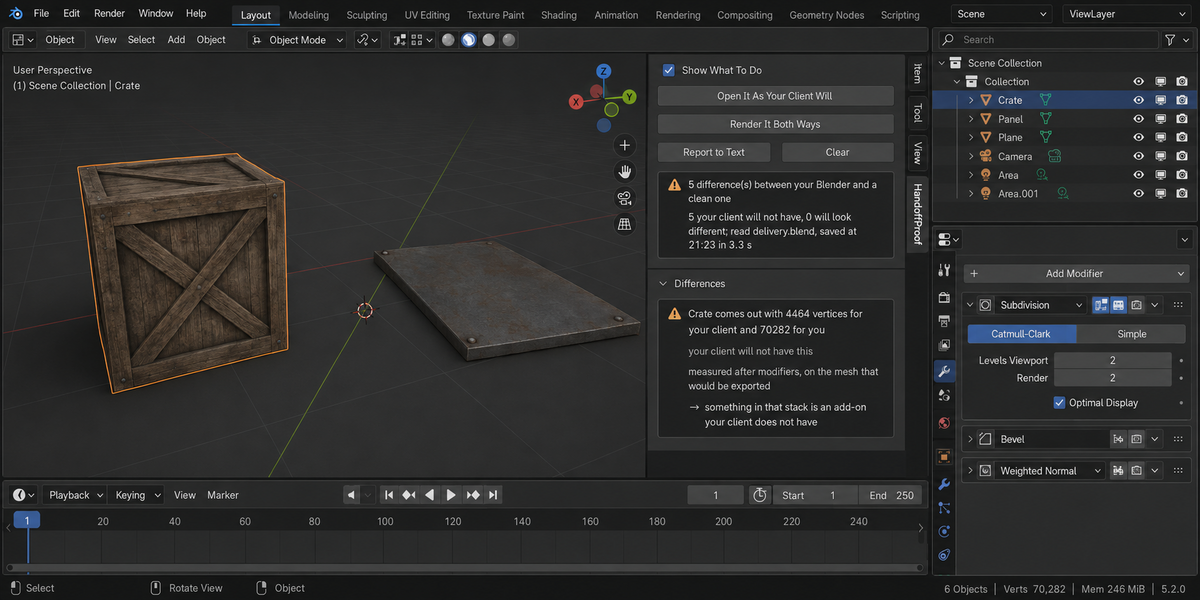
- and the widest net of all: any object whose geometry, materials or position comes out different in the other environment, measured after modifiers, on the mesh that would be exported
- all of that across every scene in the file, not just the one you happen to be looking at
Vertex counts, not warnings
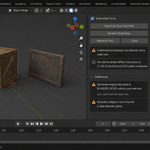
Instead of guessing which add-on you depend on, it measures what each object actually comes out as in both environments. On the test file, one crate is thirteen thousand five hundred twenty-three vertices for the author and eight hundred forty-nine for the client. That is not a warning to weigh. It is the object your client gets.
Then it renders the same frame both ways
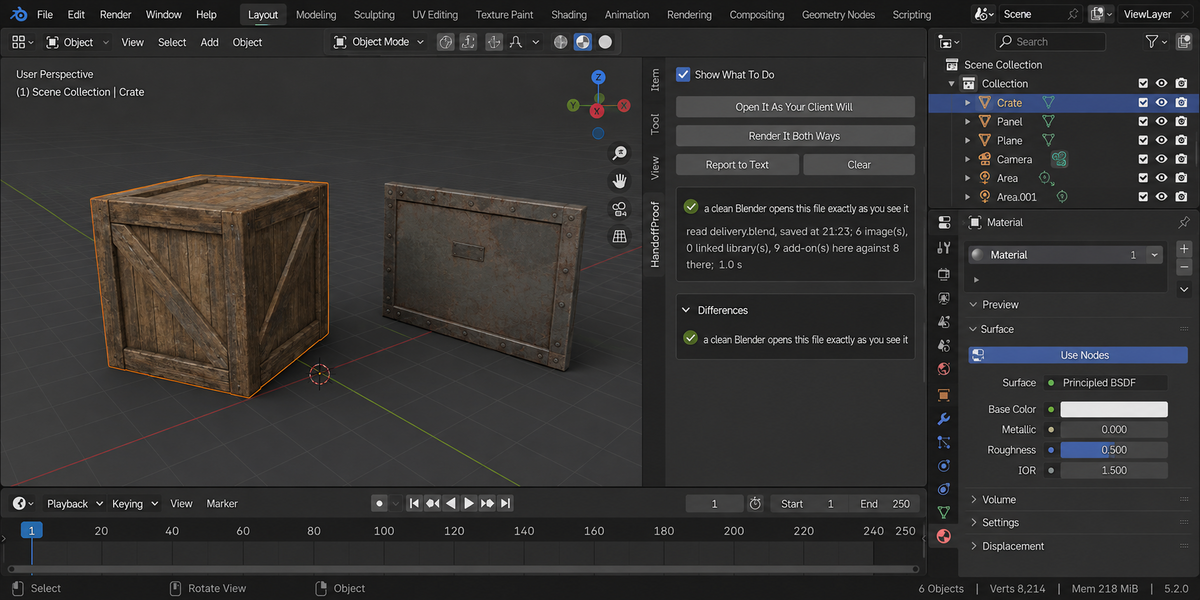
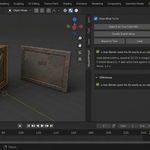
A list can only cover what somebody thought to look at. So the second button renders one small probe frame from the saved file — once in your Blender, once in a clean one, with the same script on both sides — and compares them pixel by pixel. On a healthy file the two frames differ on zero per cent of the frame. On a file whose object is placed by a driver from an add-on, they differ on eleven and a half per cent. The probe deliberately renders without the compositor and the sequencer on both sides, so that what it compares is the render itself — which is exactly why those two get their own entries in the list rather than being left to the frame.
The frame's shape and its camera come from the file, not from your session: switching your viewport to a different resolution does not change what the probe looks at.
It cannot change your file, and that is structural
Both buttons do their work in separate processes, on the copy already written to disk. There is no code path that writes to your session at all. Testing confirms it the hard way: a fingerprint of every object, every transform, every render setting and the lists of images, materials and texts, taken before and after, comes back identical. It also tells you which file it read and when that file was saved.
And if your session has drifted from the file — an object moved, a modifier added, a material removed, the engine changed — that is the first line of the report, before anything else, because everything under it describes the file on disk rather than the screen in front of you.
Measured, not assumed
A hundred and nine checks on Blender 4.2, 5.1 and 5.2, all three green. Seven production models — hard surface with bevels and n-gons, a machined part with holes, uncapped pipes, a sculpt, a dense prop, an open shell, a rigged character — each with a full PBR material and a real texture written to disk, each saved and run through the whole thing. All seven reported clean, and their probe frames identical. A tool that finds something every time is as useless as one that never does.
Then the same suite installs a real pipeline add-on — its own render engine, a driver function registered on load, a node group rebuilt when a file opens, a compositor node inserted on open, a texture search path, an object it adds — and every one of those is named. Remove that add-on and the report goes from five findings to none. That last step is the one that proves the other four mean anything, and eleven of the hundred and nine checks go red against a deliberately broken build.
One class of finding deserves its own sentence: if one of your add-ons cannot be switched on for the check, that is reported as a difference in its own right. A checker that cannot load what your file depends on has not found that everything matches — it has found that it could not look, and those are not the same answer.
Who this is for
Anyone who sends .blend files to someone else: freelancers delivering to studios, studios delivering to clients, anyone handing work to a colleague who does not run the same setup. It takes about a second, and it answers the only question that matters before you press send.
Whole deliveries, not one file at a time
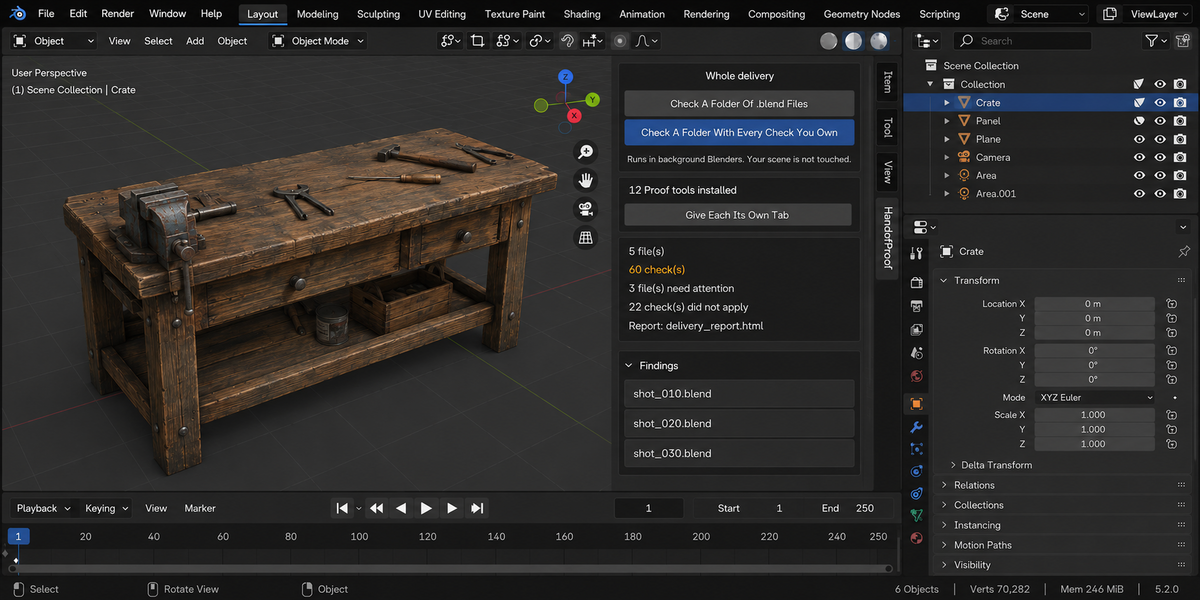
- Check a folder. Point it at a delivery and every .blend inside is checked, each in its own background Blender. The scene you have open is not touched — not opened over, not saved, not changed. A file that hangs or crashes takes only its own process down; the other thirty-nine still get checked.
- A report you can send. One self-contained page: verdict first, one sentence a lead can read, then the numbers, then every finding with its address. No internet, no fonts to load, no dependencies — it opens in six months on a machine with no network, which is exactly when someone asks what you delivered.
- Runs without a person. A single command from your pipeline writes the report and returns a code: clean, something blocking, or could not be checked. Those are three different codes on purpose — a check that did not run has not passed, and a gate that treats them the same is worse than no gate at all.
- Remembers last time. Save today's numbers as a baseline and a later run tells you what moved, in which direction, and which findings are new. A measurement that went up is not automatically bad: each product says which way is worse for its own numbers.
- One verdict for the whole delivery. If you own more than one of these tools, one run puts every check you have over every file and answers the only question that matters before you send it: can this go out? Each file is opened once and all the checks see the same state of it.