 Skava
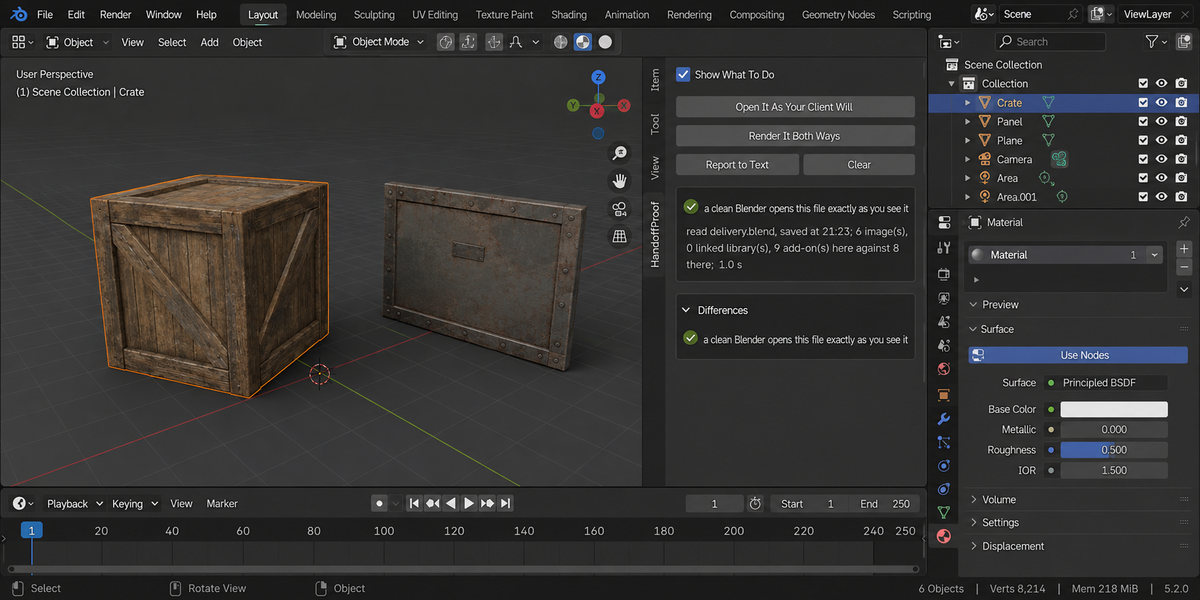

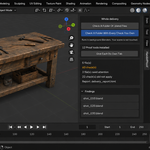
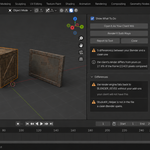
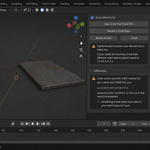
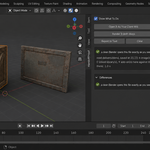
Download the zip and do not unpack it. In Blender open Edit > Preferences > Add-ons, click the drop-down arrow in the top-right corner and choose Install from Disk, then pick the zip. Tick the checkbox next to HandoffProof. Press N in the 3D Viewport and open the HandoffProof tab in the sidebar.
Blender 4.2 or newer. Tested on 4.2, 5.1 and 5.2.
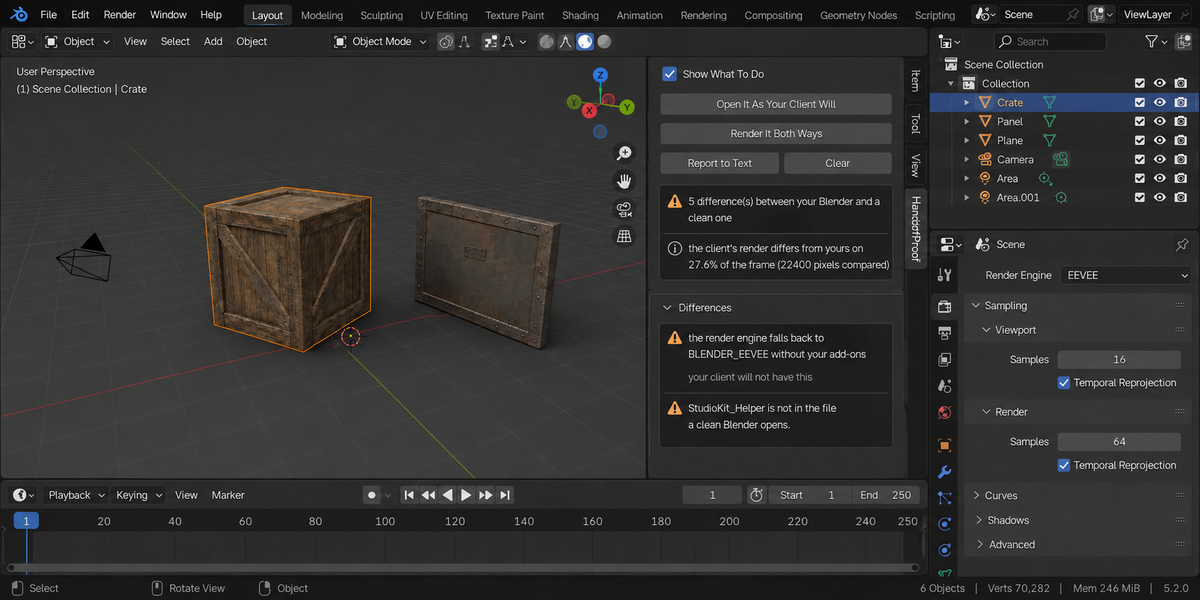
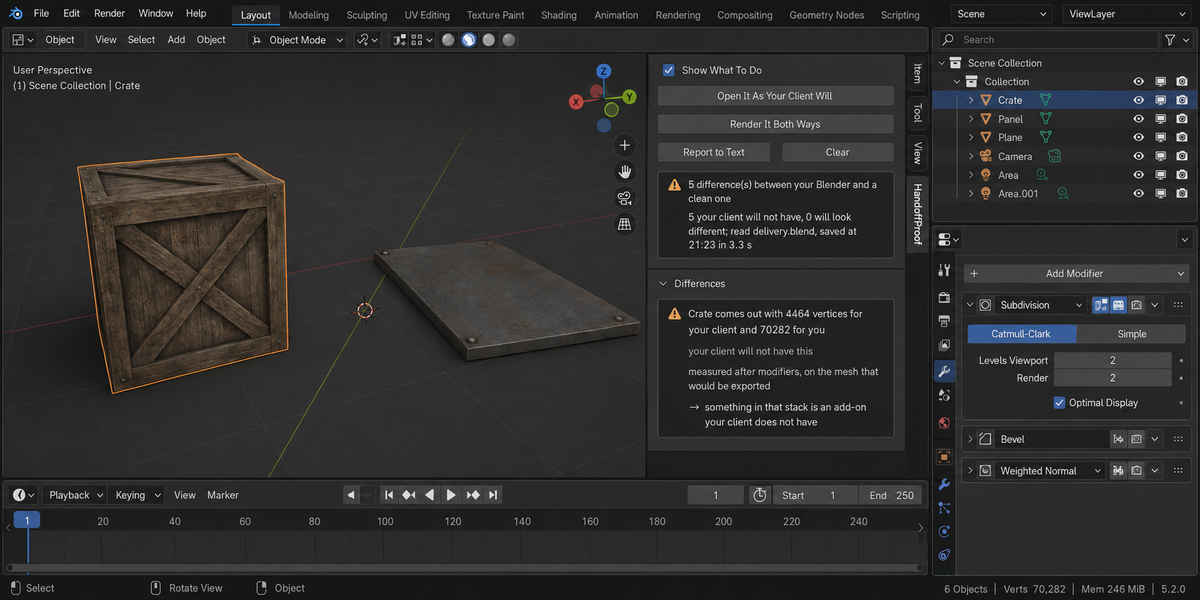
Save the file first: everything is done on the version written to disk. Open It As Your Client Will starts two background Blender processes from the same Blender executable you are running, both with factory settings. One switches on the add-ons enabled in your session and uses your script auto-run setting; the other runs with no add-ons and auto-run off. Both open the saved file, describe it with the same code, and the two descriptions are compared. If a background Blender does not answer within 240 seconds (600 seconds for the render), you are told so; a scene that slow to open is worth knowing about before you send it.
Differences that come from your environment: a texture, font or library that resolves to a different file, or to nothing, without your setup; a render engine a clean Blender falls back from; node groups and worlds an add-on builds when the file opens; drivers that fail without an add-on or without script auto-run; an output size or start frame an add-on changes on load; and objects whose evaluated geometry, materials or position come out different. Each entry gives the measurement and, with Show What To Do on, one line on what to do about it.
Not by itself. Both background Blenders run on your computer and see the same disk, so an ordinary absolute path resolves for both and is reported as fine. HandoffProof answers the other half of the question: what your add-ons and settings do that your client's Blender will not do.
It renders one small probe frame from the saved file twice, once with your add-ons and once in a clean Blender, using the same script on both sides, and compares the two images pixel by pixel. The result is the share of the frame where they disagree. The probe follows your camera's frame shape, and the sequencer and compositor are switched off for it. Without a camera you are told that no frame could be compared, rather than shown a zero.
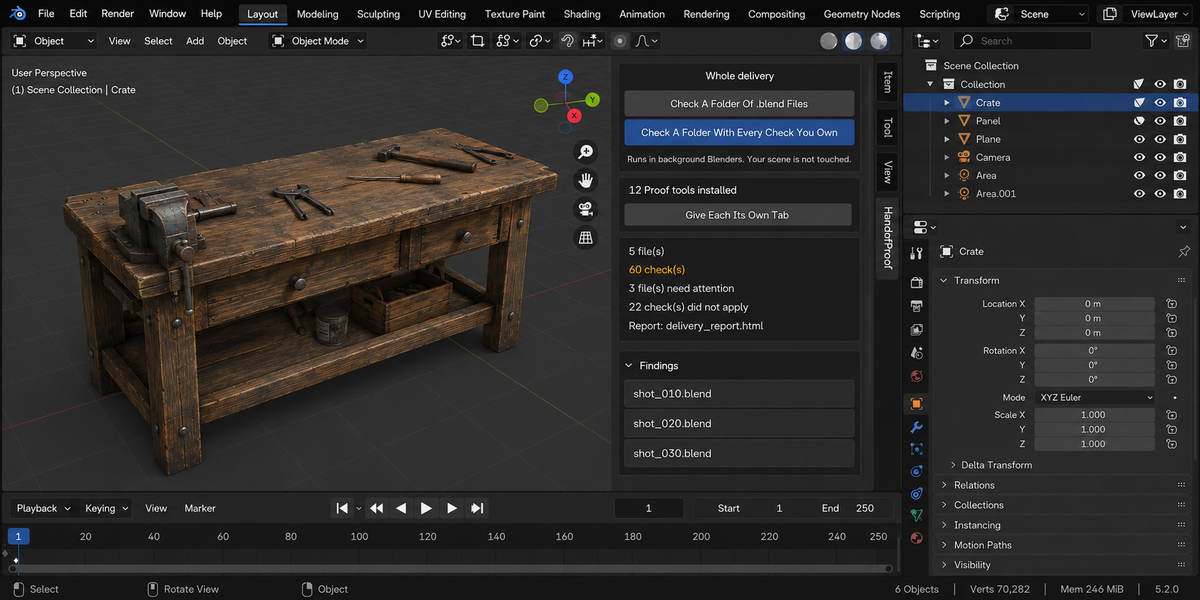
It does not change your scene or your saved file, and it repairs nothing. The background Blenders work on the saved copy; their temporary output goes to your system's temporary folder and is deleted afterwards. The only thing it adds to your .blend is the HandoffProof Report text block, and only when you press Report to Text. The optional Check A Folder Of .blend Files button in the Whole Delivery panel writes an HTML report into the folder you pick. It makes no network connections. Your client does not need the add-on.
Yes. HandoffProof is licensed GPL-3.0-or-later; the full text is in LICENSE.txt inside the zip. The license covers the add-on code; what you create with it is yours. Full documentation is on the Documentation & FAQ tab of this product page, and README.txt inside the zip covers install, first run and uninstall.
Have questions about this product?
Login to message
| Published | 2 months ago |
| Blender Version | 4.2 - 5.2 |
| Extension Type | N/A |
| Render Engine Used | Cycles, Eevee |
| License | GPL |
Discover more products like this
drivers outsourcing client dependencies handoff pipeline freelance validation textures Render Checker delivery