 young
young
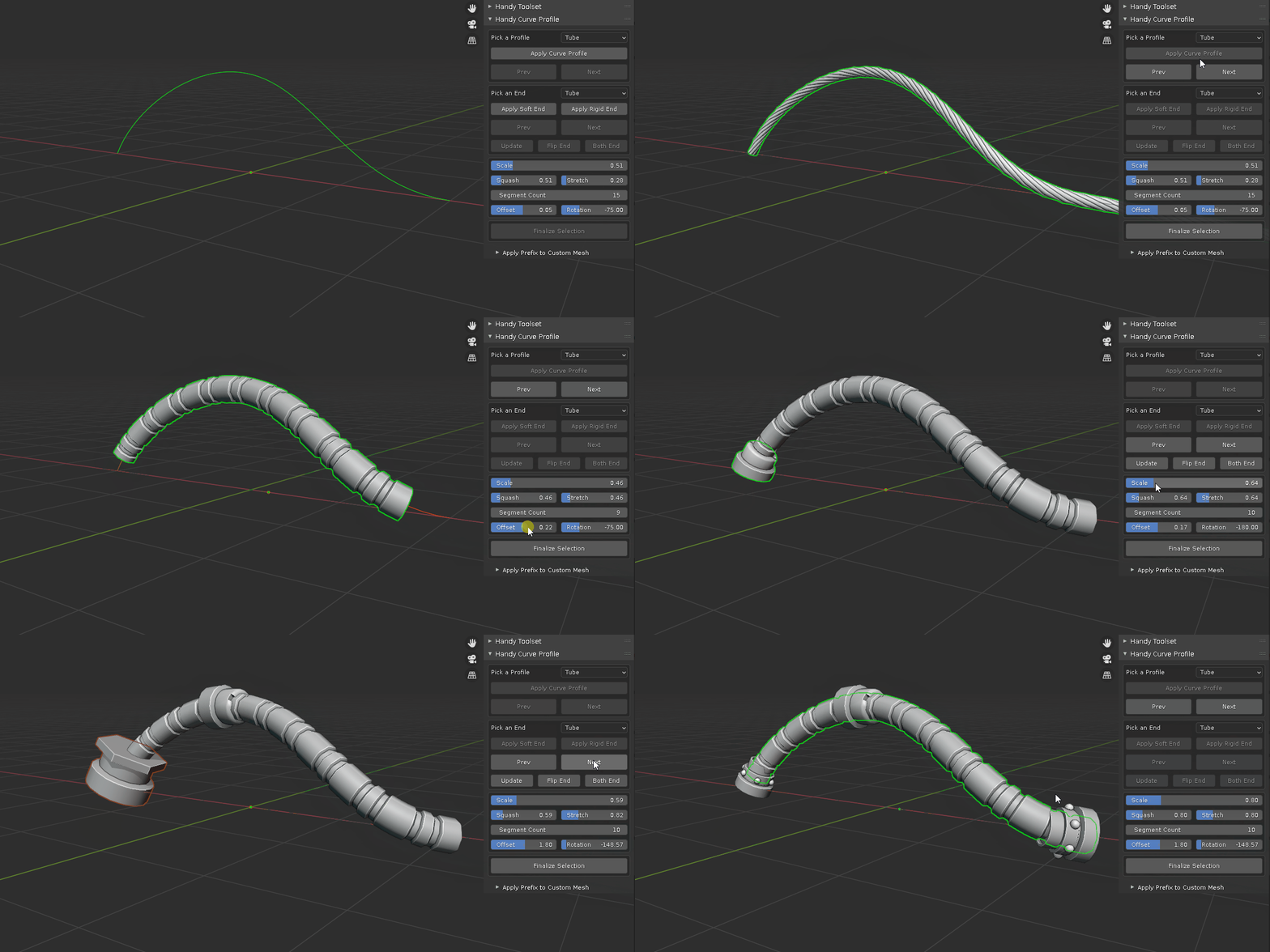
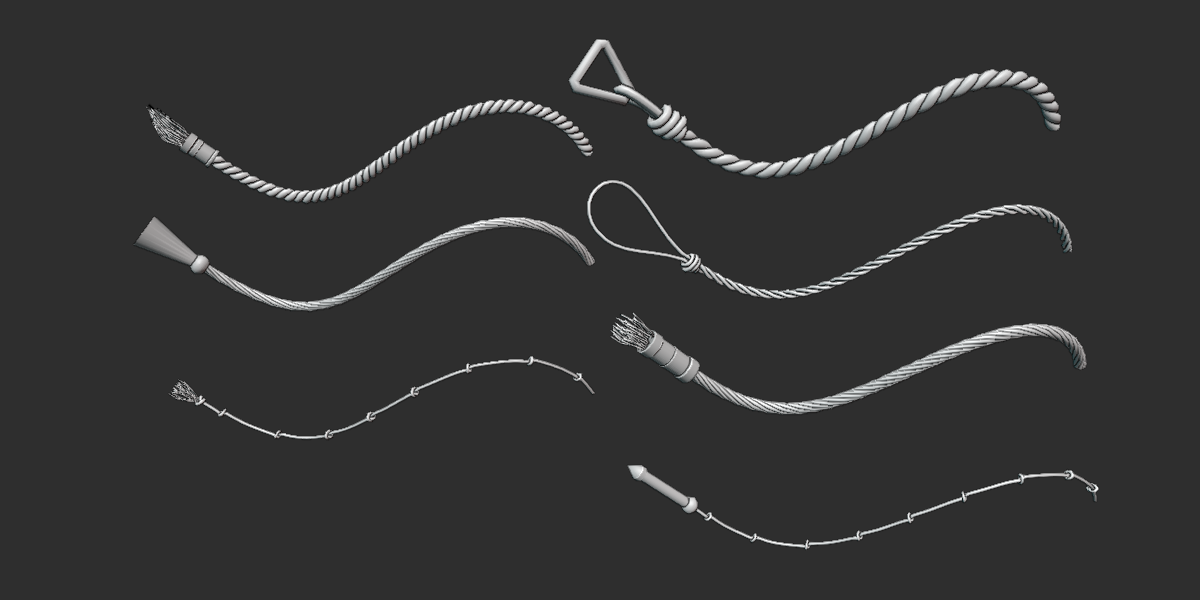
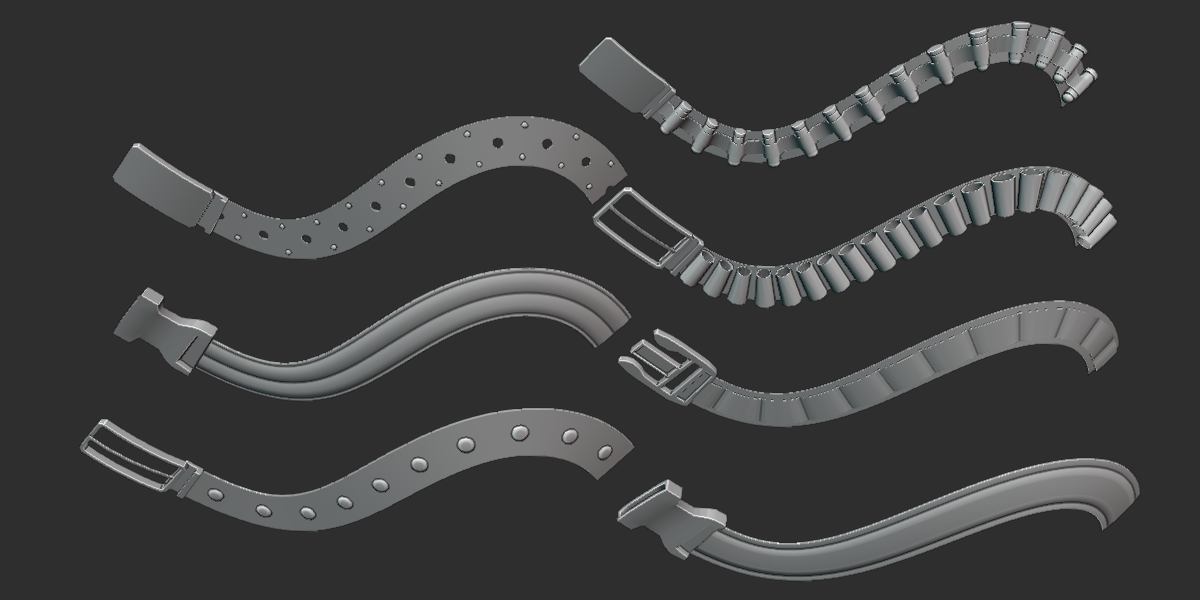
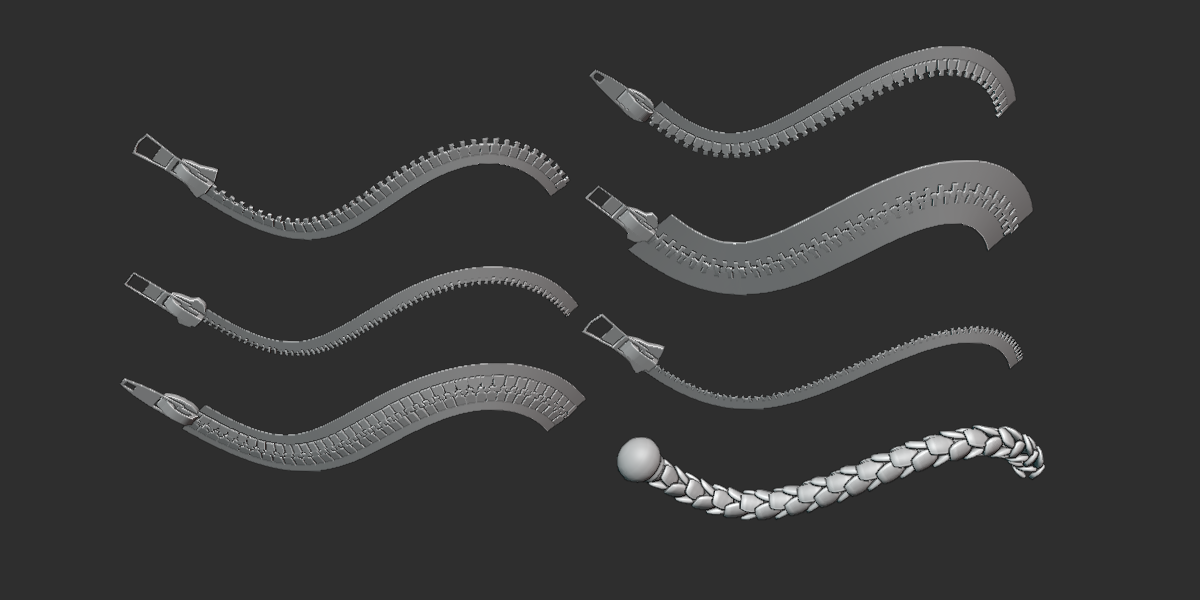
1. create a folder at a place of your choice. for example a folder named "My Curves" in D drive.
2. go to the addon folder which usually at "C:\Users\UserName\AppData\Roaming\Blender Foundation\Blender\3.3\scripts\addons\Handy Curve Profile" UserName usually is your main admin name, 3.3 is blender version, it could be 3.2 or others.
3. copy the "Handy Curve Profile.blend" inside default addon folder to your custom folder "My Curves".
4. in your addon preference set the custom path, please NOTE: only point to the FOLDER, NOT the actual blend file.

5. save preference and every time you make changes, such as append new mesh, it will work on the blend file in the custom folder. you may set up multiple folders for different projects.
all the profile meshes are made roughly to real life size. whereas in blender, the default size is usually larger, for example the monkey head is 2 meters tall.
the solution is scale up all source mesh.
1. go to addon folder, by default it is "C:\Users\UserName\AppData\Roaming\Blender Foundation\Blender\3.5\scripts\addons\Handy Curve Profile", locate the "Handy Curve Profile.blend" file.
2. open the blend file, optionally, import an object as scale reference. select all profile meshes - scale them accordingly - apply object scale- save blend file.
next time when you use the side panel to add curve profile, the scale will work to your liking.

I do not see addon panel, what's wrong?
create or select a curve object, you should see side panel appear. addon requires an active object.
How to add your own category?
in version 1.4.4 or later, each category is saved in a blend file separately. to add your own, for example, I have a cube, sphere and cylinder as profile mesh, simply save them in a collection such as "test", save the blend file named as "test" and drop it inside the addon folder. it will show up in the profile category drop down list. to make them for curve end cap object, add a suffix "_end" to the collection name and blend file name. in this case, all mesh are in collection "test_end" and save the blend file as "test_end". it will show up in the pick an end drop down list.
if you've already added your own mesh, you can duplicate the blend file and within each file, make sure the collection name is matching its blend file name. for example, I have make several new tube profile meshes with previous version, open "Handy Curve Profile.blend" in default addon folder/custom folder path, check the name of the tube profile collection name, in this case "Tube_profile". save the blend file name to "Tube_profile.blend". that will do it. repeat the renaming for any other category.
if you'd like to start from scratch, you can save an empty blend file with any name such as "my mesh_end". when you append a mesh to source, select the "my mesh_end.blend" file, append it and it is ready to be re used.
the default path for those blend files are inside the addon folder: C:\Users\UserName\AppData\Roaming\Blender Foundation\Blender\3.6\scripts\addons\Handy Curve Profile
you can change to a custom folder path to manage those blend files in addon preference

Have questions about this product?
Login to message

Discover more products like this
3d modeling bash hard surface creating cables Basemesh spring24 hair presets summer24 curve base meshes sci fi loveblender asset pack Pipe sci-fi pipes fantasy bfcm24 tales Cable horn creature curvebasher pipes kitbash cablerator winter24 tentacle rope