 Sonneblom Digitaal
What it does
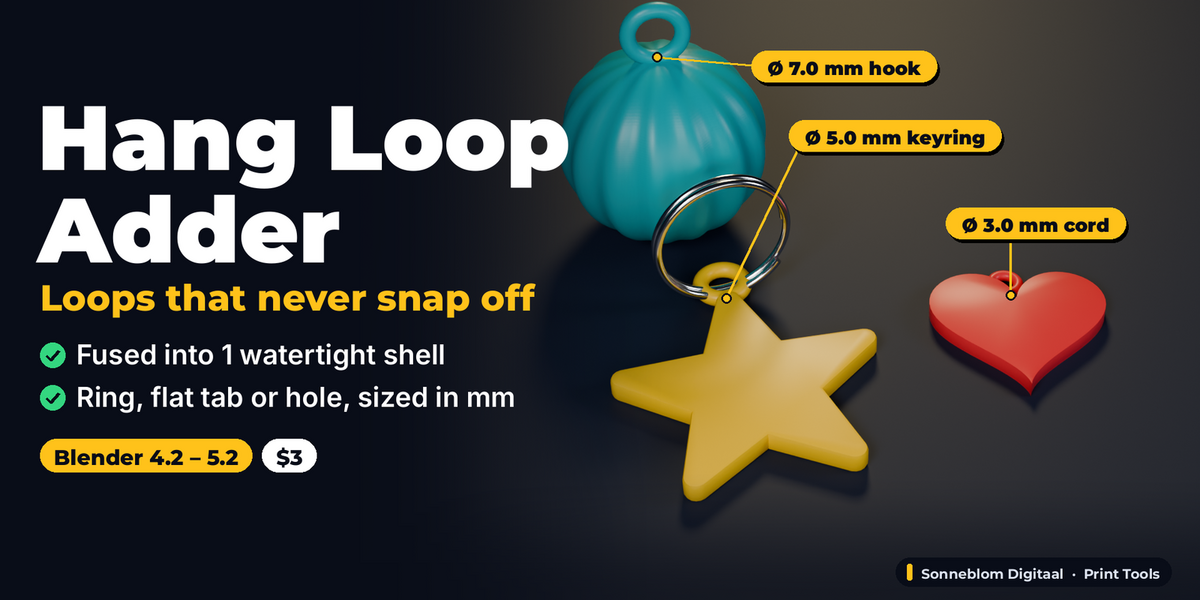
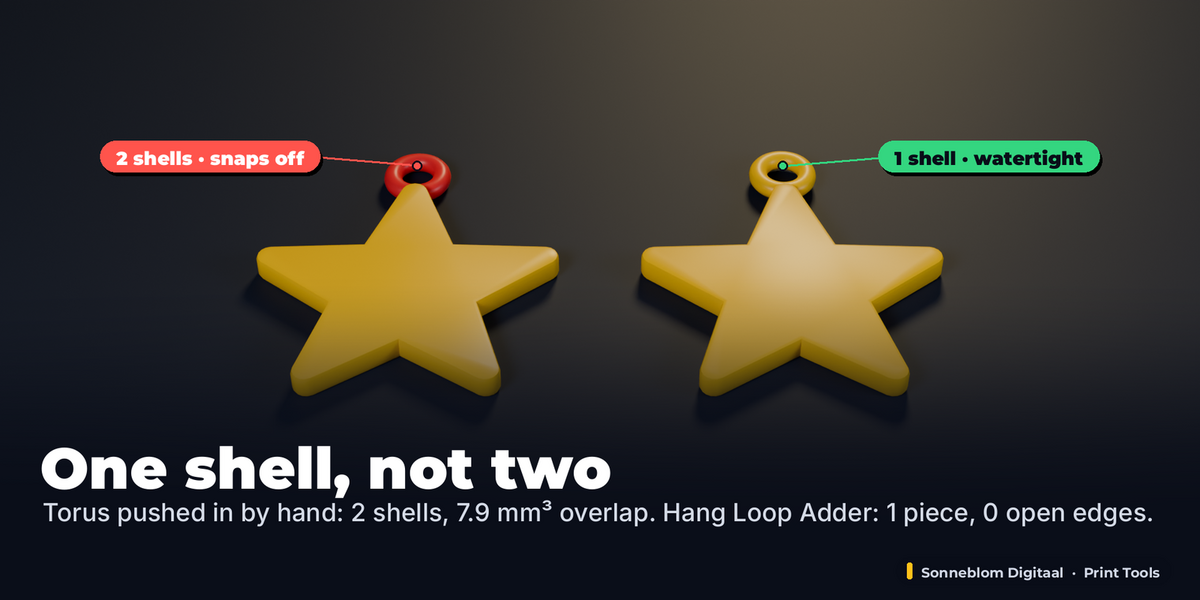
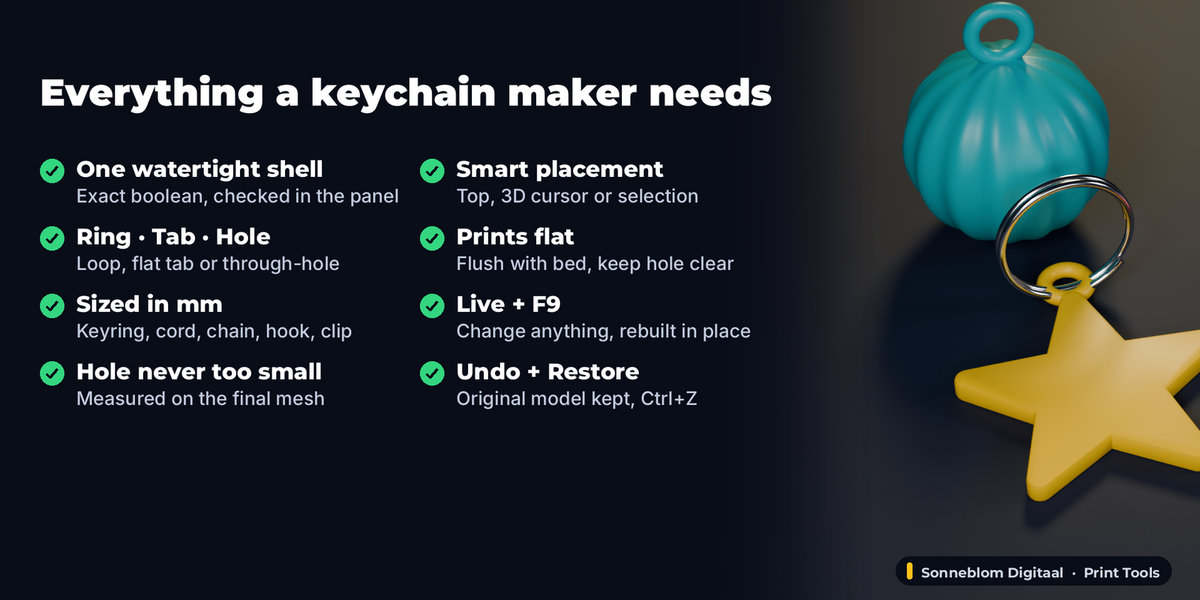
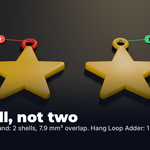
Hang Loop Adder turns any model into a keychain, ornament or pendant in one click. It puts a ring loop, a flat tab with a hole or a through-hole on your model, sized in millimetres for real hardware (split rings, cord, chain, hooks, lanyard clips), and fuses it into the model with an exact boolean, so the result is one watertight shell. A torus pushed into a model by hand stays a separate shell: the slicer prints internal walls and the loop snaps off. This one does not.
Everything stays live: change the hole size, the type, the preset, how deep it sinks in, the direction or the spot, and the model is rebuilt in place from the stored original. No extra objects, no starting over, and Restore Original brings the untouched model back at any time.
Who it's for
Makers who sell or gift 3D printed keychains, Christmas ornaments, pendants, tags and charms; anyone who downloads an STL and wants to hang it on a keyring or a cord; designers who want a loop that is sized right and printable without supports.
Key features
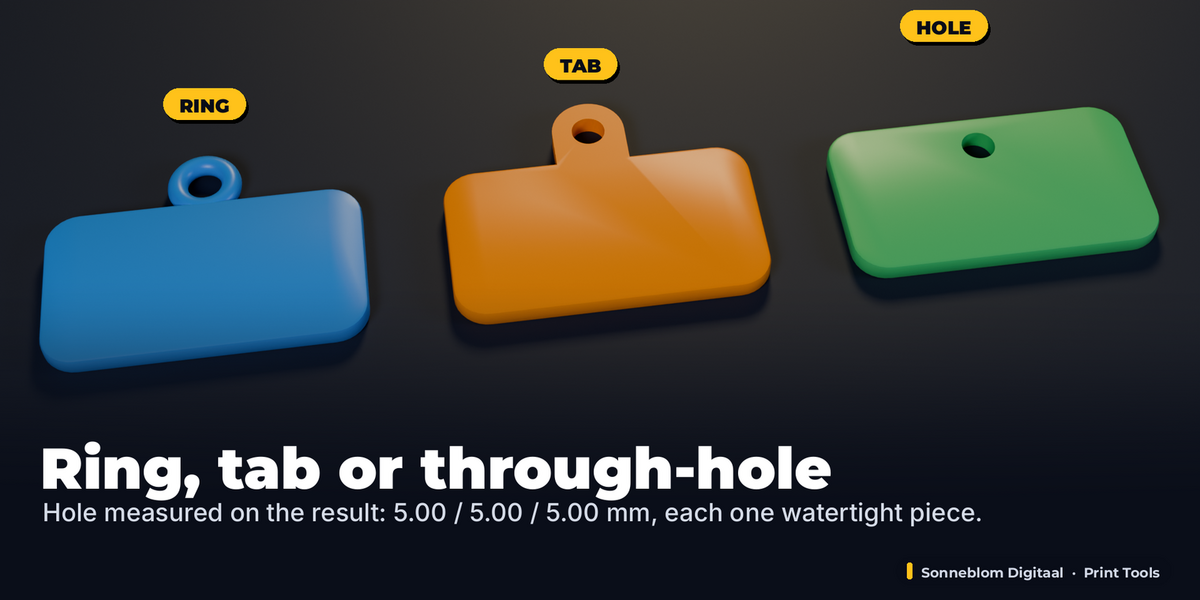
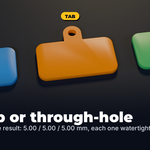
- Three types: round Ring loop (torus), flat Tab with a hole (prints flat with the model, no supports) or a Through-hole punched into the model: beside the top edge of a flat keychain, or drilled straight through the face where the 3D cursor is.
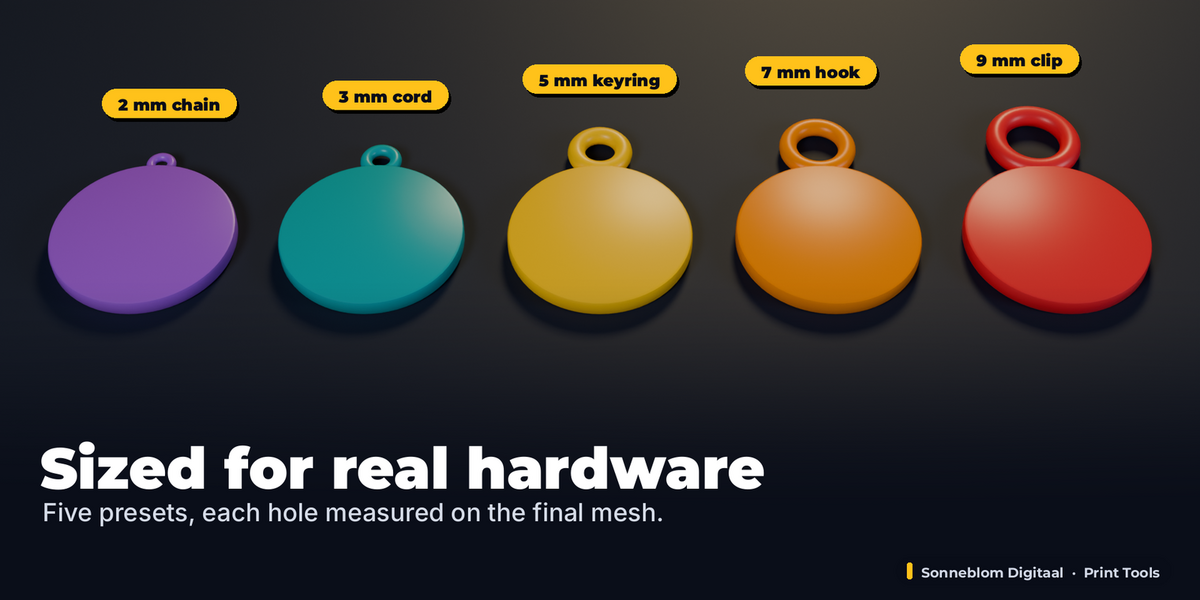
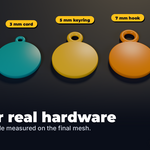
- Sized for the hardware: presets for Keyring (hole 5 mm, outer 11 mm, tab 3 mm), Cord / ribbon, Necklace chain, Wall hook / nail and Lanyard clip, or type your own hole Ø, outer Ø, tab thickness and sink in mm.
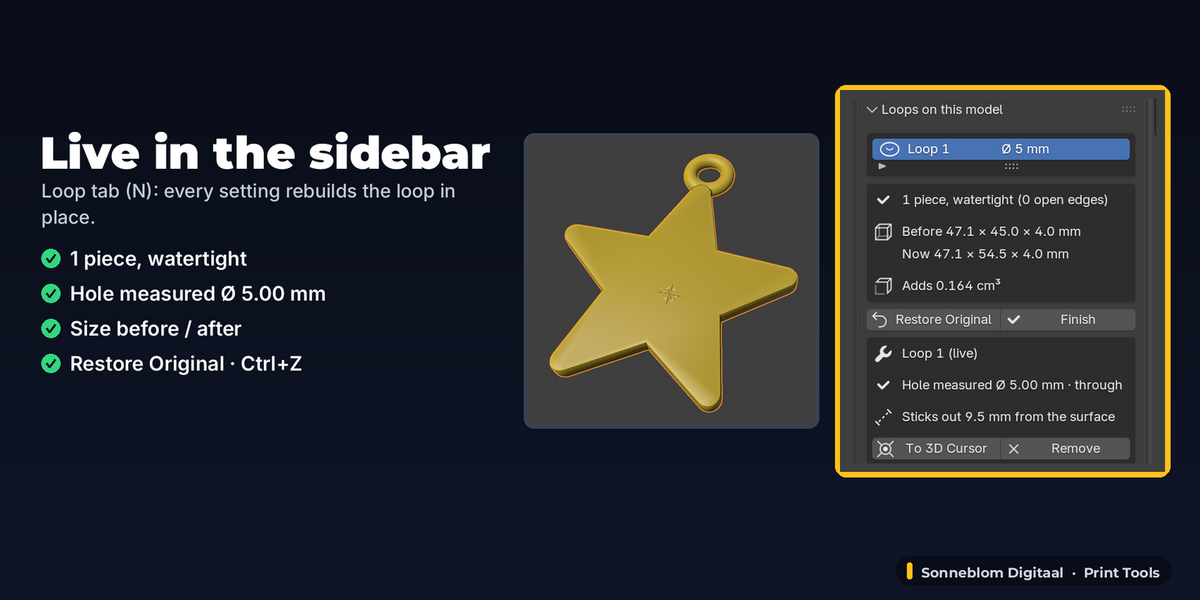
- Hole never smaller than you ask: the hole polygon is built around the circle, and the panel shows the hole diameter measured on the final mesh plus whether a cord passes straight through.
- One solid, checked: exact boolean union (or difference for holes); the panel counts the pieces and the open / non-manifold edges of the result and tells you plainly when something is wrong (for example a model that was not watertight to begin with).
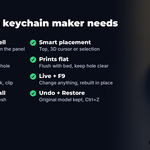
- Placed where it belongs: on the Top of the model as it hangs (the top edge of a flat keychain, the top of a 3D ornament), at the 3D cursor, or at selected vertices. The hole direction follows the model (through a flat plate, facing front on a figure), or pick X, Y, Z or your view, and Turn it.
- Keep hole clear: a loop placed in a notch (between the two lobes of a heart) is moved out just far enough that nothing blocks the hole; a through-hole near a narrow tip (a star point) is moved inward until its full wall fits, so no tip gets cut off.
- Flush with bed: a loop or tab lying flat is moved down onto the print bed with the model.
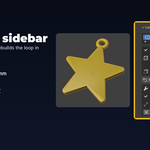
- Live, undoable, restorable: every setting updates the model in place, the Add button's settings are in F9 (Adjust Last Operation), Ctrl+Z works, more loops per model, Remove, Restore Original and Finish.
- Millimetres by default: 1 Blender unit = 1 mm (the STL case), or cm, m, inch or Scene units. Loops stay their size in mm even when the object is scaled, rotated or has its transform applied later.
How to use
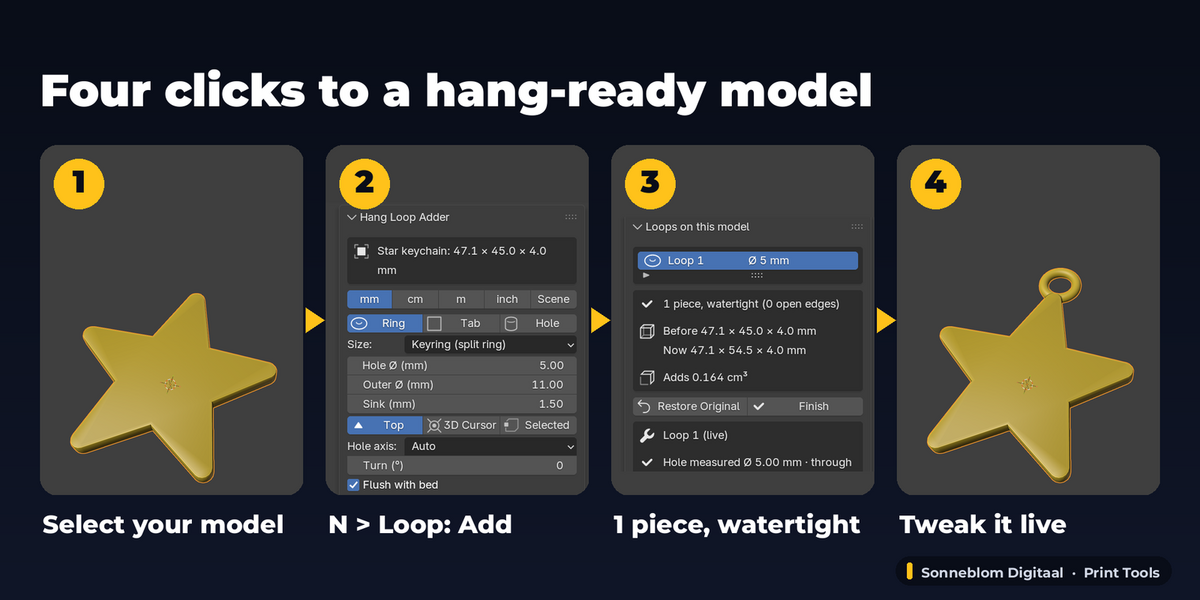
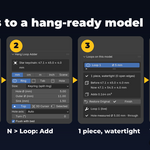
- Install the zip, press N in the 3D Viewport and open the Loop tab.
- Select your model (a mesh, e.g. an imported STL).
- Pick Ring, Tab or Hole and a size preset (Keyring is the default). Optional: Place at 3D Cursor (Shift + right-click on the model first).
- Click Add Ring Loop. The panel shows "1 piece, watertight" and the measured hole size.
- Tweak anything in "Loops on this model": the model updates live. Export your STL as usual.
Compatibility
Blender 4.2 LTS or newer, tested on 4.2 LTS and 5.2 LTS. Pure Python, no extra software, works offline. Extension zip and legacy add-on zip included.
Good to know
- For a watertight result your model must be watertight first: if it has holes the add-on says so and the result keeps those holes (close them first, e.g. Mesh > Clean Up > Fill Holes).
- The exact boolean takes a moment on very dense models (hundreds of thousands of faces); every change rebuilds from the original.
- Editing the mesh by hand after adding a loop: click Finish first (keeps the result as a normal mesh) - otherwise the add-on will not overwrite your edits and asks you what to do.
- While a model has editable loops, its untouched original is kept in the .blend as an extra mesh data-block ("<name> (original, Hang Loop)"); Finish or Restore Original removes it.
- The metal split ring in the pictures is real-life hardware to show the fit; it is not part of the add-on.
- Loops are made of plain geometry in your model's first material. Making a name tag or keychain from text is a different tool (Keychain & Name Tag Maker).
Support
Questions or a bug? Use the Superhive product page messages and we reply within a day.