Hang Loop Adder
 Sonneblom Digitaal
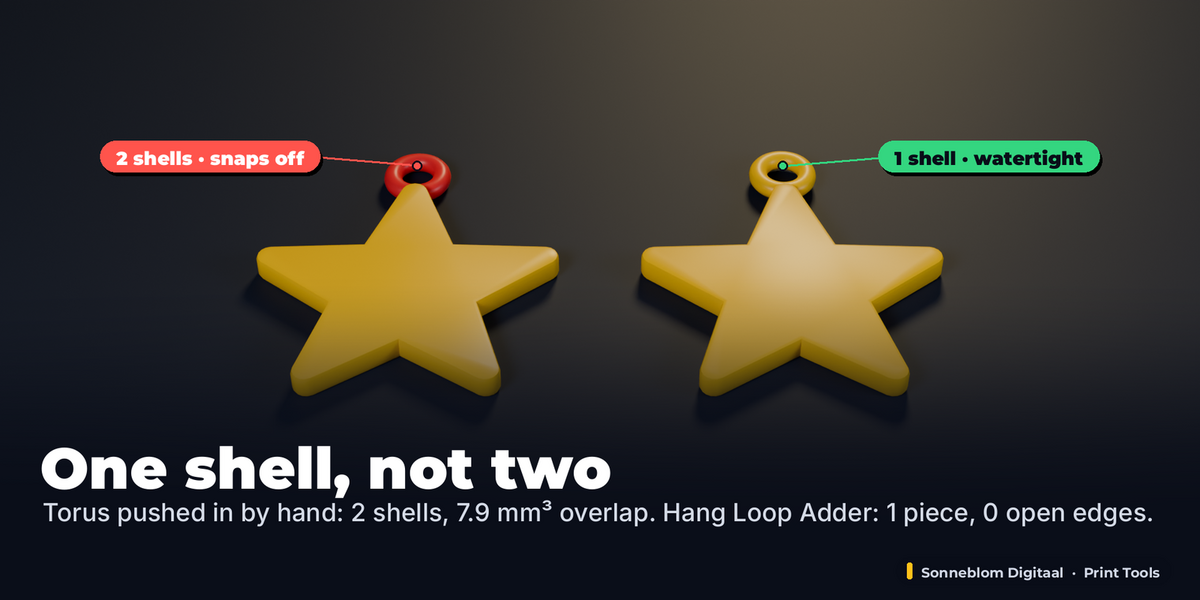
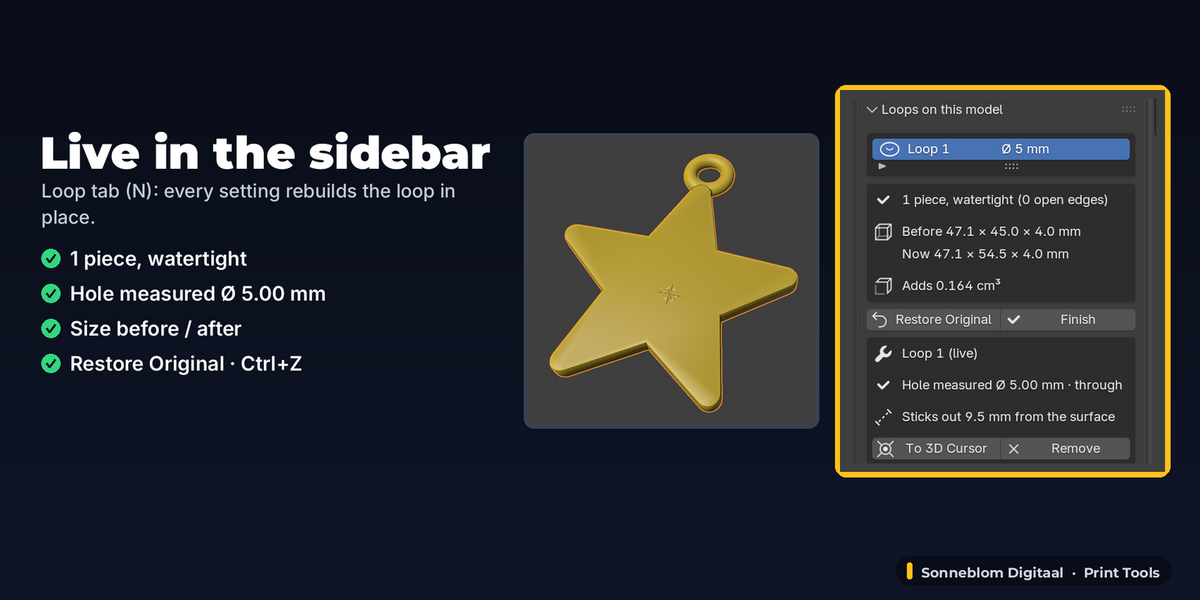
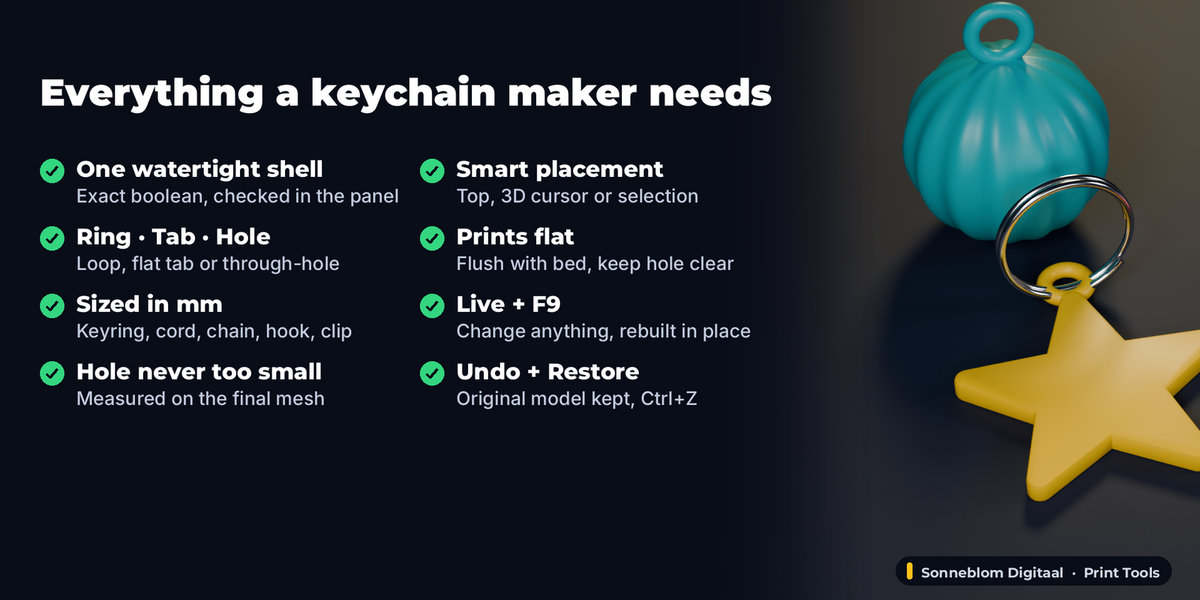
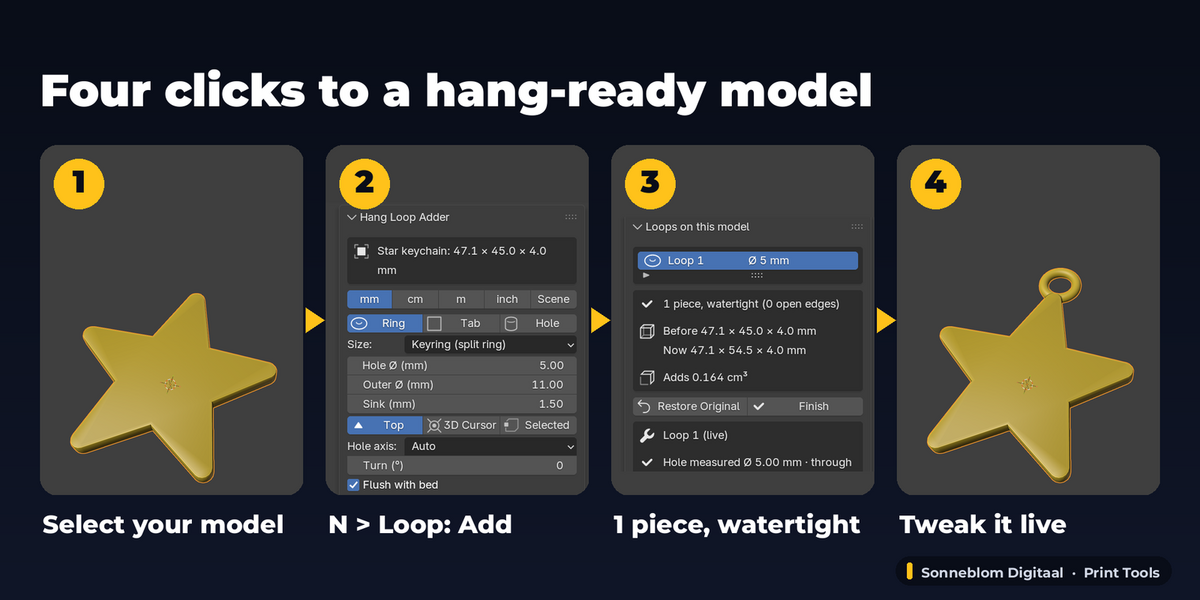
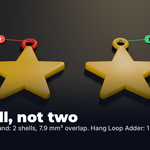
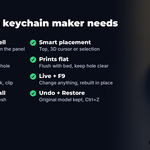
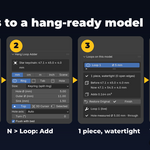
No. A torus pushed into a model is a second shell: the slicer prints its walls inside the model and the joint is weak. Hang Loop Adder fuses the loop with an exact boolean, so it is one solid, and the panel shows the piece count and open edges of the final mesh ("1 piece, watertight").
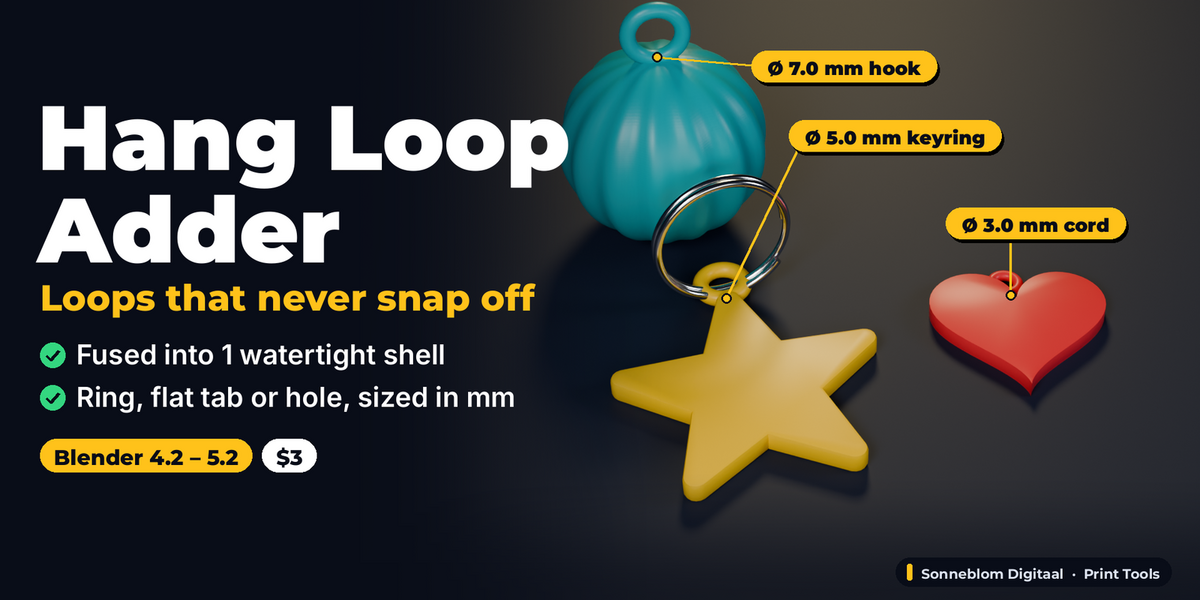
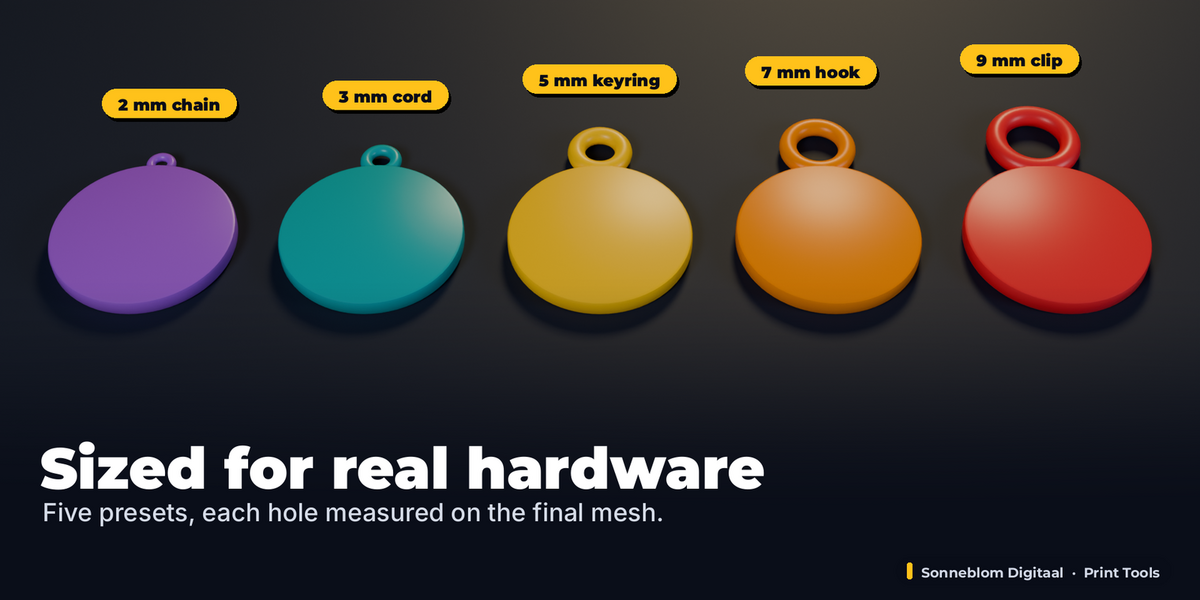
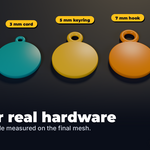
The Keyring preset is a 5 mm hole in an 11 mm loop, which takes the usual 1-1.5 mm split-ring wire easily. Cord / ribbon is 3 mm, Necklace chain 2 mm, Wall hook 7 mm and Lanyard clip 9 mm. The hole is built so it is never smaller than the number you type, and the panel shows the diameter measured on the result.
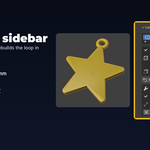
Yes. Every setting of the loop stays live in "Loops on this model": type, size, sink, direction, turn and position (To 3D Cursor). The model is rebuilt from its stored original, so nothing builds up. Ctrl+Z and Restore Original are always there.
No. The add-on reads 1 Blender unit as 1 mm by default, which is what STL files from printing sites use. If your model really is in metres or inches, set "1 unit =" in the panel.
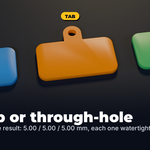
For flat keychains use Tab, or Ring with Flush with bed on: the loop lies flat on the bed with the model. A ring standing on top of a 3D ornament is a small overhang that most printers bridge fine.
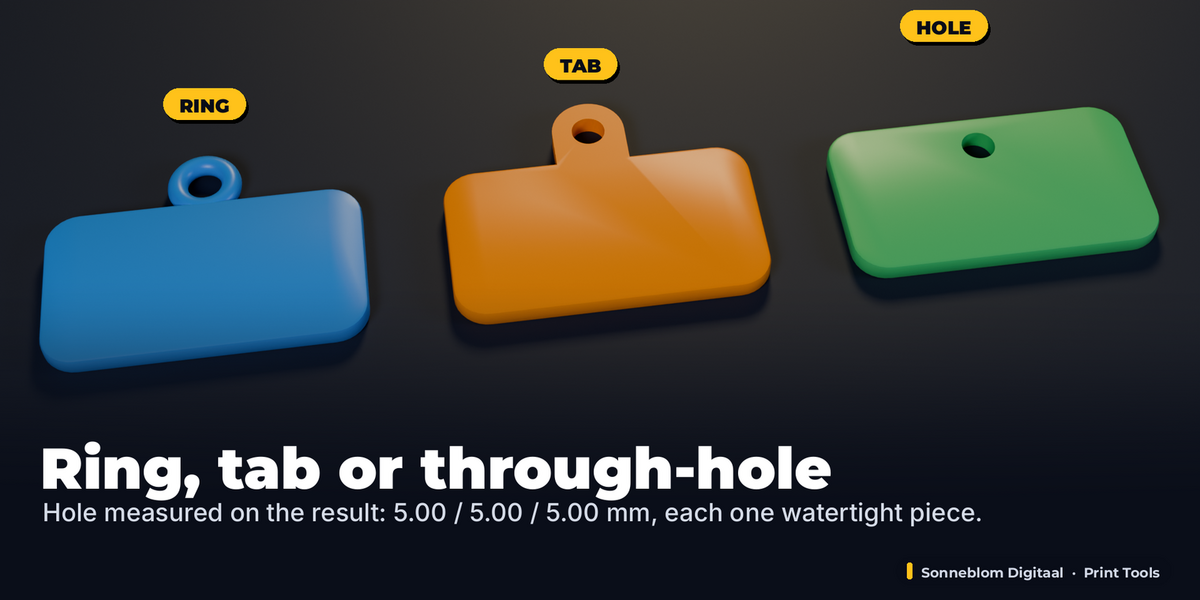
Yes, choose Hole. At the Top of a flat keychain it runs through the plate next to the top edge with (outer - hole) / 2 of wall left to the edge; with Place at 3D Cursor on the flat face of a plate (or Hole axis along the face normal) it is drilled straight through at that spot. Either way the add-on checks that a straight line passes through.
No, it adds a loop or a hole to a model you already have. For name tags and keychains from text there is Keychain & Name Tag Maker.
Have questions about this product?
Login to message
| Blender Extension Compatible | Yes |
| Published | about 20 hours ago |
| Blender Version | 4.2 - 5.2 |
| Extension Type | Add-on |
| License | GPL |