Harbor — Blender to Maya
 Harbor



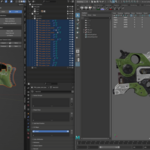
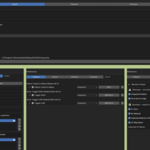
How to start
Drop the Blender add-on through Preferences → Add-ons → Install from Disk
Then copy two scripts into your Maya scripts folder — if a userSetup.py already exists there, append our snippet to the end instead of overwriting it.
Restart Maya, point Harbor at your maya.exe once, and you're done.
Software requirements:
Blender 4.2 and up — install as add-on or extension
Maya 2020 and up — Python 2.7 and 3.x
Maya scripts folder: Documents\maya\scripts\ (Windows) — shared across all Maya versions
harbor_maya.py — copy in.
userSetup.py — copy in or append to existingWindows fully supported · macOS in beta
Have questions about this product?
Login to message
| Published | 2 months ago |
| Blender Version | 4.2 - 5.0 |
| Extension Type | N/A |
| Render Engine Used | Cycles, Eevee |
| License | GPL |

Discover more products like this
collection export blender Exporter addon pipeline Workflow automation rig export fbx bridge maya game development