 MeshMind



Hardsurface Doctor — Blender Add-on
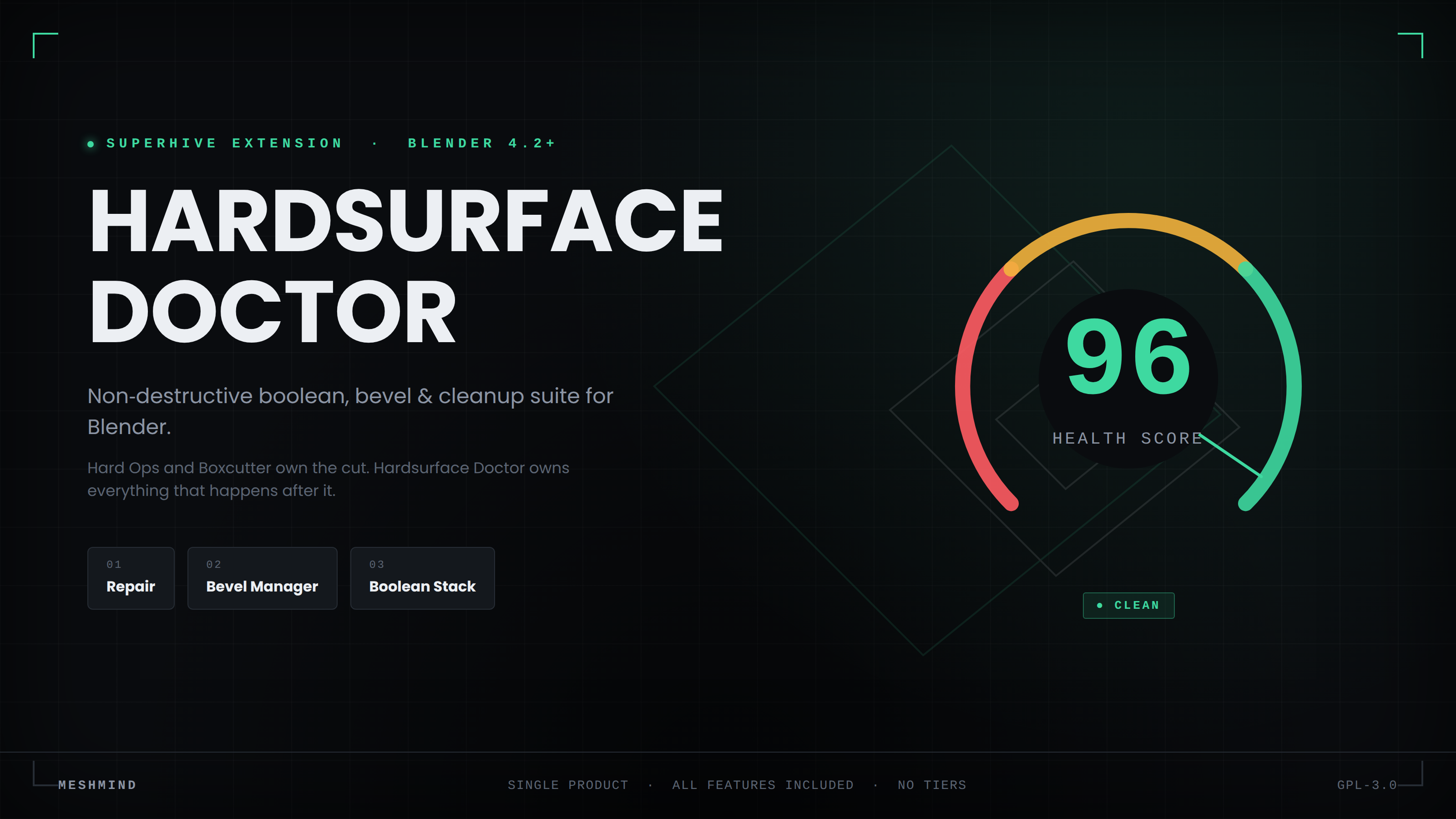 Hard Ops and Boxcutter cut. Hardsurface Doctor owns everything after.
A single, complete addon for the moment right after the boolean: n-gons, non-manifold edges, broken bevel weights, shading artifacts, and a modifier stack nobody can read six operations later.
✓ One-time purchase, no subscription
 Diagnostic accuracy
It tells you what's actually wrong, not just "broken."
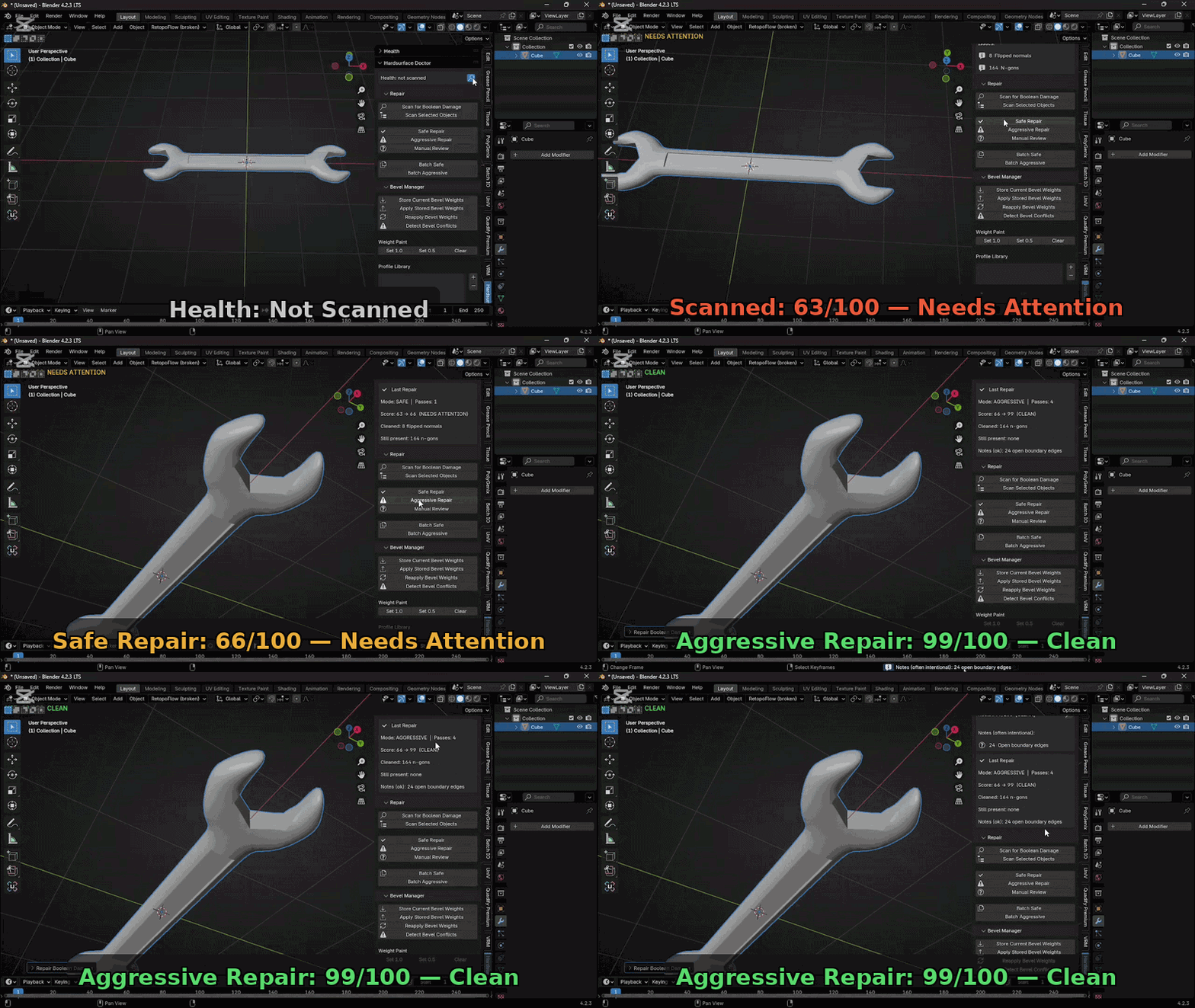
A scanned prop with an open bottom and a prop mangled by a bad boolean are two different problems wearing the same warning icon on most tools. Hardsurface Doctor separates them — an edge shared by 3+ faces is real damage, an edge shared by 1 face is often just an intentional opening.
|
Named, not summarised Exact counts per category — n-gons, non-manifold edges, interior faces, zero-area faces, doubled vertices, flipped normals, shading artifacts, boolean seams, open boundaries. |
A score that actually moves 0–100, weighted by real repair difficulty and scaled so 40 issues and 40,000 issues don't both flatline at the same number. |
|
Fills small holes, not your holes Hole-filling is capped by edge count. Boolean trash gets closed. A neck opening or barrel bore does not. |
Repair that isn't all-or-nothing Non-manifold cleanup runs edge by edge. One stubborn edge doesn't block the other ninety-nine dissolvable ones. |
Three connected pillars — all included
One sidebar tab, three tools that share data.
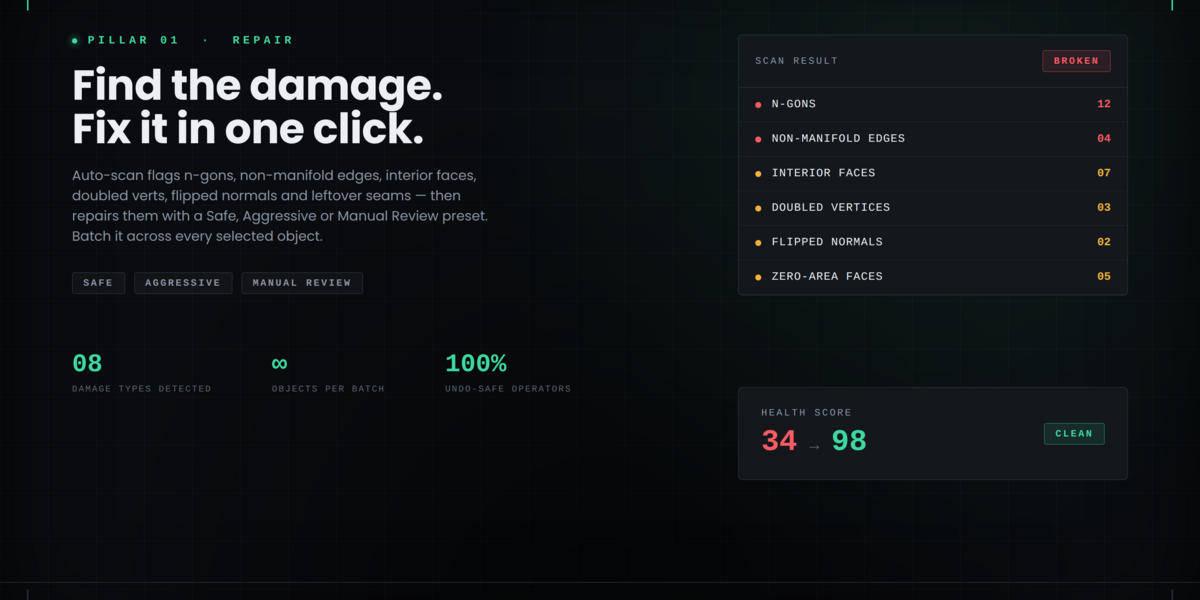
Scan, score, and clean up damage left behind by cuts.
- Scan for n-gons, non-manifold edges, interior faces, zero-area faces, doubled vertices, flipped normals, shading artifacts, boolean seams and open boundaries — reported separately
- One-click Safe / Aggressive / Manual Review presets
- Batch repair across multiple objects, with a configurable object-count cap
- Repair loops automatically until nothing more changes, and reports how many passes it took
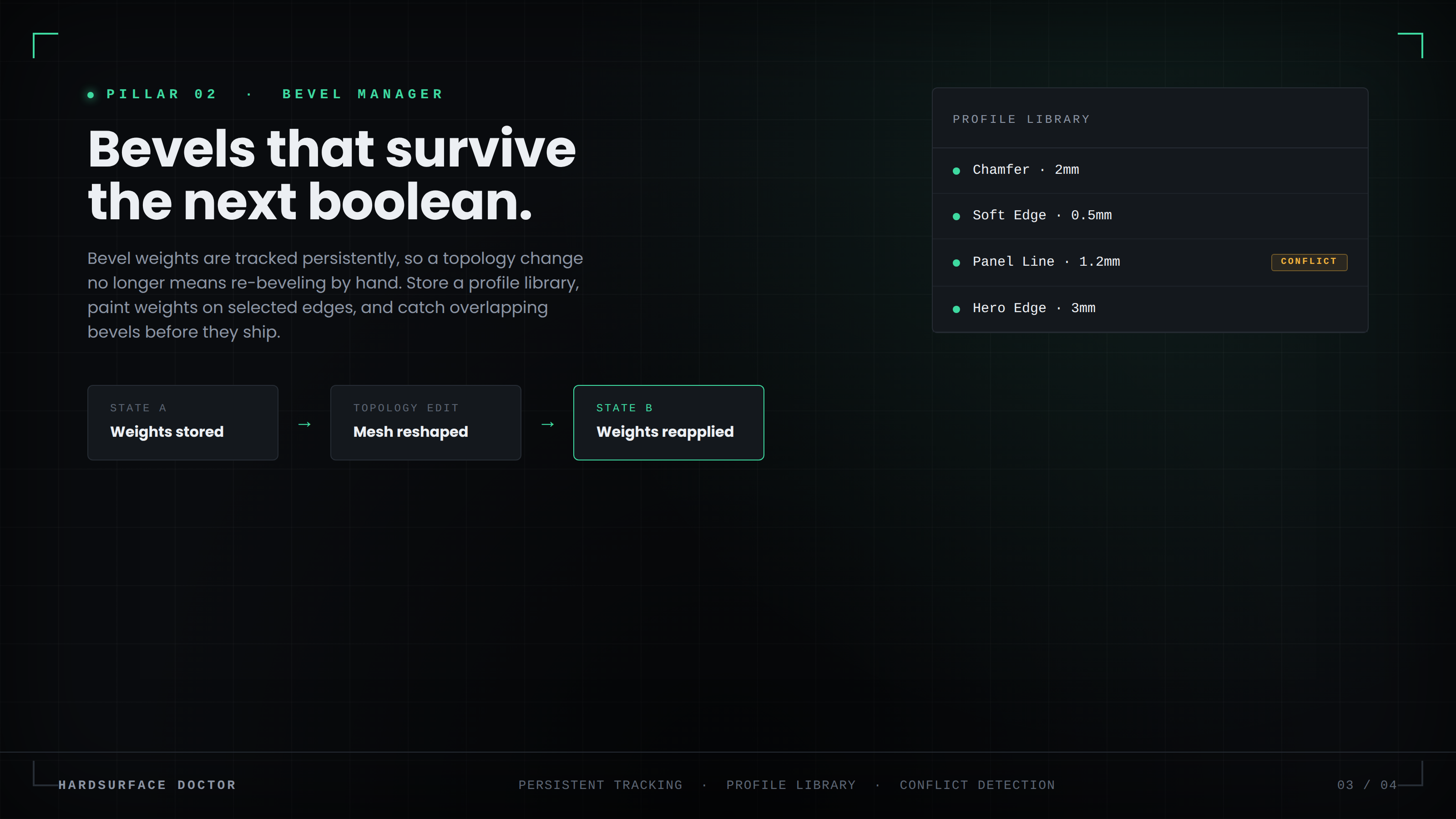
Bevel weights that survive the cut that follows them.
- Store weights as spatial positions, not vertex indices — reapply holds up even when a boolean splits the edge into several
- Match tolerance is a preference you control
- Simple weight painting on selected edges
- Profile library — save, load, apply, import, export
- Conflict detection flags edges where bevels are likely to clip
Turn an unreadable modifier stack into a debuggable one.
- Clean visual list of every boolean modifier on the object
- Reorder, mute/unmute individual steps to isolate exactly where geometry broke
- Rename, group and tag operations for complex props
- Jump straight to the cutter object
- Export and import stack presets for repeatable kit-bashing
Designed for production
- ✓ Undo-safe throughout
- ✓ Blender 4.2+ and 5.x compatible (Extension-ready)
- ✓ Single sidebar panel — repair, bevel and stack together
- ✓ Live health badge in the viewport itself
- ✓ Optional auto-repair-on-apply after a boolean modifier is applied
- ✓ Preferences read correctly under the Extensions namespace
What it won't do
Every repair tool has a shape of damage it handles badly.
Some tangled boolean damage has no single unambiguous fix. Aggressive mode makes a real attempt and reports exactly what's left — it never silently claims success on geometry that needs a manual pass.
If repair leaves a big hole open, that's the hole-size cap doing its job, not a bug.
Move a hard edge past your configured threshold and reapply can miss it. Widen the threshold or store weights again after a major topology change.
The stack manager makes a messy list of booleans readable and lets you isolate breaks — it doesn't plan the cut for you.
Installation
- Download the product ZIP from your Superhive library
- Edit → Preferences → Add-ons → Install from Disk (or drag the .zip onto Blender)
- Enable "Hardsurface Doctor"
- Open the 3D Viewport Sidebar (N) → Hardsurface Doctor tab
Support
Send your scan report and Blender version if something looks wrong — the scan output usually identifies the problem immediately. Contact: [email protected]
