Harmonica Generator – Procedural Harmonica Model For Blender
 Egon Castle


Can I edit the generated model manually?
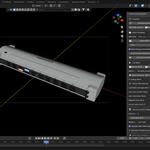
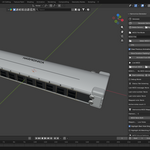
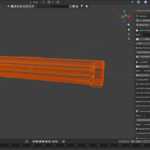
Yes. After generating the harmonica, you can edit the objects, materials, camera, and lighting manually inside Blender.
Can I use this for product renders?
Yes. The generated harmonica can be used for product-style renders, music-themed scenes, animation props, and visual projects.
Can I change the number of holes?
Yes. The add-on includes a hole count setting. The default is 10 holes, which matches a classic diatonic harmonica style.
Is this a playable harmonica simulator?
No. This add-on is for visual modeling and rendering. It creates a harmonica prop/model, but it does not simulate real harmonica sound or airflow.
What does this add-on do?
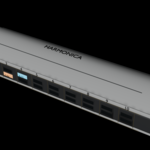
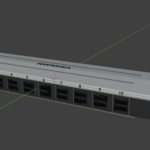
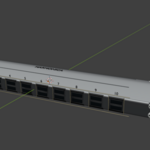
Harmonica Generator creates a procedural harmonica model inside Blender. It can generate the body, metal covers, front air holes, screws, bevels, and optional label details.
$5
 Included
Includes 12 months of
- Support from Egon Castle
- Product updates
Extend this product’s Support Period +12 months: 25% of product price
Have questions before purchasing?
Login to message
| Blender Extension Compatible | Yes |
| Dev Fund Contributor | |
| Published | about 2 months ago |
| Blender Version | 5.1 |
| Extension Type | Add-on |
| Render Engine Used | Blender-Internal, Cycles, Eevee |
| License | GPL |
Discover more products like this
procedural Instrument prop product render modeling 3d model asset harmonica Blender Add-on Generator Music animation