HeadWrap: Automatic Head Retopology With Eyes and Teeth
 Meshwright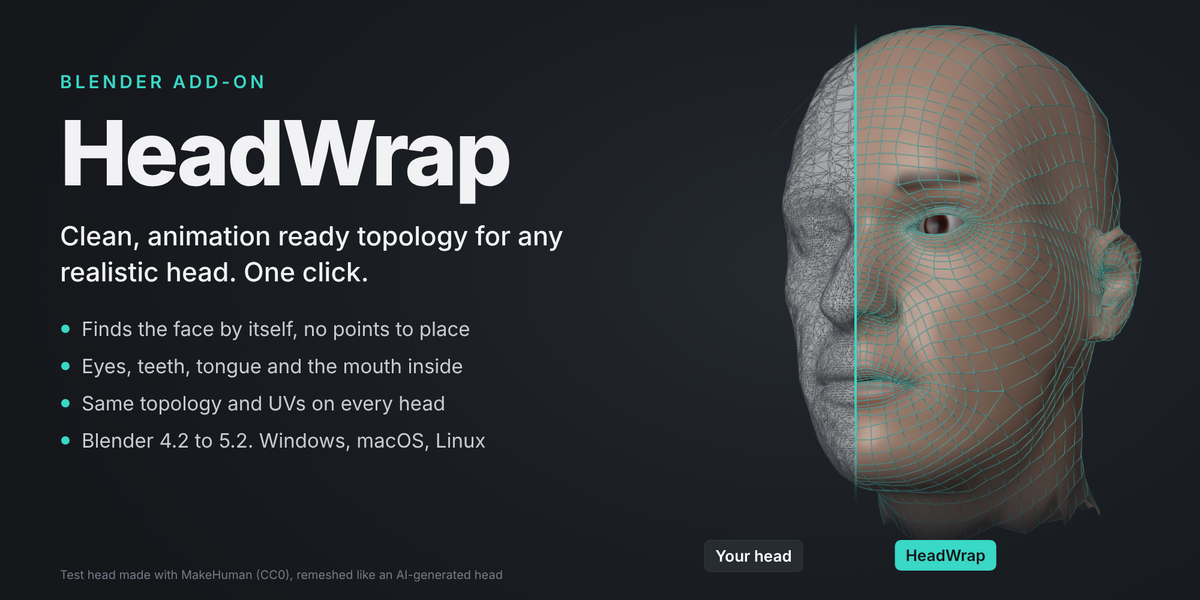
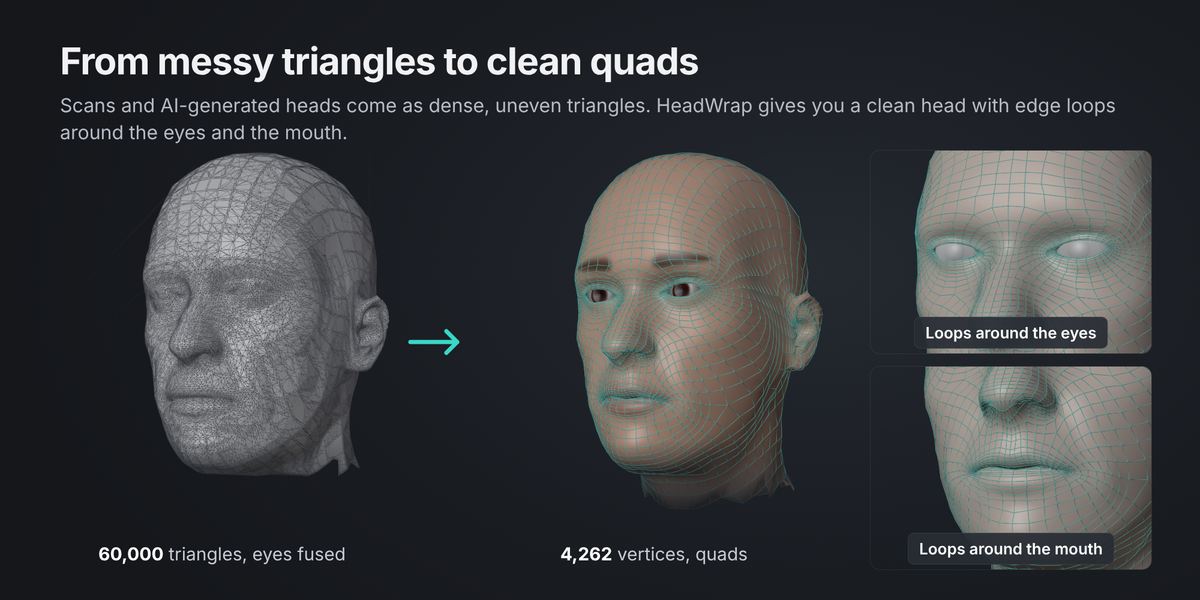
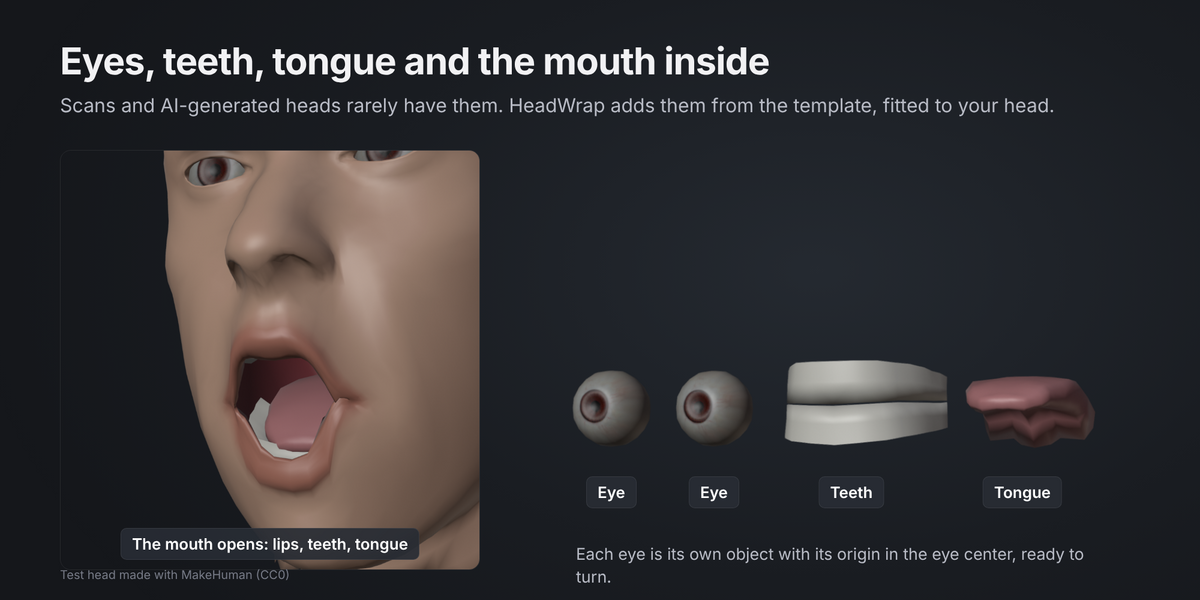
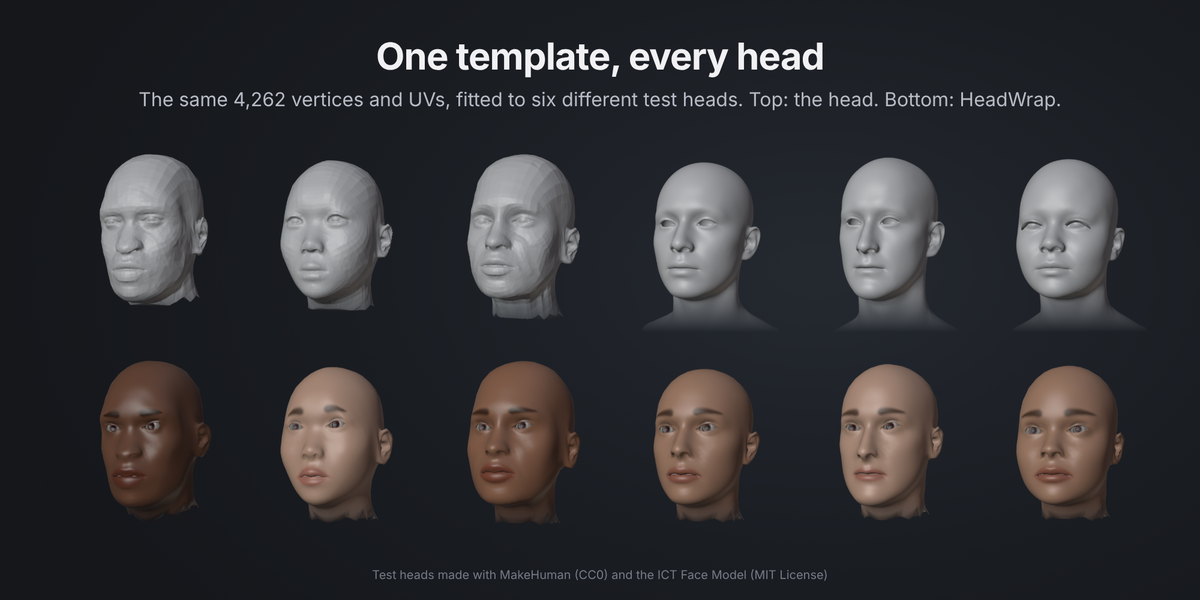
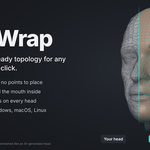
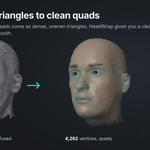
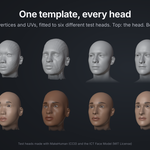
HeadWrap fits a clean template head onto your head mesh: a 3D scan, a sculpt or an AI-generated head. You get the same clean, animation ready topology every time, with UVs, eyeballs, teeth, a tongue and a mouth inside. Your own head is not changed.
What you need
- Blender 4.2 or newer. Tested on 4.2 LTS and 5.2 LTS.
- A realistic or semi realistic head mesh with a face: eyes, nose and mouth. A head on its own or with a neck and shoulders. Any size, any direction.
- Separate eyeballs are fine, and so are eyes fused into the head.
Nothing is downloaded and nothing goes online. The face models and the template ship inside the add-on.
Install
- In Blender, open Edit > Preferences > Get Extensions.
- Open the menu in the top right corner and choose Install from Disk.
- Pick the file
headwrap-1.0.0.zip. - Open the sidebar in the 3D Viewport (press N). You will see the HeadWrap tab.
Quick start
- Head. Select your head mesh, or pick it in the Head field.
- Wrap. Press Wrap Head. HeadWrap finds the face by itself and fits the template. This takes about 10 to 20 seconds. Press Esc to cancel.
- Look. A new collection "HeadWrap " holds the wrapped head, two eyes, the teeth and the tongue. The panel shows how close the fit is, for example "Average gap 0.8 mm, on the face 0.4 mm (at life size)".
That is all for most heads. Each Wrap Head makes a new set of objects, so you can try again with other settings and keep the one you like.
Face points
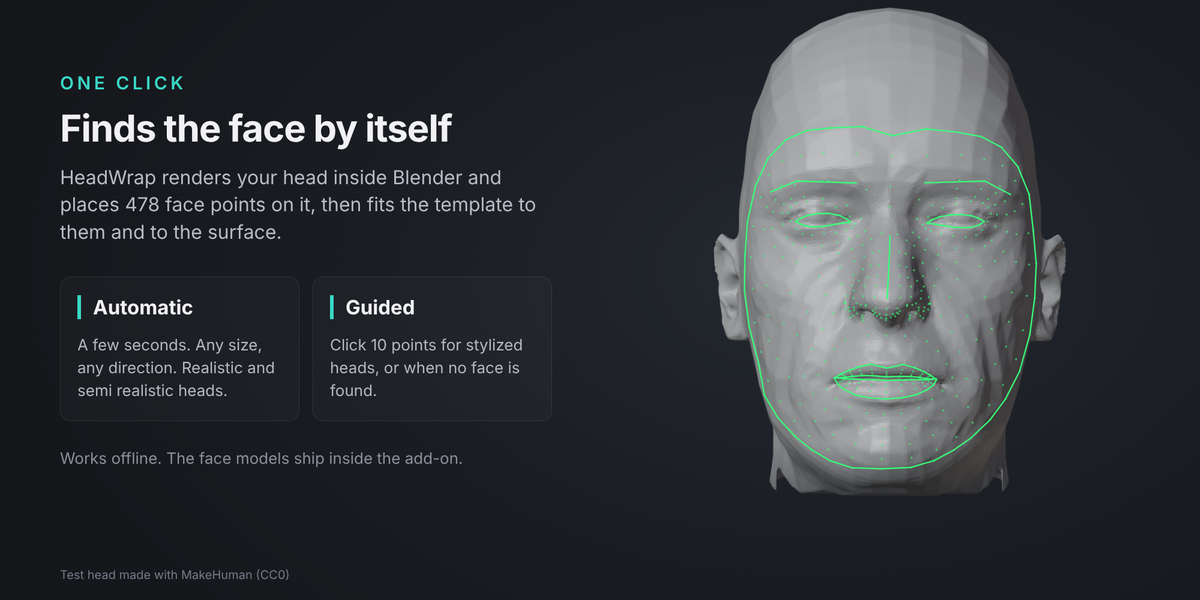
Wrap Head finds 478 face points on the head first. You can also do this step on its own to check the points before you wrap.
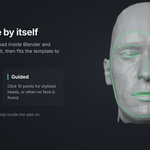
- Automatic: press Find Face Points. Green lines show the eyes, brows, lips and the face outline. If a point is off, select the green preview object, go to Edit Mode and move the point, then go back to Object Mode and press Wrap Head.
-
Guided: for stylized heads, or when Automatic finds no face. Switch Face Points to Guided, press Click Points and click 10 points on the face. The header tells you which point is next:
- right eye, outer corner
- right eye, inner corner
- left eye, inner corner
- left eye, outer corner
- right eye, upper lid middle
- right eye, lower lid middle
- right mouth corner
- left mouth corner
- mouth middle, where the lips meet
- chin, lowest point
"Right" means the character's own right side. In a front view it is on the left of your screen. Right click or Backspace undoes the last point, Esc cancels. You can still orbit and zoom while you click.
Clear (the X next to "Points ready") removes the points, and the next wrap finds them again.
The points are saved on your head object, so the next Wrap Head uses them without searching again.
What the wrapped head has
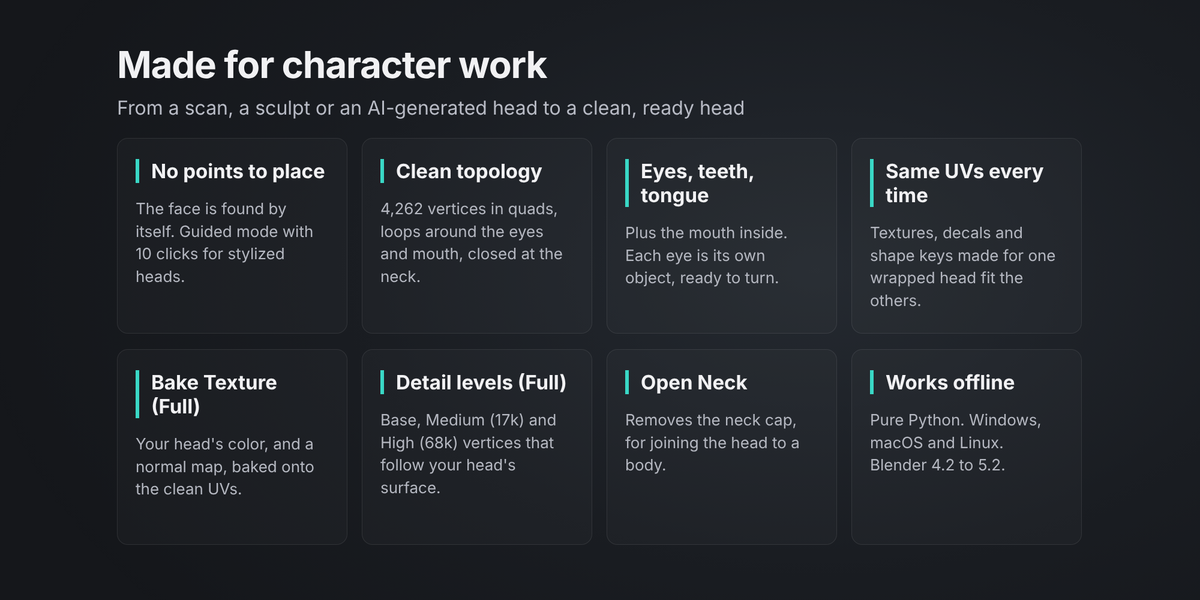
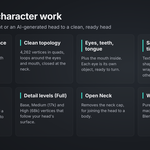
- Topology: 4,262 vertices, quads with edge loops around the eyes and the mouth, closed at the neck.
- UVs: the same UV layout on every wrapped head ("UVMap"). The template's original MakeHuman UVs are kept as a second map ("MakeHuman UV").
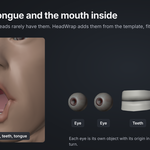
- Eyes: one object per eye, with its origin in the eyeball center, so you can turn it.
- Teeth and tongue inside the mouth, and a mouth inside that follows the lips.
- A material with skin color, brows, lid liner and lips, until you bake your head's own texture.
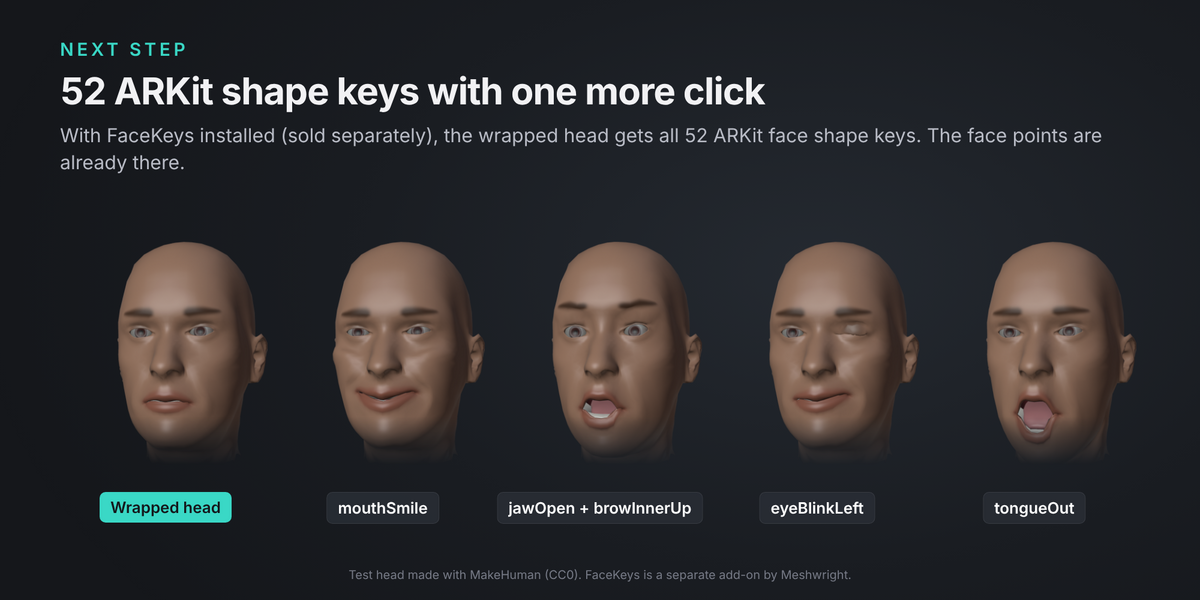
- Face points for FaceKeys: the wrapped head already carries its face points.
Options
- Template: Realistic Head (an adult head made from MakeHuman, CC0).
- Detail (Full): Base (4,262 vertices), Medium (17,000) or High (68,000). Medium and High subdivide the wrapped head and move the new vertices onto your head's surface, for close-ups and sculpting.
- Eyes: add the template's eyeballs.
- Teeth and Tongue: add the template's teeth and tongue.
- Open Neck: removes the faces that close the neck, for joining the head to a body.
- Keep Face Points: keeps the green preview object after the wrap.
Texture (Full)
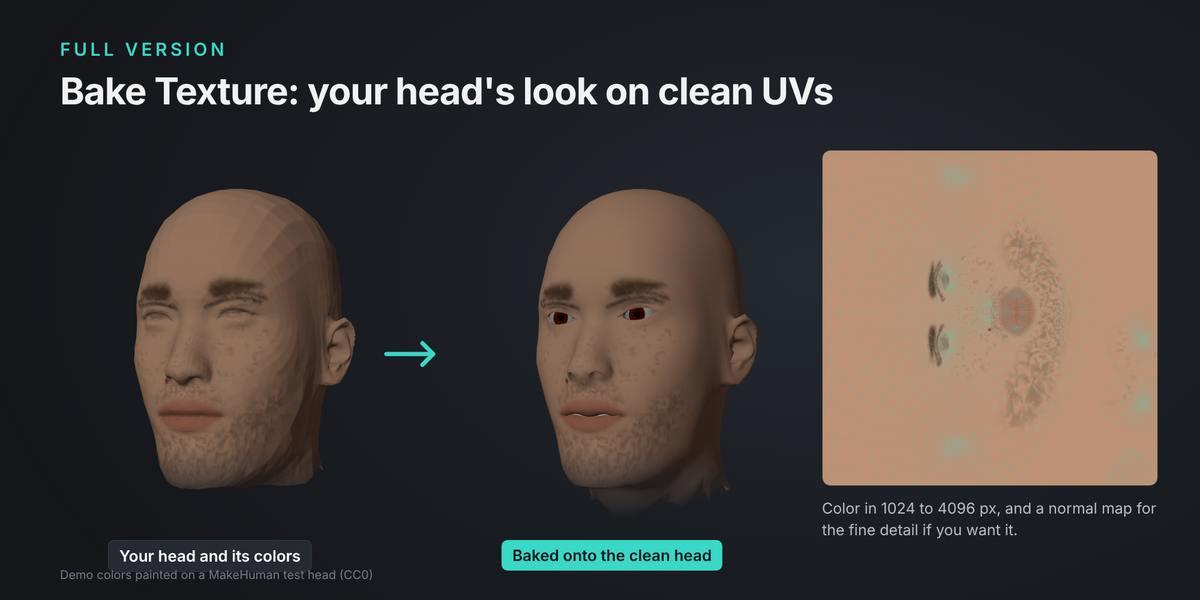
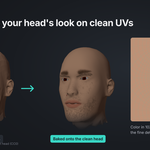
Bake Texture moves your head's look onto the clean UVs.
- Wrap the head. Your head needs a material with its texture (a scan or an AI-generated head usually has one).
- In the Texture panel, pick the size (1024, 2048 or 4096 px) and tick Normal Map if you also want the fine detail (wrinkles, pores) as a normal map.
- Press Bake Texture. It uses Cycles and takes from a few seconds to a minute. Spots of the clean head that your head does not cover (for example a neck that is cut shorter) get your head's typical skin color.
The wrapped head gets a new material with the baked images. The images are packed inside the .blend file. To use them in another program, open the Image Editor and save them with Image > Save As.
FaceKeys
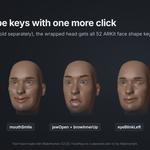
FaceKeys is our add-on that makes the 52 ARKit face shape keys for a head (sold separately). When FaceKeys is installed, the HeadWrap panel shows Make Shape Keys with FaceKeys after a wrap. One click makes all 52 keys on the wrapped head, its eyes, teeth and tongue. The face points come from HeadWrap, so FaceKeys does not search again.
Tips
- Hide or remove hair, hats and glasses that cover the face before you wrap. Hair that is part of the head mesh becomes part of the head shape.
- The head can have modifiers and shape keys: HeadWrap wraps what you see in the viewport.
- You do not need to apply scale or rotation. The wrapped head takes your head's transform.
- Wrap a head with a closed or slightly open mouth and open eyes.
- Ears keep the template's clean shape. Their position and size follow your head.
- The template's neck ends just below the jaw. Longer necks and shoulders are left out. To join the head to a body, turn on Open Neck and bridge the edge loops (Edge > Bridge Edge Loops).
Troubleshooting
- "No face found." Use Guided mode (10 clicks). Automatic works on realistic and semi realistic heads. Hide hair or anything else that covers the eyes, and try again.
- "The fit is loose." The face points may be off. Press Find Face Points, check the green lines, move points if needed, and wrap again. Or use Guided.
- "Found 1 of 2 ears." The ear was not found on your head (for example, it is hidden by hair). The template's ear then follows the surface instead of keeping its shape.
- "The head mesh has too few faces." HeadWrap needs a head with some detail: at least a few hundred triangles.
- "The template files are missing." Reinstall HeadWrap.
- The baked texture is grey. Your head has no material, or its material has no texture.
- A spot looks folded (most often in the ears). Sculpt it smooth with the Smooth brush, or try Guided mode. Small folds can happen where your head's shape differs a lot from the template.
License
The add-on code is GPL 3.0 or later. The template head is made from MakeHuman assets (CC0). The face landmark models are by Google, under the Apache License 2.0. See the licenses folder inside the add-on.
Have questions about this product?
Login to message
| Blender Extension Compatible | Yes |
| Published | 3 days ago |
| Blender Version | 4.2 - 5.2 |
| Extension Type | Add-on |
| Render Engine Used | Cycles |
| License | GPL |

Discover more products like this
wrap auto-retopology retopology 3D Scan topology texture-baking Head face AI-generated character photogrammetry base mesh