 NORELL
Version 1.2.0
Installation
Download HELLAS_FORGE_v1.2.0.zip.
Open Blender and go to Edit → Preferences → Add-ons.
Open the add-on menu and choose Install from Disk.
Select the ZIP file and complete the installation.
Enable HELLAS FORGE.
In the 3D Viewport, press N and open the HELLAS FORGE sidebar tab.
Install the ZIP directly without extracting it. The package includes the generators, materials and native asset libraries. No additional asset download or external Python dependency is required.
Updating an existing installation
Save your scene, disable HELLAS FORGE and install the new ZIP with overwrite enabled. Restart Blender, then enable the add-on again.
Previously generated geometry and saved structure parameters remain in your scenes.
Quick Start
Place the 3D Cursor where you want your structure.
Choose a generator or load an architectural preset.
Select the column order, dimensions, detail level and materials.
Click Generate HELLAS FORGE.
To modify an existing structure, select one of its components and click Edit Selected Structure.
Adjust the settings and click Regenerate Selected Structure.
Loading a preset prepares the settings. Click Generate to create its geometry.
Generation and regeneration are explicit actions: changing a slider does not automatically rebuild the scene.
Architectural Generators
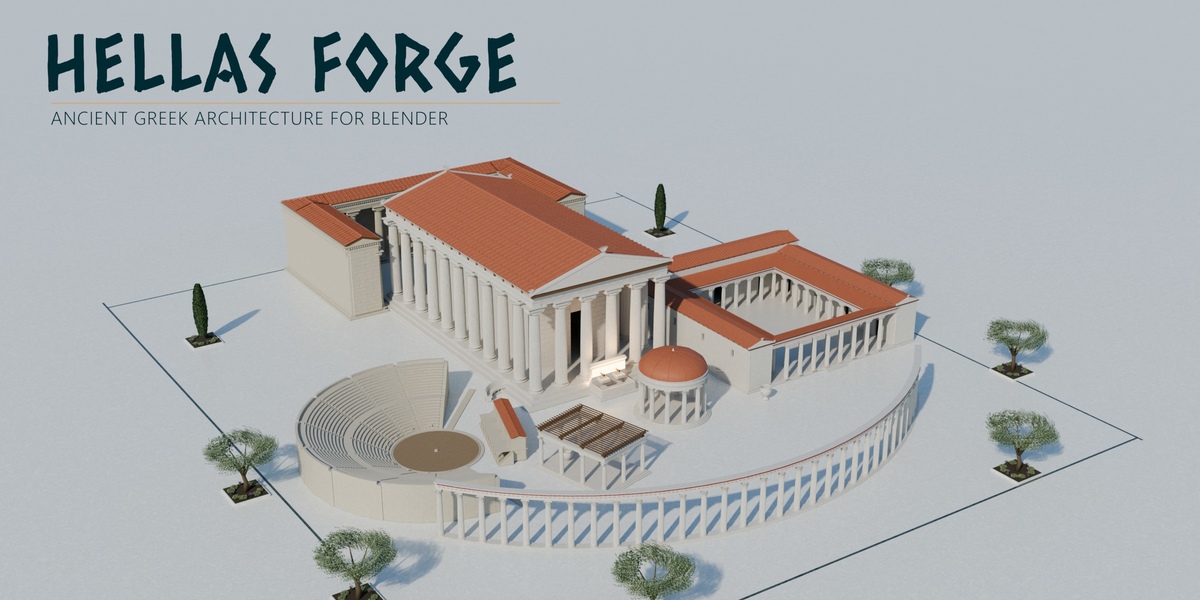
HELLAS FORGE includes:
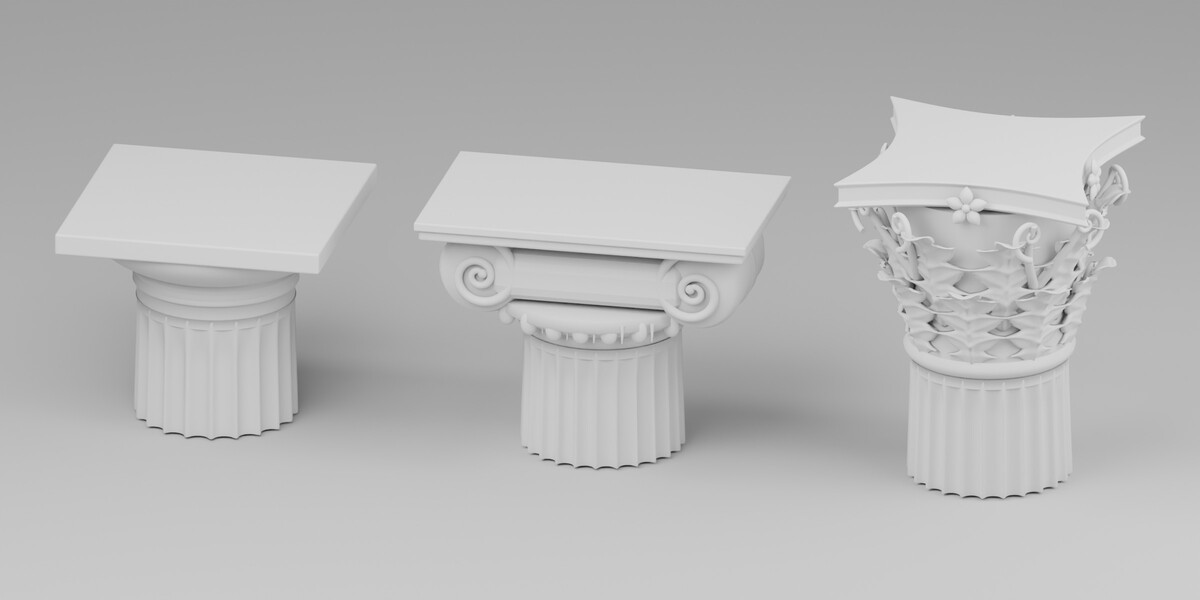
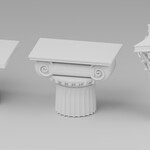
Columns: Doric, Ionic and Corinthian orders with modeled capitals and adjustable proportions.
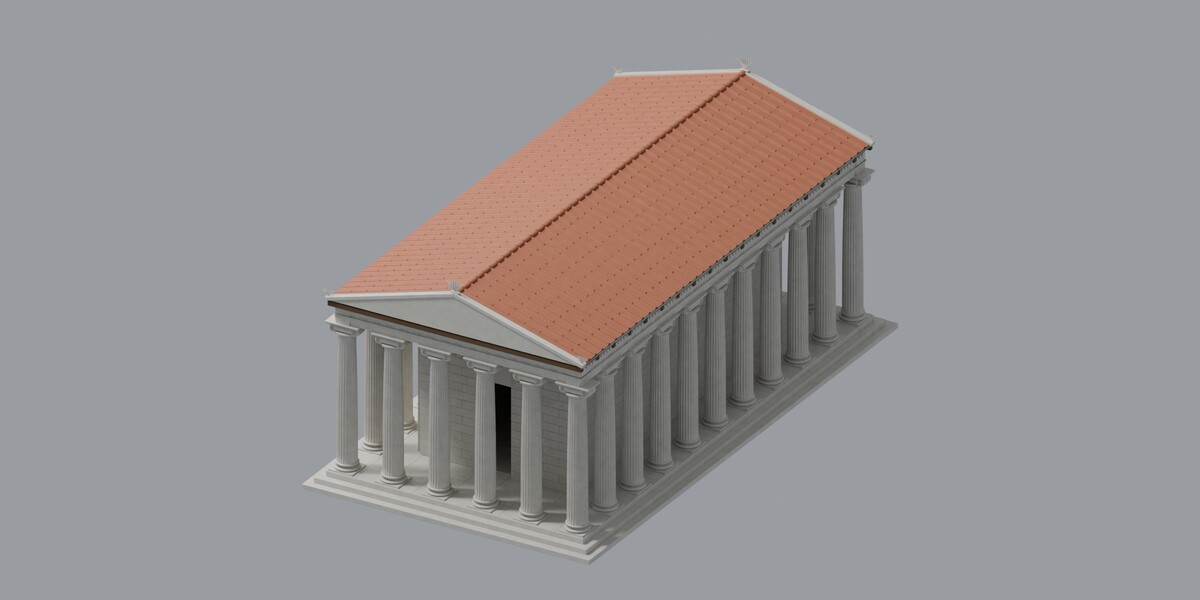
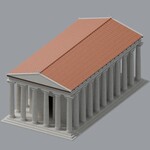
Temples: six plan configurations.
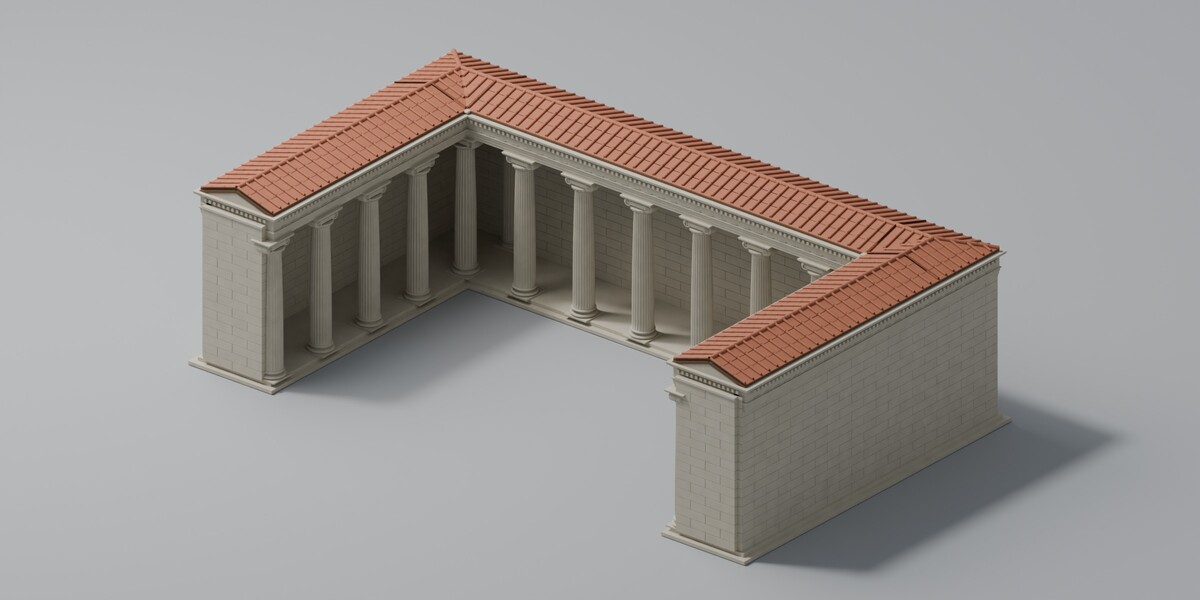
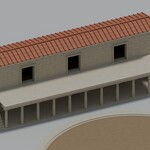
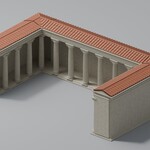
Stoas: straight, L-shaped and U-shaped colonnaded structures.
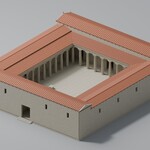
Peristyles: connected courtyards with surrounding colonnades.
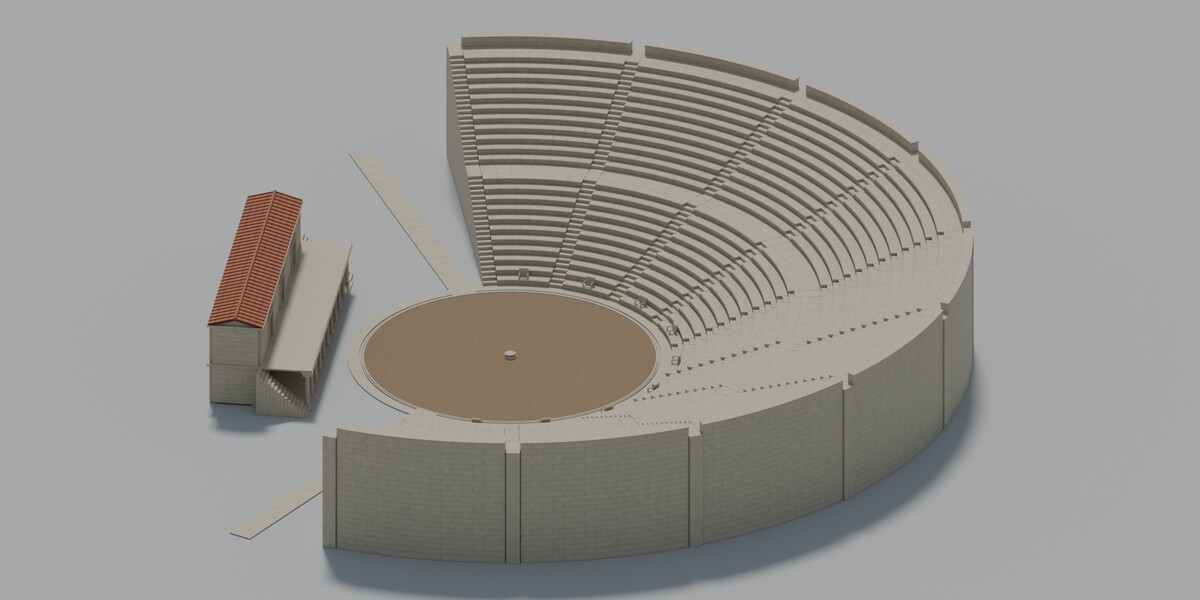
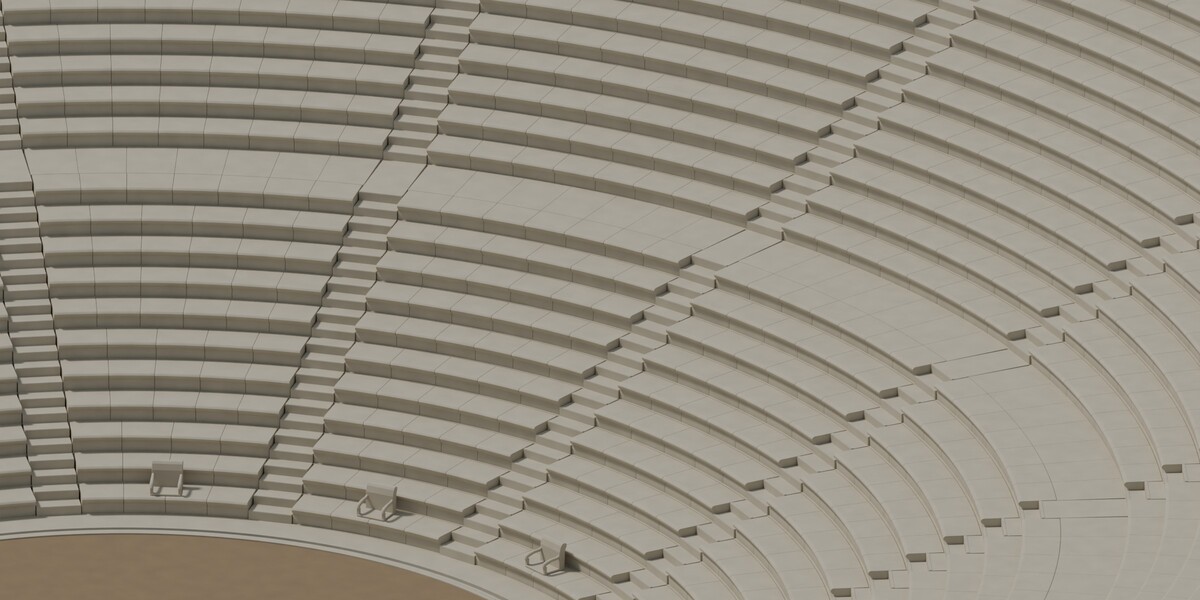
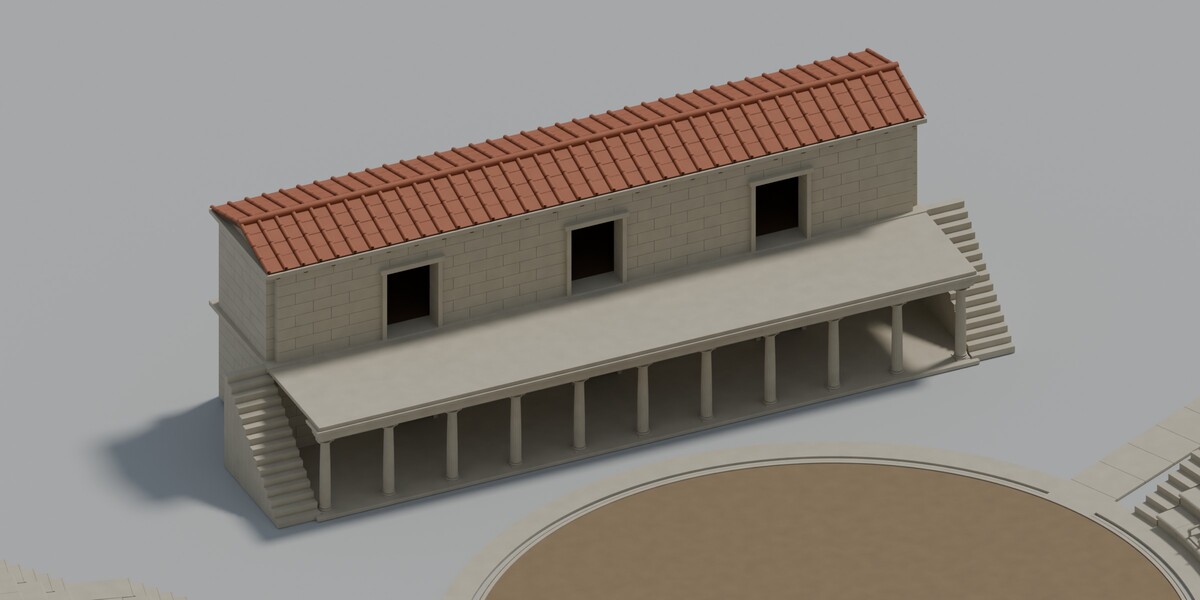
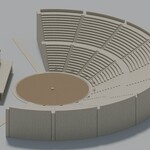
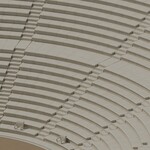
Theatres: adjustable seating, orchestra, sectors, aisles and stage options.
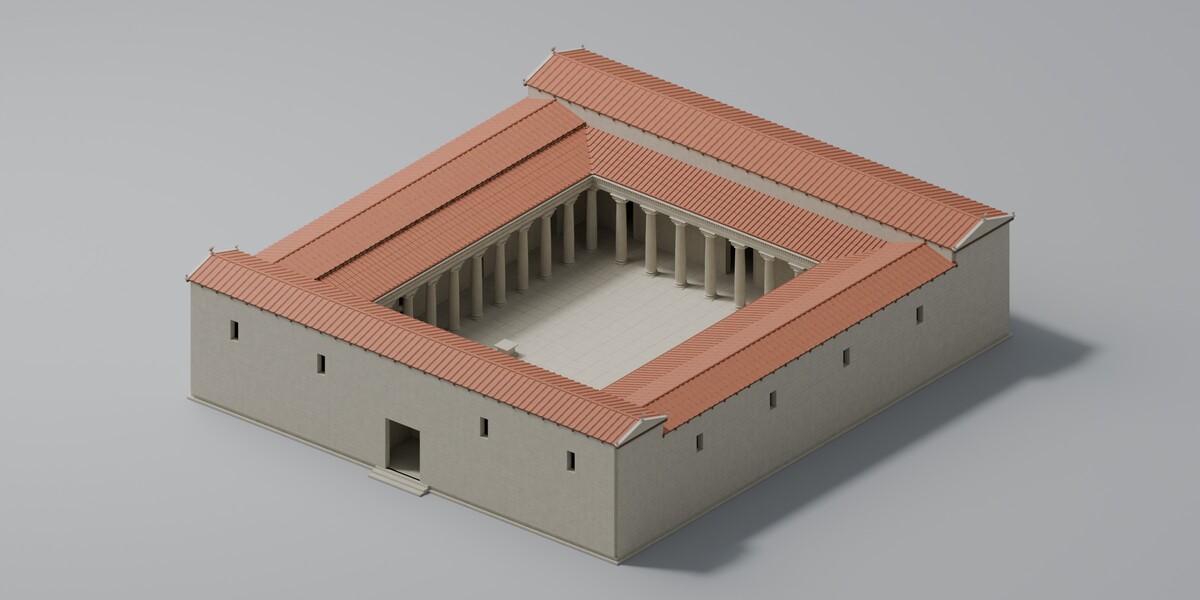
Palaces: peristyle courts with connected room wings and door openings.
Sanctuaries: six compositions combining multiple architectural elements.
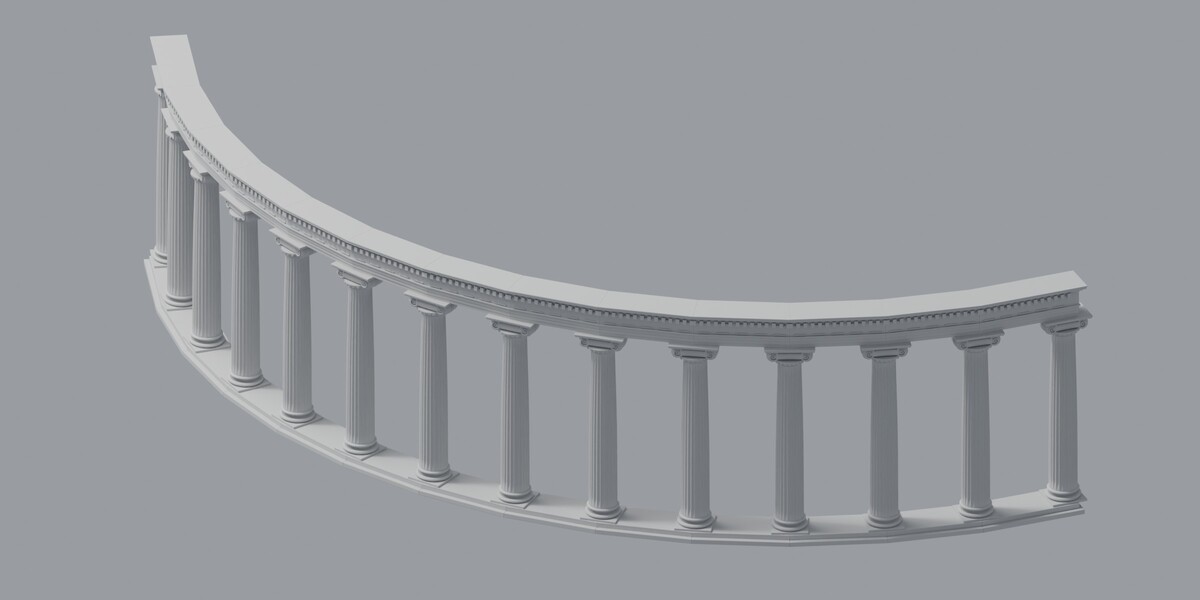
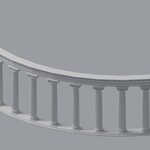
Curved Colonnades: straight structural bays arranged along a compatible Blender curve.
Rotundas: circular structures with domed, conical or open tops.
Pavilions: rectangular structures with hipped roofs, gabled roofs, timber pergolas or open frames.
Arcades: column-supported archways with optional tiled roofs.
Twenty architectural presets provide starting points for further customization.
Rotundas, Pavilions and Arcades
For rotundas, adjust the column-ring radius, column count, order and roof settings. Domes include adjustable rise and drum height.
For pavilions, set the width, length and number of columns along each side. Pergolas also provide slat-spacing and overhang controls.
For arcades, adjust the bay count, clear span, depth and arch rise. Arch rise must remain between 20% and 50% of the clear span.
Domed rotundas and arcades require Cinematic mode. These generators support Restored, Maintained and Weathered conditions.
Editing and Protecting Your Work
Generated structures contain parent roots and separate mesh components. Select a component to access its owning structure.
Change supporting-column height through the parent building so that the roof and entablature remain aligned. Resize connected palace wings through the parent palace.
Before manually editing or sculpting a component, use Make Selected Unique and Lock. This gives the selected mesh independent geometry and protects it during regeneration.
Repeated components can share mesh data. Editing a shared mesh directly may affect its linked copies.
Use the component lock to preserve selected parts during regeneration. Review their alignment after changing surrounding dimensions.
Materials and Detail
Three material workflows are available:
Geometry Only: generate geometry for your own shading workflow.
Built-in Materials: apply the included procedural architectural materials.
Custom Materials: assign your own materials to supported categories.
Matching components retain custom material assignments during supported regeneration.
Four detail tiers are available: Performance, Standard, High and Cinematic. Start with Standard for scene assembly and increase detail for closer views. Large sanctuaries and detailed ornament require more processing time and memory.
Asset Browser Library
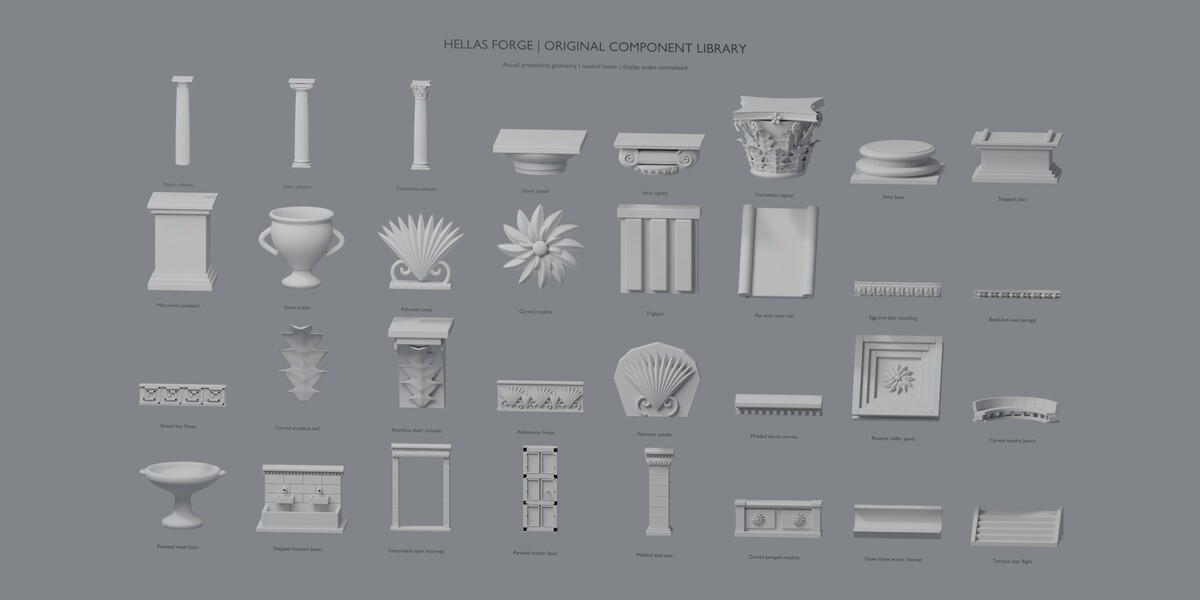
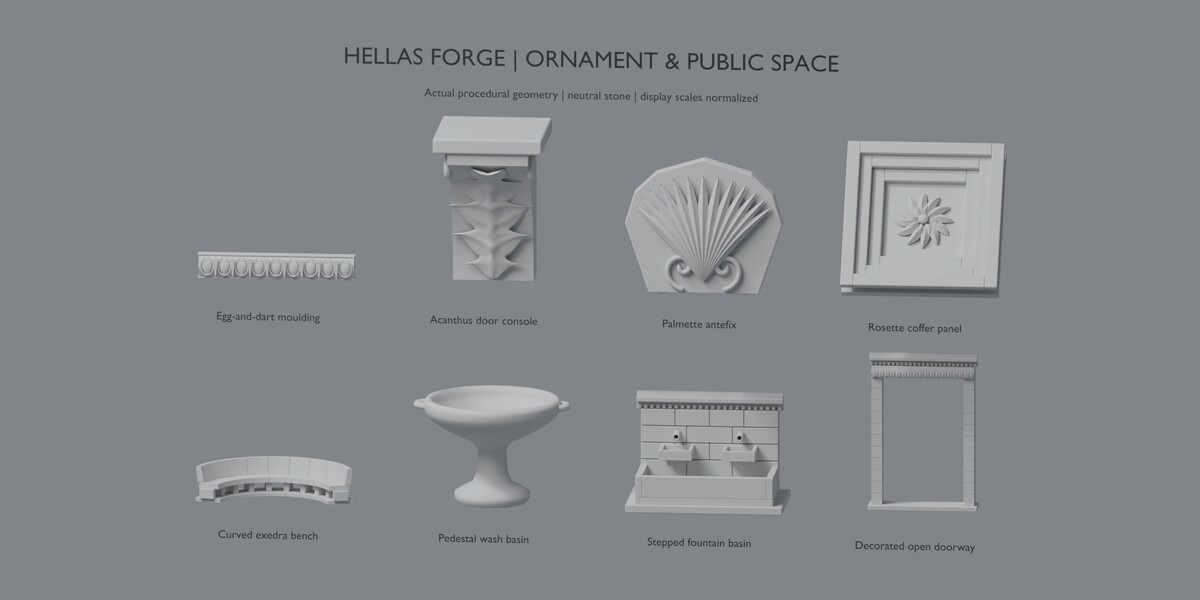
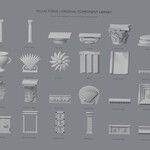
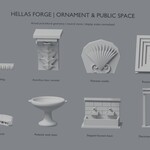
The bundled native library contains 39 collection assets:
32 architectural components.
7 rotunda, pavilion, pergola and arcade structures.
To access them:
Choose Asset as the creation type.
Click Register Bundled Asset Library.
Open Blender’s Asset Browser.
Select the HELLAS FORGE library.
Dragged collection assets normally appear as instances. To edit their components, select the instance, press F3 and run Make Instances Real. Enable Parent and Keep Hierarchy in the operation settings.
You can also use Save as Collection Asset to create an independent collection snapshot of your own generated structure. Save the Blender file to retain it.
Saving Presets and Exporting
Use the Presets panel to save or import JSON presets. Presets store generator settings; external custom materials must also be available in the destination Blender file.
Structure parameters are saved with the generated roots in your .blend file.
Use Prepare Export Copy to create ordinary meshes with evaluated bevels and assigned materials. Export that copy using Blender’s normal export tools. Export requirements depend on the destination application.
Compatibility
Execution testing was completed on Windows with:
Blender 4.2.23 LTS
Blender 4.5.14 LTS
Blender 5.2.2 LTS
Other Blender versions, macOS and Linux have not been verified in this release.
The add-on must be enabled to generate or regenerate structures. Existing generated meshes remain editable when it is disabled.
Scope and Usage
The designs are original, historically informed architectural interpretations. Presets are not measured reconstructions of specific monuments.
Weathering and ruin controls use procedural treatments rather than physical destruction simulation. Available conditions depend on the selected generator. Pergolas do not include vegetation or vine generation.
Generated architectural geometry may be used in commercial and noncommercial projects. The add-on’s Python source is supplied under GPL-3.0-or-later; see the included license for details.
Support
For assistance, contact the seller through Superhive. Include your Blender version, HELLAS FORGE version, operating system, steps to reproduce the issue and any relevant screenshots or error messages.
Have questions about this product?
Login to message
| Published | about 3 hours ago |
| Blender Version | 4.2 - 5.2 |
| Extension Type | N/A |
| Render Engine Used | Cycles, Eevee |
| License | GPL |
Discover more products like this
rotunda environment columns pavilion architecture ancient-greek procedura genrator classical architecture pergola temples