 HeroShot


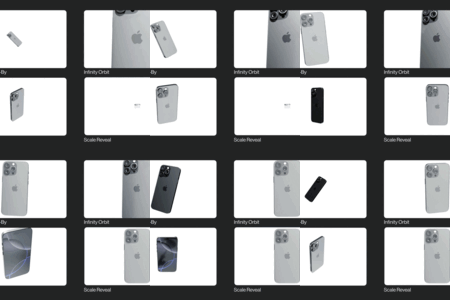
Stop fighting the camera.
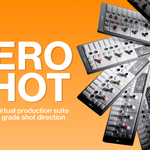
You've probably spent 45 minutes setting up a camera animation for a client project, tweaked easing curves until they looked almost right, only to realise the movement felt cheap. I made HeroShot to help with that. It's a complete camera direction system that lives inside your Blender n panel. Every move is pre-built, professionally tuned, and ready to deploy in one click.
You never touch a keyframe yet still have full control.
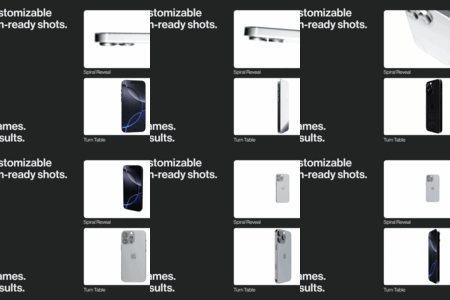
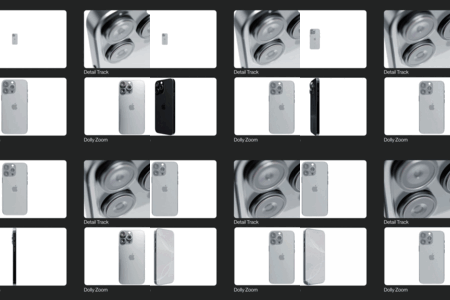
The 10 included rigs cover every standard product viz scenario: slow reveals, turntable orbits, dramatic crash zooms,bolt cameras and more. Each one is fully customisable: range, easing style, timing. Dial everything in from the camera in real time, and when it looks right, it renders right.
More Control.
No need to run into the editor, you can control the finer details of your camera movement like a pro! Choose your favourite from motion style section or simply create your own with a custom curve.
Easy Camera Management.
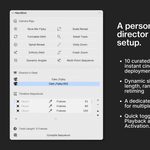
I love Blender but hunting for cameras and setting up markers to switch between shots is a real pain when I want to move fast. I made the director's desk sequencer to handle it. Stack your shots, set frame lengths, switch between cameras instantly. No outliner hunting, no timeline wrestling. Just a clean, ordered sequence ready to hand off.
- Dynamic ReTime: Shift time with one slider. Add slow motion for luxury reveals or speed up for high-energy tech transitions. Instant retiming live in your viewport.
Fast and Easy Camera Switching: Simply select the active camera icon in the n panel and you're immediately in your camera view. No more hunting in the outliner.
It is not a lighting tool. Your materials and lights are yours. HeroShot handles the 30 frames per second that make them sell.
It is not an asset library. You aren't buying 1,000 mediocre
.blendfiles. You are buying a professional software suite.It is not for studios with the need for custom solutions. It is for artists who want to stop being "the 3D guy" and start being the "Director" for brands like Apple, Dior, or Sony.
The Roadmap: Future Updates
Auto Frame: Automatically set the camera to frame your product and give you an even better starting point.
FPV Drone Camera with Guided Path and G Force: Motion is not just small camera rigs, it's the feeling of speeding through a dusty desert or blooming meadows. The FPV drone shot is there to turn the dials of action to 11.
Motion Suite: Camera motion goes hand in hand with object motion. Fan arrays, stackers and a fully automatic assembler are just the tip of the motion iceberg.
Lighting Suite: The last part of the holy trinity; a fully ready lighting suite with editorial grade light setups that adjust to your project.
