The setup of this addon
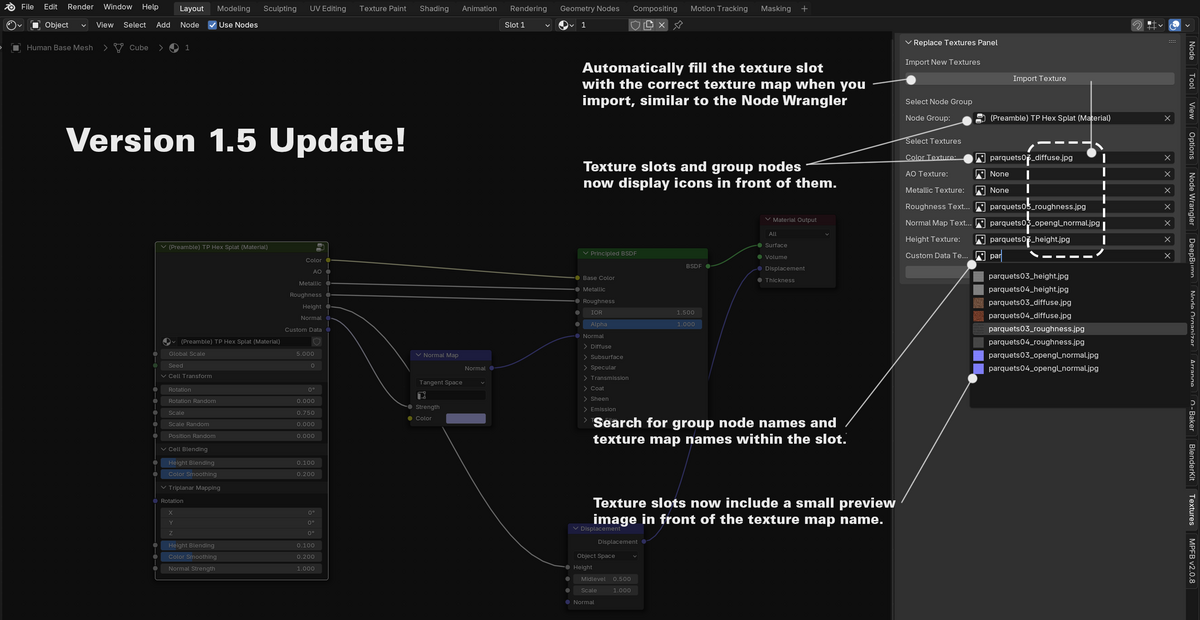
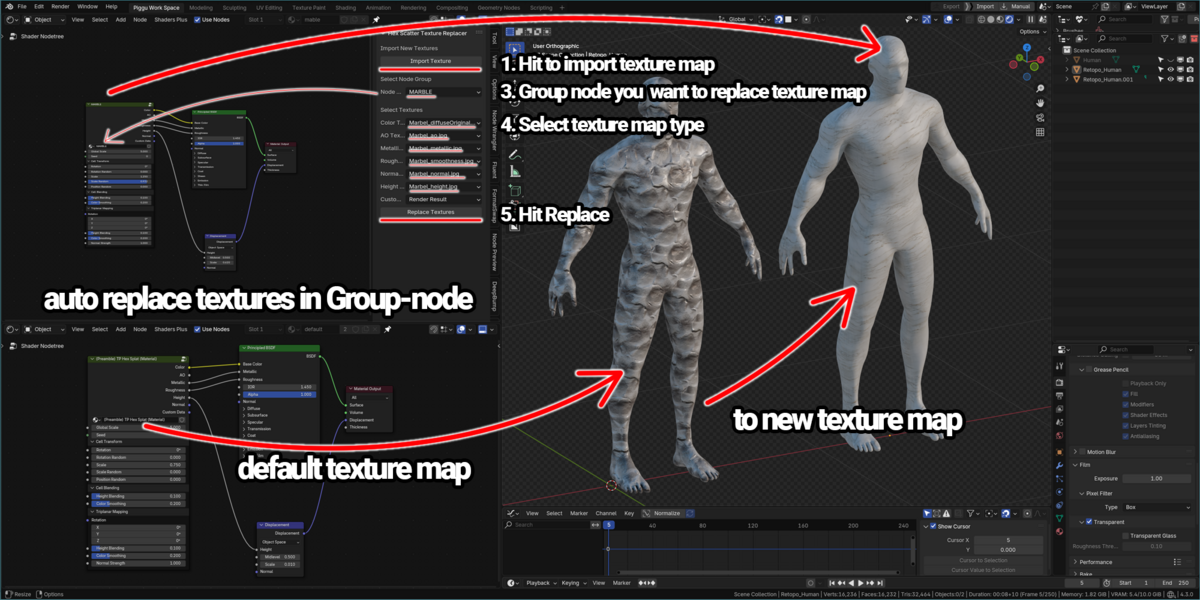
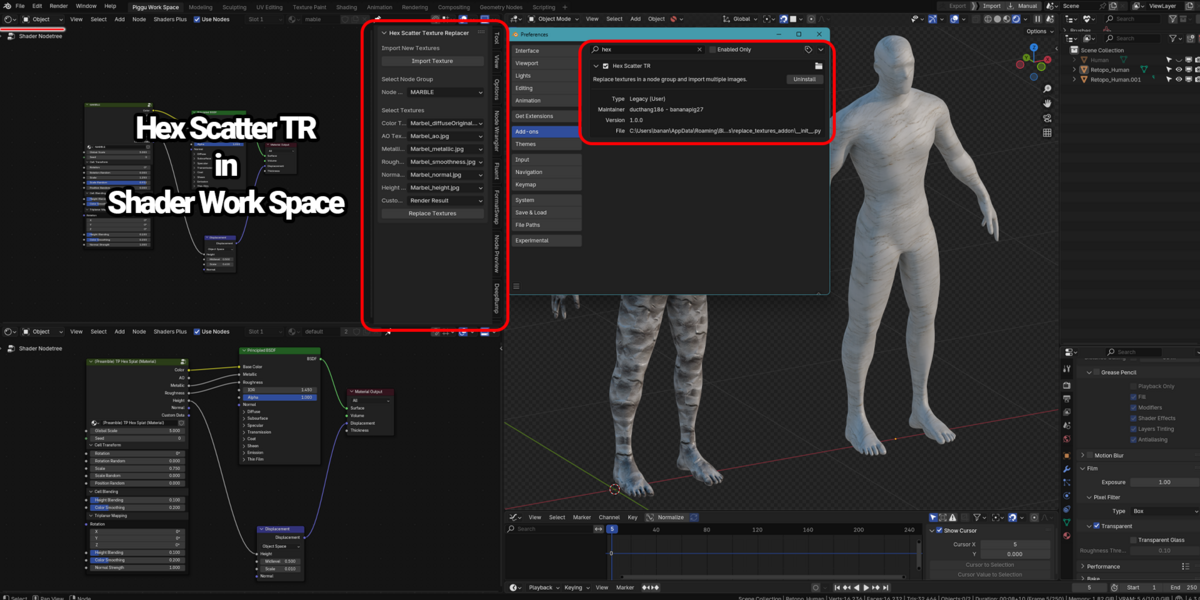
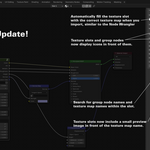
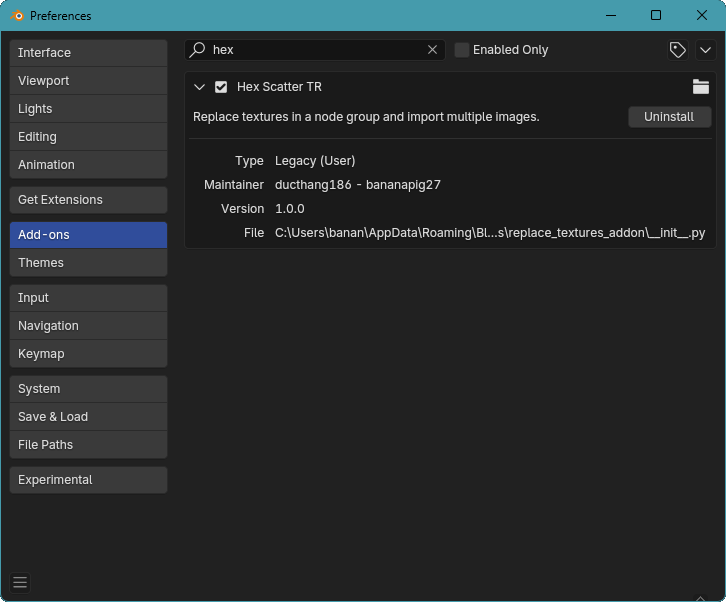
1. Drag and drop it to blender to setup and the addon tab call Hex Scatter TR will show up in the shader node workspace.

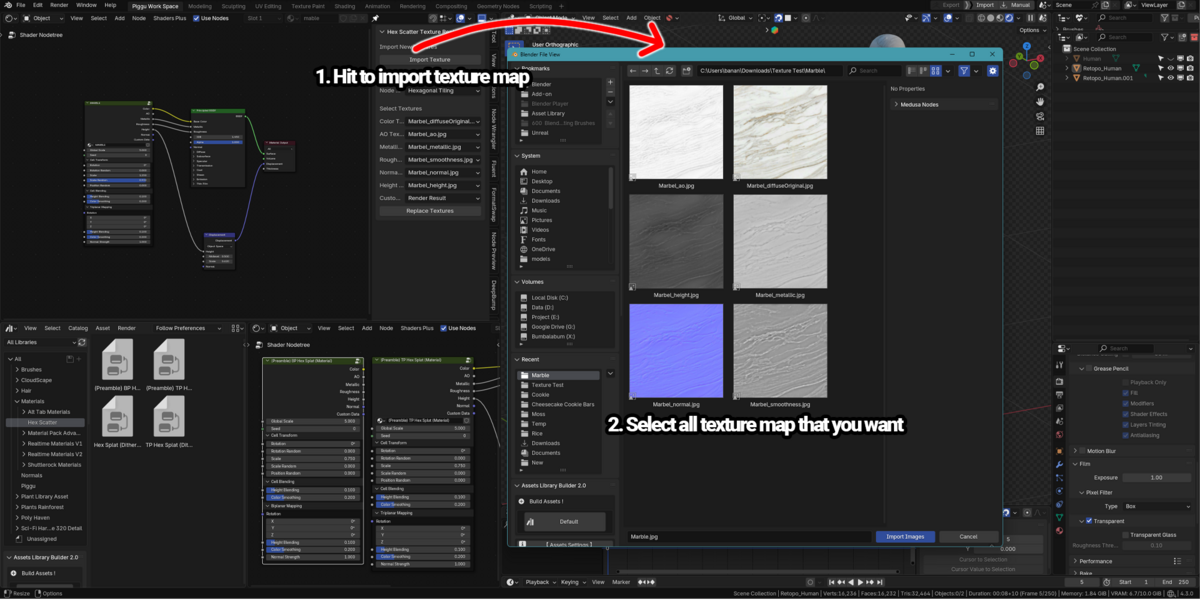
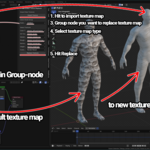
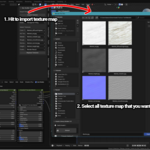
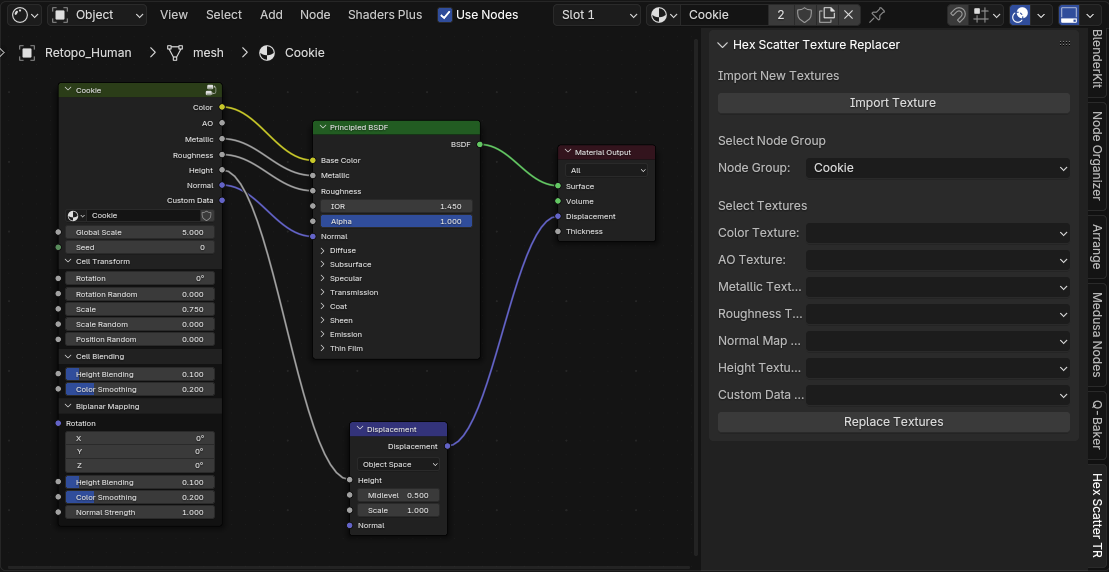
2. Open the addon tab, import all the textures that we need to change.

3. Choose the group name of Hex Scatter that you want to replace.
4. Choose texture map correctly.
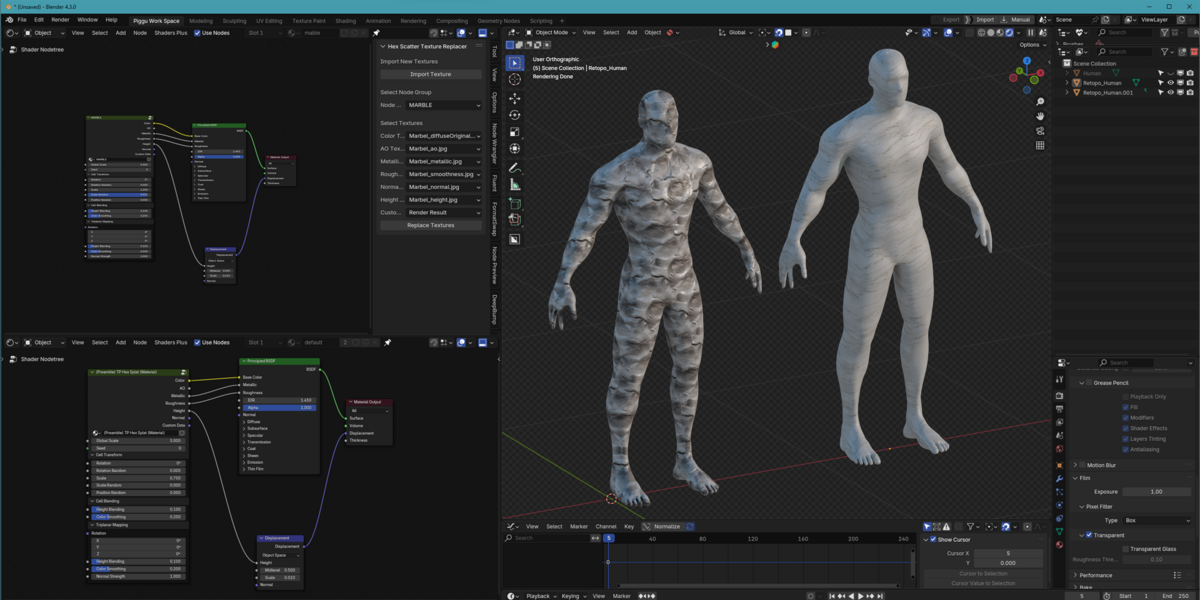
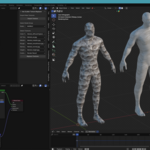
5. Hit replace and it will automatically replace for you right in the project that you working on.
Have questions about this product?
Login to message
| Sales | 20+ |
| Published | almost 2 years ago |
| Blender Version | 4.3, 4.2 |
| Extension Type | N/A |
| License | GPL |