 Dani K Daniel
Hidden Layer Finder
Find and fix everything that's switched off in your Blender scene.
OVERVIEW
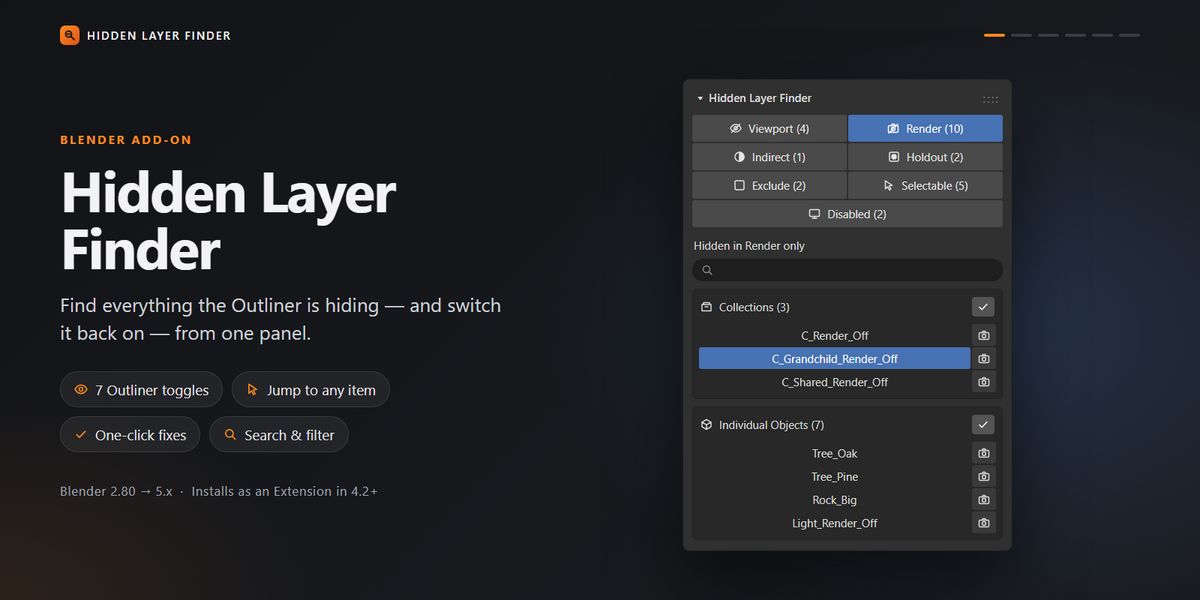
Missing objects, odd renders and things you can't select are usually caused by a toggle buried somewhere in the Outliner. Hidden Layer Finder collects them all in one panel in the 3D Viewport sidebar. You can see what's hidden, disabled or restricted, jump straight to it, and switch it back on with one click.
FEATURES
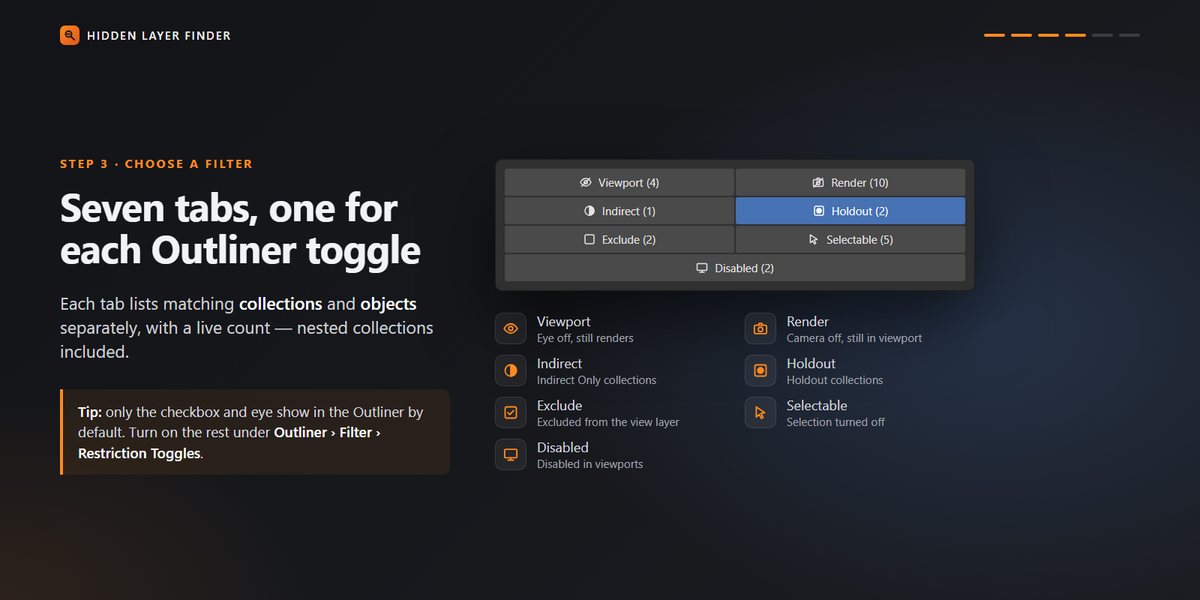
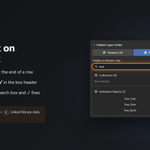
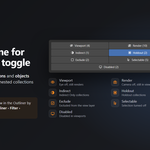
- Seven filter tabs: Viewport, Render, Indirect, Holdout, Exclude, Selectable and Disabled.
- Separate lists: Collections and objects are listed separately, with a live count on every tab so you can see what needs attention at a glance.
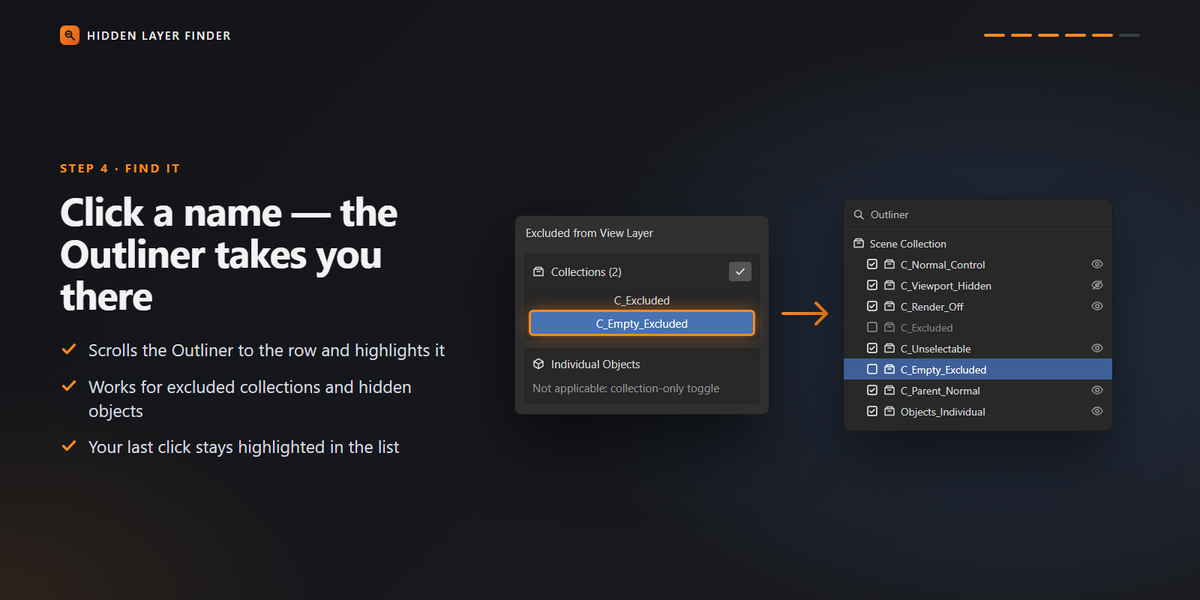
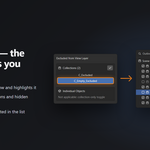
- Click to locate: Click any name to select it and have the Outliner scroll to it and highlight it.
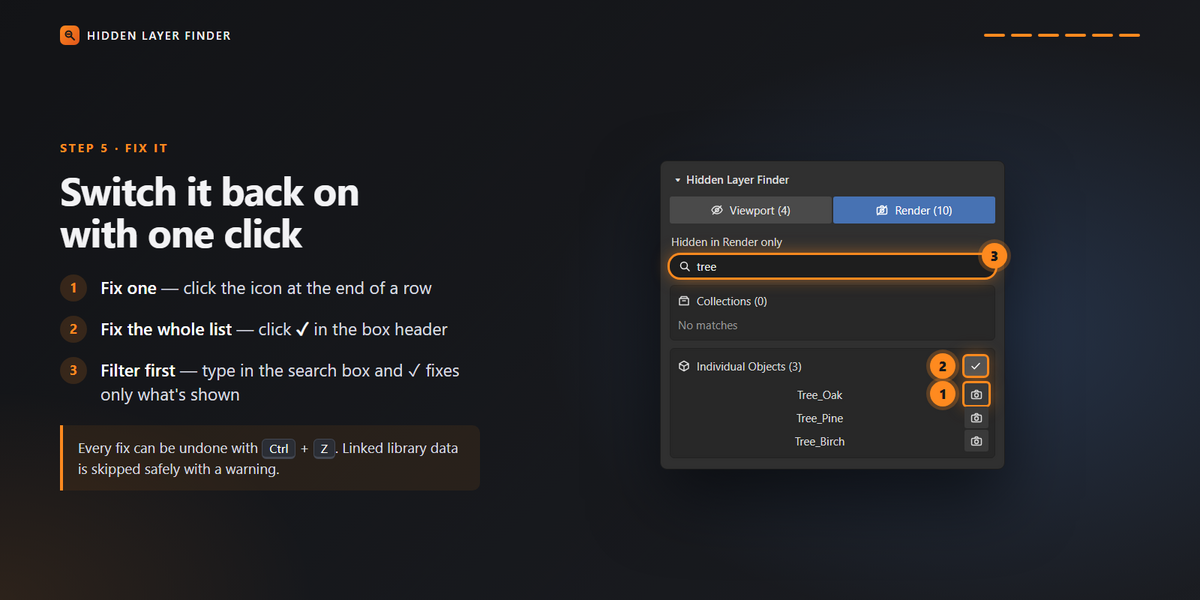
- One-click fixes: Restore a single item or fix everything in a list at once.
- Undo support: Fixes can be reversed with Ctrl+Z.
- Non-destructive: The add-on only changes the visibility settings you choose to fix.
WHO IT'S FOR
Anyone who has lost an object in a busy scene, inherited someone else's file, or needs to check what's disabled before a final render.
HOW IT WORKS
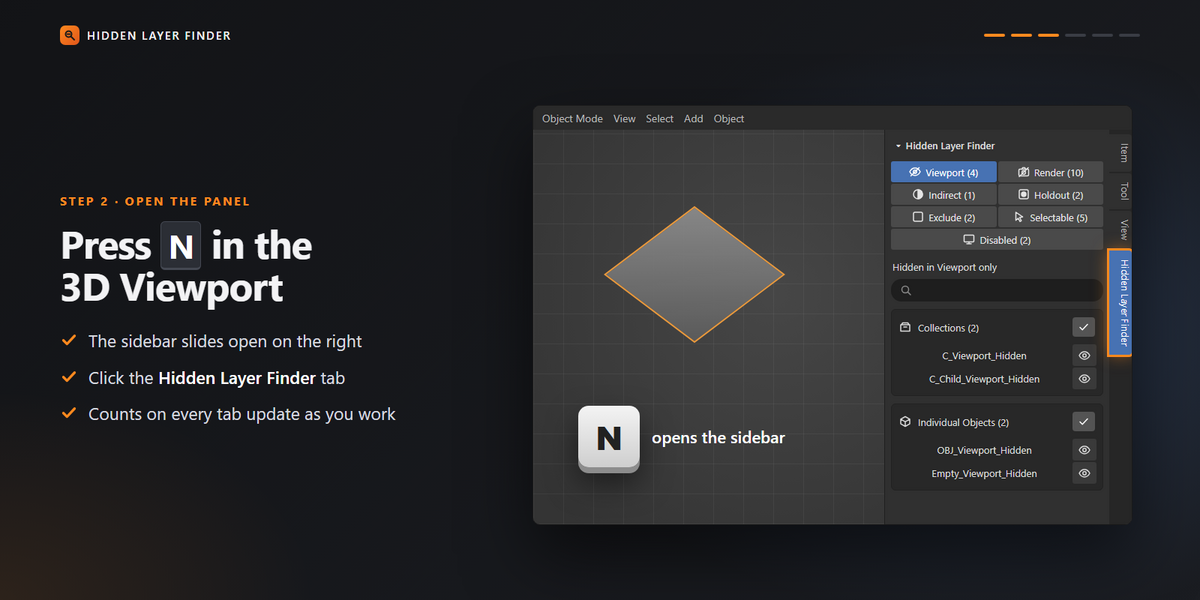
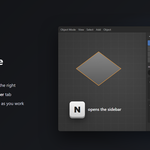
Press N in the 3D Viewport, open the Hidden Layer Finder tab, choose a filter tab, and work down the list.
INSTALLATION
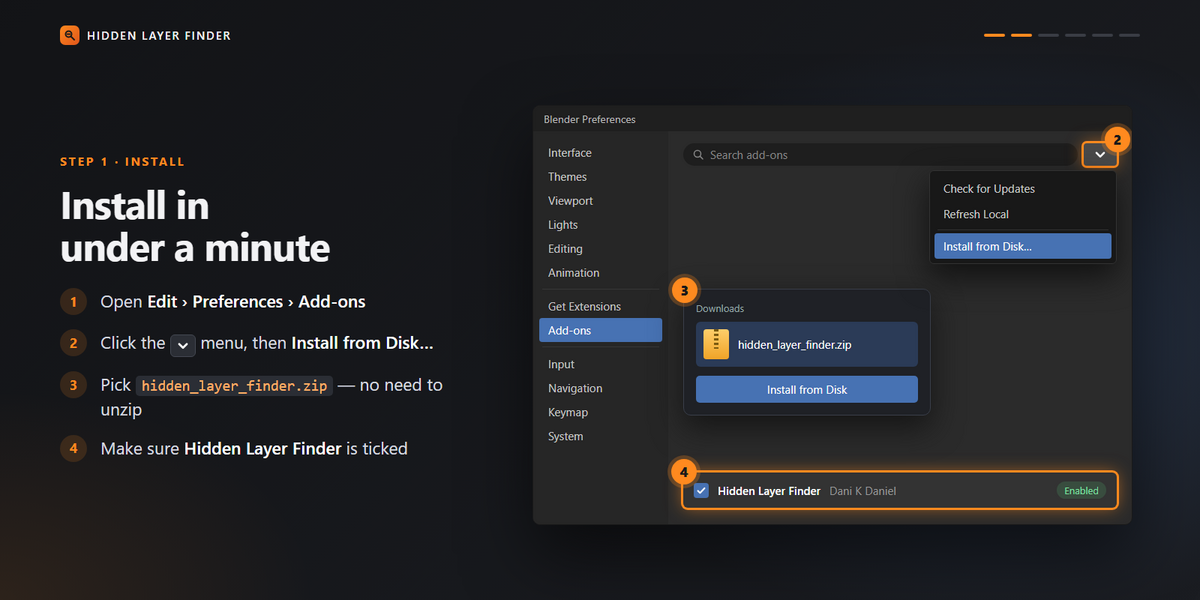
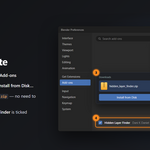
Download the ZIP file, then go to Edit > Preferences > Add-ons > Install from Disk. Choose the ZIP file and enable the add-on. A full user manual is included.
CREATED BY
Dani K Daniel