Hidden Layer Finder: Find and Fix Everything That's Switched Off in Your Blender Scene
 Dani K Daniel
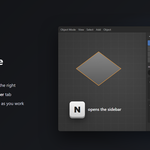
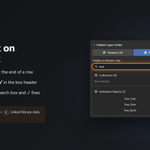
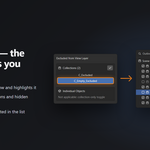
Why this addon?
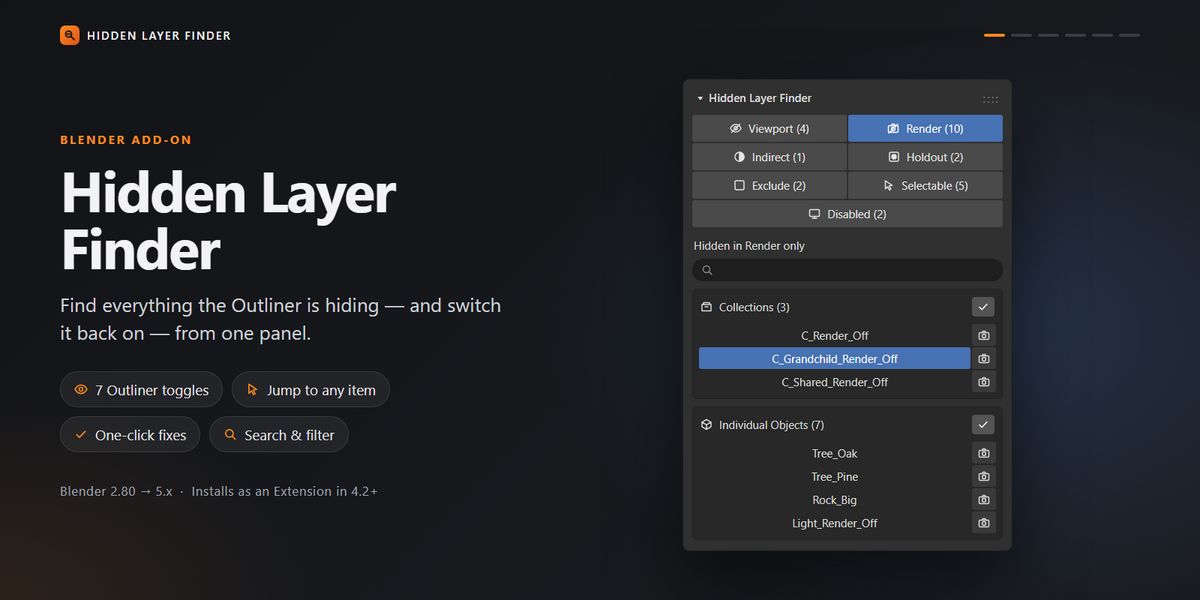
Your viewport says one thing. Your render says another. Somewhere in a cluttered Outliner, a collection is hidden, held out, excluded or set to indirect-only, and you have no idea which one.
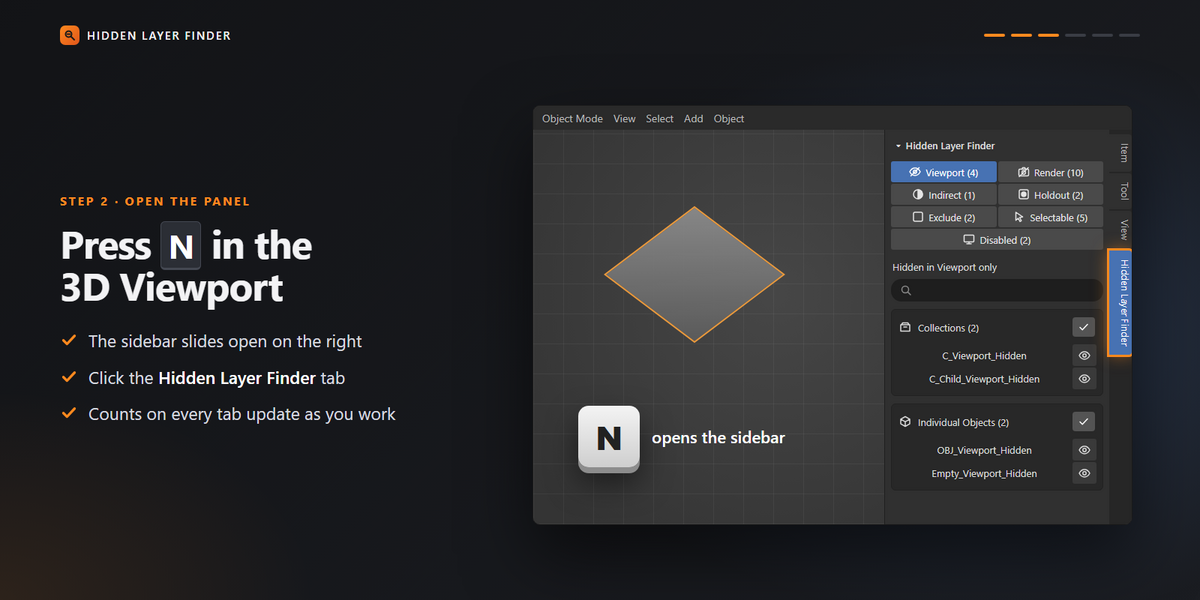
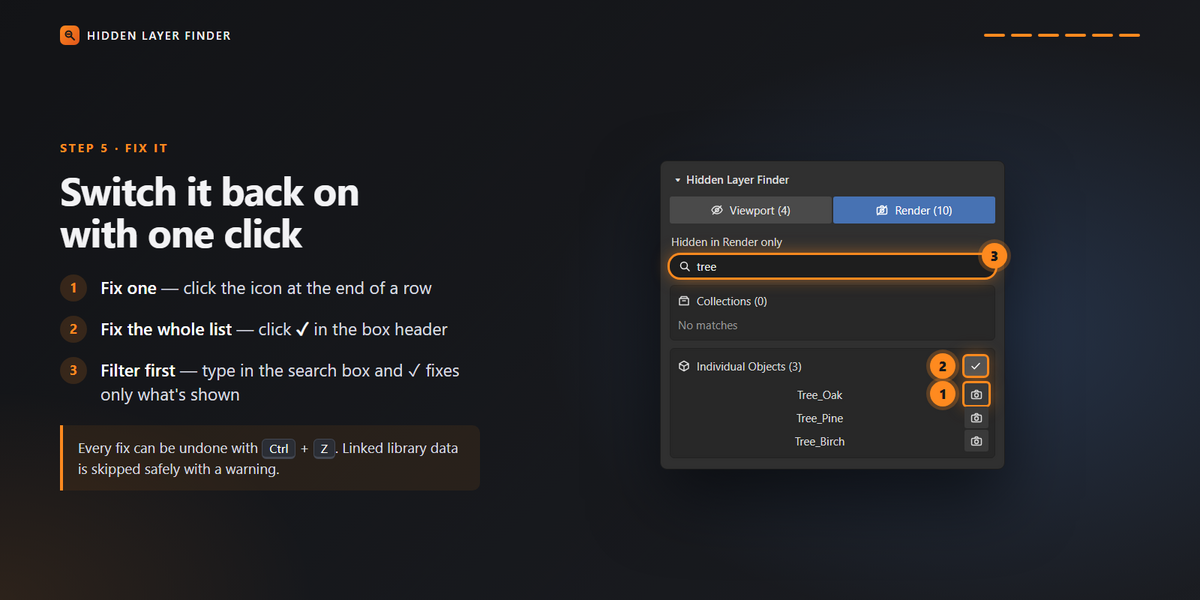
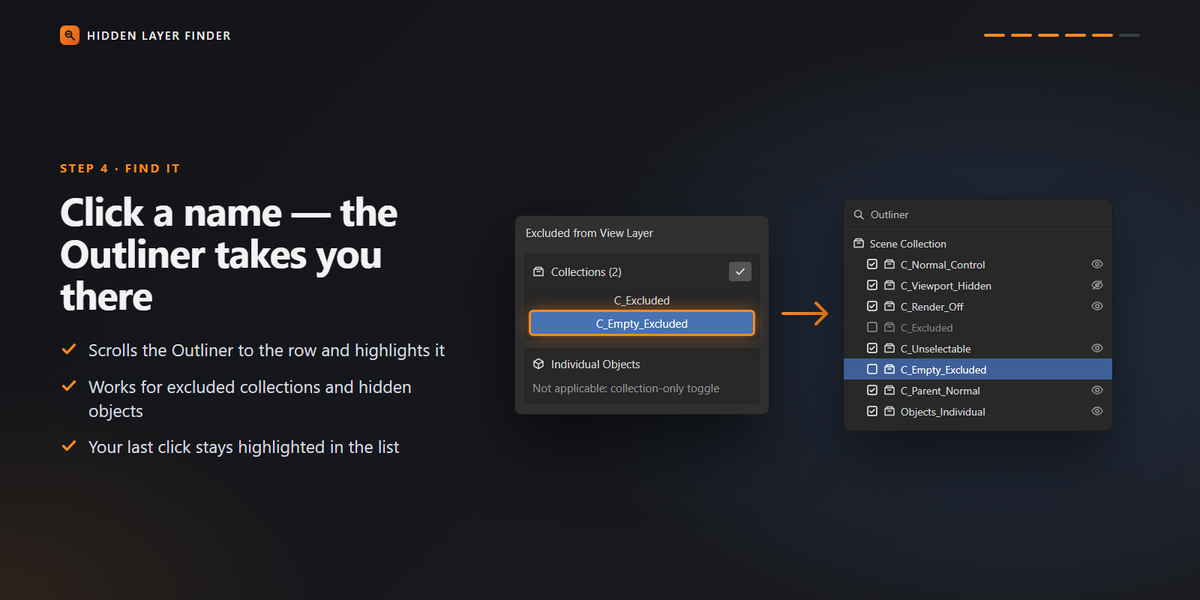
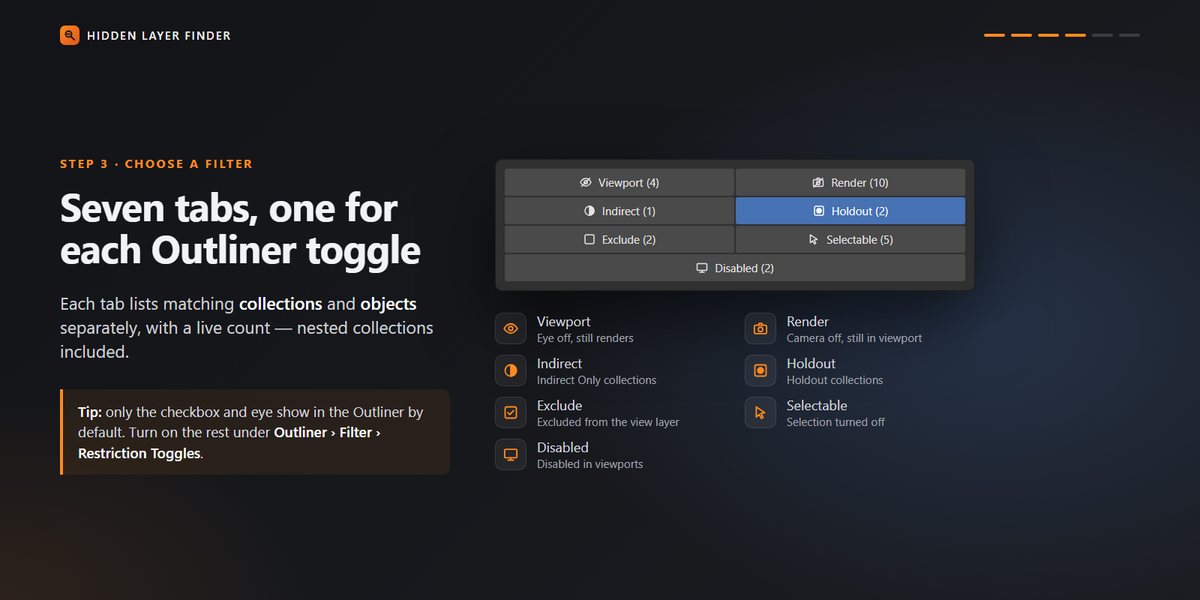
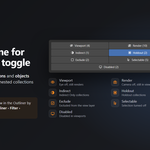
Hidden Layer Finder tells you straight away. It sorts every collection and object into clear tabs (Viewport, Render, Indirect, Holdout, Exclude, Selectable, Disabled) and shows a live count on each. Click a name to jump to it in the Outliner, or hit the fix button to put it right instantly.
No more guessing. No more scrolling. Just find it and fix it.
Is it safe on large scenes?
The panel recounts each tab every time it redraws, so very large scenes with thousands of objects may redraw more slowly.
Does it change my scene when I just open the panel?
No. The panel only reads your scene. Changes happen when you click a name (selection and active item) or a fix button.
Have questions about this product?
Login to message
| Blender Extension Compatible | Yes |
| Published | 13 days ago |
| Blender Version | 4.3 - 5.2 |
| Extension Type | Add-on |
| Render Engine Used | Cycles |
| License | GPL |