 Studio156


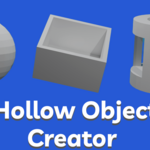
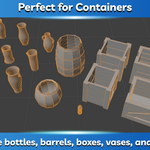
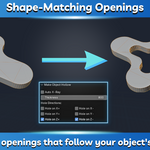
How to Use
- Install the add-on.
- Select an object in Blender.
- Open the Object tab.
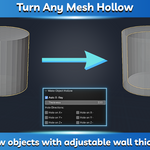
- Click Make Object Hollow.
- Set the wall thickness.
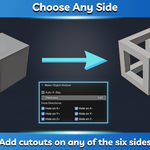
- Enable the desired cutout sides.
- Click OK.
Shortcut: Press Shift + Ctrl + H to open the tool instantly.
Installation
- Download the ZIP file (do not extract it).
- Open Edit → Preferences → Add-ons in Blender.
- Click Install..., select the ZIP file, and enable the add-on.
- The tool will appear in the Object tab.
Have questions about this product?
Login to message
| Published | 3 months ago |
| Blender Version | 2.8 - 5.2 |
| Extension Type | N/A |
| Render Engine Used | Cycles, Eevee |
| License | GPL |
Discover more products like this
hollow hollow object creator make hollow time saver Blender boolean make object hollow Blender time saver cutouts boolean