 Mrs Eliza








Do the scenes still work if someone opens them without the add-on?
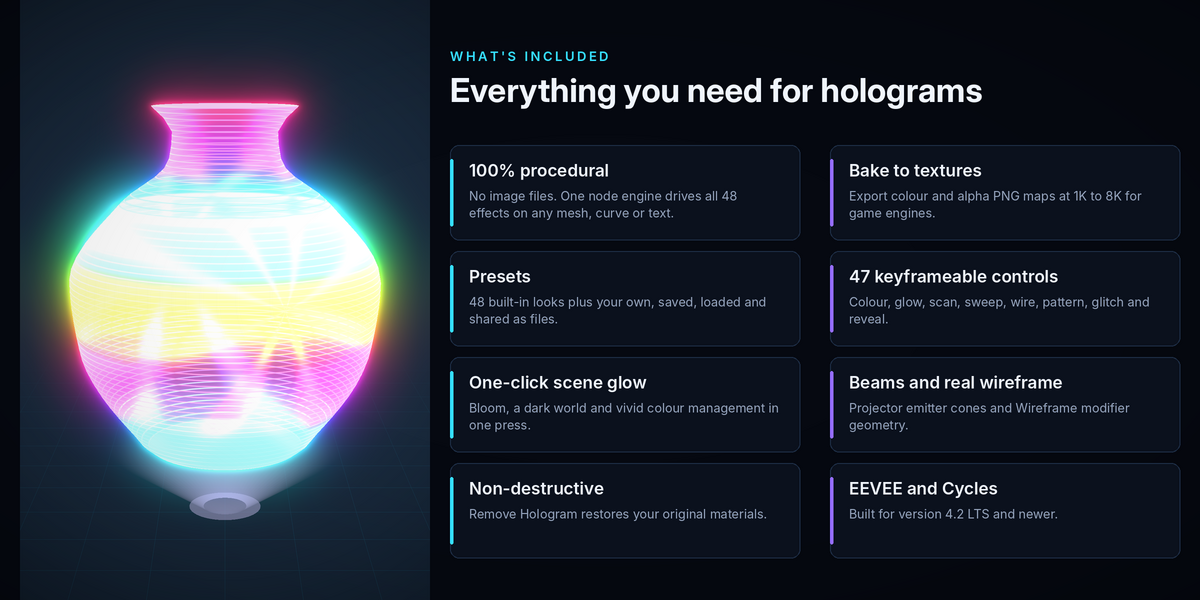
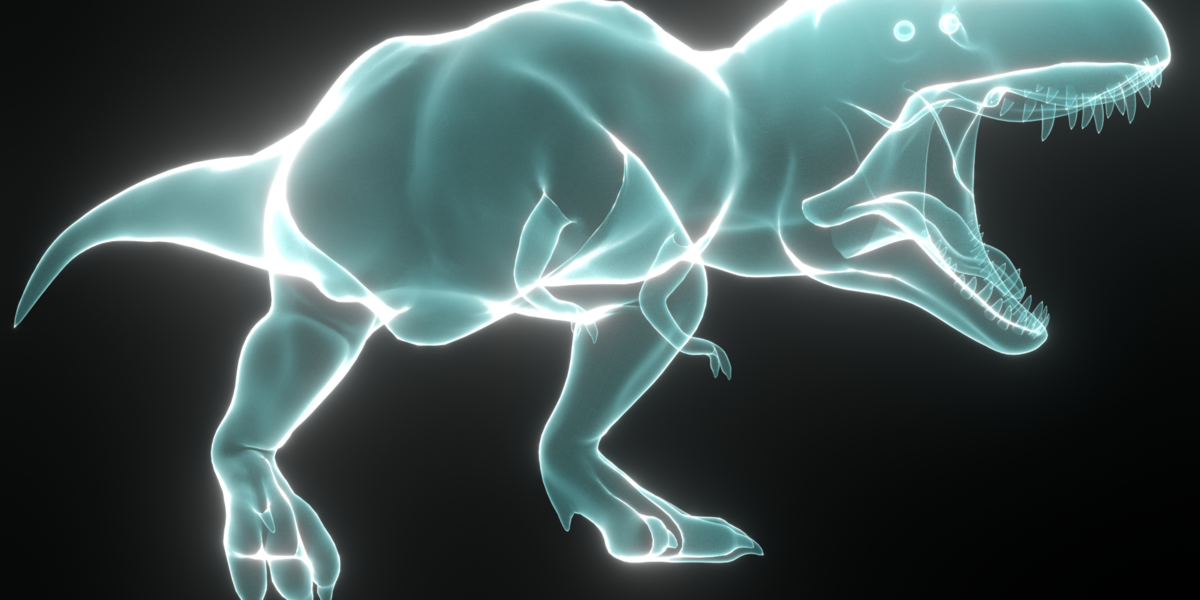
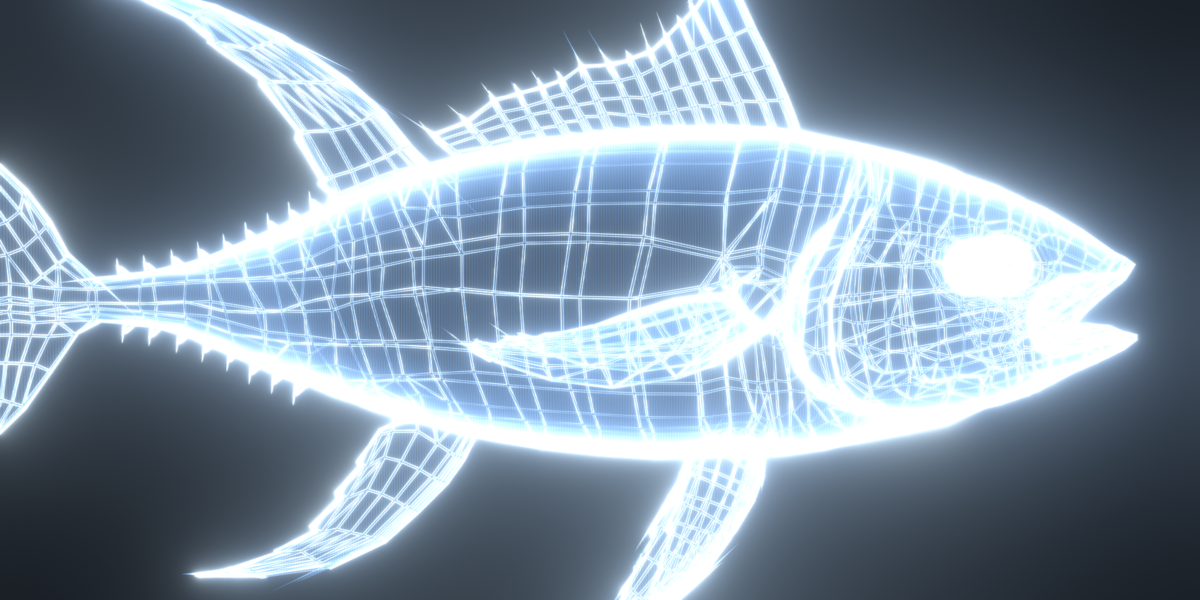
Yes. The hologram material is a normal node setup saved in the .blend file, so it renders without the add-on installed. Only the sidebar panels need the add-on.
Can I edit the shader nodes directly?
Yes. Open the HoloForge Engine node group in the Shader Editor. Changes to the engine affect every hologram that uses it.
Will removing the hologram lose my original materials?
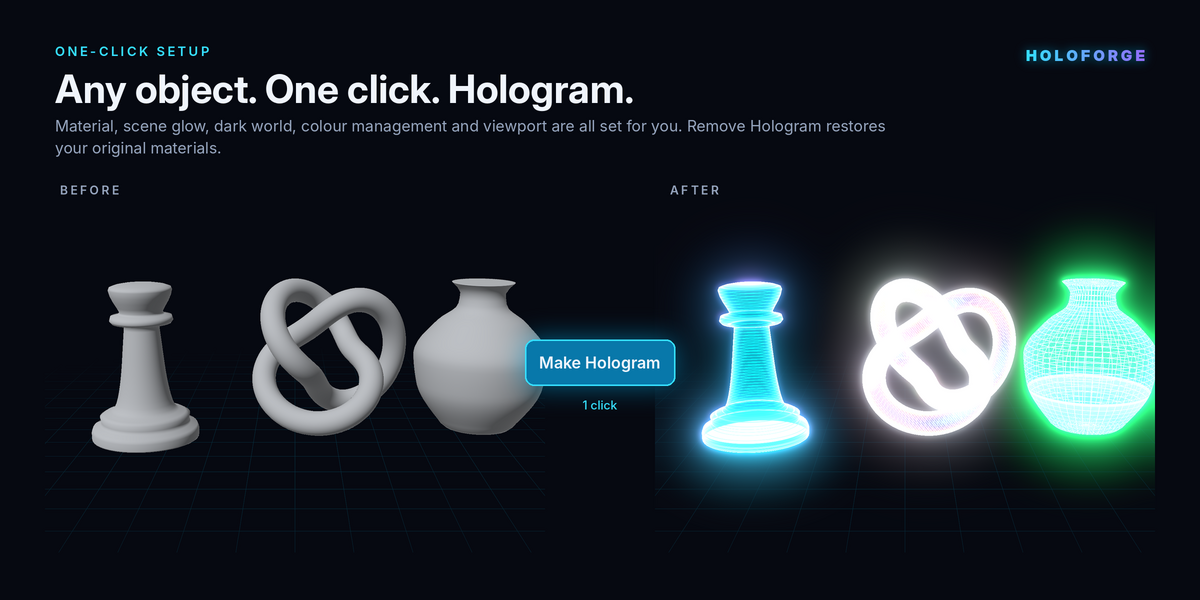
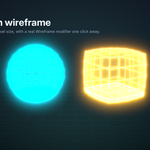
No. HoloForge stores the original material of every slot and restores them when you click Remove Hologram. It also removes the wireframe modifier and projector beam it added.
Can I use it on text and curves?
Yes. Meshes, curves, surfaces, metaballs and text objects can all become holograms.
Does HoloForge work in Cycles?
Yes. The material renders in both EEVEE and Cycles. EEVEE is set by default because it renders glowing transparent effects very quickly.
Have questions about this product?
Login to message
| Published | over 2 years ago |
| Blender Version | 4.2 - 5.0 |
| Render Engine Used | Cycles, Eevee |
| Misc Data | Uvs-Unwrapped, Rigged, Animated, Low-High-Resolution, Normal-Mapped, Textured |
| License | GPL |
Discover more products like this
Wireframe Effect Glowing Shaders HoloForge procedural materials Digital Hologram visual effects blender tools blender addon 3d modeling cyberpunk Sci-fi Effects hologram effect