Model, Light, and Render a Glowing Honey Jar | Free Blender Project
 CG Cookie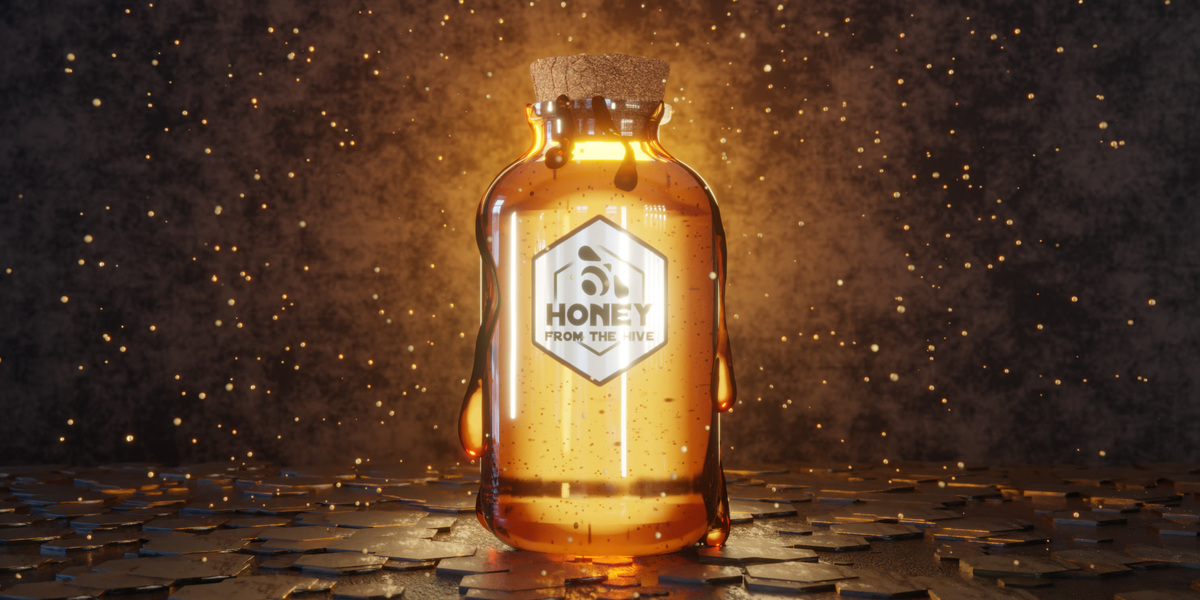
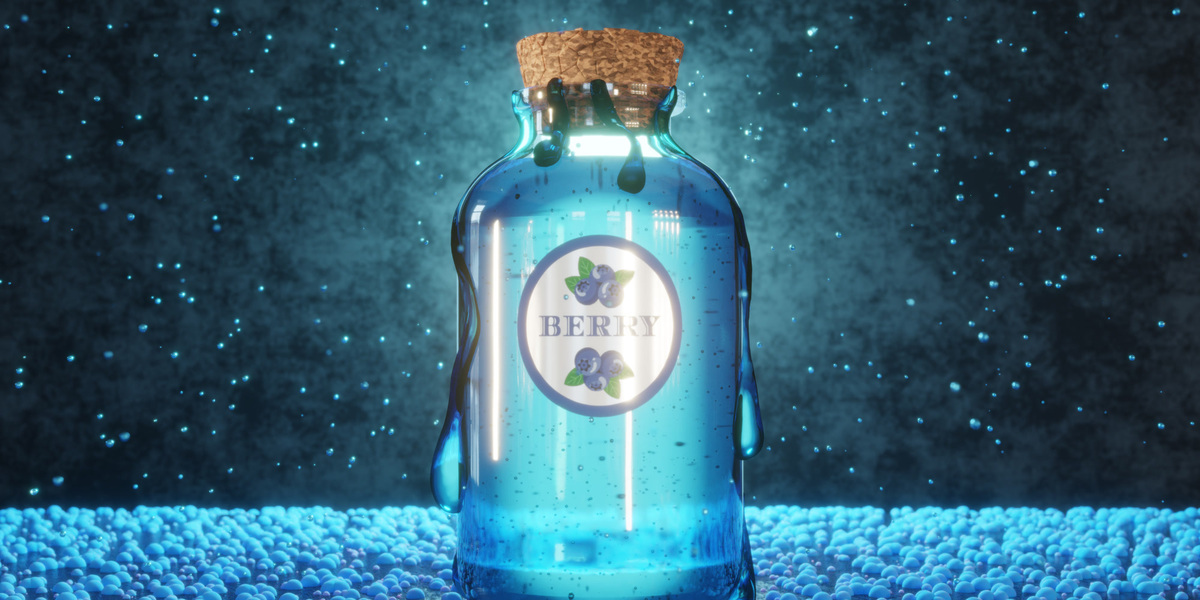
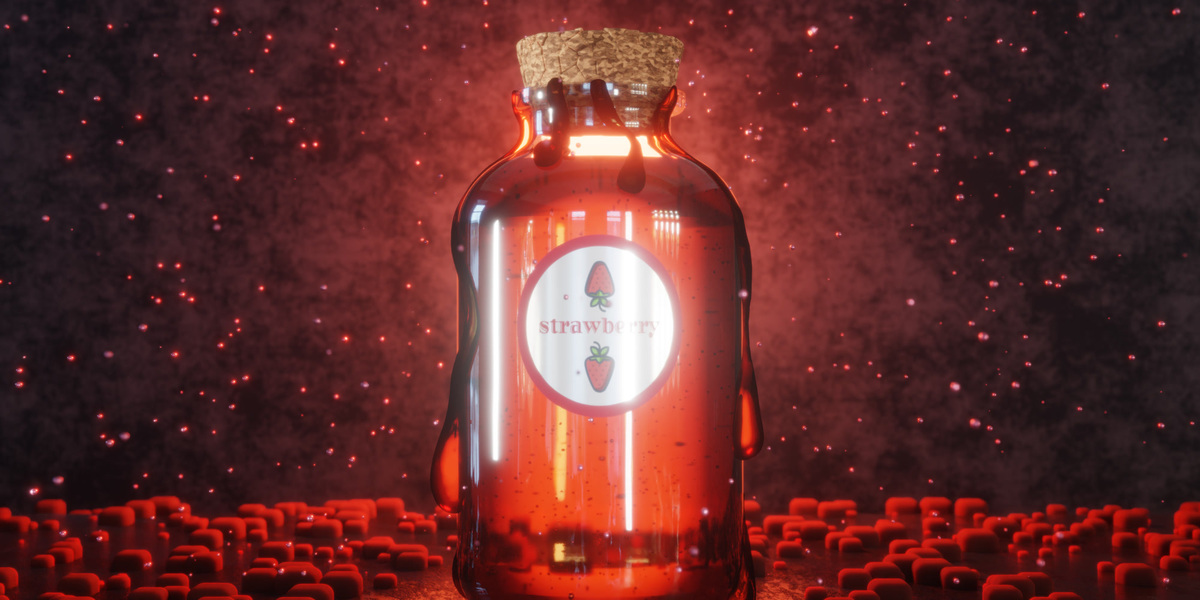
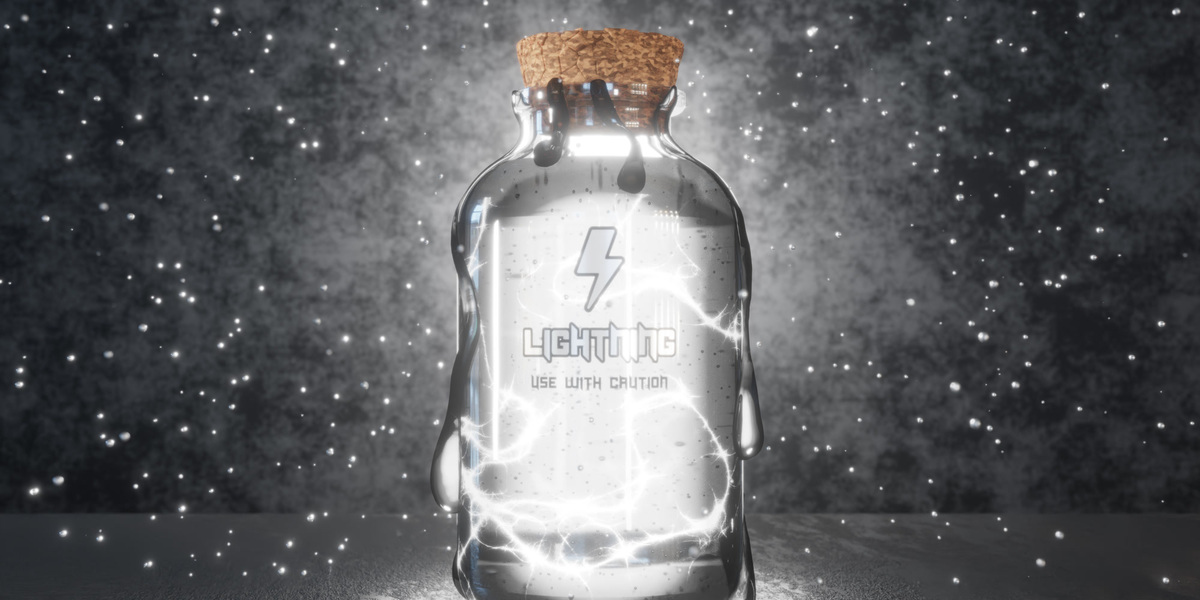
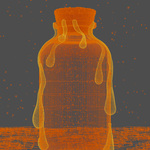
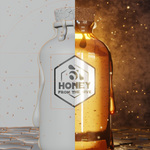
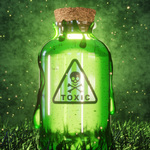
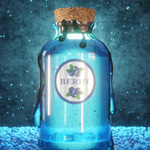
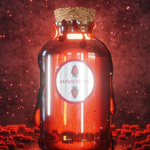
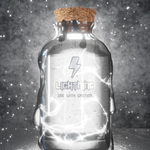
Getting started
- Install Blender 5.2 LTS from blender.org. That's the version the files were made in.
- Unzip CGC_HoneyJar_Free_Project.zip.
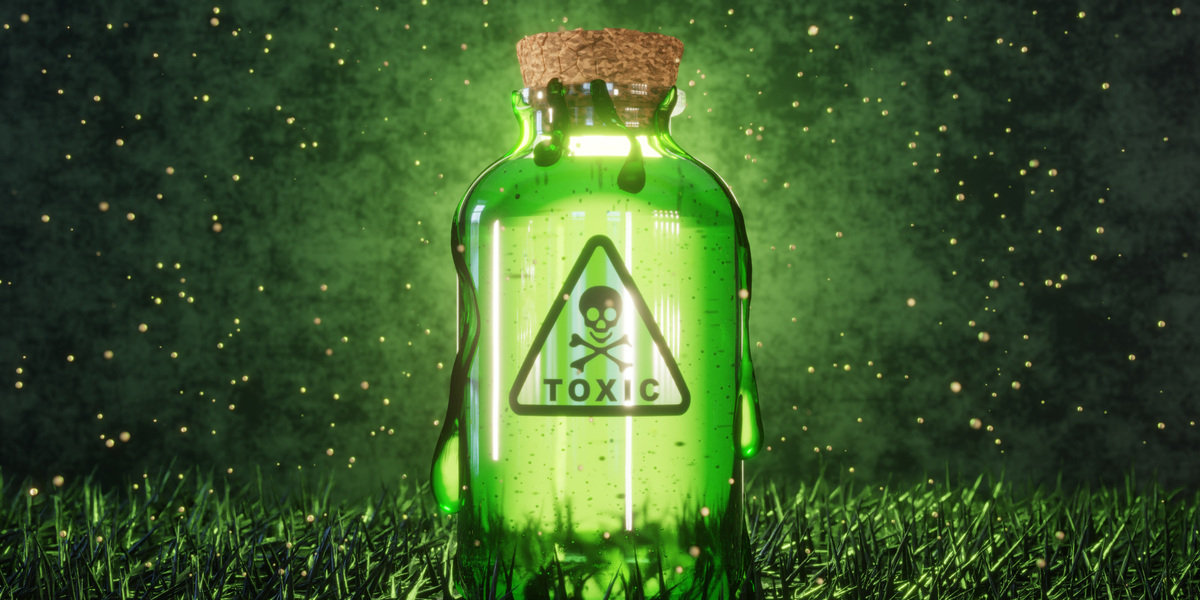
- Open CGC_HoneyJar_01_Honey.blend for Kenny's finished scene, or any of the four variation files.
- Play honey-jar_tutorial.mp4 alongside the file. The chapter list below lets you jump to any part.
The label images and the HDRI are packed into each .blend. If Blender lists file paths that point to another computer, ignore them; the packed copies are what's used. To edit a label, use the copies in textures/ or unpack them with File > External Data > Unpack Resources.
Rendering
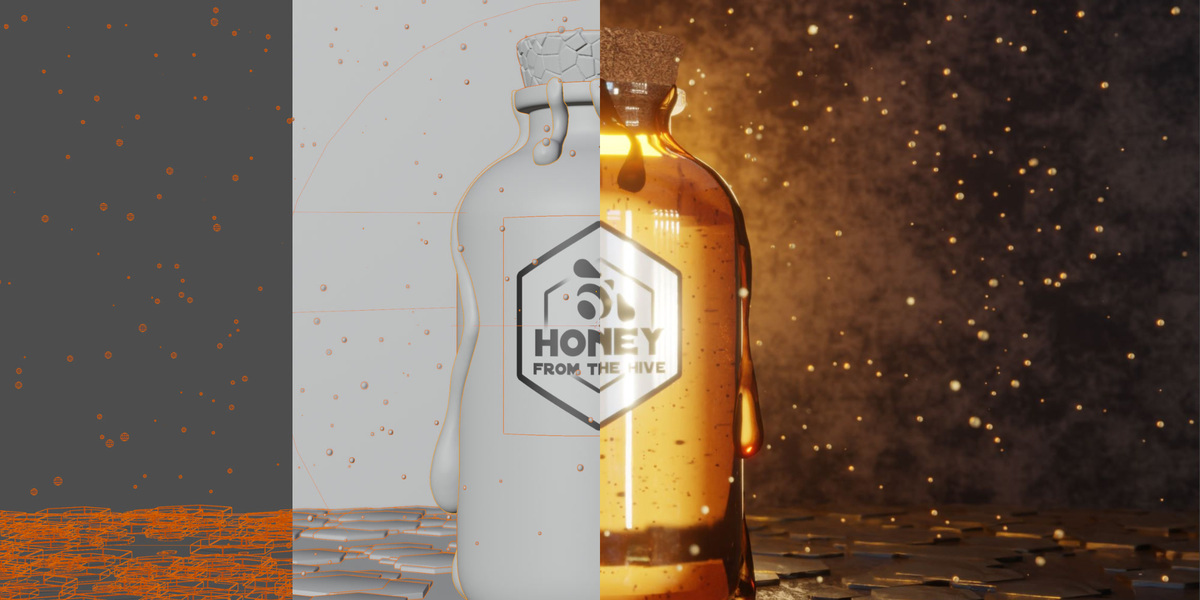
The scene renders in Cycles at 25 samples with denoising, with light path bounces raised to around 30 so the glass and honey stay clean. Kenny renders the 120-frame animation as a PNG sequence and assembles it into an MP4 in the Video Sequencer.
Video chapters
00:00 What we're building
00:30 Modeling the jar
01:00 The honey
01:31 The cork
02:01 Floor and backdrop
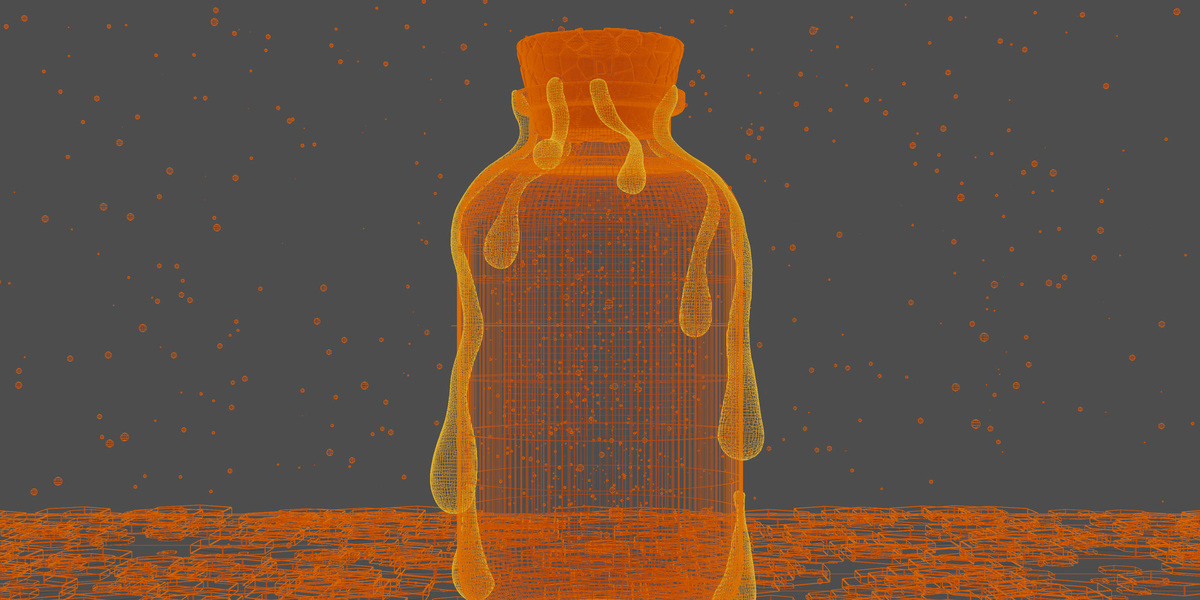
02:21 Honey drips (curves + sculpt)
03:56 Camera setup
04:31 Materials and shading
08:31 Floor details and hex tiles
09:30 The label trick
11:02 Compositing the glow
11:39 Render settings
12:46 Assembling the animation
13:35 Final result and variations
Have questions about this product?
Login to message
| Downloads | 5 |
| Published | about 12 hours ago |
| Blender Version | 5.2 |
| License | Creative Commons |
Discover more products like this
product render free Glass Blender projects Compositing Cycles honey geometry nodes