 CG Cookie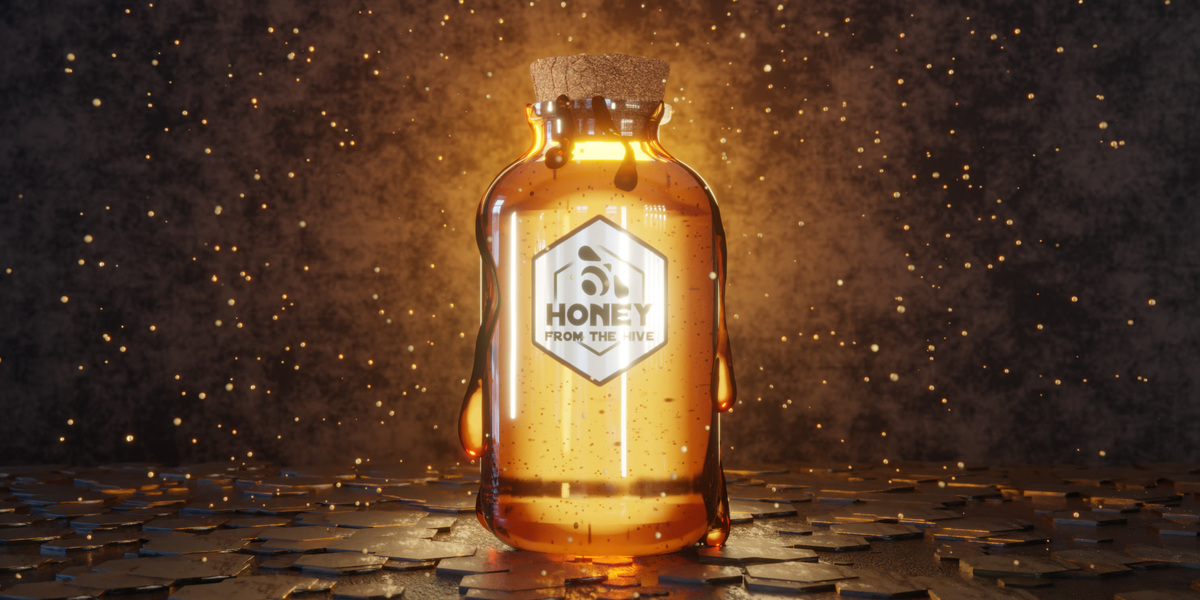
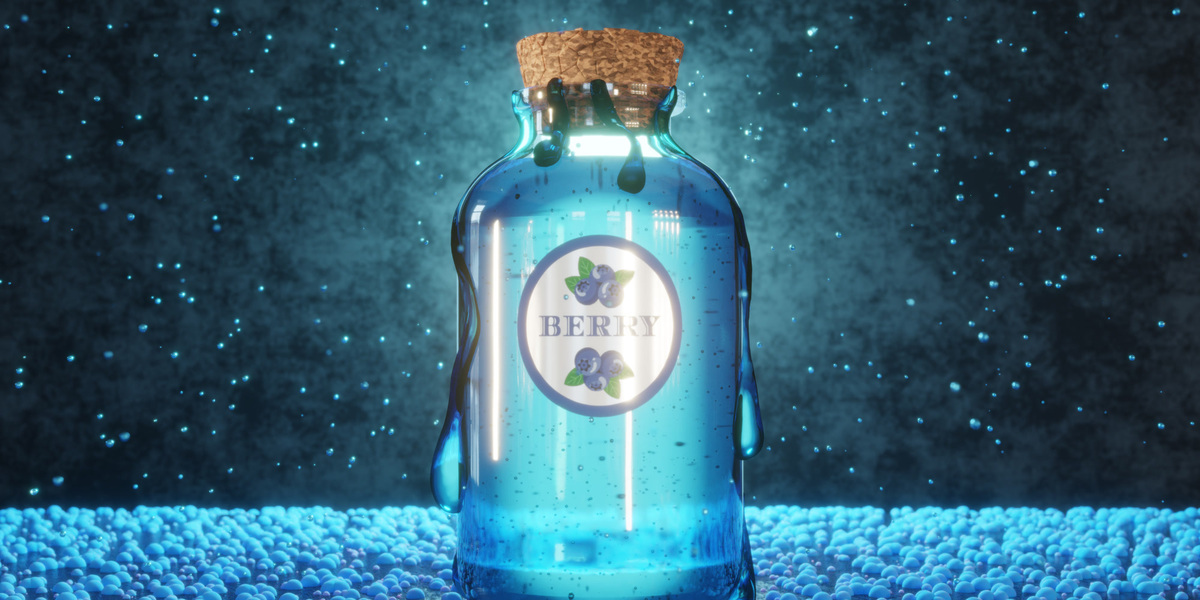
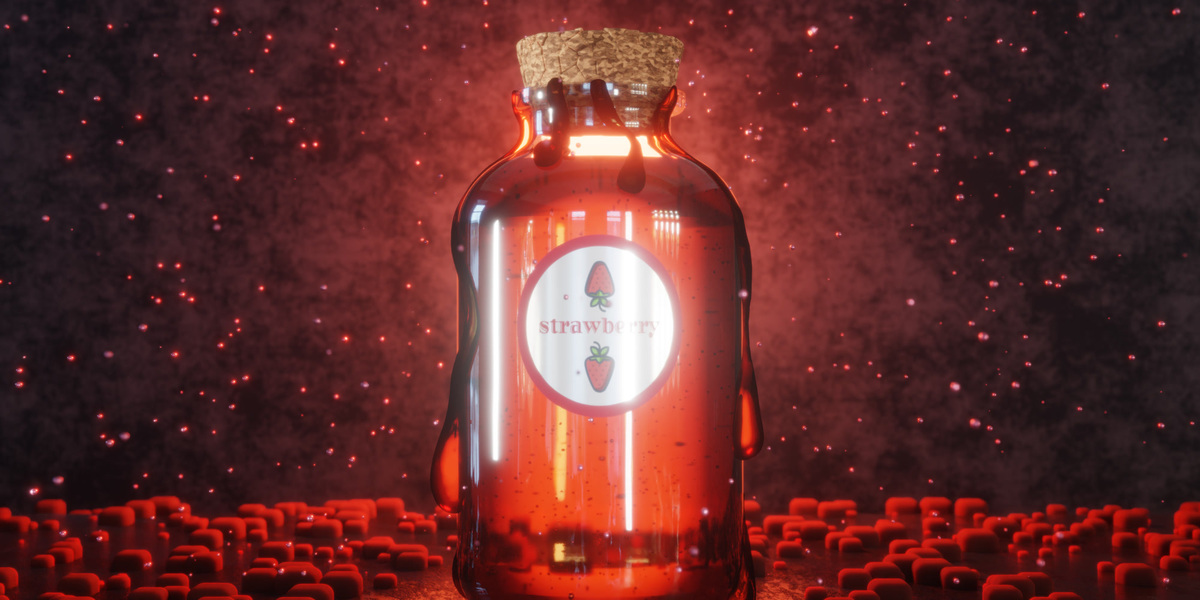
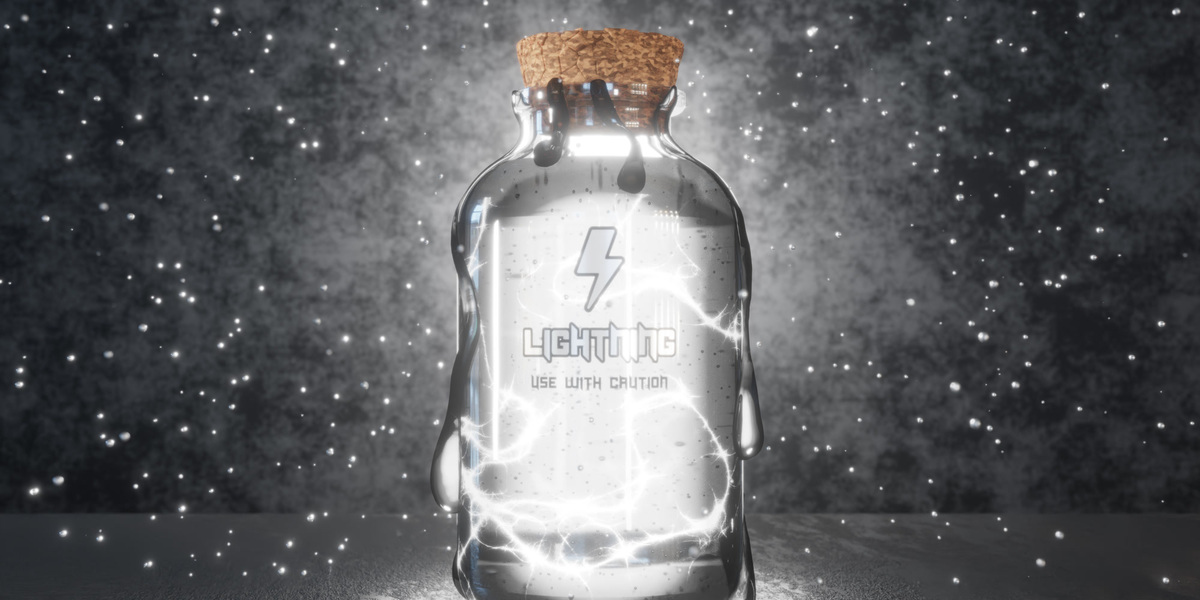
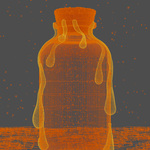
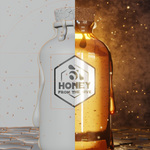
A glowing honey jar, built from an empty Blender file in about fourteen minutes. Kenny Phases walks through every piece of the scene: the glass, the honey and the bubbles trapped inside it, the cork, the drips running down the side, a half-metallic label, hex tiles across the floor, a soft glow in the compositor, and a short animated render.
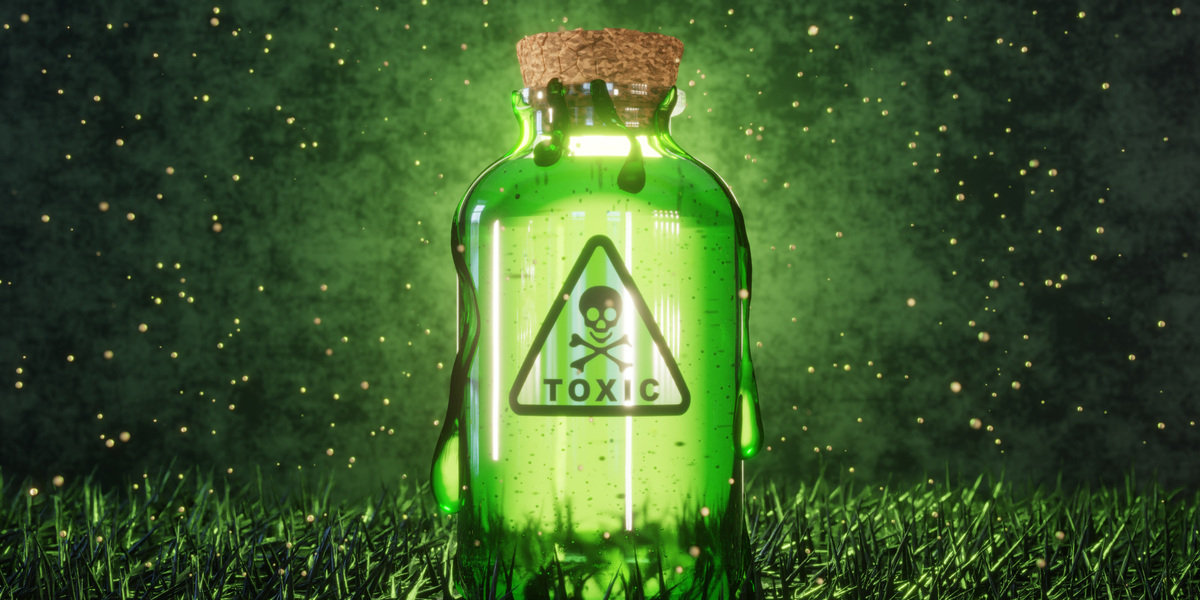
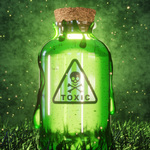
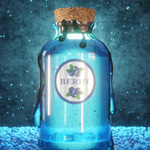
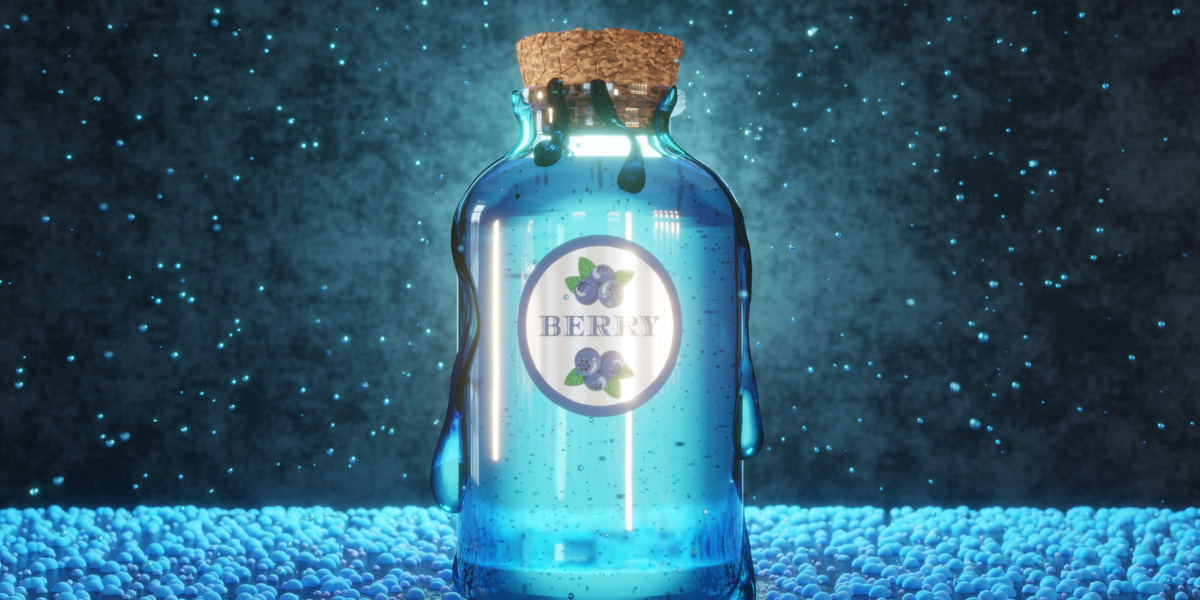
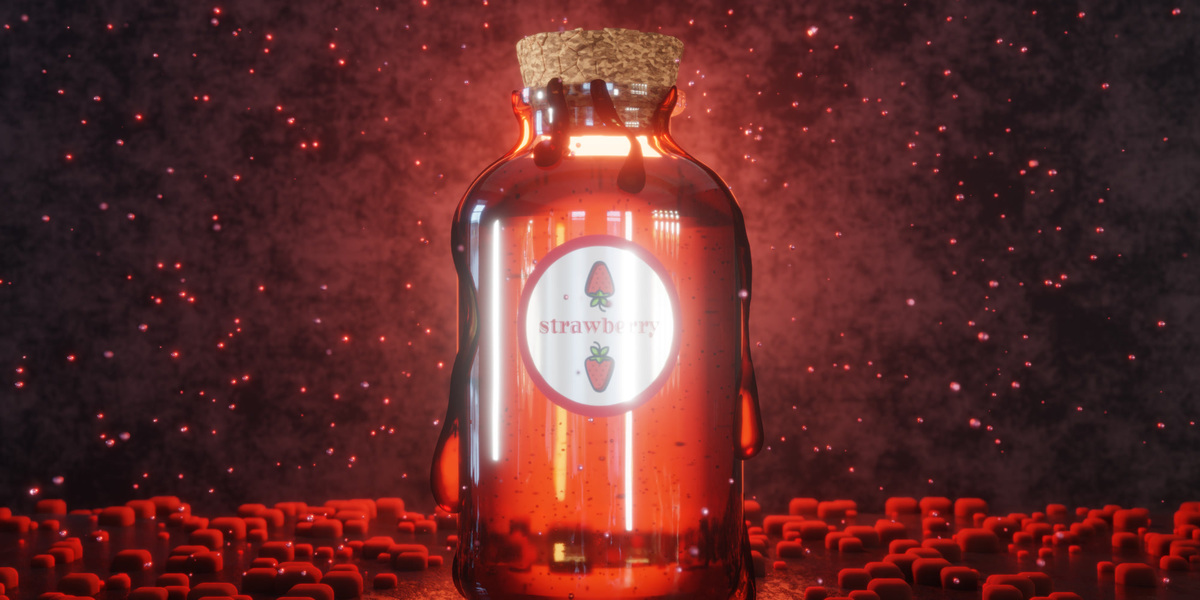
Then he swaps the label and the colors, and the same scene turns into four more jars. All five finished .blend files are in the download, so you can pull any of them apart and see exactly how it's built.
14 min
full video tutorial
5
finished .blend files
5.2 LTS
Blender version recorded
CC0
almost everything (see below)
Five Jars, One Scene
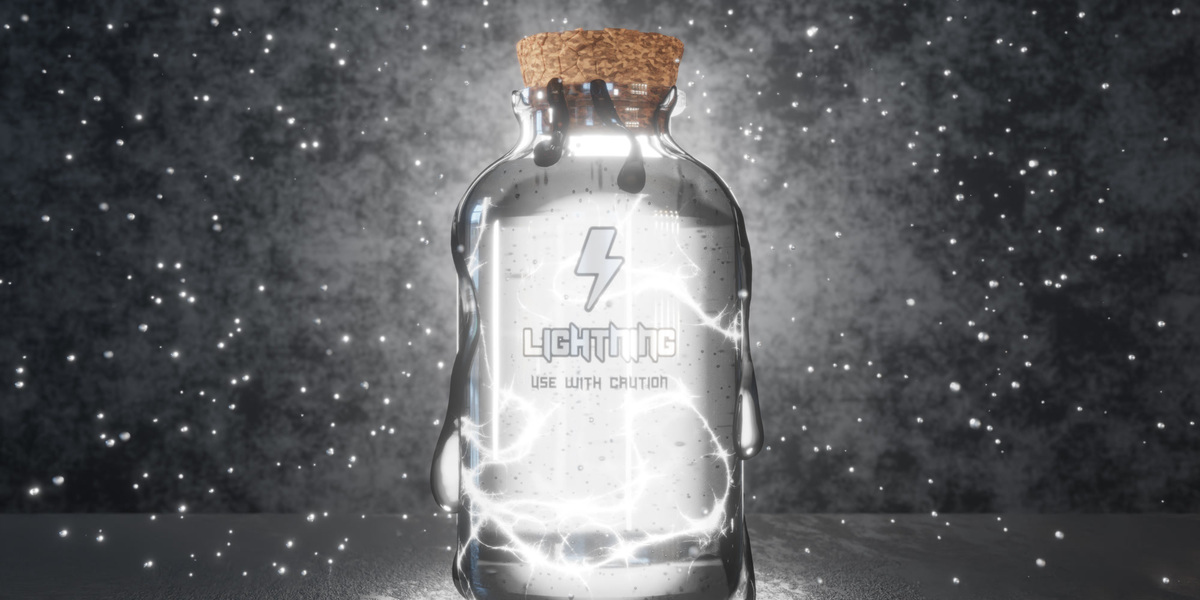
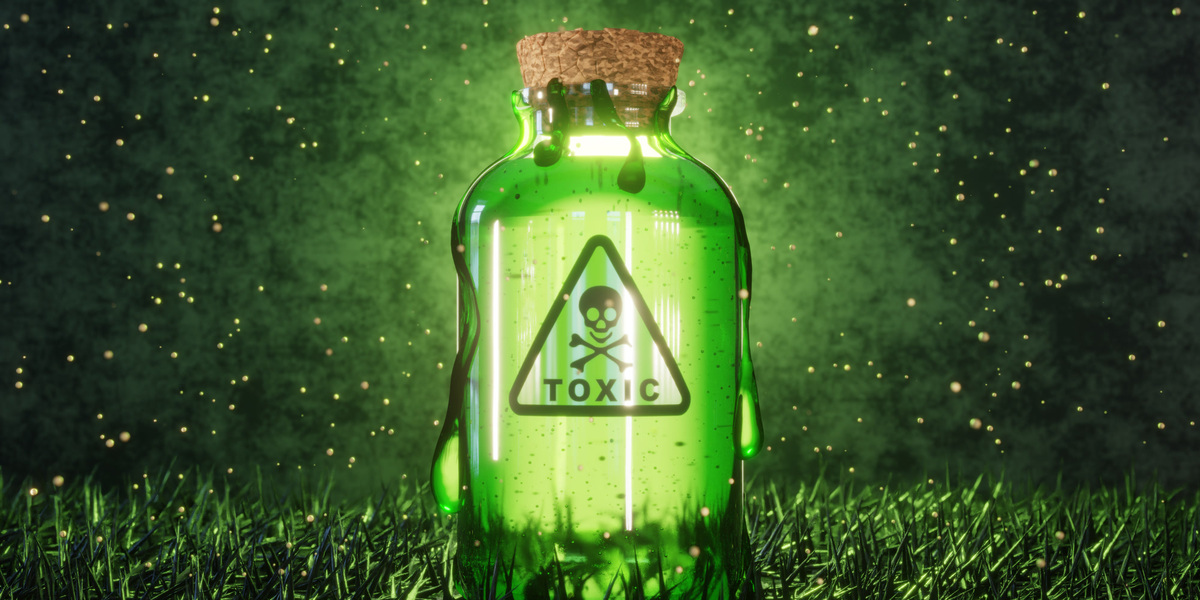
Kenny's honey jar is the one he builds on camera. The other four are the same file with a new label, a new liquid color, and a different floor. They're the fastest way to see how much a scene changes when you only touch a few settings.
Honey Blueberry Strawberry Lightning Toxic
What Kenny Covers
- Modeling the jar: a cylinder with its caps removed, edge loops extruded and scaled to a reference, a subdivision workflow, Grid Fill for the bottom, and Solidify for thickness.
- The honey: split off from the jar's own geometry, with one edge loop raised slightly so it reads like surface tension against the glass.
- A cracked cork: Remesh plus a Displace modifier driven by a Voronoi texture.
- Drips that hug the glass: curves drawn with surface projection, converted to mesh, then shaped with Inflate, Smooth, Flatten, and Grab in Sculpt Mode.
- Glass and honey shaders: Glass BSDF at an IOR of 1.45 with a noise bump, and honey made from two Refraction BSDFs mixed by a Layer Weight through a Color Ramp.
- Geometry Nodes, three ways: bubbles booleaned into the honey, particles floating in the air, and hex tiles scattered across the floor.
- A label without UVs: Curve Deform around a Bezier circle, plus a material that turns the label's white areas metallic and keeps the artwork flat.
- Light and camera: point lights for the rim, area lights for highlights, a low-strength HDRI for reflections, and a keyframed pull-out shot with depth of field.
- Compositing and output: Fog Glow with a warm tint, a low-sample render with denoising, and a PNG sequence assembled into an MP4 in the Video Sequencer.
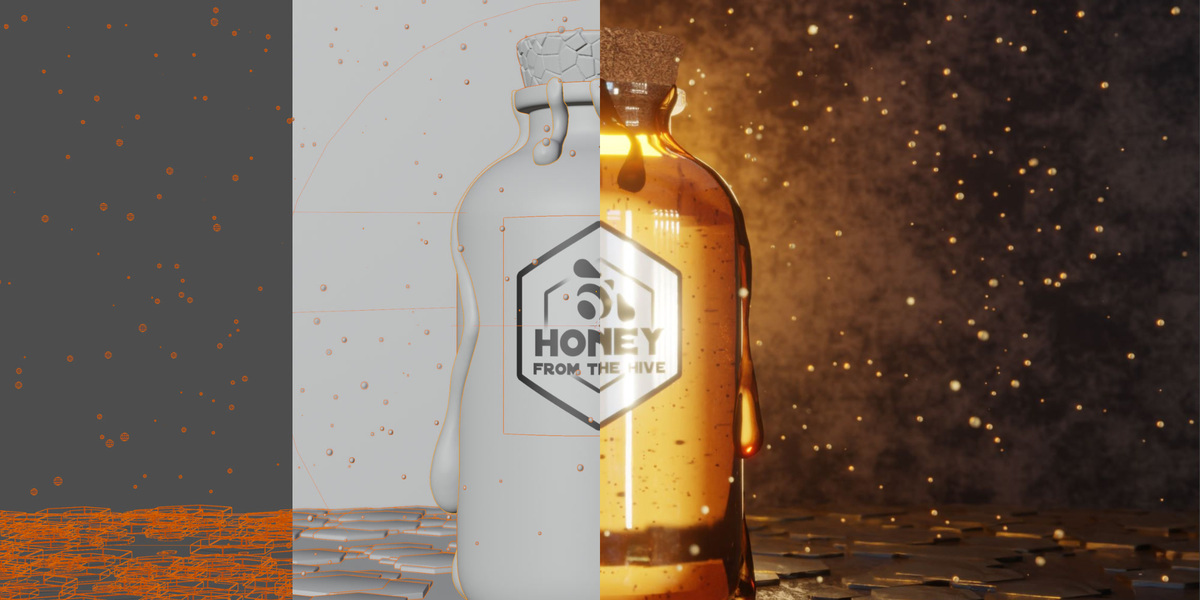
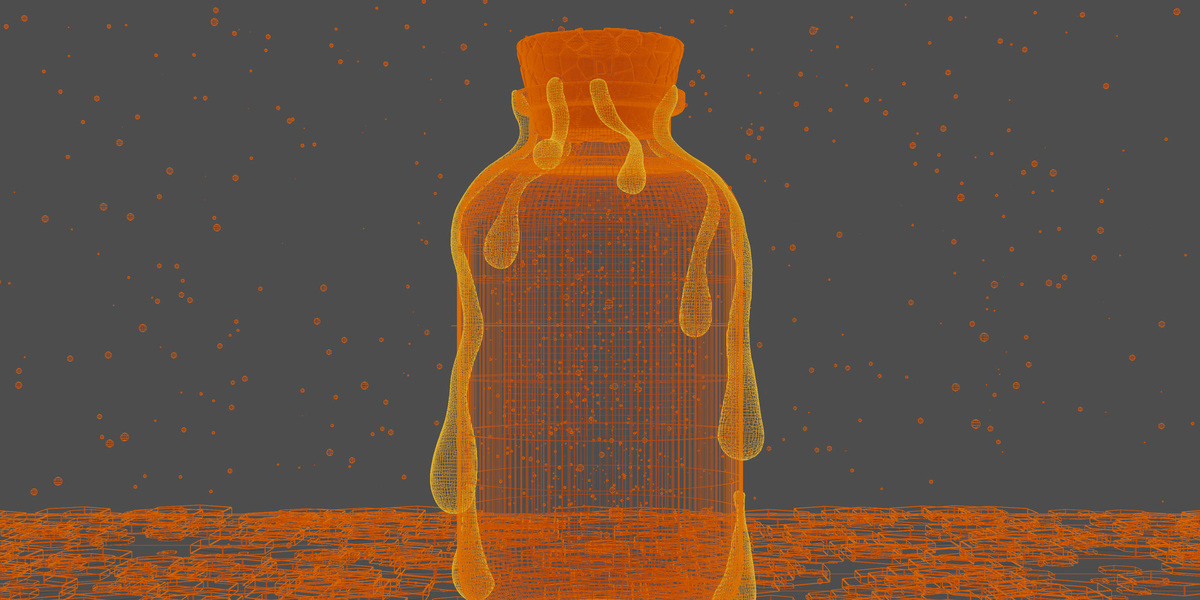
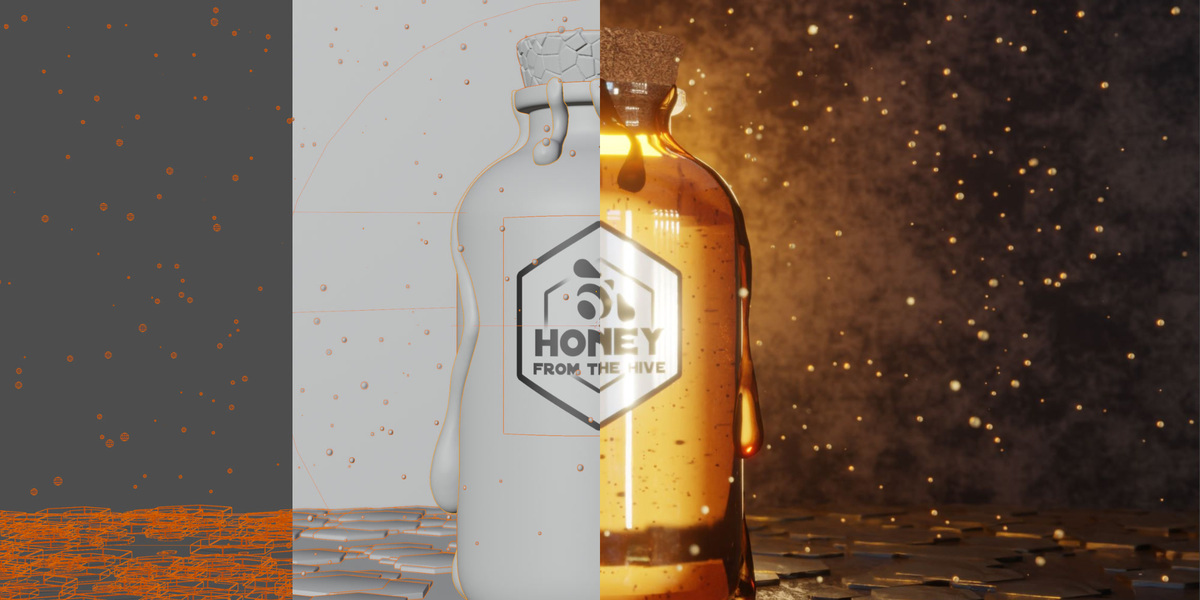
The same jar in wireframe, solid, and final render.
What's in the Download
- honey-jar_tutorial.mp4: the full 14:24 tutorial at 1440p.
- Five .blend files: Honey (Kenny's instructor file), Blueberry, Strawberry, Lightning, and Toxic. Label images and the HDRI are packed in, so they open ready to render.
- textures/: every label PNG, the jar outline reference, and the Blue Photo Studio HDRI from Poly Haven.
- bonus-clips/: the final 4K render loop, a modeling timelapse, and a close look at the floating particles.
- README.txt and LICENSE.txt
Licensing, in plain terms
Almost everything here is CC0. Use it, change it, and ship it in personal or commercial work, no credit needed.
The exception is the Honey From The Hive label, which carries the Superhive logo. It's included so the scene renders the way it does in the video. Keep it for practice, and put your own label on anything you publish or sell. LICENSE.txt has the full wording.
Is This Project For You?
A good fit if you...
- Have finished a beginner project or two and want a second one with a polished result.
- Want to see glass, refraction, and glow working together in Cycles.
- Learn best by watching a full scene come together, then poking around the file.
Probably not if you...
- Have never opened Blender. Start with Blender Basics, our free beginner course.
- Want every click explained. Kenny moves at a steady pace and skips past the basics.
The Challenge
Make your own jarred product. Swap the label, change the colors, tweak the details. Then share it in The Commons, CG Cookie's free Blender community, with "Honey Jar Challenge" in the title. We'll repost our favorites.