 Mars0hod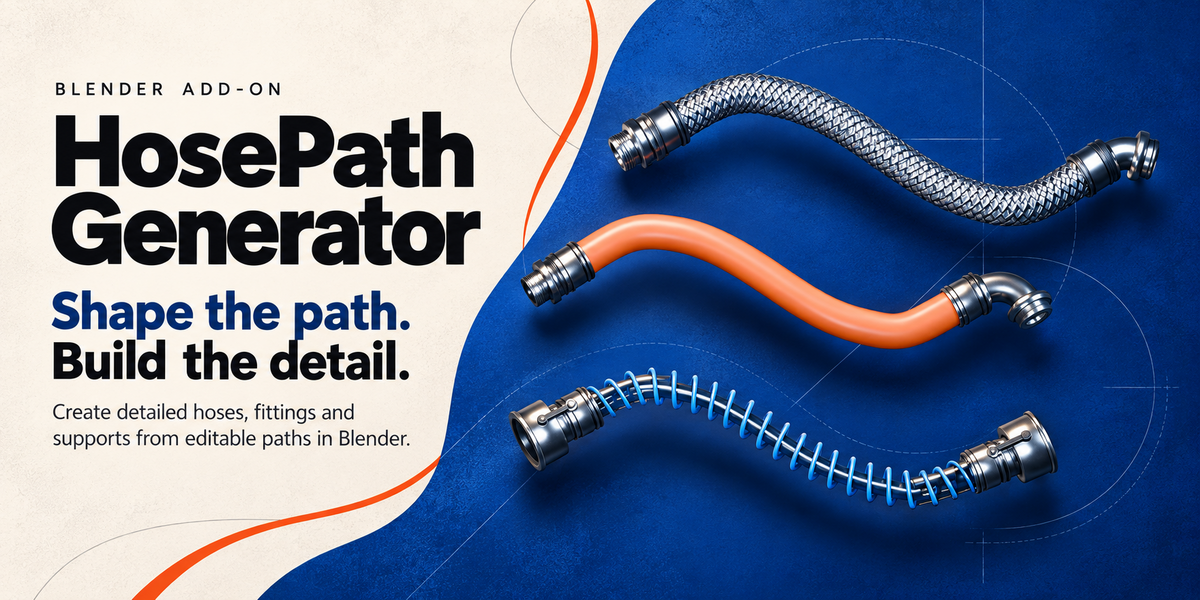
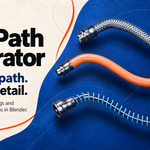
HosePath Generator — Quick Start
INSTALLATION
1. Open Blender.
2. Go to Edit → Preferences → Get Extensions.
3. Open the menu and choose Install from Disk.
4. Select the HosePath Generator ZIP file.
5. Enable the add-on.
6. In the 3D Viewport press N and open the HosePath tab.
CREATING A HOSE
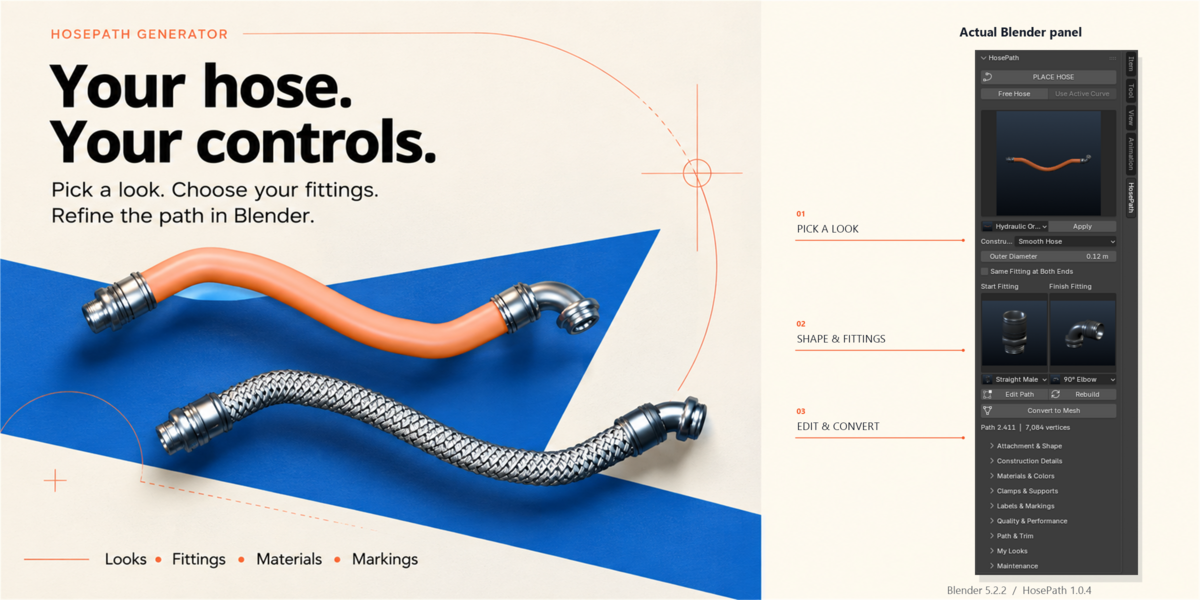
PLACE HOSE
Use Place Hose to create a hose between two points or surfaces in the scene.
FREE HOSE
Creates a new editable Curve automatically at the 3D Cursor.
USE ACTIVE CURVE
Use an existing Blender Curve as the path for the hose.
EDITING THE PATH
Select the generated hose and use Edit Path to edit the source Curve.
Move, add or adjust Curve control points to change the route.
Use Return to Hose when finished editing.
HOSE CONSTRUCTIONS
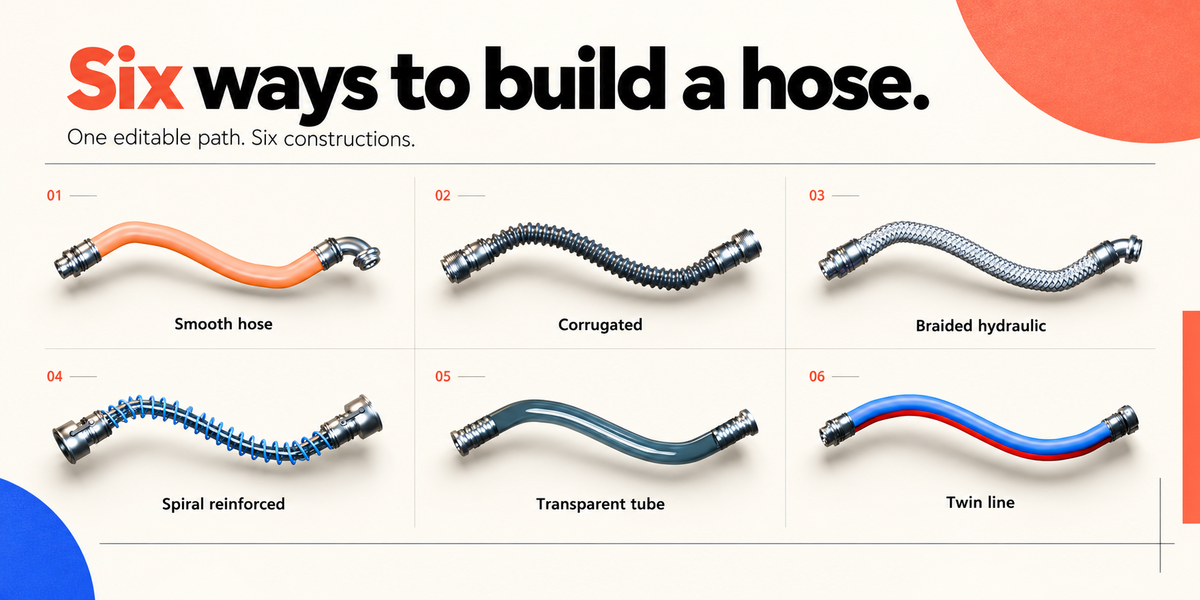
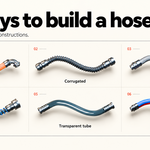
HosePath Generator includes several construction types:
• Smooth Hose
• Corrugated Hose
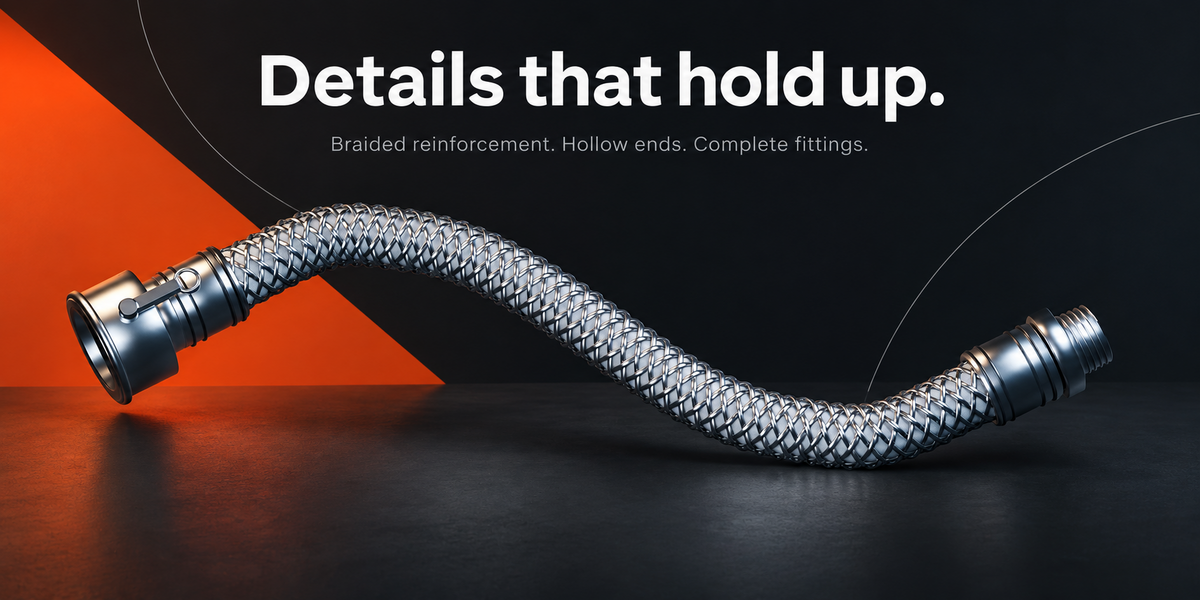
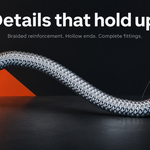
• Braided Hydraulic Hose
• Spiral Reinforced Hose
• Transparent Tube
• Twin Line
FITTINGS
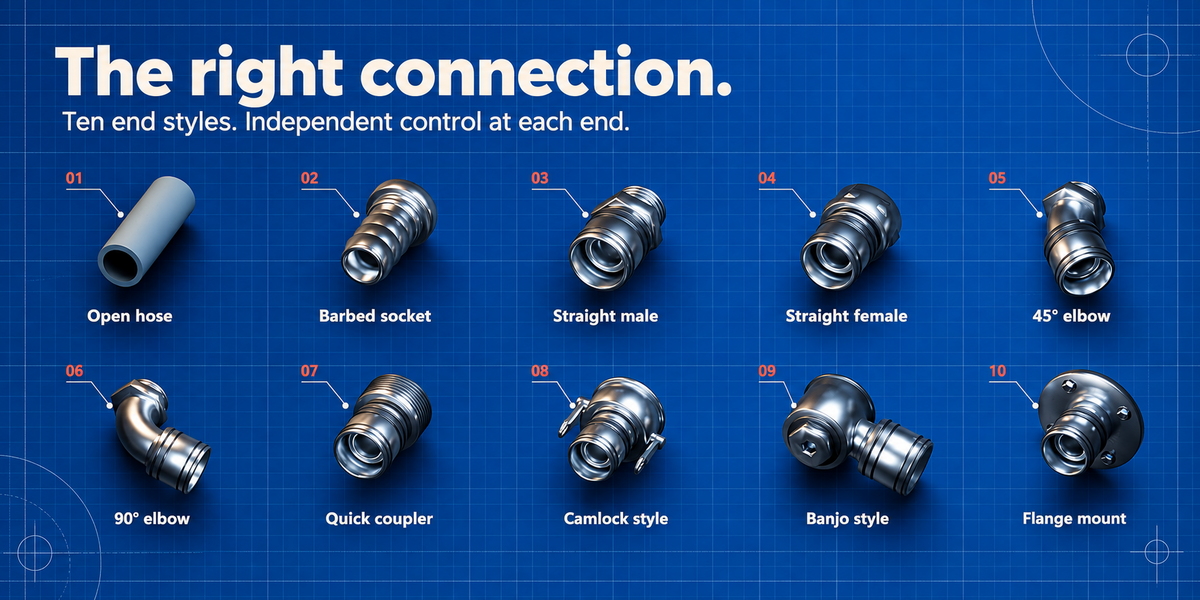
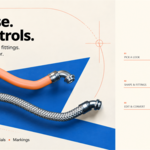
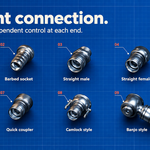
Start and end fittings can be configured independently.
Available styles include open ends, straight fittings, angled fittings, quick couplers, flange-style connections and other generic connector designs.
Enable Same Fitting at Both Ends when you want both ends to use the same fitting.
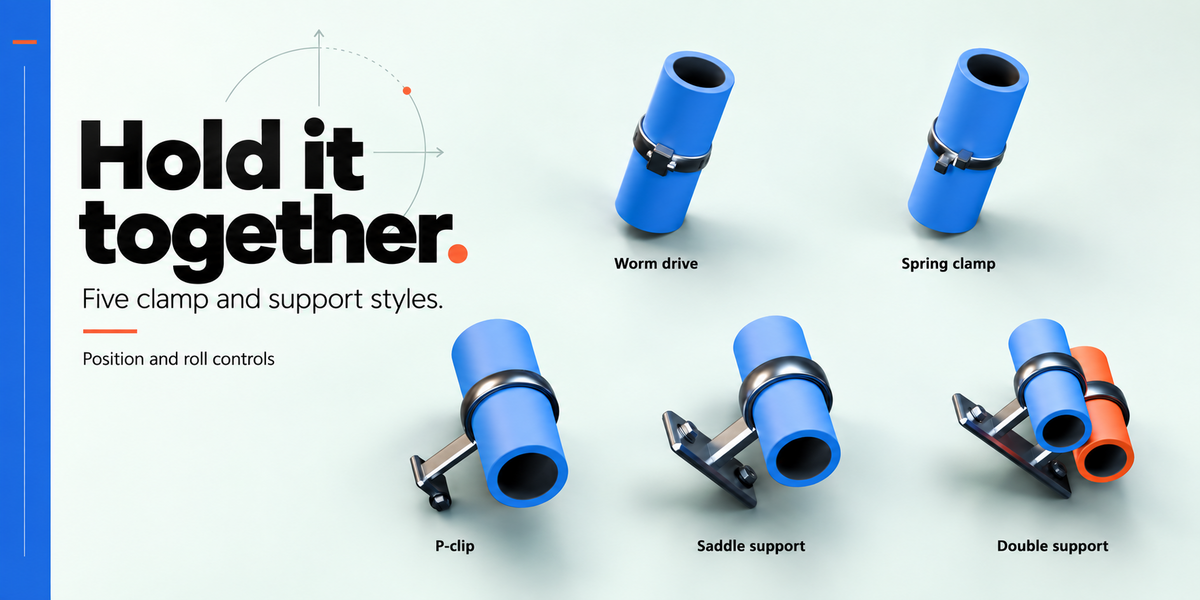
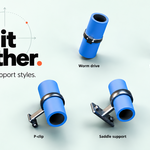
CLAMPS AND SUPPORTS
Several clamp and support styles are included.
They can be positioned along the hose and adjusted to suit industrial, mechanical and sci-fi scenes.
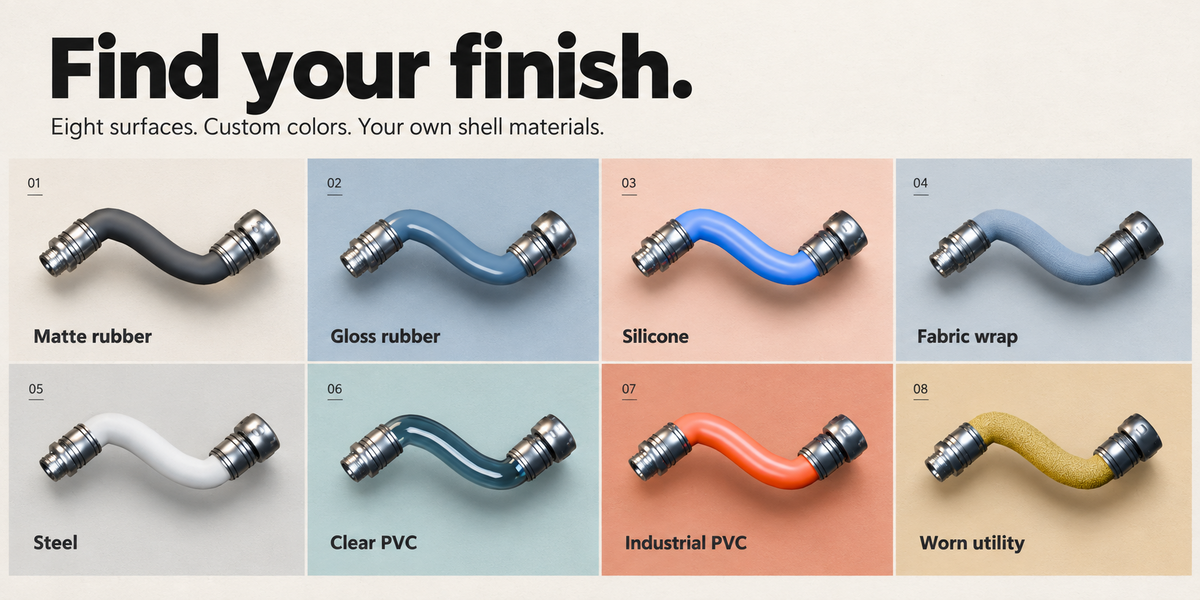
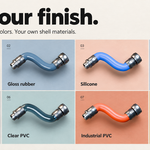
MATERIALS AND APPEARANCE
Use the built-in material and appearance controls to change hose, fitting and marking colors.
Multiple ready-made looks are included as starting points.
No external texture files are required.
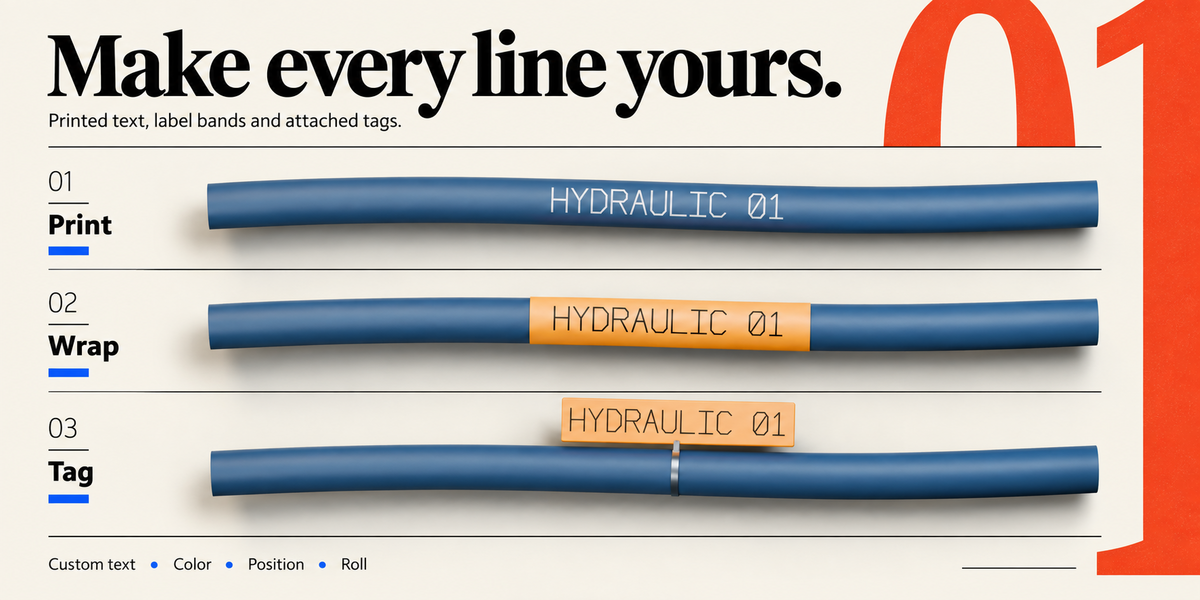
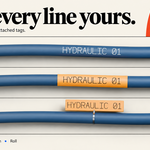
LABELS AND MARKINGS
HosePath Generator supports several identification methods:
• Surface lettering
• Marking bands
• Attached tags
QUALITY
Viewport Quality controls interactive scene performance.
Render Quality controls the final generated detail used for rendering.
For complex scenes, use lower viewport quality while working and increase render quality only when necessary.
CONVERT TO MESH
When the hose is finished, it can be converted into a regular Blender Mesh.
You can optionally keep the editable procedural original so the hose can be modified again later.
IMPORTANT NOTES
HosePath Generator is intended for visual 3D modeling.
It is not an engineering or physics simulation tool.
Minimum Bend Radius is a visual warning and does not perform physical hose simulation.
Very tight bends, extreme dimensions or unusual object transforms may cause geometry intersections.
Clamps and fittings are visual geometry and do not physically constrain the hose path.
Have questions about this product?
Login to message
| Blender Extension Compatible | Yes |
| Published | 3 days ago |
| Blender Version | 5.0 - 5.2 |
| Extension Type | Add-on |
| Render Engine Used | Cycles, Eevee |
| License | GPL |