 GEO Forge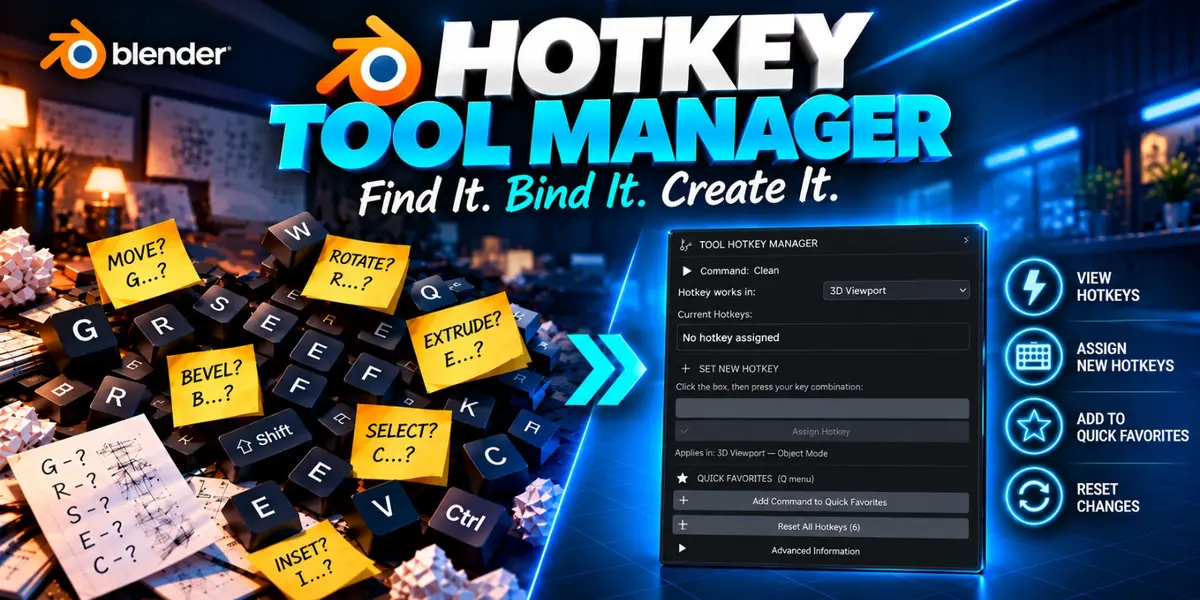
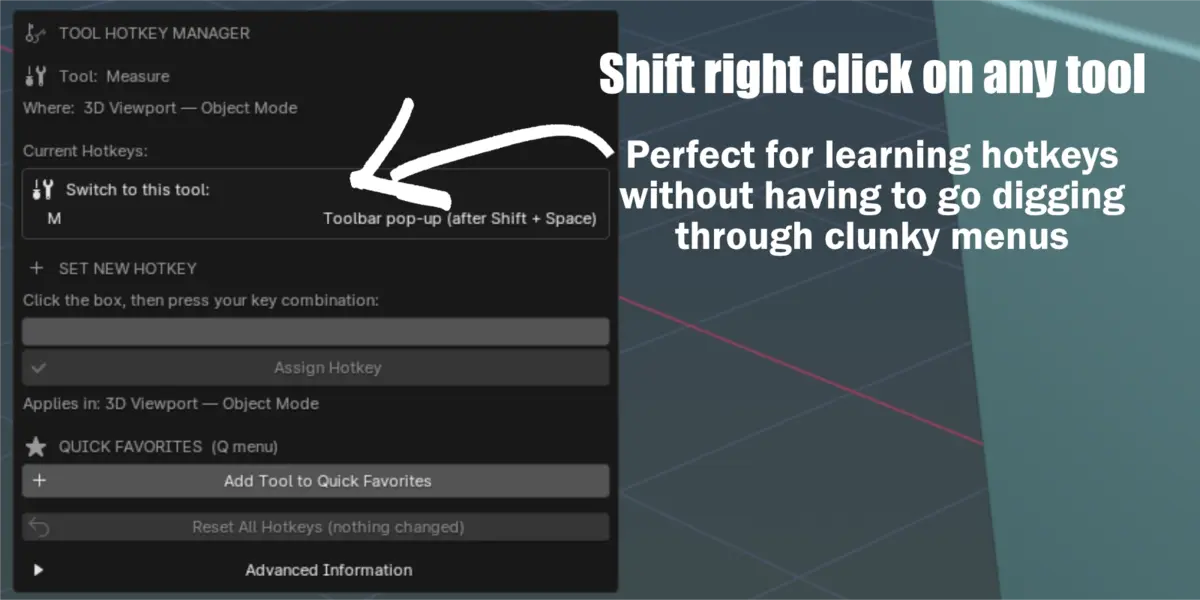
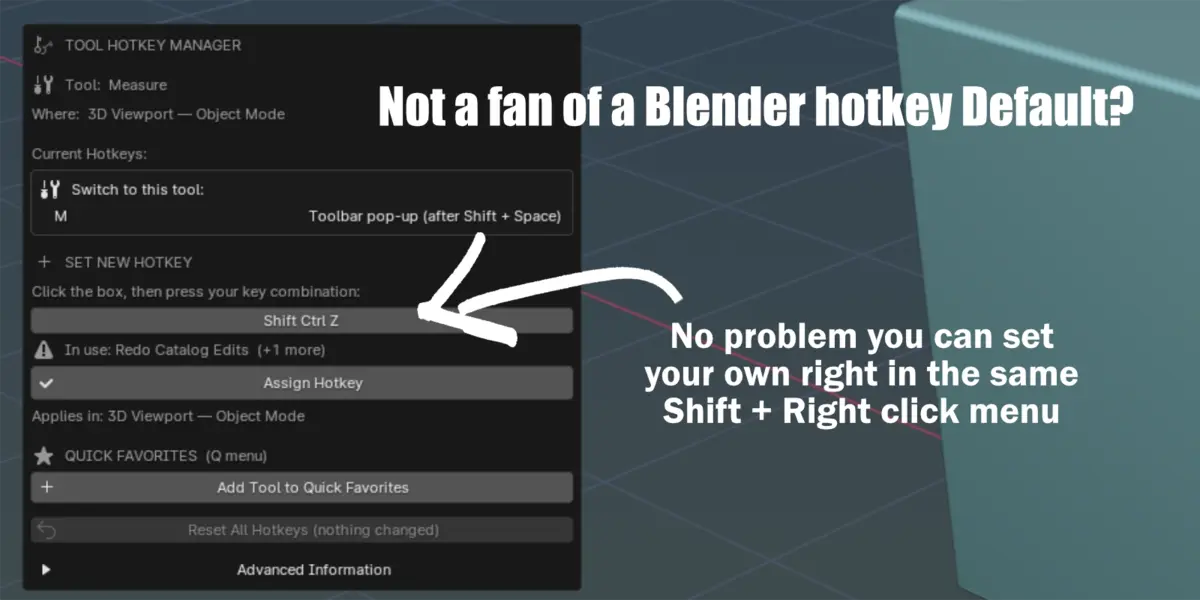
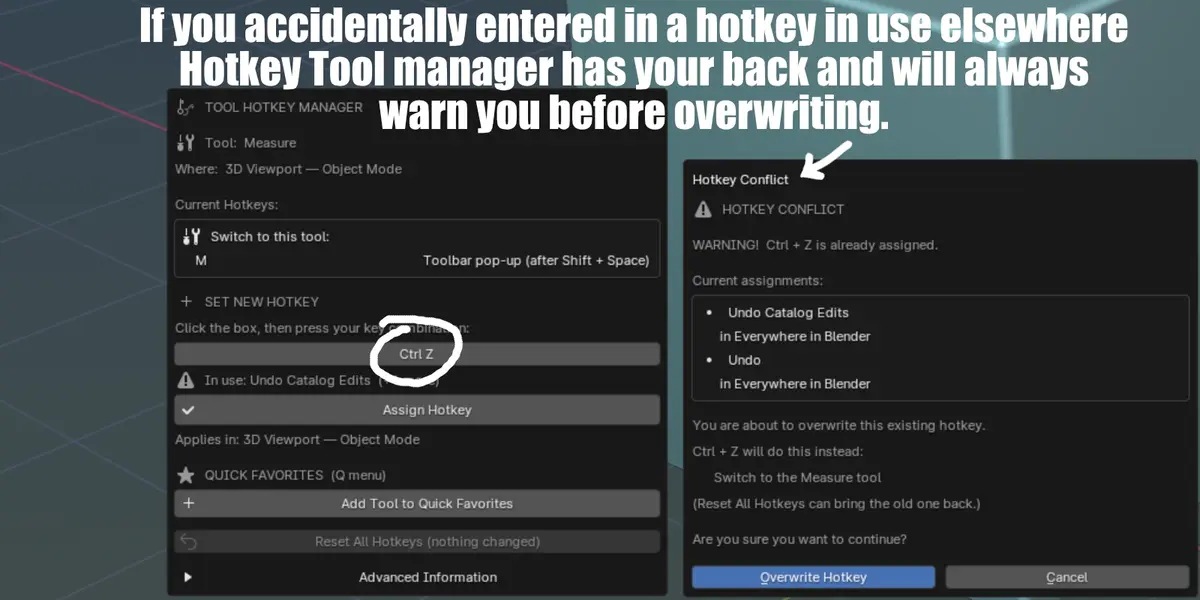

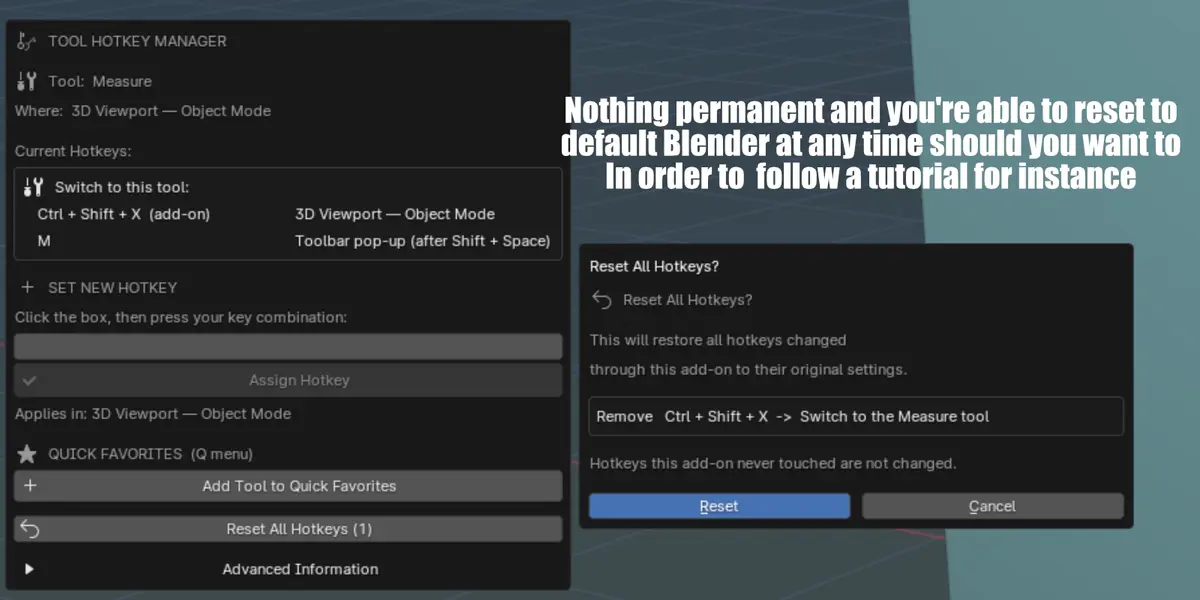


What makes this product unique to blenders default assign shortcut?
Blender's Assign Shortcut just adds a key. Hotkey Tool Manager
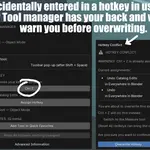
-Warns you before a key overwrites an existing shortcut.
-Lets you choose where it works (3D Viewport, the editor you're in, or everywhere).
-Shows every shortcut something already has.
-Undoes all its changes in one click without touching your other keymap edits.
WHAT HAPPENS IF I TURN THE ADD-ON OFF OR REMOVE IT?
- The Shift + Right Click window and the right-click menu entry
disappear immediately.
- Shortcuts you already made KEEP WORKING, because they are normal
Blender shortcuts. To remove them, turn the add-on back on and
click "Reset All Hotkeys" first. (The add-on's list of changes is
kept in a tiny file, so turning it off and on doesn't lose it.)
- Alternative without the add-on: Edit > Preferences > Keymap and
click "Restore" next to the changed keymap groups. Note that this
also removes any shortcut changes you made yourself.
DOES BLENDER NEED TO BE RESTARTED AFTER AN INSTAL?
- No, not after installing or assigning shortcuts.
$2
Have questions about this product?
Login to message
| Published | 1 day ago |
| Blender Version | 4.0 - 5.2 |
| Extension Type | N/A |
| Render Engine Used | Eevee |
| License | GPL |
Discover more products like this
custom hotkey hotkey-addon Blender hotkeys learn blender hotkeys visually hotkey Hotkeys hotkey reference