Hotkeyboard - Interactive Keyboard Shortcut Overlay For Blender
 Salman Naseem


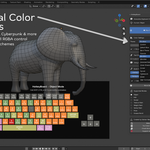
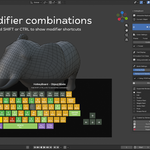
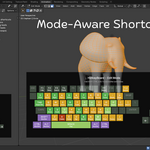
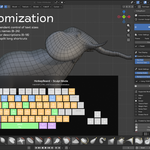
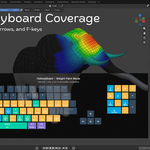
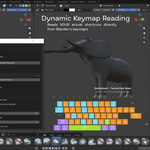
The most requested feature is here! HotkeyBoard v2.0 introduces a complete color customization system that lets you personalize every aspect of the overlay's appearance.
HOW TO USE
Quick Start:
-
Install HotkeyBoard v2.0
-
Go to Edit → Preferences → Add-ons → HotkeyBoard
-
Select a color preset
-
Watch the overlay update instantly!
Create Custom Colors:
-
Check "Custom Colors" in preferences
-
Adjust each color category:
-
Primary
-
Secondary
-
Tertiary
-
Modifier keys
-
Danger operations
-
Pressed keys
-
Default
-
-
Colors update in real-time!
Share Your Colors:
-
Click "Export Colors"
-
Save as .json file
-
Share with your team
Import Colors:
-
Click "Import Colors"
-
Select a .json theme
-
Enjoy your new colors
750+ carefully curated shortcuts across all major Blender modes, with full modifier support, Mac compatibility, and dynamic keymap reading for unlimited extensibility.
