 ARLN
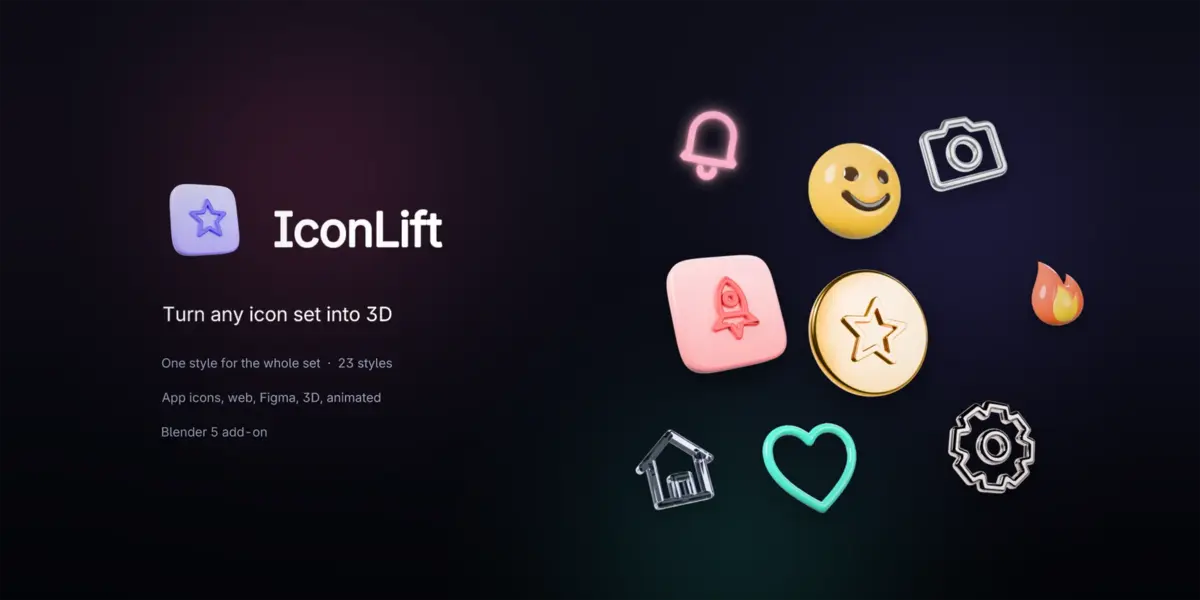
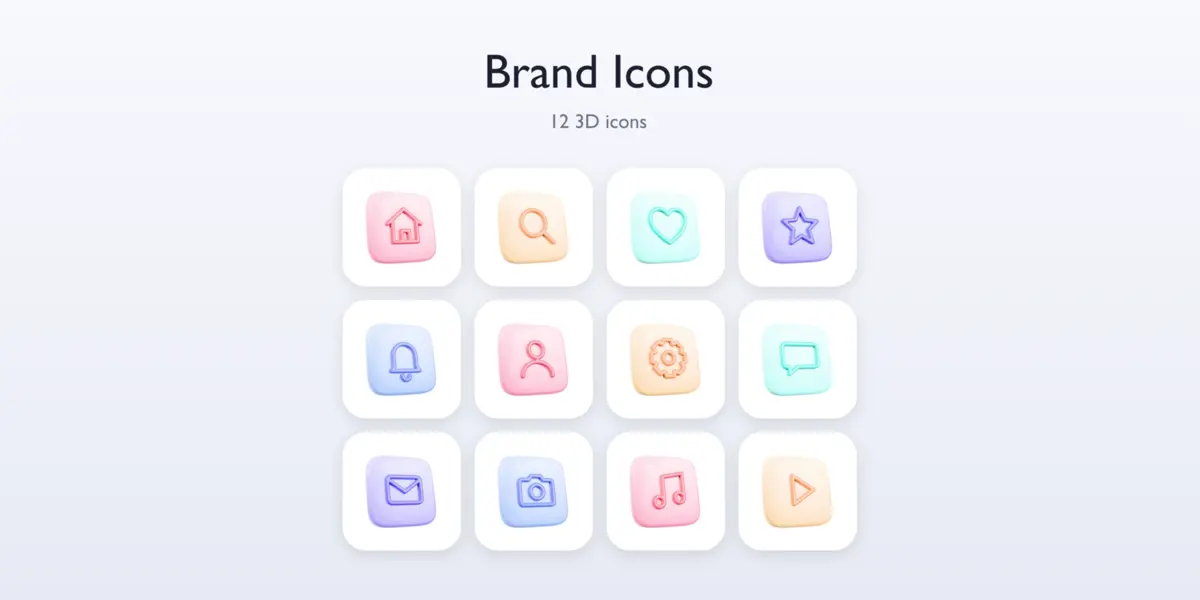
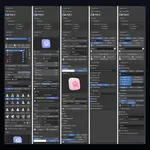
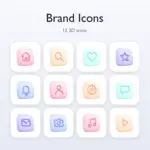
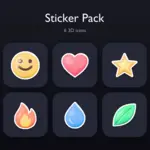
Your whole icon set in 3D.
One style. Every export.
3D icons are everywhere: apps, websites, pitch decks, Dribbble. Making a whole set by hand means modeling, lighting and exporting fifty icons one by one and keeping them consistent.
IconLift does the set. Add your SVG or PNG icons, click a style, and every icon comes out with the same depth, roundness, material, light, camera and size. Change the style once, the whole set follows. Then export everything icons need, in one click.
STYLES
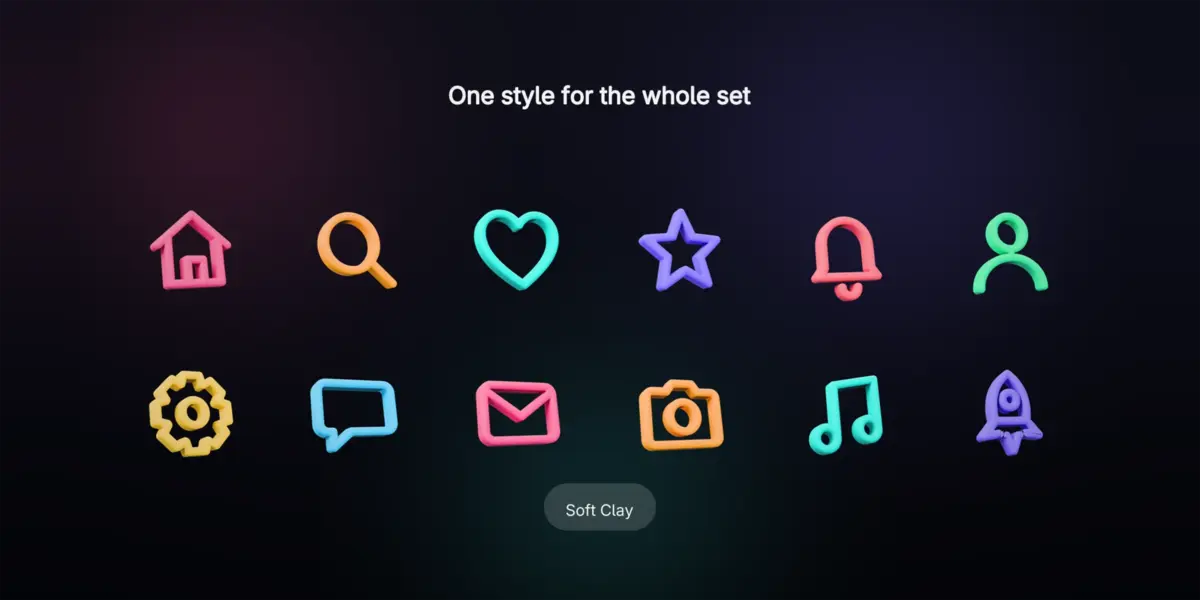
One style for the whole set
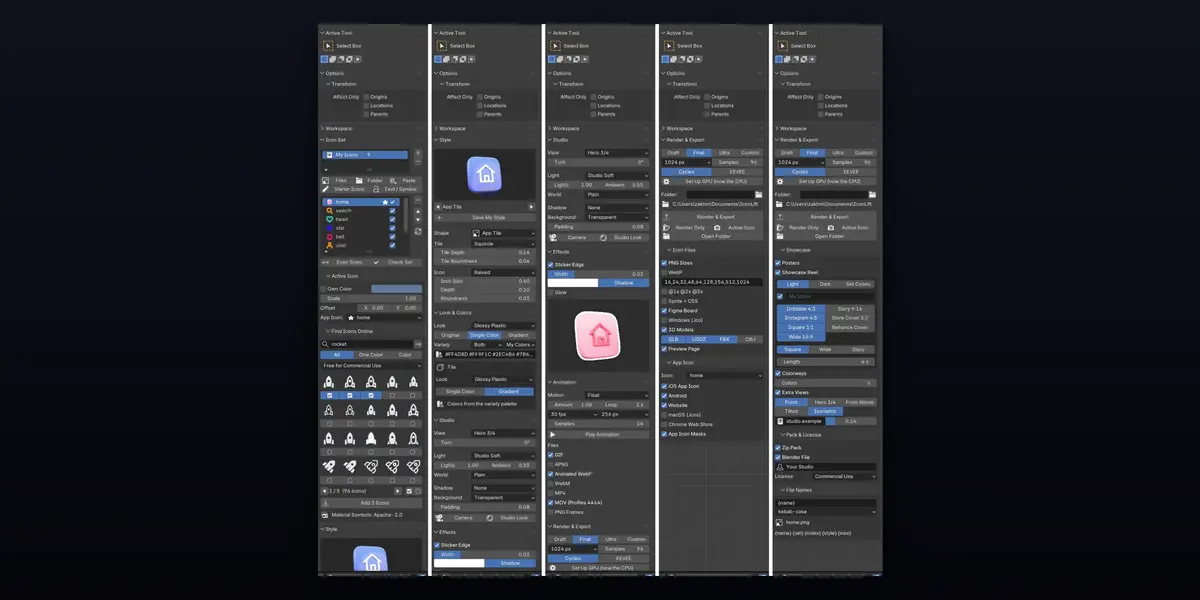
Every icon gets the same depth, roundness, material, light and framing, so the set looks like one family. Switch the style and all of them change together. Even Out Sizes balances how big each icon looks, Check Set points out what may look wrong.
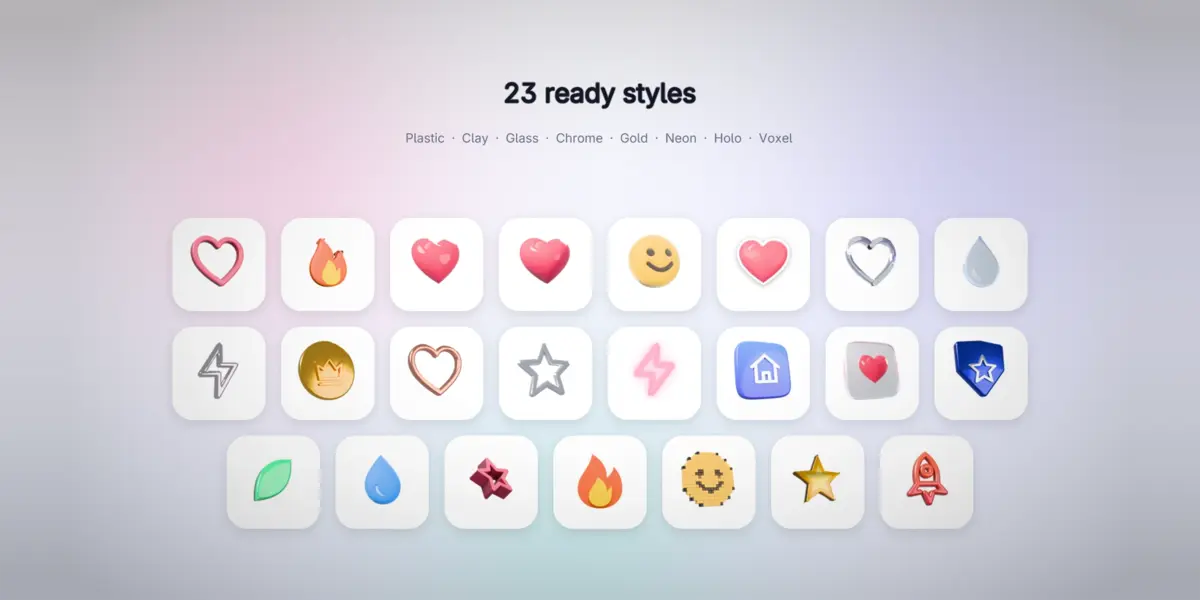
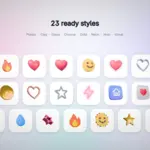
23 READY STYLES
Pick a look in one click
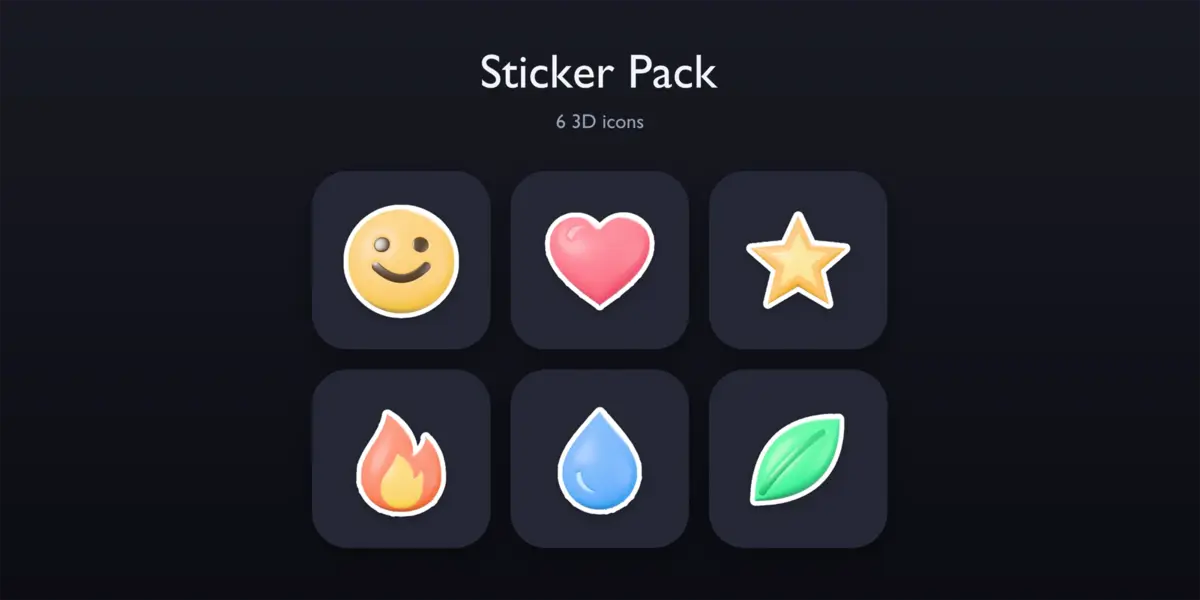
Glossy toy, soft clay, puffy candy, balloon, plush, die-cut sticker, liquid glass, frosted glass, chrome, gold, rose gold, holo foil, neon, app tiles, ceramic, rubber, isometric, paper layers, voxel, car paint and more, in a gallery of previews.
Or build your own from 6 shapes (Rounded, Puffy, App Tile, Layers, Tube, Voxel) and 23 materials, and keep it with Save My Style for every file.
COLORS AND STUDIO
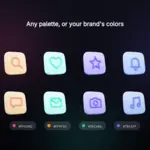
Every icon its own color, or your brand's
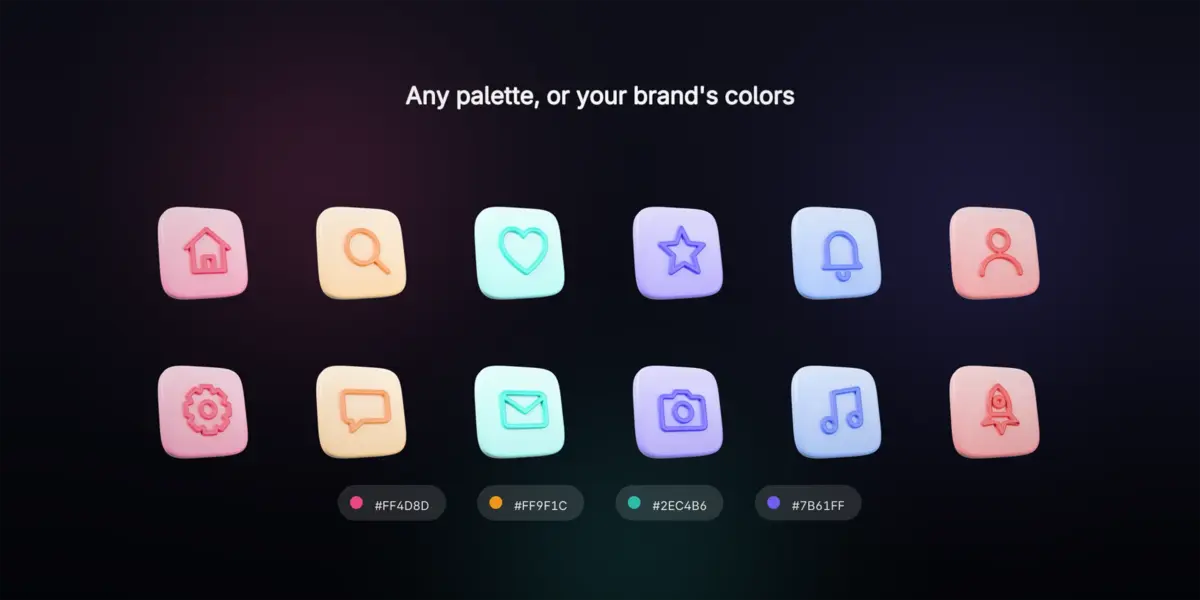
Keep the icons' own colors, use one color or a gradient, or let Color Variety give every icon, every tile or both the next color of a palette: 10 palettes, shades of the set's color, or your brand's hex codes.
The studio does the rest: views, light rigs, 6 HDRI environments, shadows and backgrounds, with Studio Look lighting the viewport like the renders. A die-cut sticker edge and a glow go on every exported picture, with a live preview.
ICONS IN
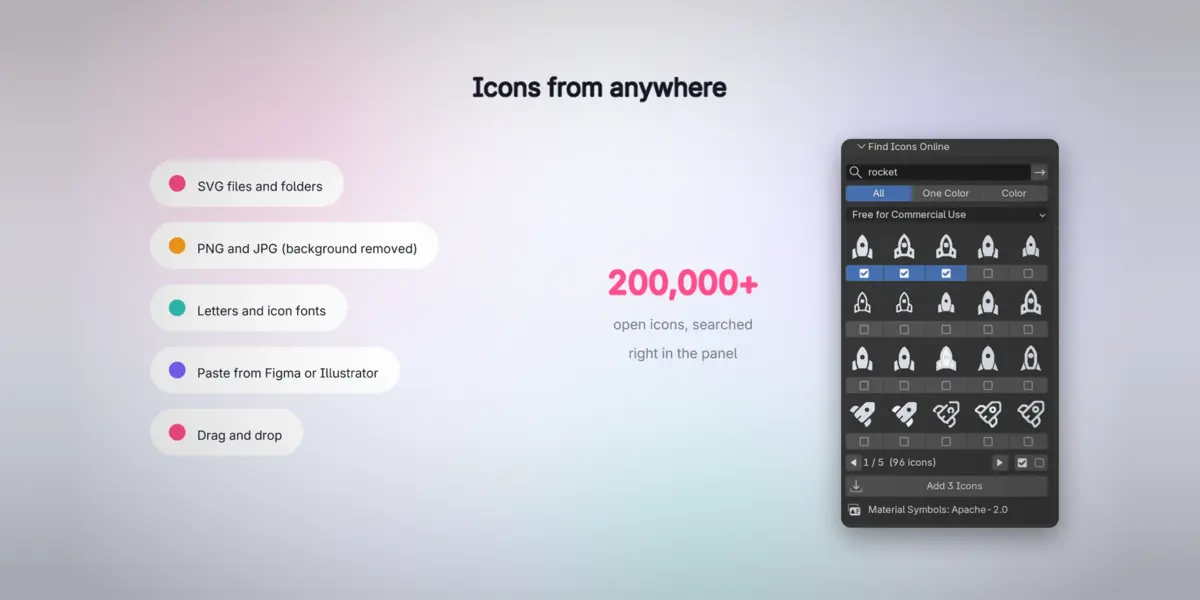
Icons from anywhere
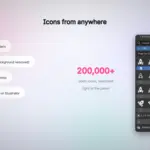
SVG files and whole folders (strokes, dashes, gradients and holes drawn exactly), PNG and JPG logos (a plain white background is removed), drag and drop, SVG pasted from Figma or Illustrator, letters and icon-font glyphs, and 42 starter icons drawn for IconLift.
No icons yet? Find Icons Online searches 200,000+ open icons (Iconify) right in the panel, with commercial-use licenses by default and every author credited in CREDITS.txt.
ANIMATION
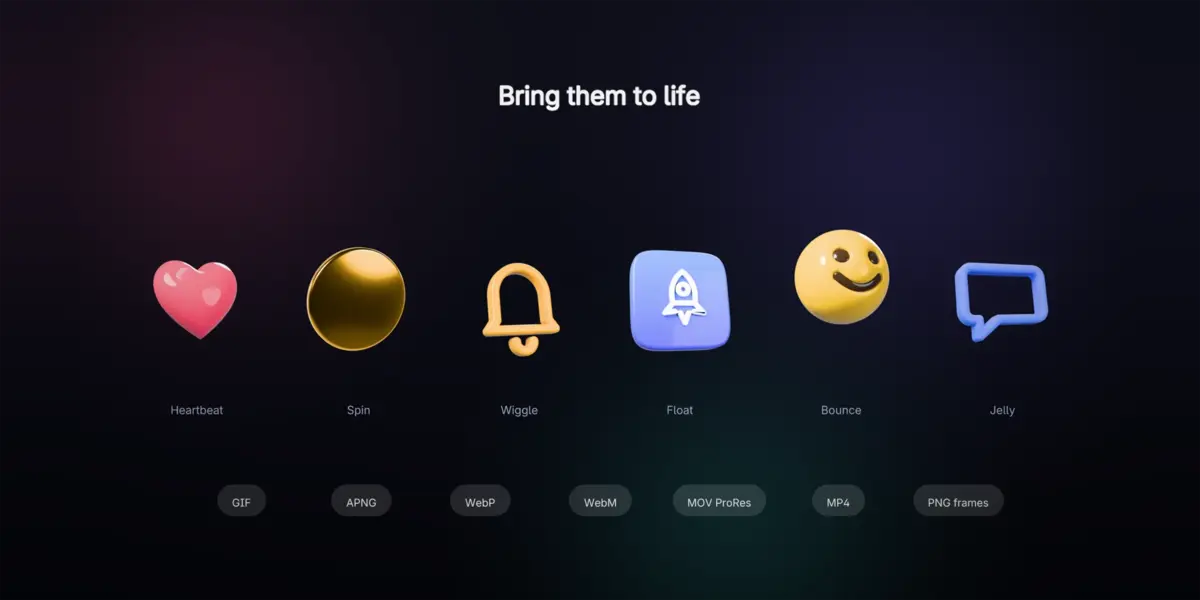
Bring them to life
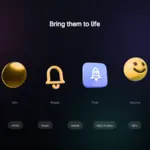
10 motions: float, hover, spin, flip, bounce, wiggle, heartbeat, jelly, pulse and swing. Export GIF, APNG, animated WebP, WebM and ProRes 4444 MOV with transparency, MP4 or PNG frames: for websites, apps and video editors (Premiere, Final Cut, DaVinci Resolve, After Effects).
ICONS OUT
Every export, in one click
Render once, then IconLift writes every file icons need into one tidy folder and a zip:
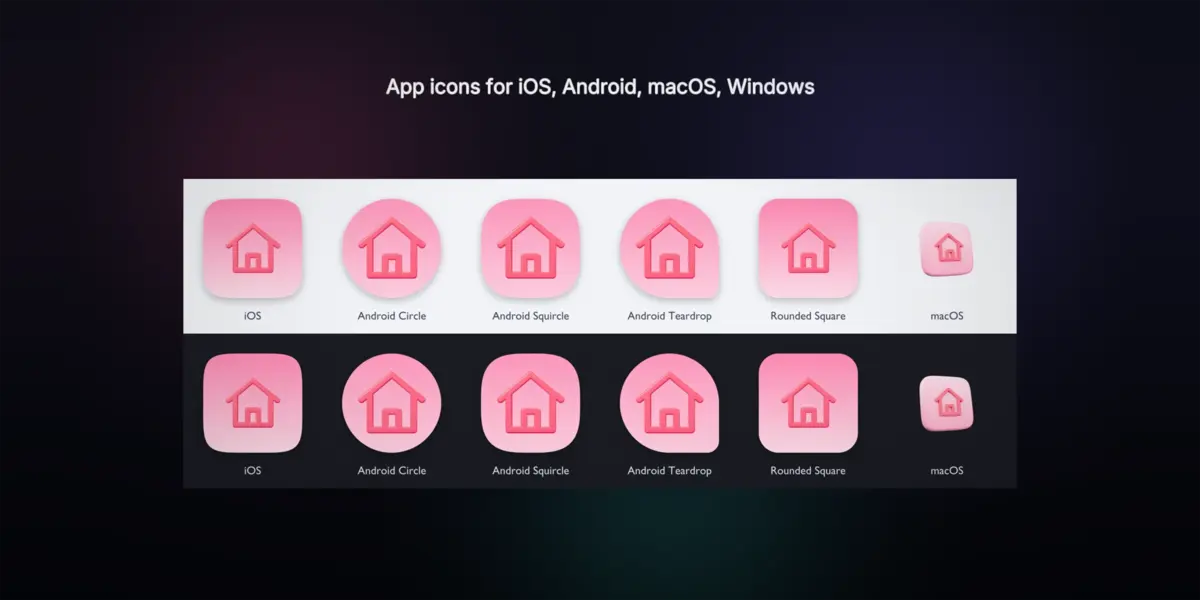
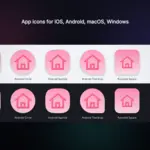
| App icons | iOS (light, dark, tinted), Android adaptive with monochrome, macOS .icns, Windows .ico, Chrome Web Store |
| Web | favicons, Apple touch, PWA and maskable icons with the web manifest |
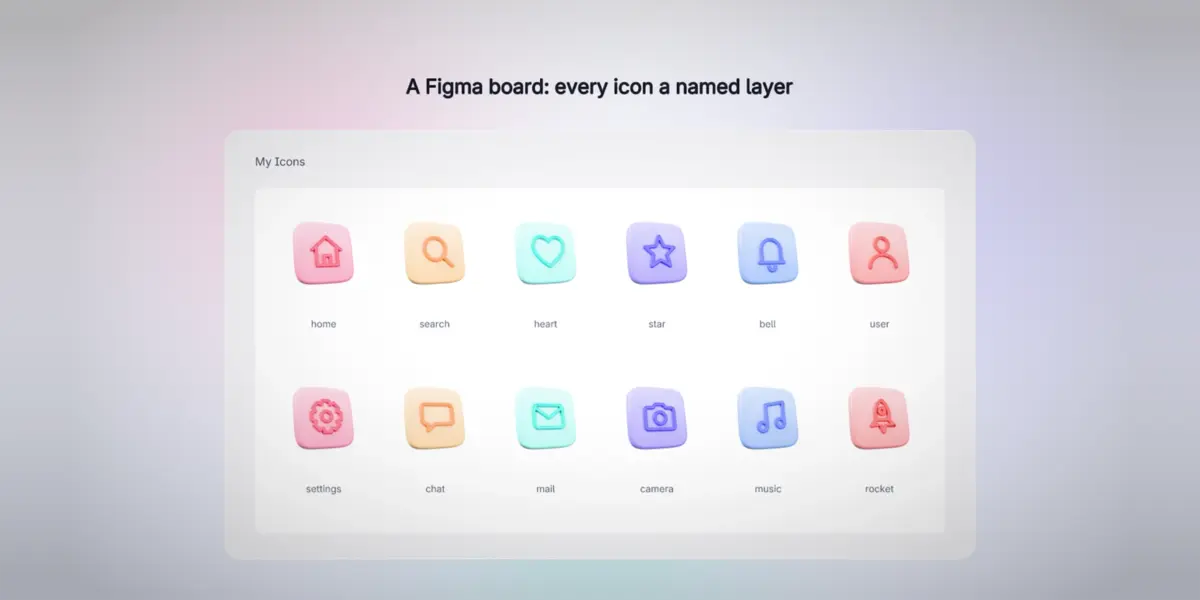
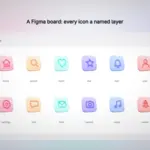
| Design tools | PNG and WebP from 16 to 4096 px, @1x @2x @3x, a Figma board (every icon a named layer), sprite sheets with CSS and JSON |
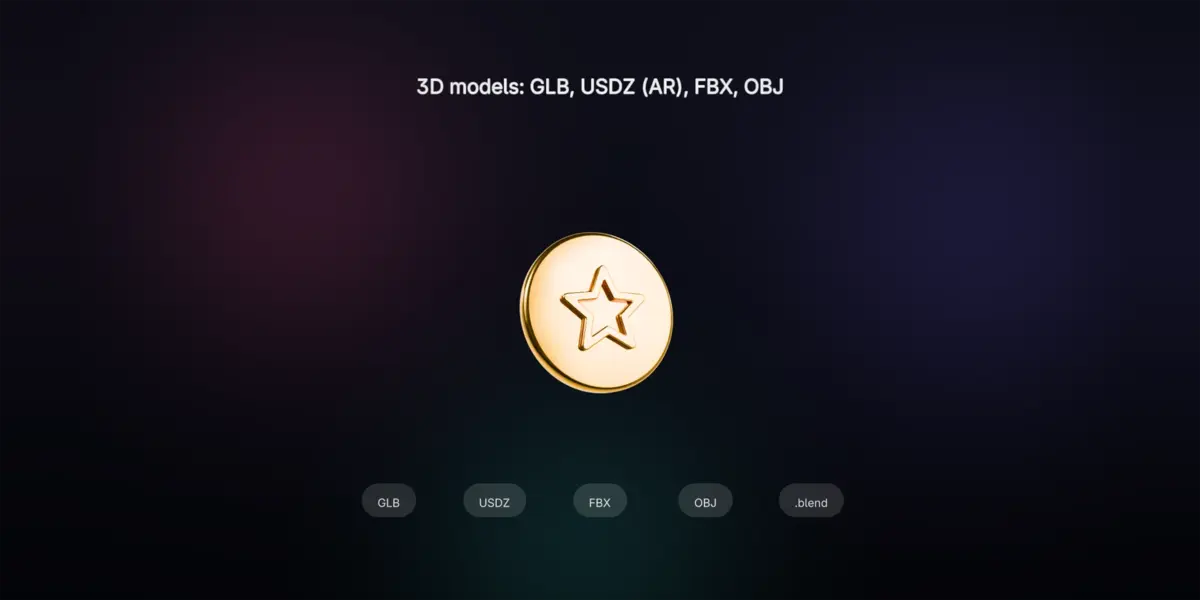
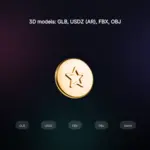
| 3D models | GLB, USDZ (AR on iPhone), FBX and OBJ with their textures, and a copy of the .blend |
| Showcase | colorways, other views, posters in 7 sizes, a showcase reel video, a preview page |
FOR SELLERS
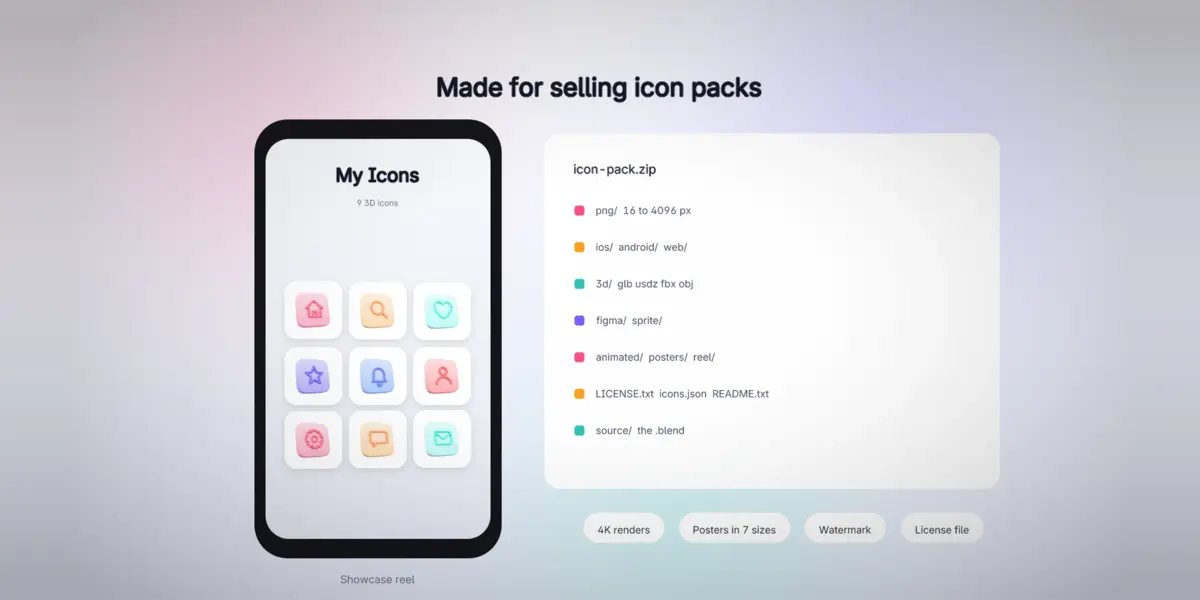
Made for selling icon packs
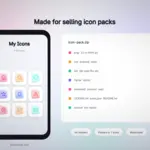
Render at 4K, export the files buyers expect (PNG, 3D models, the .blend, Figma), get posters and a reel for your product page with an optional watermark, and a zip with README, icons.json, a license file (personal, commercial, CC BY or CC0) and credits, ready to upload.
Fast and safe
- Only the icons that changed are rendered again; renders are cached next to your .blend.
- Quality presets (Draft, Final, Ultra), one-click GPU setup, the time left while rendering.
- No AI and no account: everything runs in Blender on your computer. The optional icon search goes online only when you search.
Requirements
- Blender 5.0, 5.1 or 5.2 LTS (every test passes on 5.0.1, 5.1.2 and 5.2.2). Windows, macOS, Linux.
- Cycles for the best glass and metal, EEVEE for quick previews.
What's inside
- The add-on: Edit > Preferences > Get Extensions > Install from Disk.
- 42 starter icons drawn for IconLift, free to use in your work, commercial included.
- 6 HDRI environments (CC0, Poly Haven) and a user guide (Documentation tab).