 ARLN

Do I need my own icons?
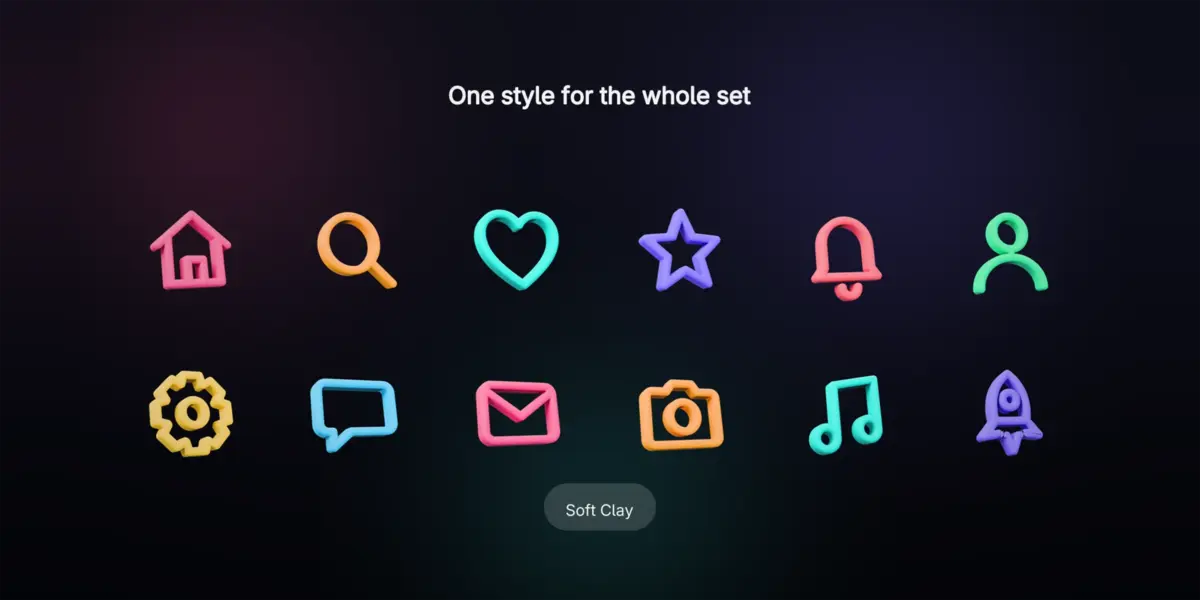
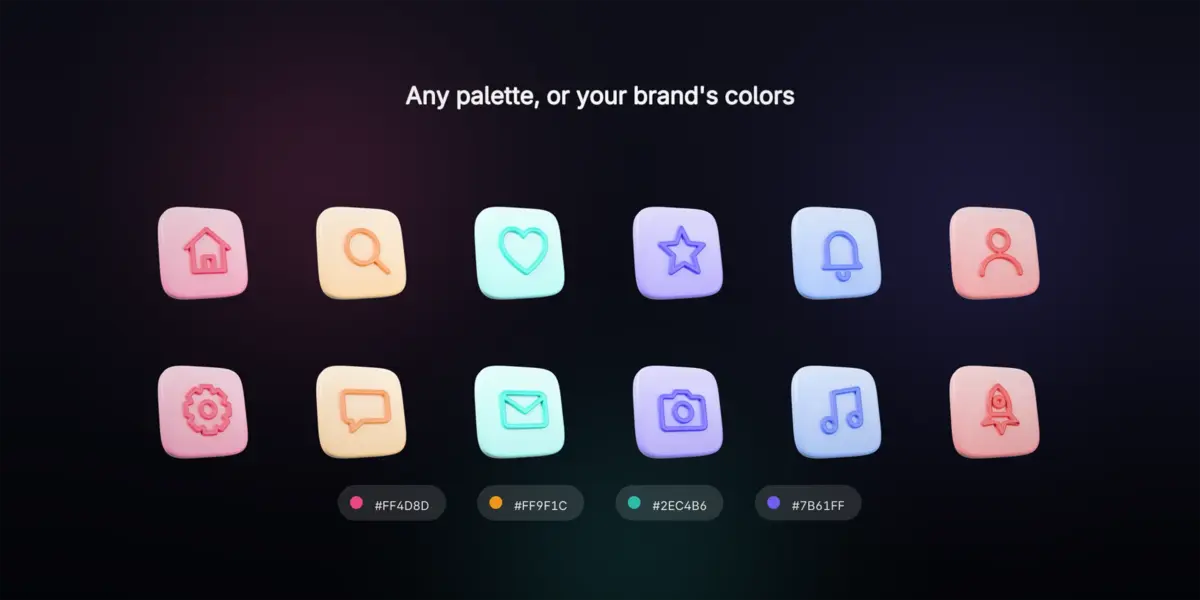
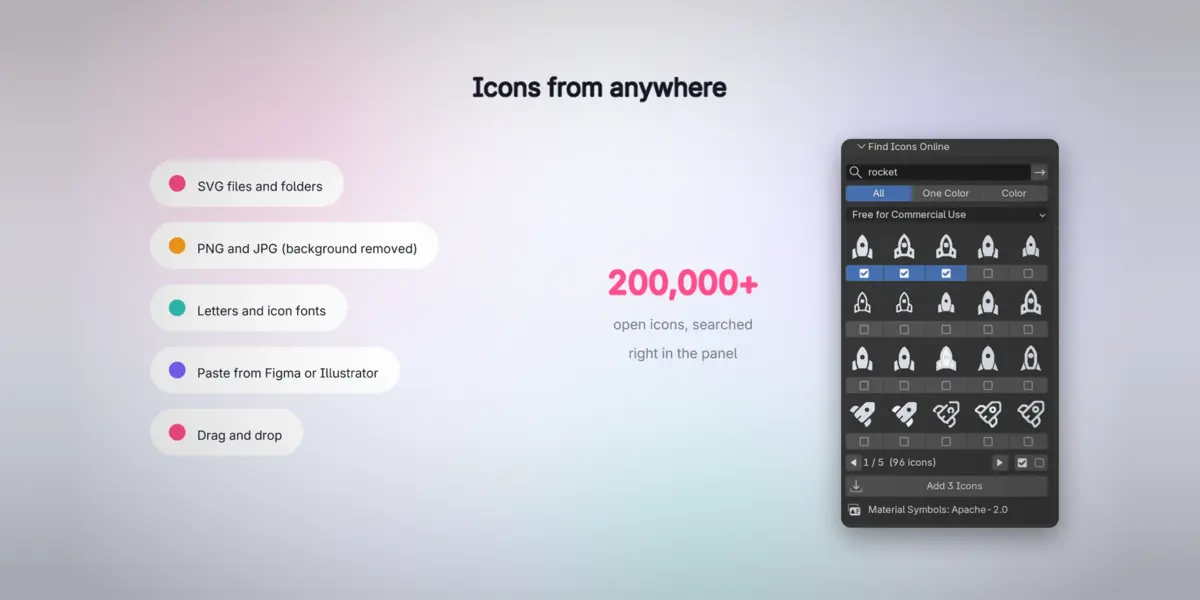
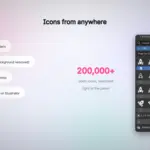
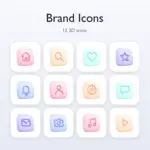
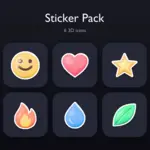
No. 42 starter icons drawn for IconLift come with it (free to use, commercial included), and the built-in Iconify search finds 200,000+ open icons, by default only those whose license allows commercial use. Every icon keeps its author and license (CREDITS.txt).
Can I sell the icons I make?
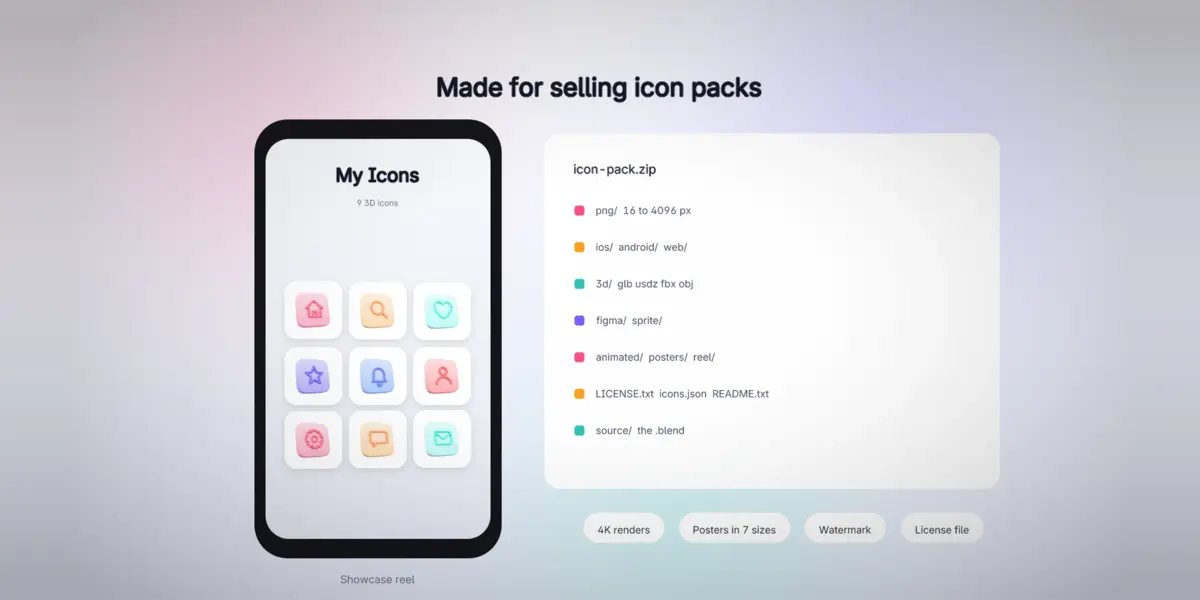
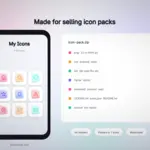
Yes, when the source icons allow it: your own icons, the 42 starter icons that come with IconLift, or open icons whose license allows commercial use. IconLift writes the license you choose and the credits of open icons into the pack.
Does it use AI or need the internet?
No AI and no account: everything runs in Blender on your computer. Only the optional Iconify icon search goes online, and only when you search, with Blender's online access turned on.
Can I use a JPG or PNG logo?
Yes. Pictures without transparency (a logo on white or on any plain color) lose that background automatically and their soft edges stay clean. Keep Background (Active Icon) turns it off.
Cycles or EEVEE?
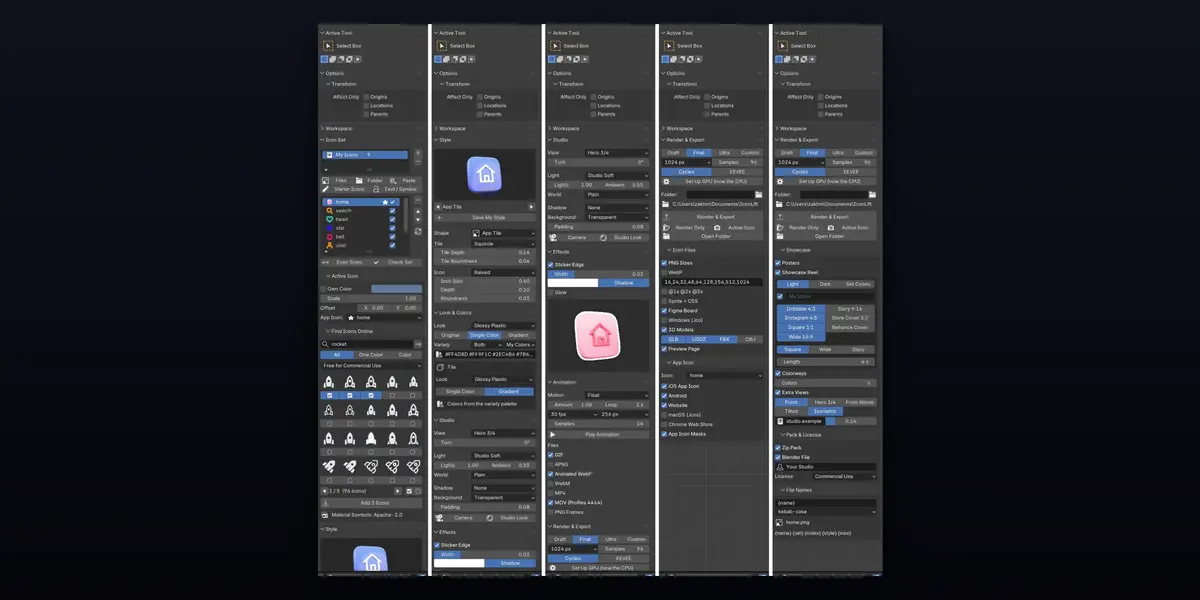
Both. Cycles gives the best glass and metal; EEVEE is quick for previews. A GPU is set up in one click (Render & Export > Set Up GPU).
Does it work on Mac and Linux?
Yes. IconLift is pure Python and uses only Blender's own features, so it runs wherever Blender 5 runs. It is tested on Windows.
Which Blender versions does it work with?
Blender 5.0 and newer. The whole test suite passes on Blender 5.0.1, 5.1.2 and 5.2.2 LTS.
Have questions about this product?
Login to message
| Blender Extension Compatible | Yes |
| Published | about 5 hours ago |
| Blender Version | 5.0 - 5.2 |
| Extension Type | Add-on |
| Render Engine Used | Cycles, Eevee |
| License | GPL |