 ARLN
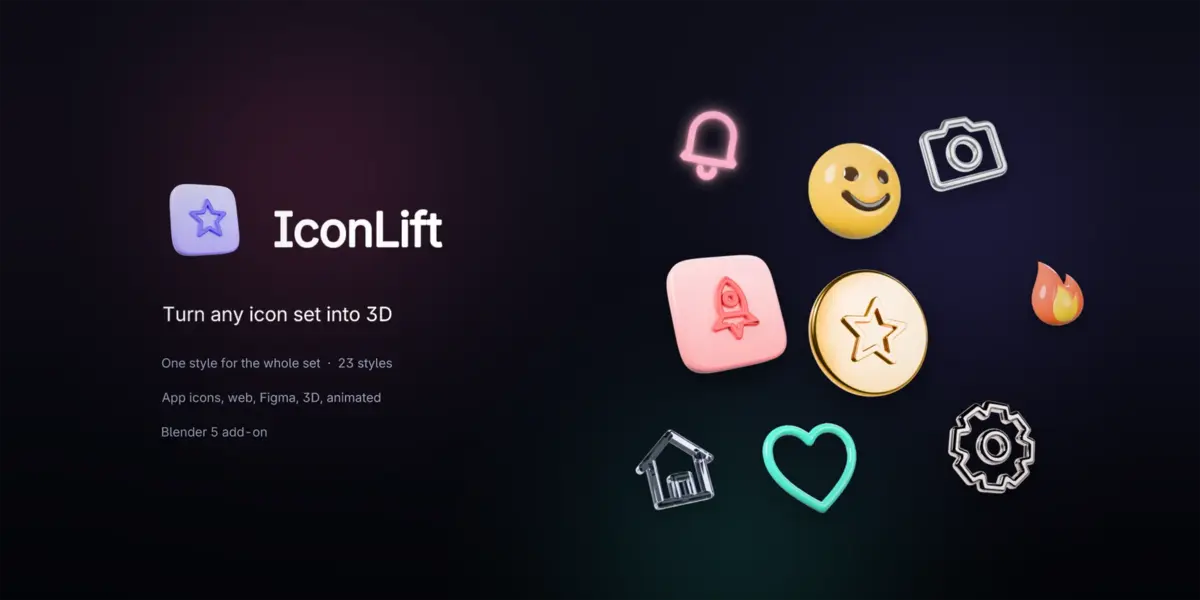
Install
- Edit > Preferences > Get Extensions > the arrow at the top right > Install from Disk, pick
iconlift-1.0.0.zip. - In the 3D View press N and open the IconLift tab.
Blender 5.0 or newer (tested on 5.0, 5.1 and 5.2 LTS). Pure Python, only Blender's own features.
A set in four steps
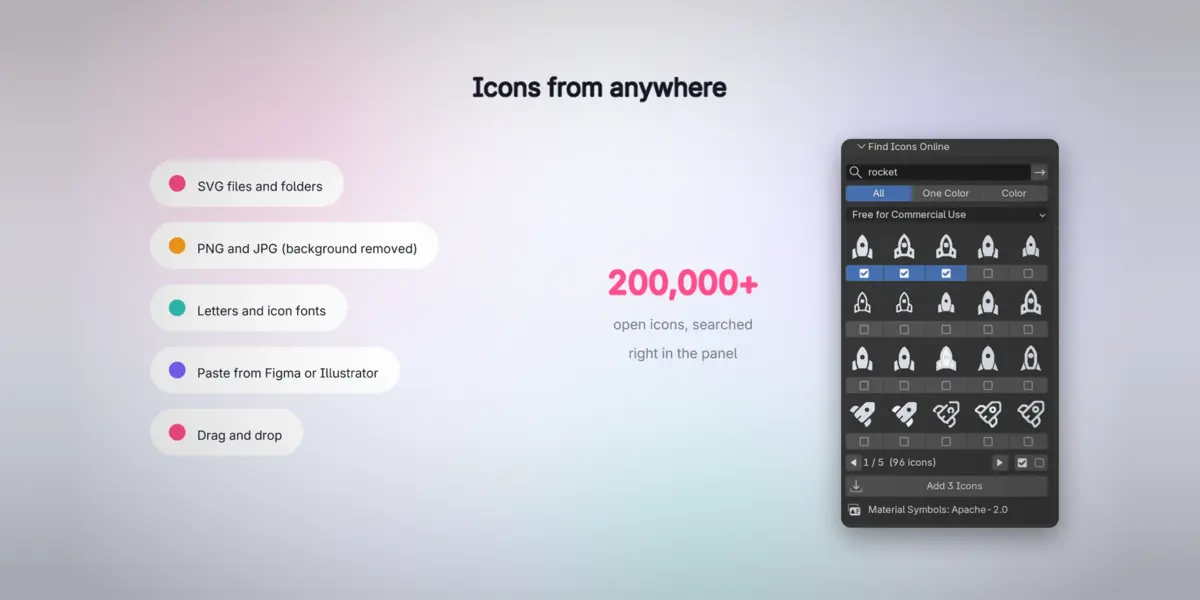
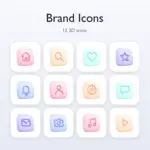
- Add icons (a set is made for you): Files or Folder (SVG, PNG, JPG, WebP; pictures on a plain background lose it), drop files on the 3D View, Paste SVG from Figma or Illustrator, Starter Icons, Text / Symbol, or Find Icons Online.
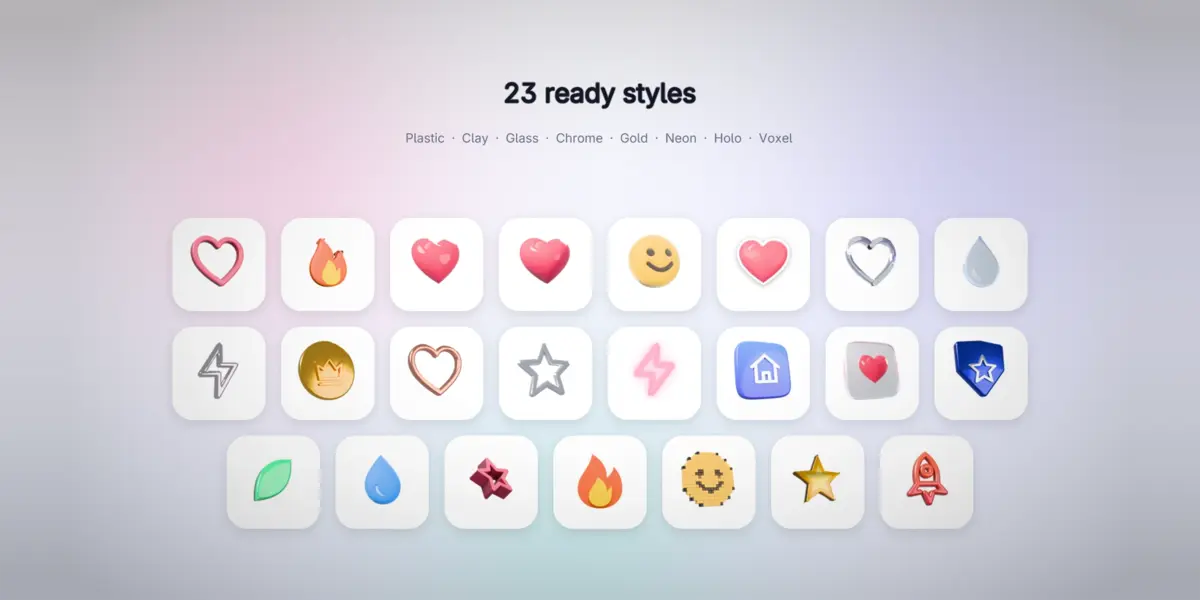
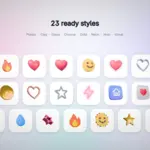
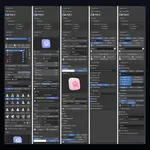
- Pick a style in the Style gallery (the arrows step through all 23).
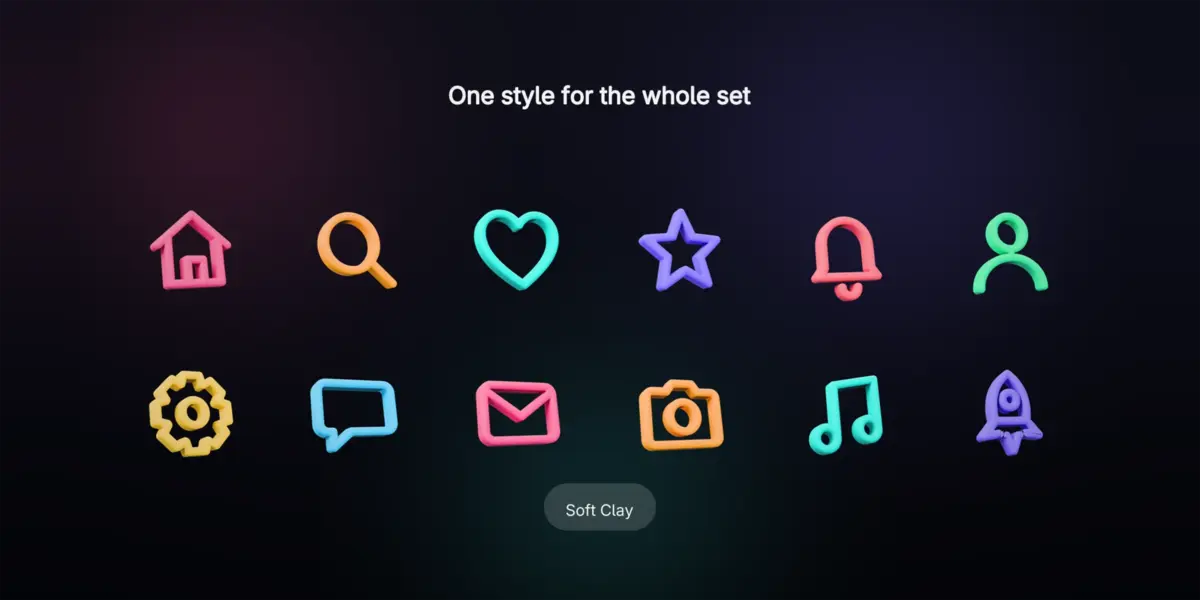
- Adjust shape, look, colors, studio and effects: the whole set follows. Click an icon in the viewport to edit it alone in Active Icon.
- Render & Export. Only icons that changed are rendered again.
The panels
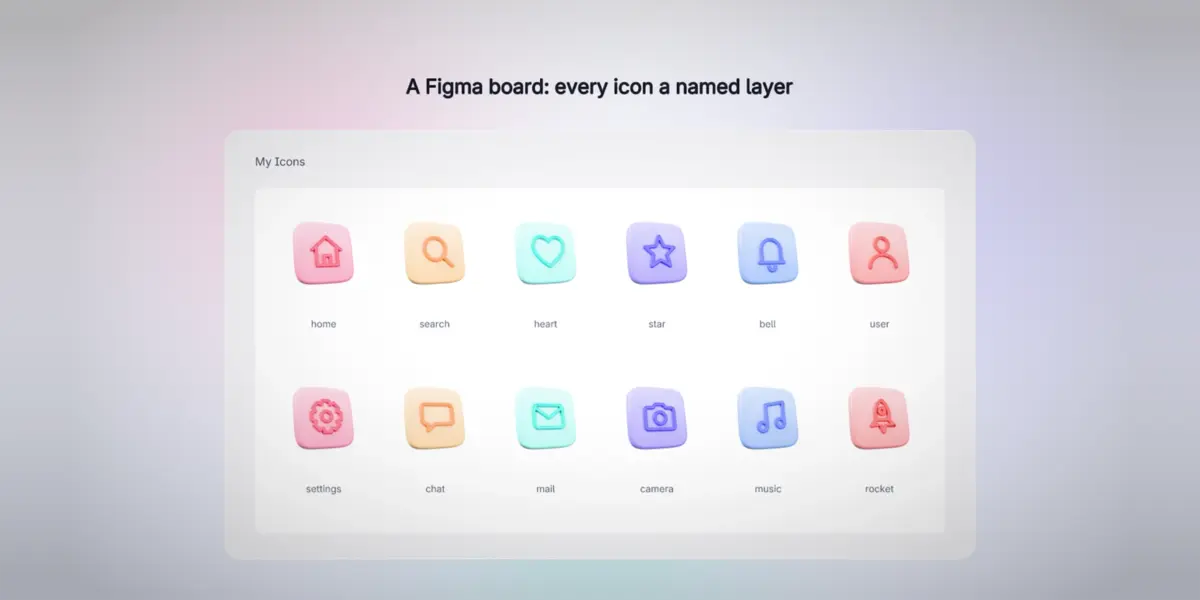
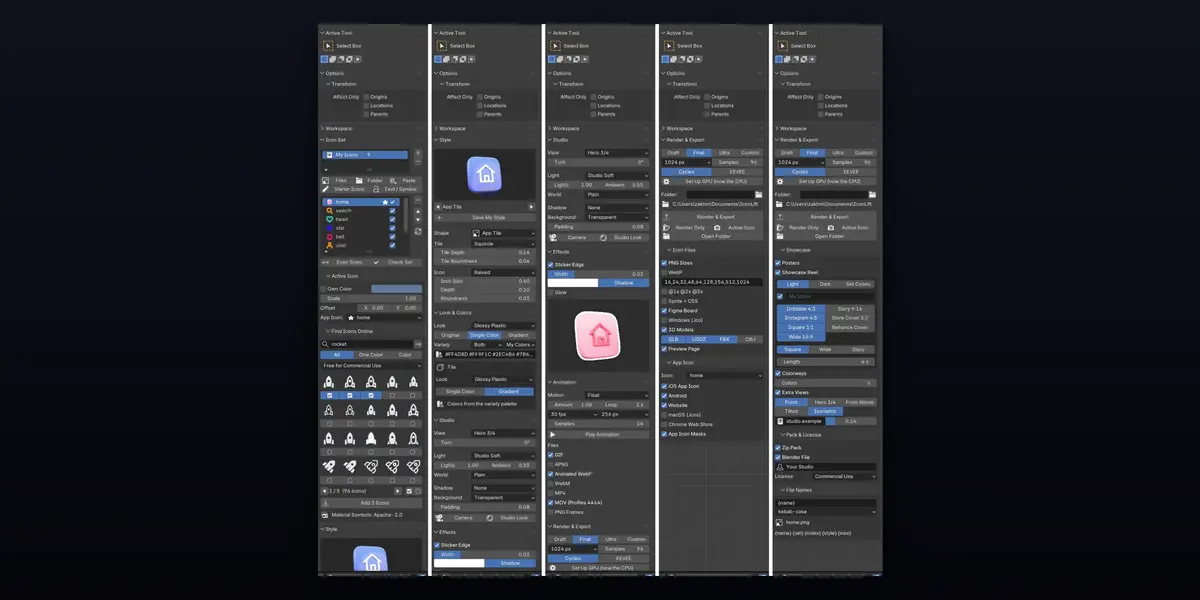
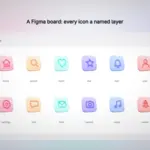
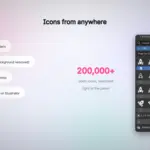
- Icon Set: your sets and icons (the tick includes an icon in exports, the star marks the app icon), Even Sizes, Check Set. Active Icon: own color, size, offset, Keep Background for pictures. Find Icons Online: search Iconify (200,000+ open icons, commercial-use licenses by default), tick icons, Add. It needs Blender's online access (Preferences > System > Network); the internet is used only when you search.
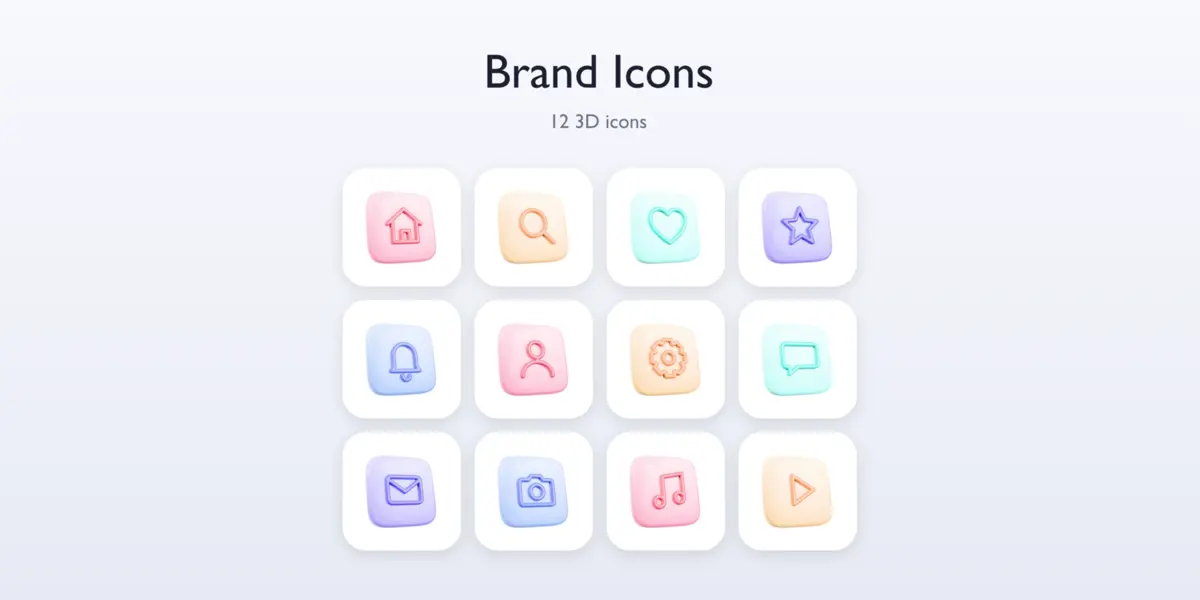
- Style: 23 styles, Save My Style, and the shape: Rounded, Puffy, App Tile, Layers, Tube, Voxel.
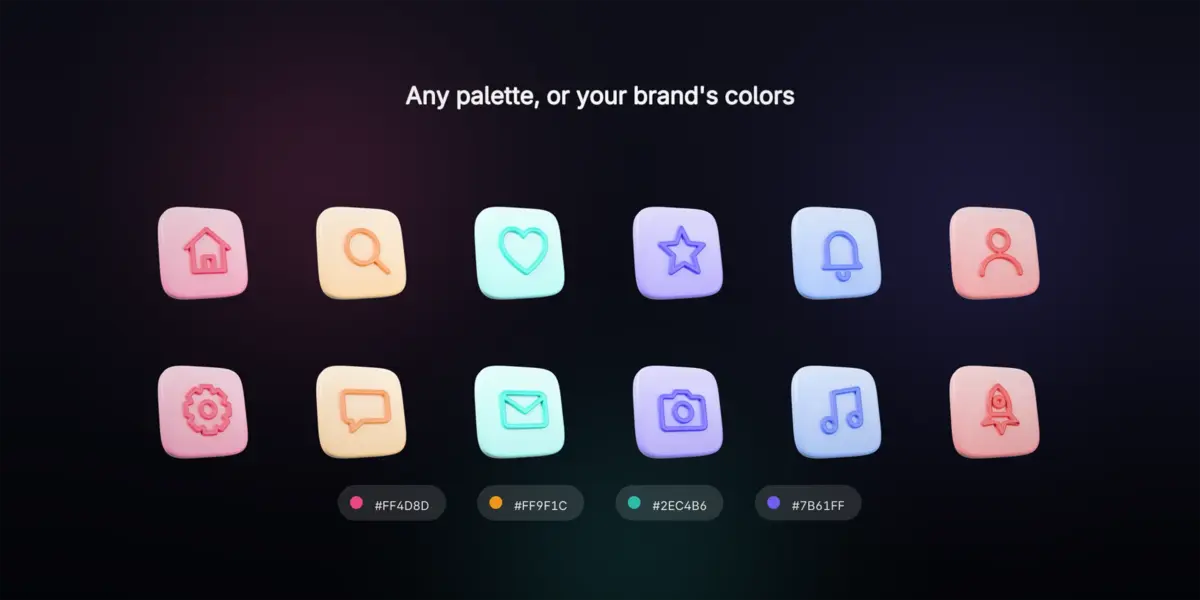
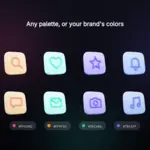
- Look & Colors: 23 looks; the icons' own colors, one color or a gradient; Variety gives every icon or tile its own color from 10 palettes, shades, or My Colors (your hex codes).
- Studio: view, turn, light rig, World (6 HDRIs), shadow, background, padding, Camera, Studio Look.
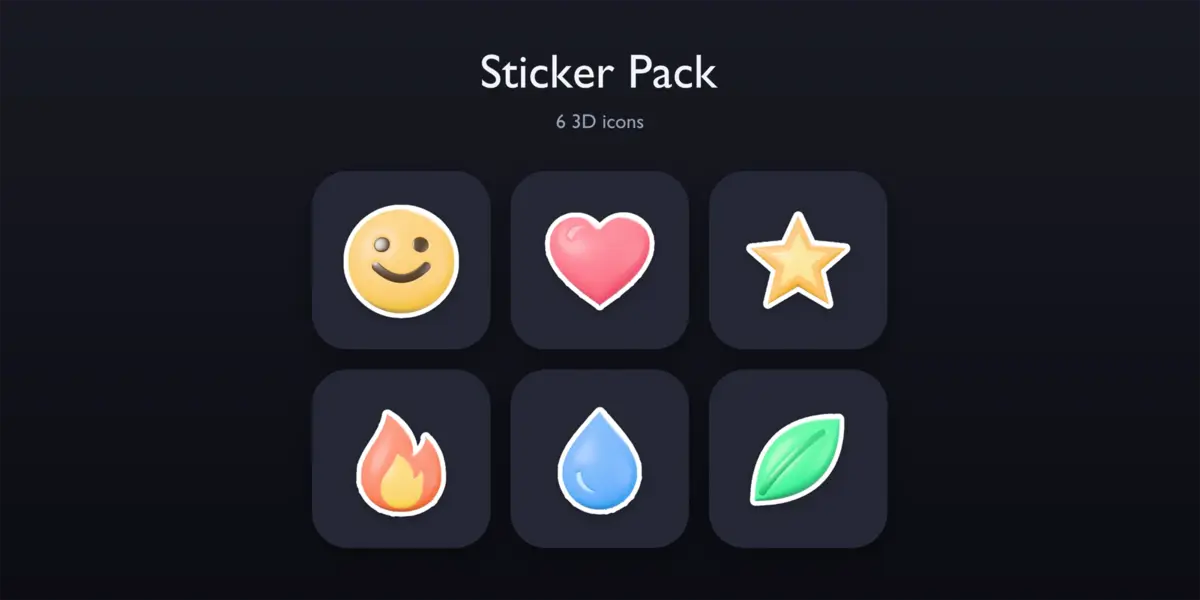
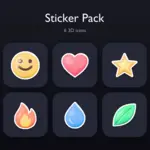
- Effects: Sticker Edge and Glow with a live preview, added to every exported picture.
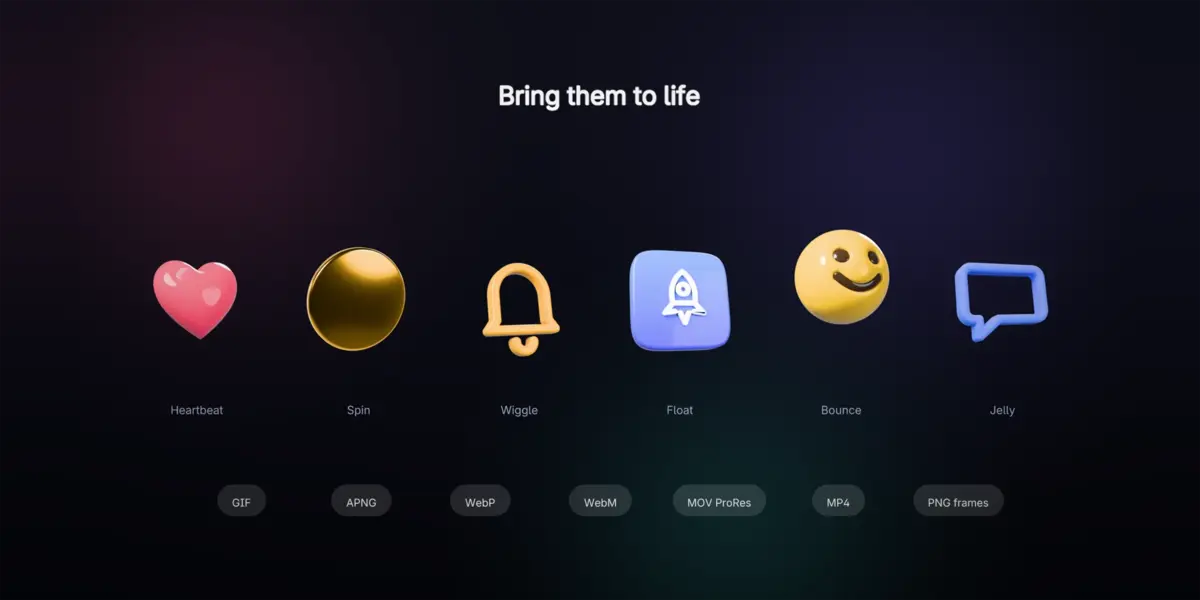
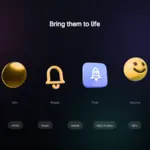
- Animation: 10 motions; GIF, APNG, WebP, WebM, MP4, ProRes 4444 MOV and PNG frames.
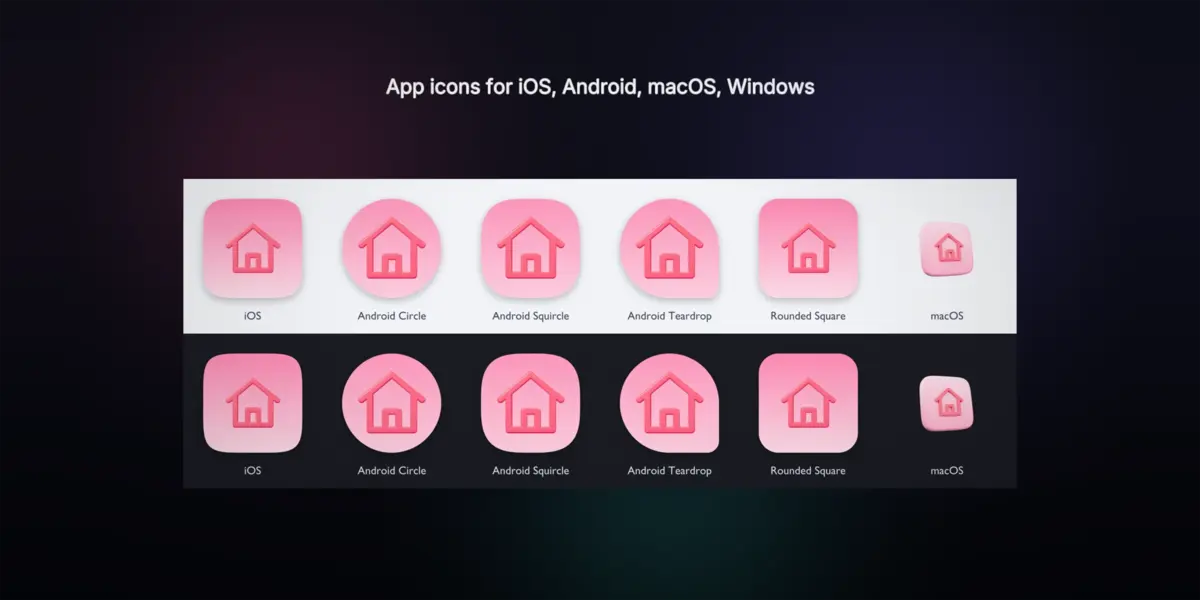
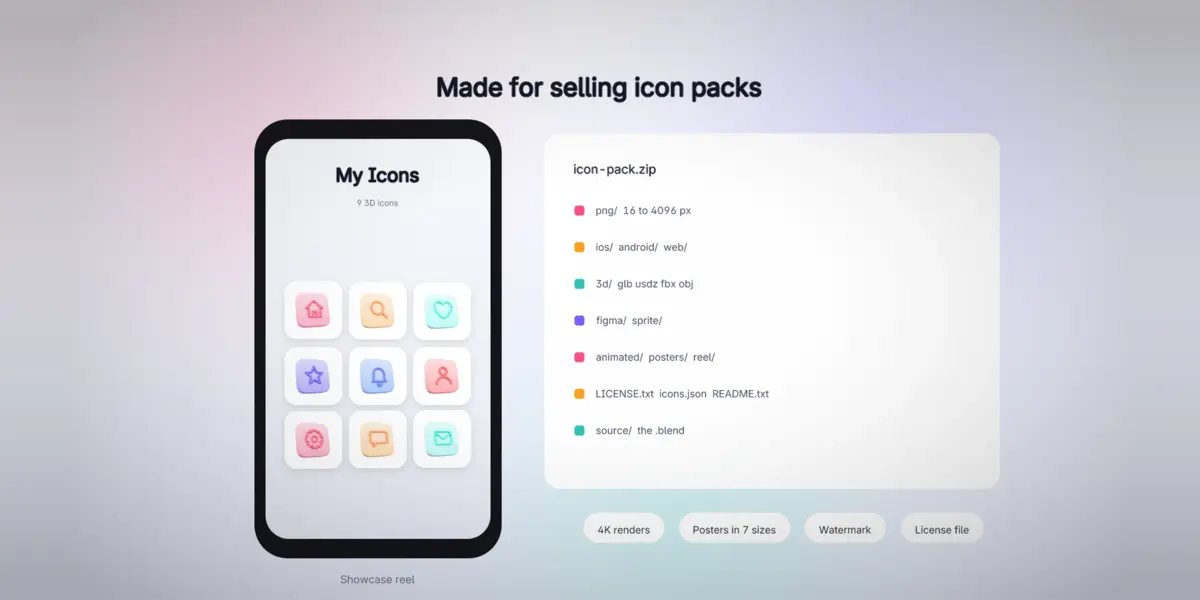
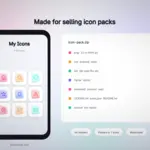
- Render & Export: Draft / Final / Ultra (up to 4096 px), Cycles or EEVEE, Set Up GPU, the folder (empty: next to the .blend). Then Icon Files, App Icon, Showcase (posters, reel, colorways, views, watermark), Pack & License (zip, .blend, license file) and File Names (a template and a naming style).
The export folder
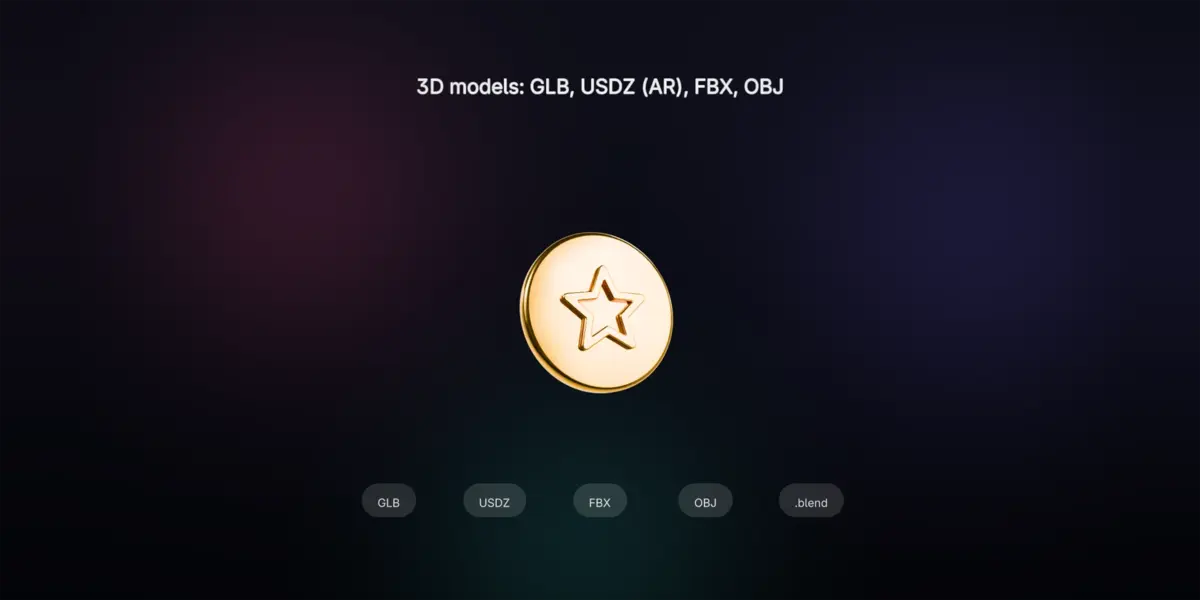
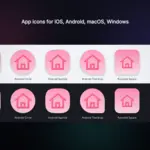
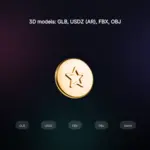
png, webp, design, sprite, figma, ios (AppIcon.appiconset), android (res), web, macos, windows, chrome, 3d (glb, usdz, fbx, obj), animated, views, colorways, posters, reel, index.html, icons.json, source (.blend), LICENSE.txt, CREDITS.txt, README.txt, and the zip next to the folder.
Tips
- Cycles gives the best glass and metal; an HDRI (Small Studio) makes them shine.
- Renders are cached next to the .blend: after small changes, exports are quick. Effects, colorways, posters and the reel need no new render.
- For a consistent set, use icons from one family (same line width, same grid).
- PNG sizes bigger than the render come out soft: pick a bigger render size (the export warns you).
- A JPG logo whose white parts disappear: turn on Keep Background, or use a PNG with transparency.
Troubleshooting
- The search says online access is off: Preferences > System > Network > Allow Online Access.
- Rendering is slow: Render & Export > Set Up GPU, or Draft quality while trying ideas.
- FBX or glTF export fails: those exporters are Blender add-ons; turn them on in Preferences > Add-ons.
Have questions about this product?
Login to message
| Blender Extension Compatible | Yes |
| Published | about 5 hours ago |
| Blender Version | 5.0 - 5.2 |
| Extension Type | Add-on |
| Render Engine Used | Cycles, Eevee |
| License | GPL |