 ARLN
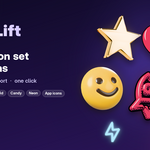
NEW IN 1.1: 250 STYLES, 60 ANIMATIONS, ANIME & MANGA
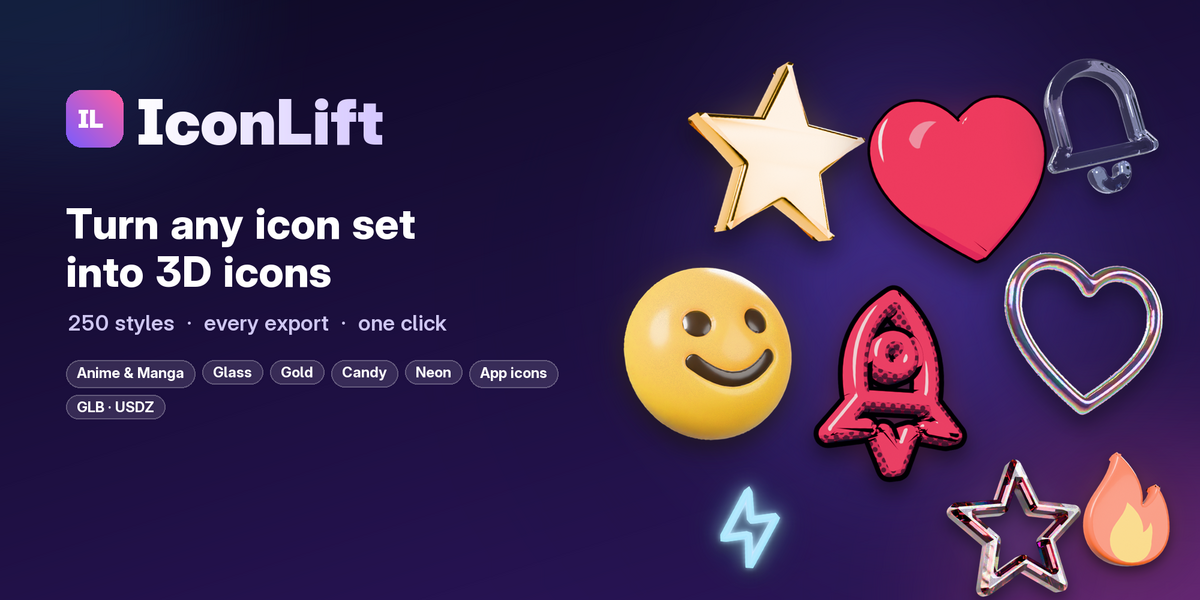
Turn any SVG or PNG icon set into 3D icons in Blender.
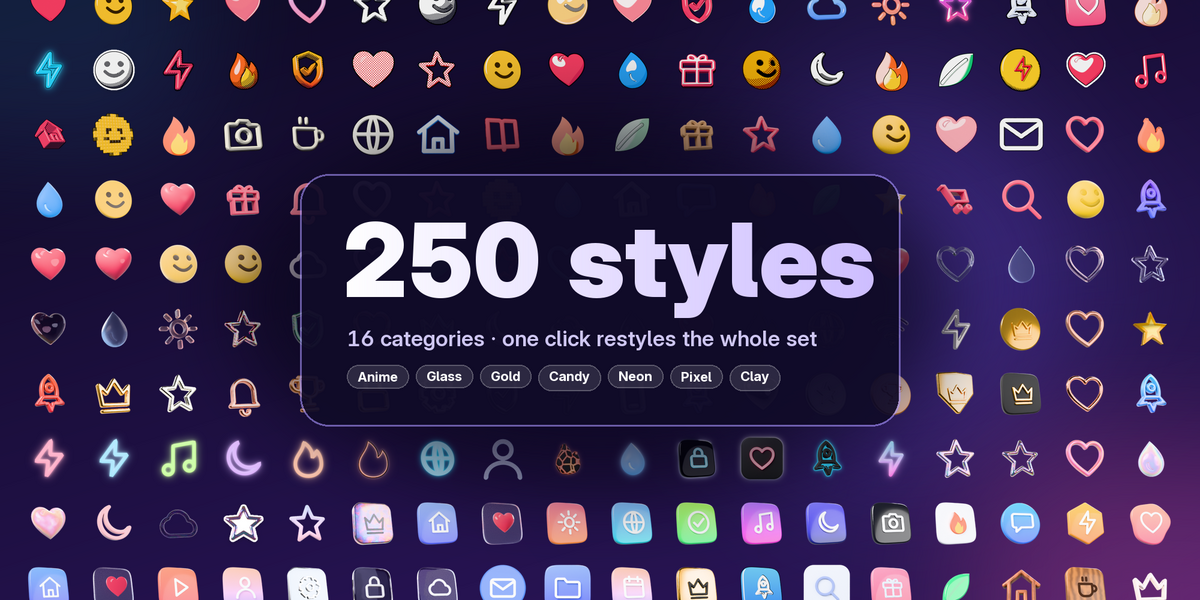
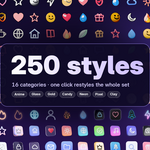
250 styles. Every export.
Drop in your SVG or PNG icons, click a style, and the whole set comes out as one consistent 3D family: same depth, material, light, camera and size. Then export everything icons need, in one click.
250 styles60 animations73 materialsAnime & mangaInk linesApp iconsGLB · USDZ · FBXGIF · WebM · MOVBlender 5.0 to 5.3
A whole set in three clicks
|
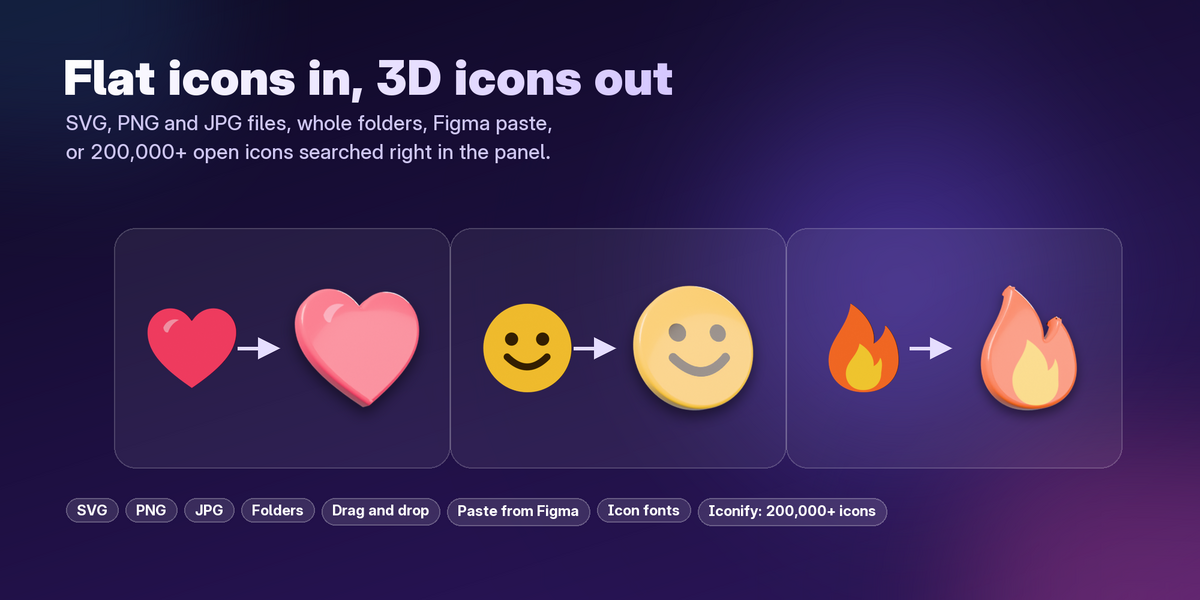
1 Add your icons SVG, PNG or JPG, whole folders, paste from Figma, or search 200,000+ open icons in the panel. |
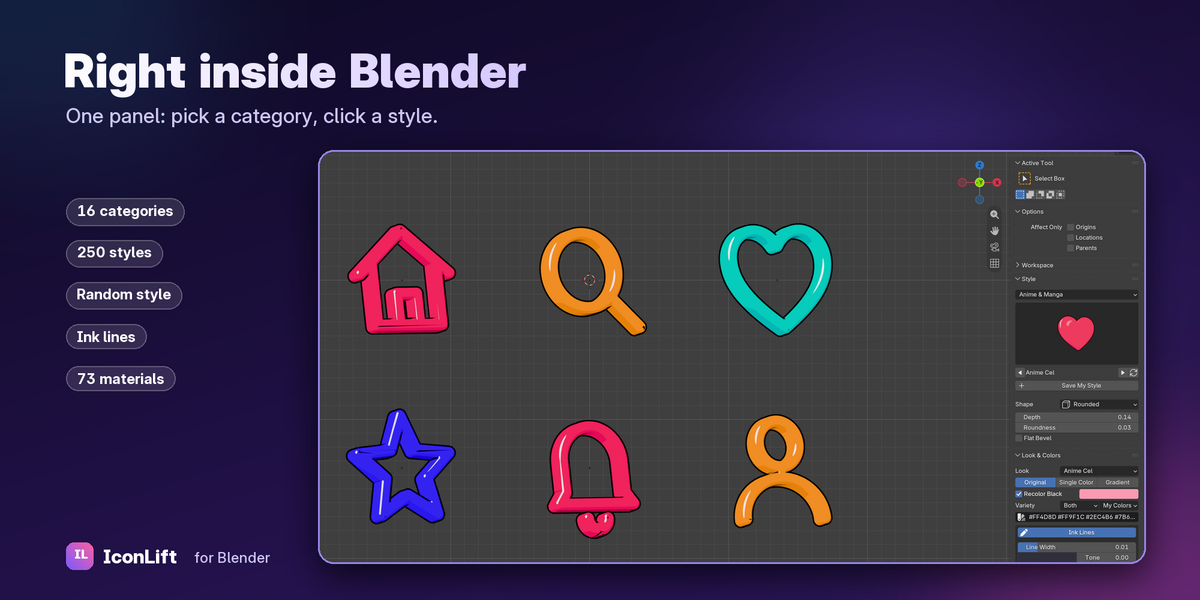
2 Click a style 250 ready styles in 16 categories. Every icon follows, and you can change anything after. |
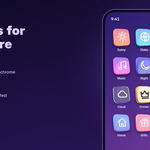
3 Export everything App icons for every store, web icons, PNG to 4K, Figma, 3D models, 60 animations, posters. |
NEW IN 1.1
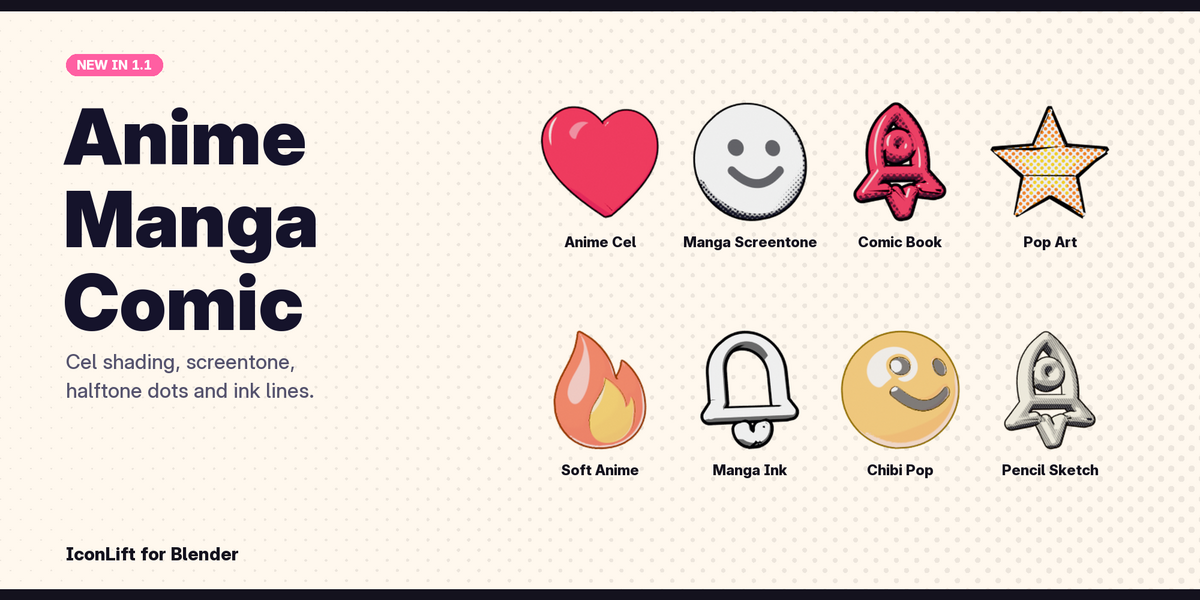
Anime, manga and comic styles
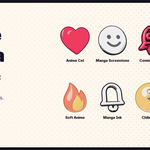
Clean cel shading in bands, screentone and halftone dots, pop-art color dots, pencil hatching, and ink lines around every icon. They look the same in Cycles and EEVEE.
| ✓ | 16 drawn looks: Anime Cel, Soft Anime, Manga, Comic Book, Pop Art, Cartoon, Pencil Sketch, Ink Wash, Blueprint, Noir, Chibi, Storybook and more |
| ✓ | Ink Lines in any width, in black or a darker shade of each icon's own colors |
| ✓ | Works on every shape: puffy, app tiles, paper layers, pixels, tubes |
250 READY STYLES
Something for every project
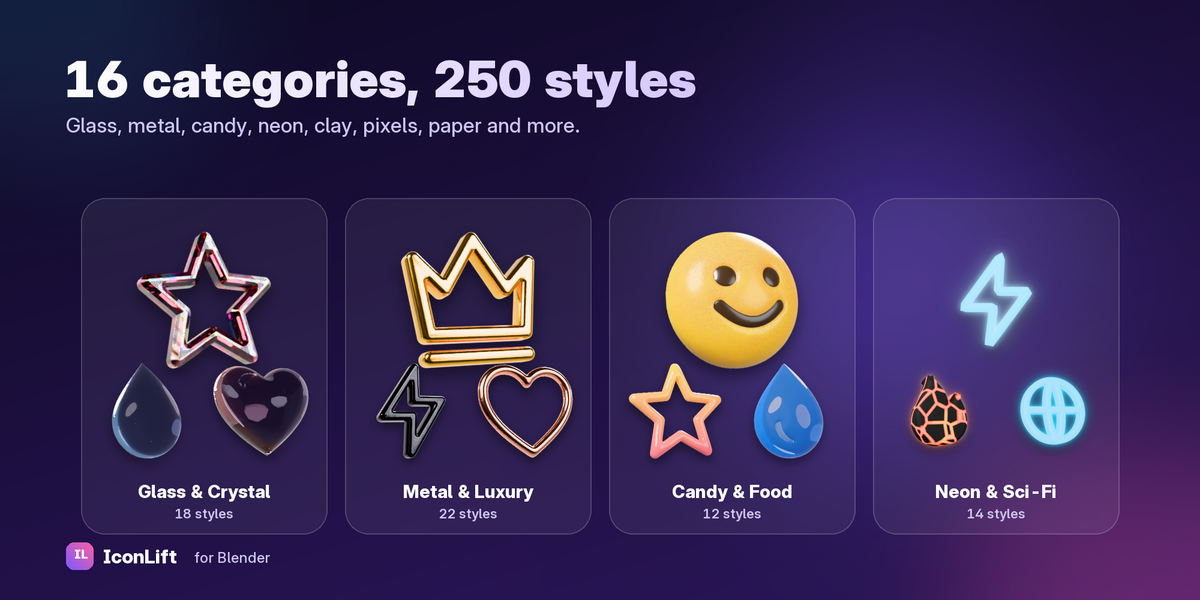
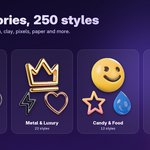
A style sets the shape, material, colors, view, light, lines and effects at once. Browse a category, step with the arrows, or hit random. Save your own for every file.
Anime & Manga 20Comic & Cartoon 18Sketch & Paper 14Toy & Plastic 20Soft & Cute 14Glass & Crystal 18Metal & Luxury 22Neon & Sci-Fi 14Holo & Iridescent 10App Icons & Tiles 26Natural Materials 18Candy & Food 12Retro & Pixel 14Isometric & Blocks 10Flat & Minimal 10Stickers & Badges 10
CONSISTENT
One style for the whole set
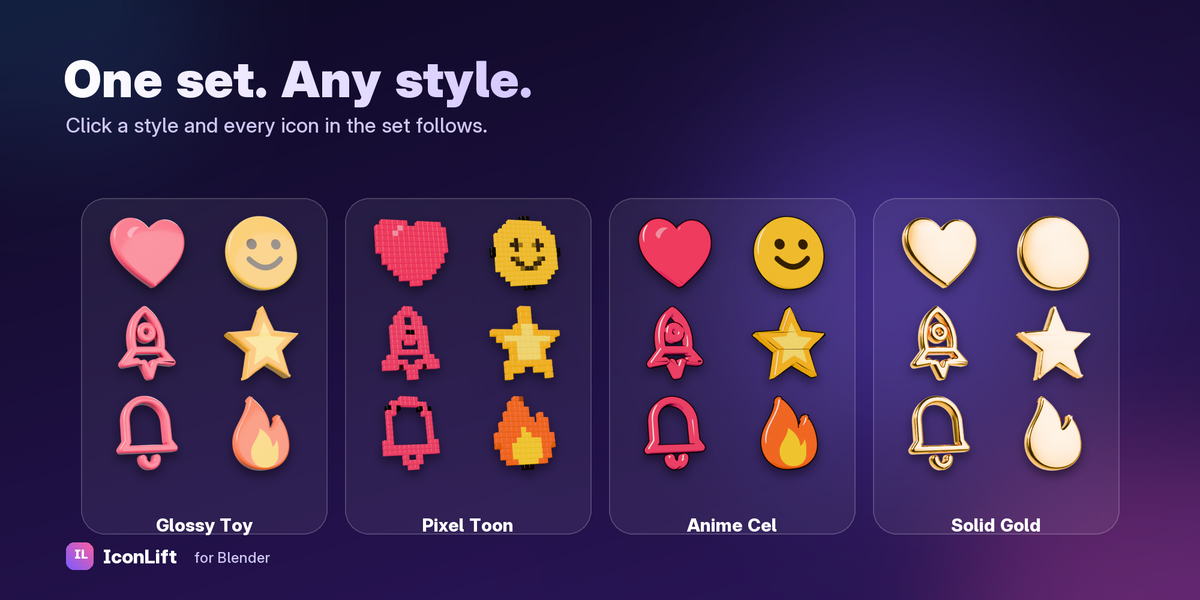
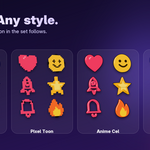
Every icon gets the same depth, roundness, material, light and framing, so your set looks like one family. Change the style once and every icon follows.
| ✓ | Even Out Sizes balances how big each icon looks |
| ✓ | Check Set points out what may look wrong |
| ✓ | 73 materials and 6 shapes to build your own: Rounded, Puffy, App Tile, Layers, Tube, Voxel |
COLORS AND BRAND
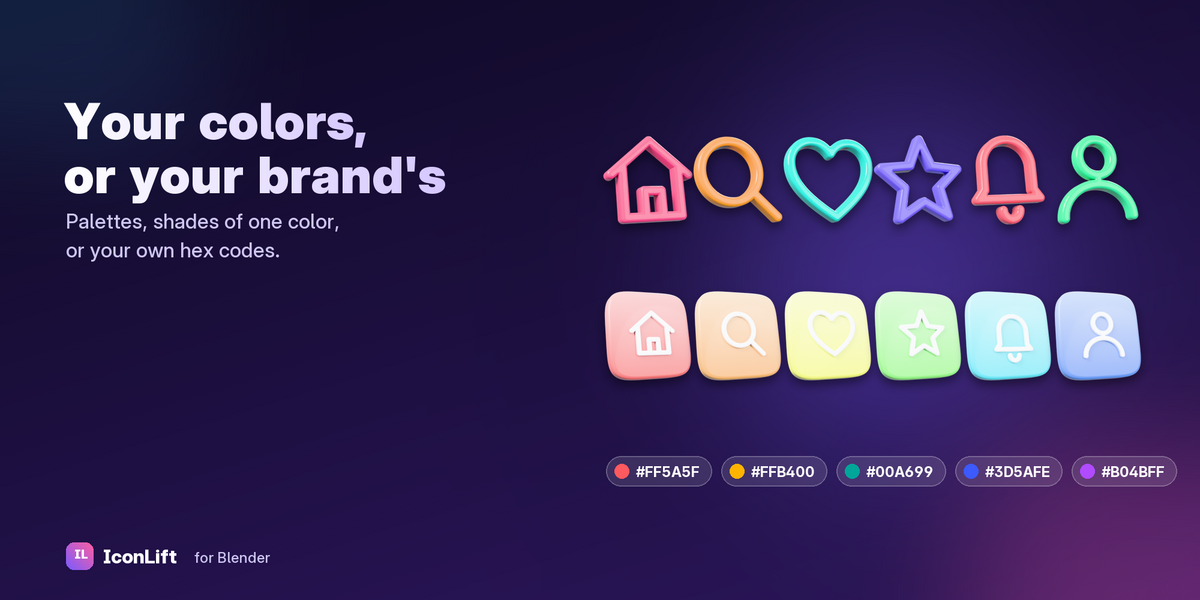
Your icons' colors, or your brand's
Keep the icons' own colors, use one color or a gradient, or give every icon its own color from a palette.
| ✓ | 10 palettes, shades of the set's color, or your brand's hex codes |
| ✓ | 6 HDRI studios, light rigs, shadows and backgrounds; Studio Look in the viewport |
| ✓ | A die-cut sticker edge and a glow on every exported picture |
ICONS IN
Icons from anywhere
Strokes, dashes, gradients and holes are drawn exactly, so every icon keeps its shape.
| ✓ | SVG files and folders, PNG and JPG logos (a plain background is removed), drag and drop |
| ✓ | SVG pasted from Figma or Illustrator, letters and icon-font glyphs |
| ✓ | Find Icons Online: 200,000+ open icons, commercial licenses by default, authors credited |
| ✓ | 42 starter icons drawn for IconLift, free for commercial use |
NEW: 60 ANIMATIONS
Bring them to life
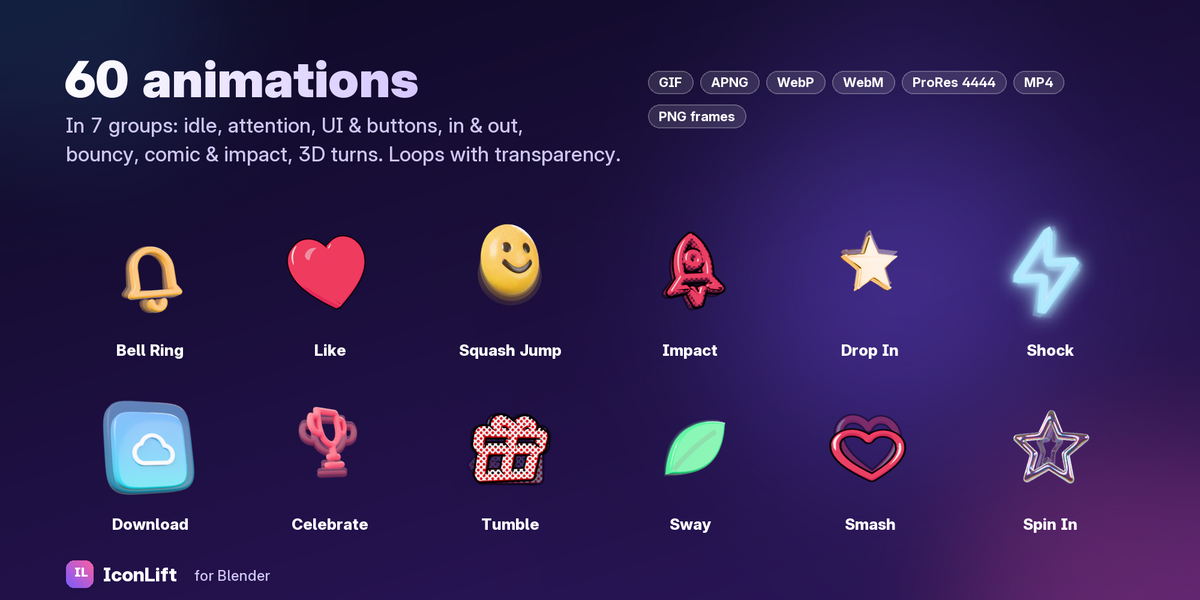
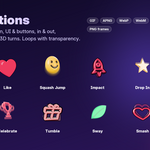
60 animations in 7 groups: idle loops, attention, UI and buttons, in and out, bouncy and fun, comic and impact, 3D turns. Pick one from the menu, step through them, or roll a random one.
| ✓ | Bell ring, like, download, squash jump, smash, impact, glitch, tumble, drop in, swirl in and 50 more |
| ✓ | Exact loops that play right in Blender, even with Python scripts turned off |
| ✓ | GIF, APNG, animated WebP; WebM and ProRes 4444 MOV with transparency for Premiere, Final Cut, DaVinci, After Effects; MP4 and PNG frames |
ICONS OUT
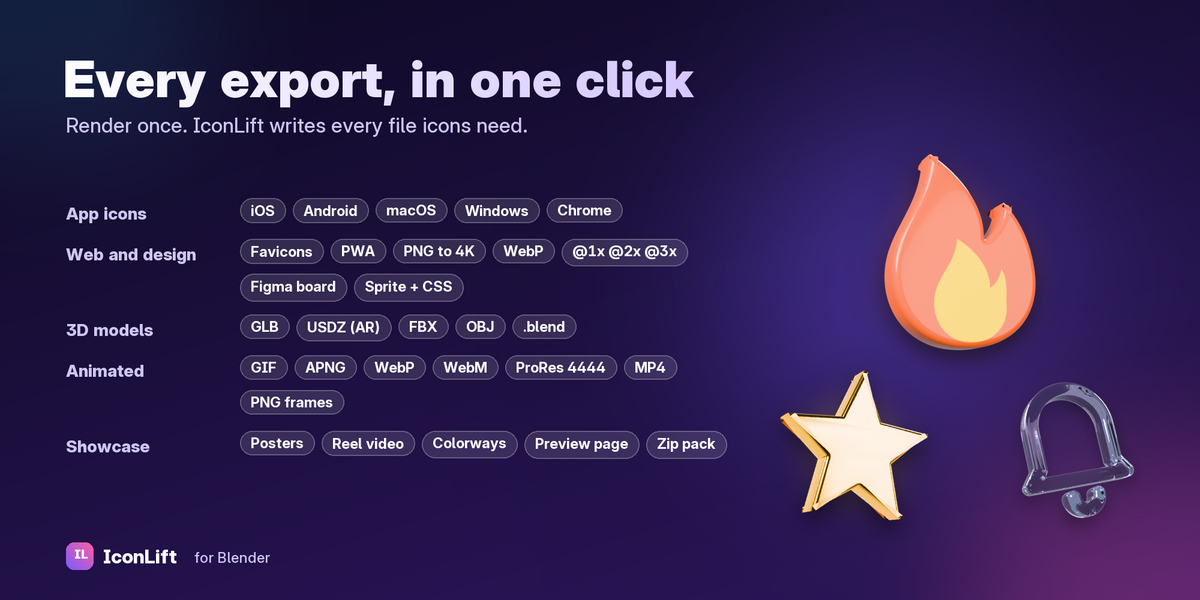
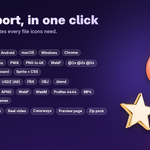
Every export, in one click
Render once, and IconLift writes every file icons need into one tidy folder and a zip.
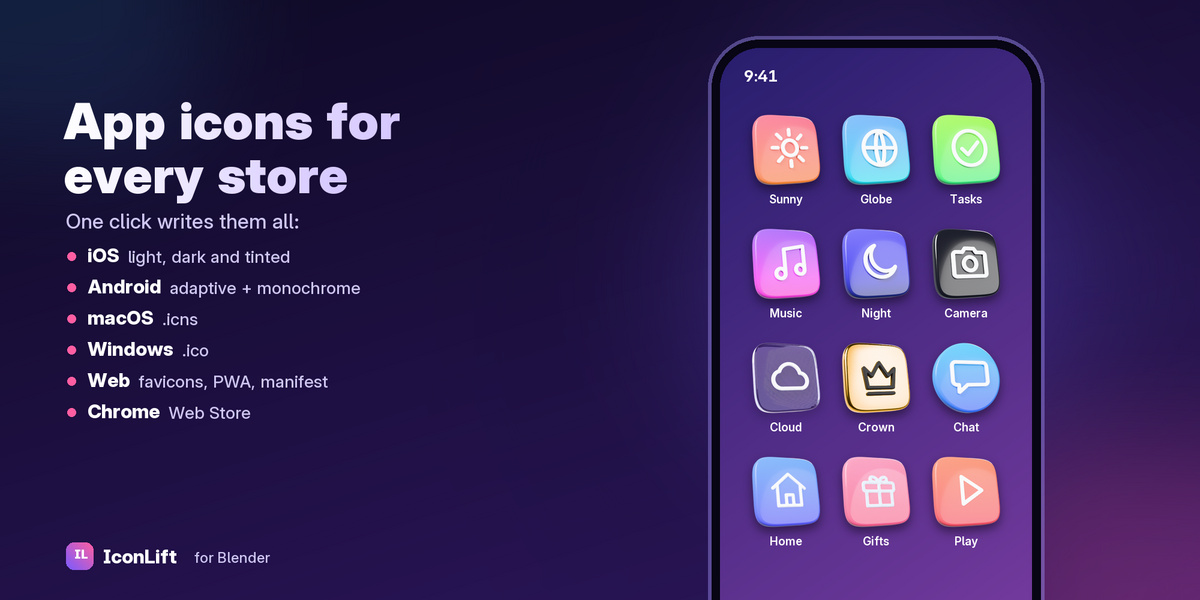
| App icons | iOS (light, dark, tinted), Android adaptive + monochrome, macOS .icns, Windows .ico, Chrome Web Store |
| Web | Favicons, Apple touch, PWA and maskable icons with the web manifest |
| Design | PNG and WebP 16 to 4096 px, @1x @2x @3x, a Figma board, sprite sheets with CSS and JSON |
| 3D models | GLB, USDZ (AR on iPhone), FBX and OBJ with textures, a copy of the .blend |
| Animated | 60 animations as GIF, APNG, WebP, WebM and ProRes 4444 with transparency, MP4, frames |
| Showcase | Posters in 7 sizes, a showcase reel, colorways, other views, a preview page |
FOR SELLERS
Made for selling icon packs
Render at 4K and ship the files buyers expect, with a product page kit included.
| ✓ | PNG, 3D models, the .blend and a Figma board |
| ✓ | Posters and a showcase reel, optional watermark |
| ✓ | A zip with README, icons.json, a license (personal, commercial, CC BY or CC0) and credits |
|
Blender 5.0 to 5.3 Every test passes on 5.0.1, 5.1.2, 5.2.2 and 5.3.0 |
No AI, no account Everything runs in Blender on your computer |
Cycles and EEVEE Cycles for glass and metal, EEVEE for quick previews |
Fast Only changed icons render again; renders are cached |
Requirements and what's inside
| ✓ | Blender 5.0, 5.1, 5.2 or 5.3 (Windows, macOS, Linux); Cycles or EEVEE |
| ✓ | The add-on: Edit > Preferences > Get Extensions > Install from Disk |
| ✓ | 42 starter icons, 6 HDRI environments (CC0, Poly Haven) and a user guide (Documentation tab) |
Make your first 3D icon set in five minutes.
Add your icons, click a style, export. 250 styles and 60 animations are waiting.