 MeshMind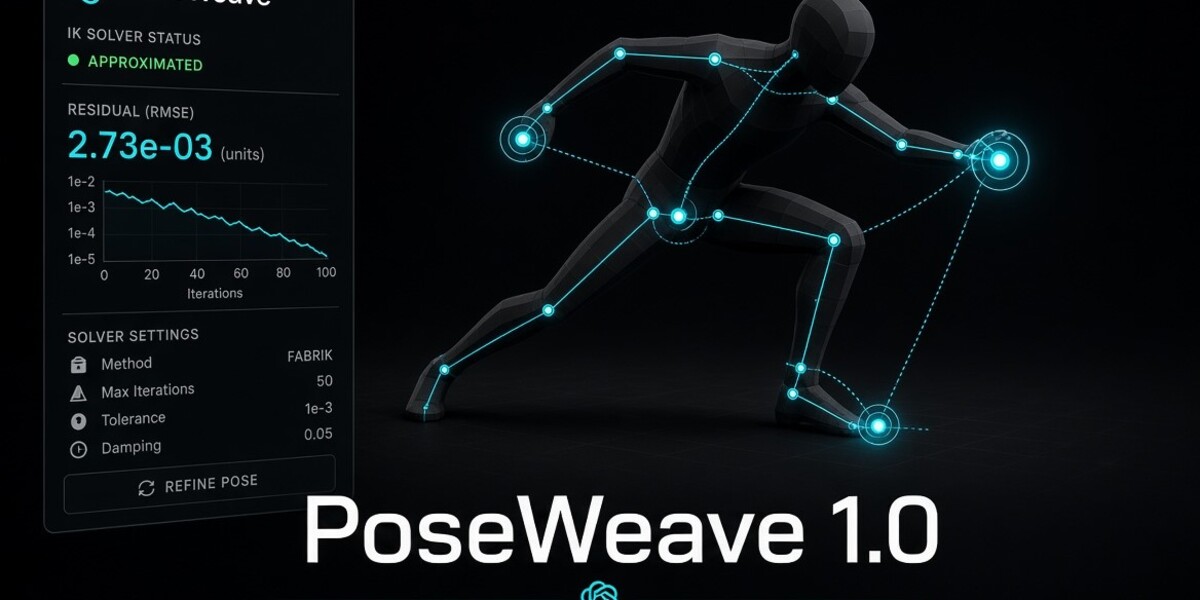
PoseWeave — Interactive IK Character Posing Tool for Blender
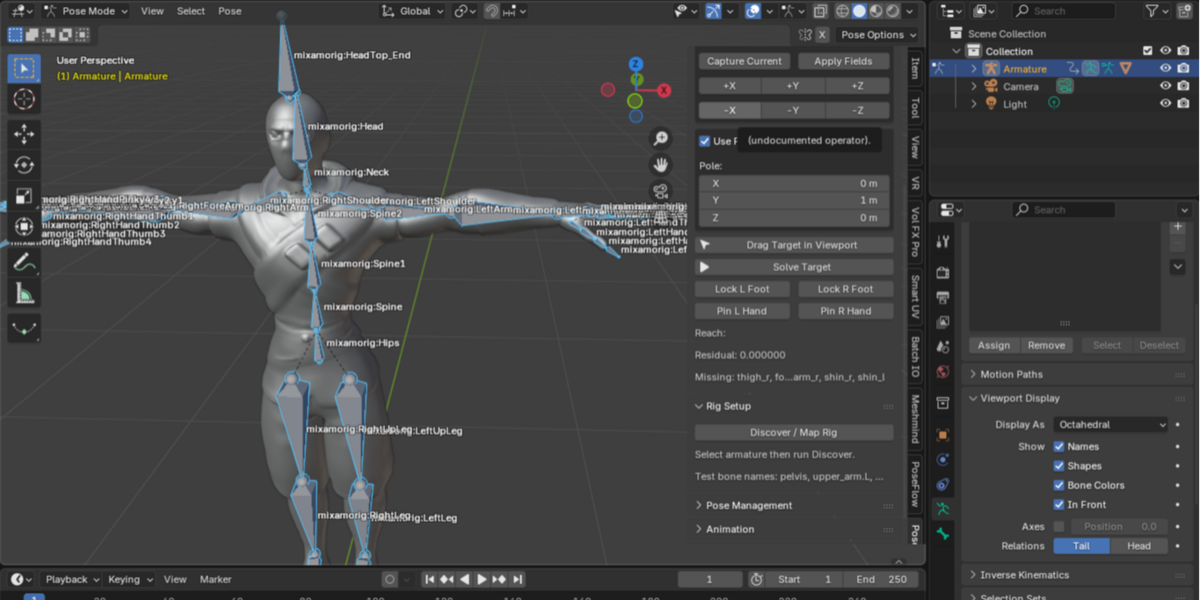
Stop fighting your rig. Start posing with purpose.
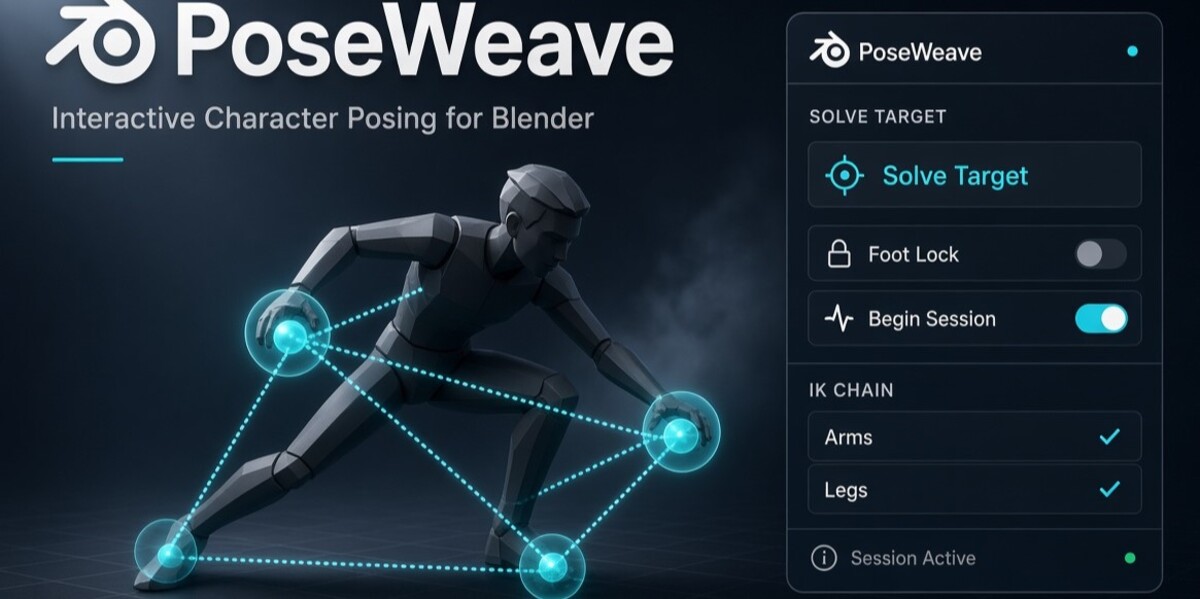
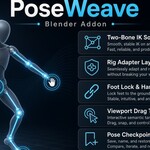
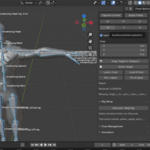
PoseWeave is an interactive character-posing add-on for Blender that helps you position character hands and feet using two-bone inverse kinematics (IK), manage pose targets, preserve important contacts, and prepare poses for animation.
Instead of manually adjusting multiple bones every time you want to reposition a limb, PoseWeave gives you a target-driven posing workflow with reachability feedback, pose checkpoints, mirroring, and keyframing tools.
Designed for Blender artists, character animators, and technical artists who want a more structured and recoverable way to pose humanoid armatures.
KEY FEATURES
1. Interactive IK Character Posing
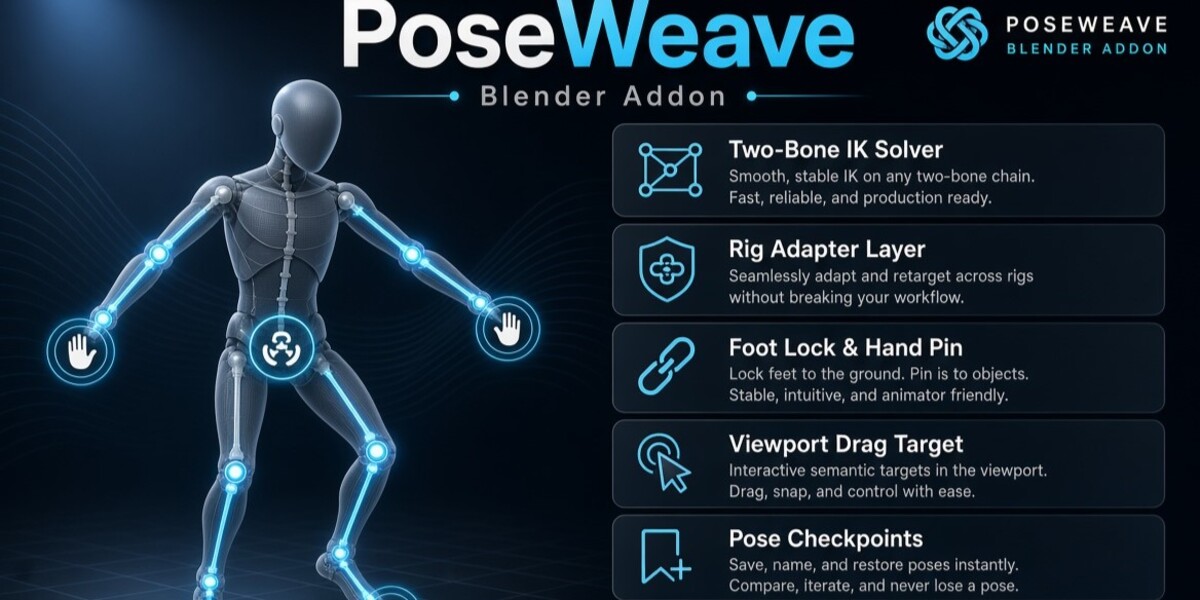
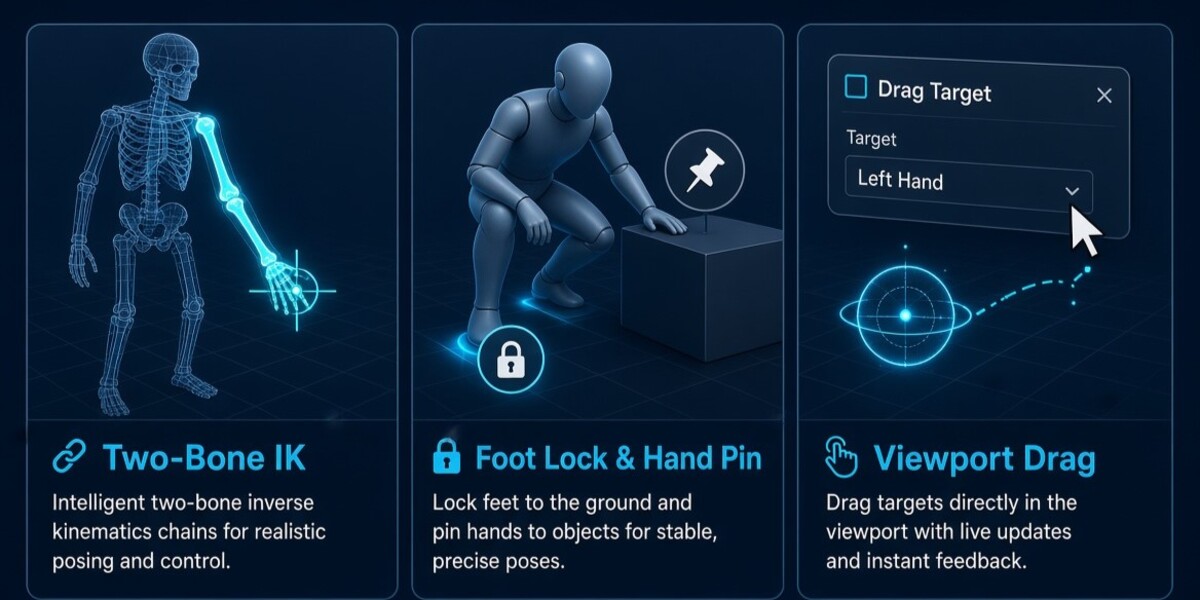
Move hand and foot targets to create limb poses. PoseWeave calculates two-bone IK solutions for supported armatures, helping you reposition limbs without manually rotating every bone.
2. Viewport Target Manipulation
Drag targets directly in the 3D Viewport. Constrain movement along the X, Y, or Z axis, or use plane-constrained movement for more controlled positioning.
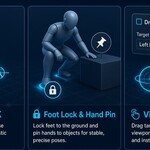
3. Foot Locking and Hand Pinning
Preserve important hand and foot positions while working on a pose. PoseWeave evaluates contact residuals and reports when constraints cannot be fully satisfied.
4. Rig Mapping and Validation
Discover and map common humanoid bone naming conventions, inspect missing or ambiguous bone roles, and validate rig compatibility before starting a posing session.
5. Pose Checkpoints
Create named checkpoints, restore earlier poses, and manage saved posing states. Experiment with different poses without losing your previous working state.
6. Pose Mirroring
Mirror target positions to help create symmetrical poses and speed up the initial posing process.
7. Animation Keyframing
Insert keyframes on mapped control bones at the current frame. Existing keys on the relevant channels are protected unless you explicitly request overwriting.
8. Reachability Feedback
Know when a target is reachable, approximated, or outside the limb's working range. PoseWeave provides diagnostic feedback so you can make informed adjustments.
WHY CHOOSE POSEWEAVE?
Character posing can involve repetitive bone adjustments, difficult-to-maintain contacts, and risky experimentation. PoseWeave brings target manipulation, IK solving, contact diagnostics, and pose management into one workflow.
Spend less time manually adjusting limb bones.
Experiment with poses while retaining checkpoints.
Build symmetrical poses with mirroring.
Preserve hand and foot positions when working with supported rigs.
Identify mapping problems and unreachable targets.
Move from posing toward keyframed animation in the same workflow.
Your character. Your pose. More control over the process.
WHO IS POSEWEAVE FOR?
Blender character animators
3D artists creating humanoid poses
Indie game developers
Character artists preparing animation poses
Technical artists exploring procedural posing workflows
Blender users who want target-driven limb posing
COMPATIBILITY
Software: Blender 4.2 LTS and Blender 4.5
Category: Animation and Rigging
Installation: Blender add-on ZIP
License: MIT
PoseWeave includes rig-mapping assistance for common humanoid bone naming conventions. However, successful bone-name mapping does not guarantee compatibility with every third-party rig. Complex control rigs, custom constraints, drivers, and rest-pose configurations may require additional validation or a dedicated adapter.
Consult the included documentation for installation, workflow instructions, supported rig information, and known limitations.
WHAT'S INCLUDED?
PoseWeave Blender add-on
Rig mapping and validation tools
Two-bone IK solving system
Interactive target manipulation tools
Contact and pose management systems
Pose checkpoint and mirroring utilities
Keyframing tools
Installation and usage documentation
Test files and test report
GET STARTED
Install PoseWeave, select a humanoid armature, discover and validate its bone mapping, and begin a posing session. Position your targets, inspect the results, create checkpoints, mirror poses when useful, and insert keyframes when you're ready.
Bring a more structured, target-driven approach to character posing with PoseWeave for Blender.
Search keywords: Blender IK addon, Blender character posing, inverse kinematics Blender, Blender animation tools, Blender rigging addon, 3D character animation, Blender pose tool, humanoid rigging, foot locking, hand pinning, pose mirroring, Blender animator workflow.
