 IK3D
IK3D



Text Effects is the fastest way to animate 3D text in Blender!
Text Effect allows you to build complex font animation without maths or key frames. All you need is to apply your favorite effect to your text (such as typewriter, wave, wiggle, randomize...) and get your animation done.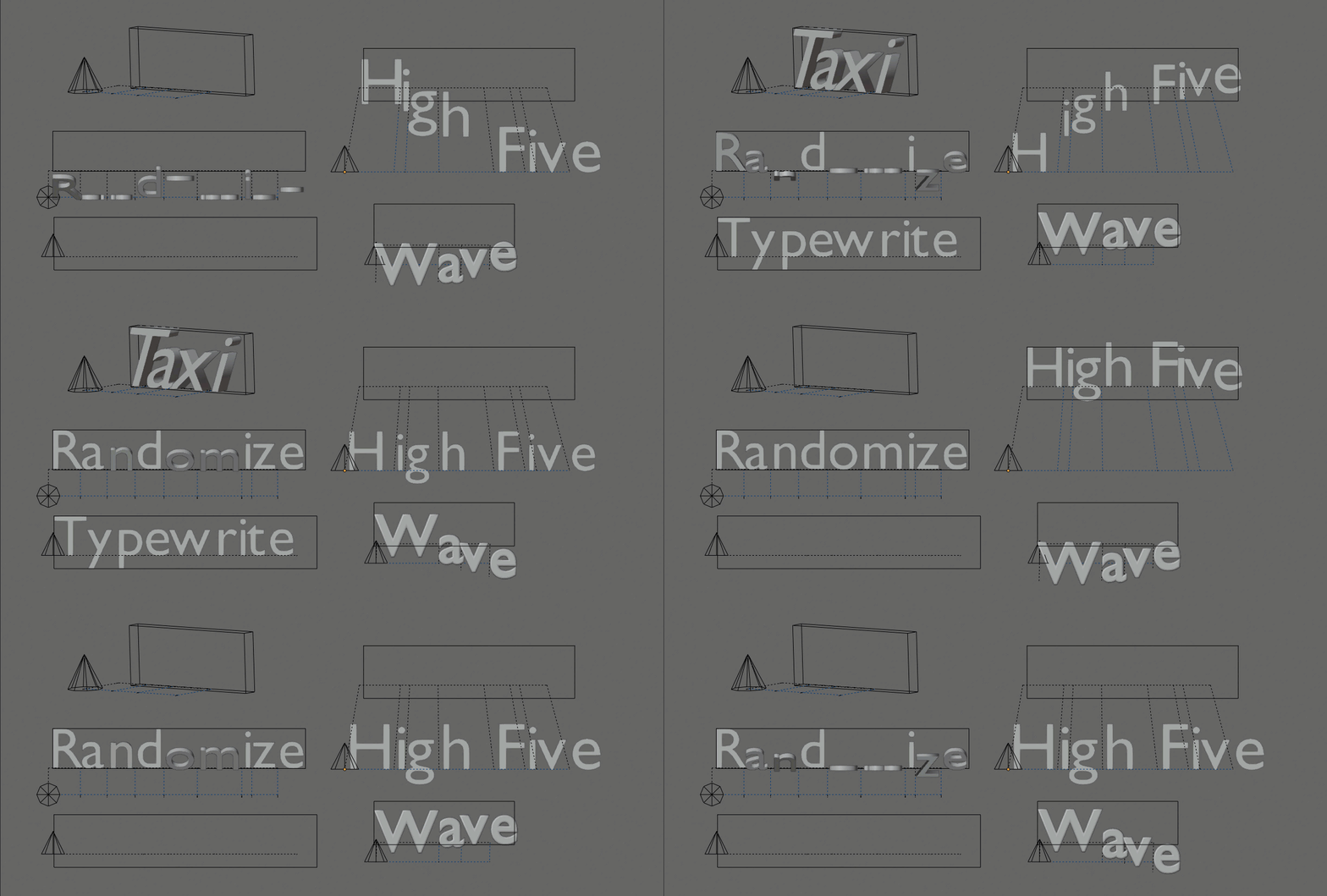
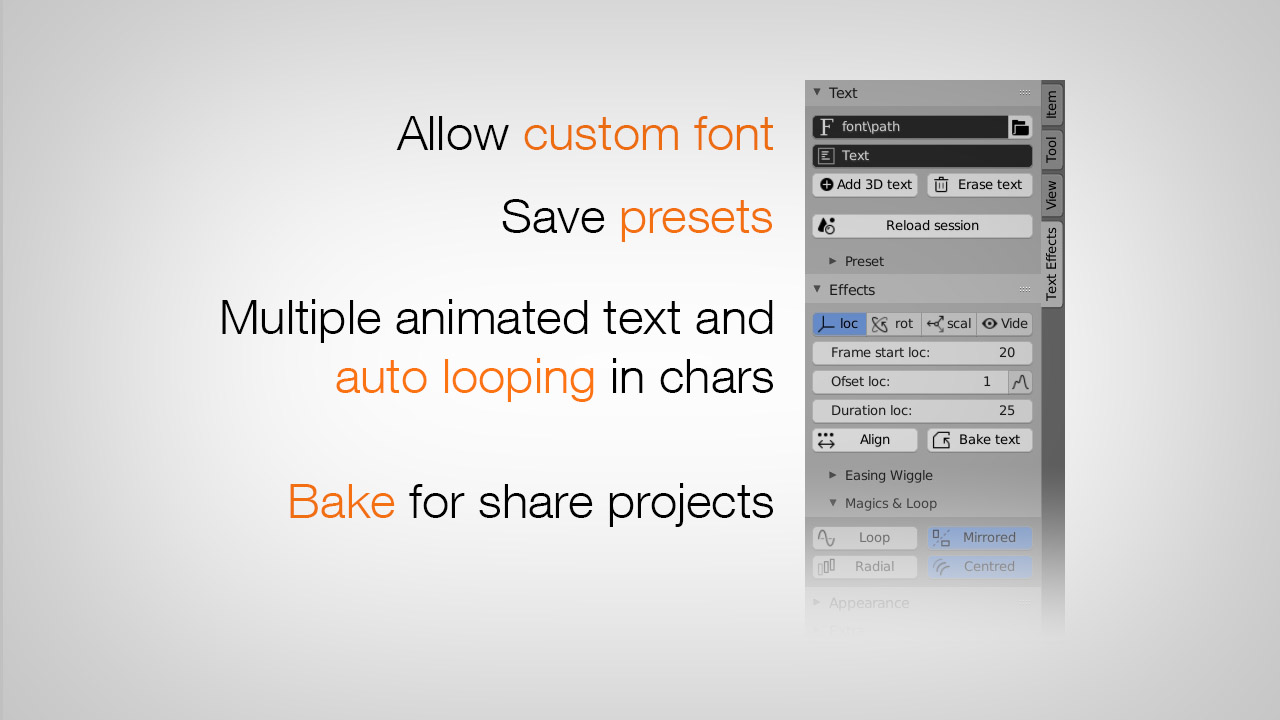
Text Effect is built around the concept of preset and reusable template. So any existing text in your scene can be converted to animation, any text Fx can be replaced, duplicated and shared.
Rebuilt for scale — new Rust engine
 Version 5 is a complete re-architecture. All the heavy math — glyph layout, kerning, every per-frame transform, cascade and baking — now runs in a native, fully multithreaded Rust engine. While every other text tool stays single-threaded, Text Effect uses all your CPU cores: up to ~60× faster text creation and true real-time editing (the old Sync step is gone). This is the foundation that unlocks mass workflows like subtitling and large-scale text animation.
Introduction: Tutorial #2
Main features — v5 :
Text
- Convert any existing text to animation
- Live text editor (multi-line & paragraphs)
- Import .srt subtitles — auto playback, per-line re-wrap & duration New
- Text alignment (left / center / right)
- Import animated text (template) from .blend
- Duplicate / replace text, change font on the fly
- Text on curve path
- Custom presets (with embedded font)
- Native FreeType kerning engine + manual kerning refine New
- Multiple animated texts / session reload
Animation
- Counter, an animated number channel (count-up / countdown) New
- Per-letter, per-word & per-line propagation (Cascade) New
- Scramble / decode "code" effect New
- Audio / sound bake (sync to sound) New
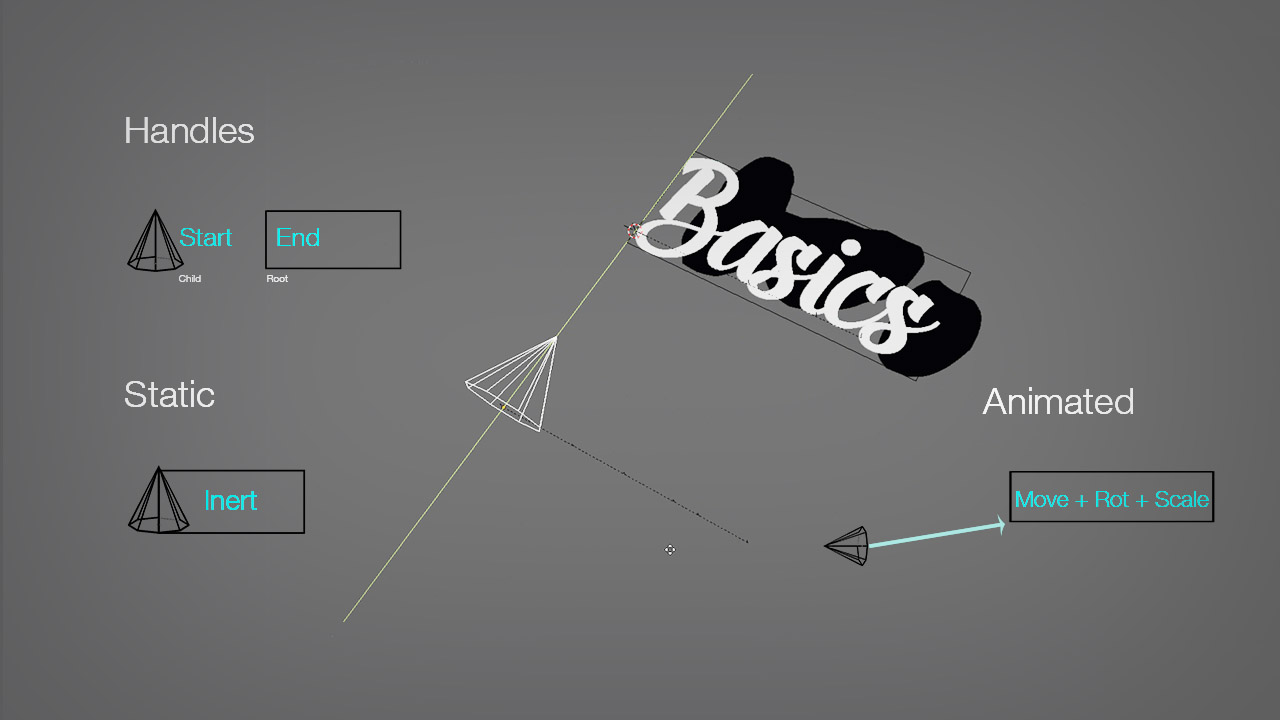
- Position / Motion Effector, radial propagation
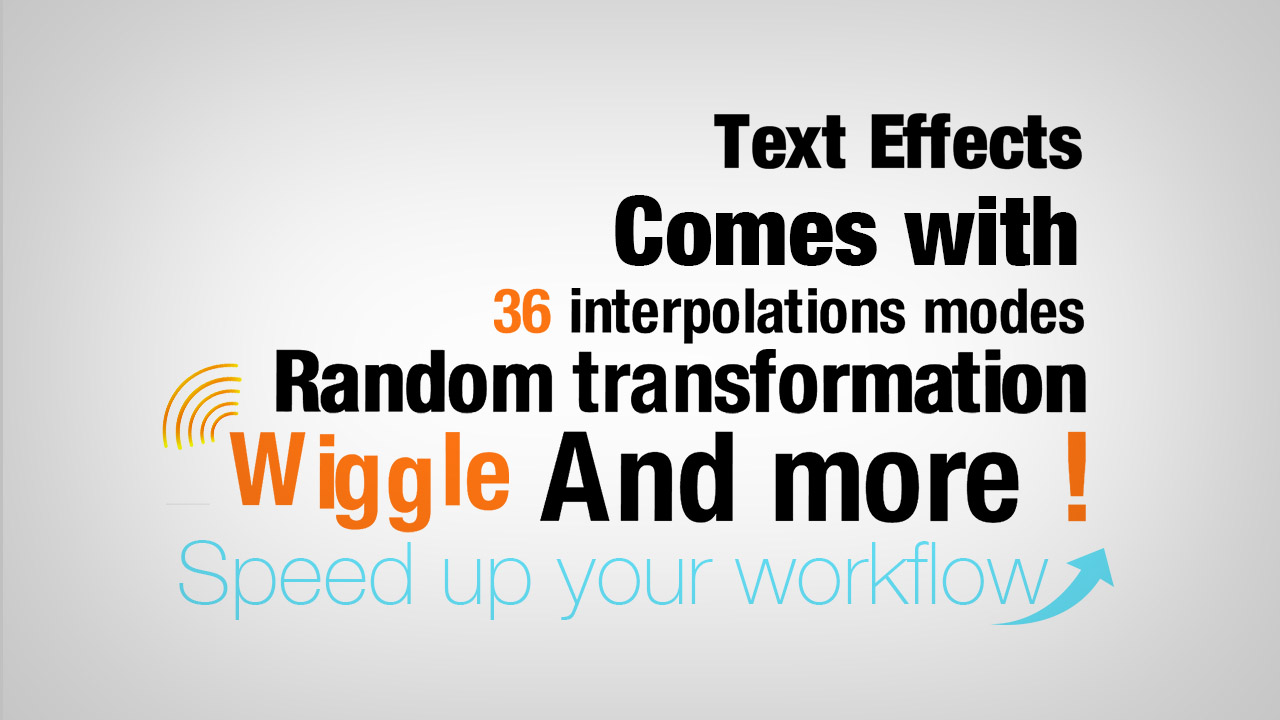
- Wave, Wiggle (+ random walk), random transformation
- Custom interpolation curves (per channel)
- 38 interpolations / easing (+ stepped) New
- Animation loop (ping-pong, repeat, delay)
- Bake animation (single & batch)
Appearance
- Fading (transparency)
- Random color
- Material FX (shader)
- Path up axis
- Path follow normal
Roadmap:
- Auto-subtitles from audio (speech-to-text) + VSE integration
- Use 3D objects as font
- Geometry Nodes effects (procedural deformation & instancing)
