Illusio for Blender
 Illusio Labs

What licence is the add-on under?
The code is GPL-3.0-or-later and the full source is included. Your renders and scenes are yours.
Where are the files saved?
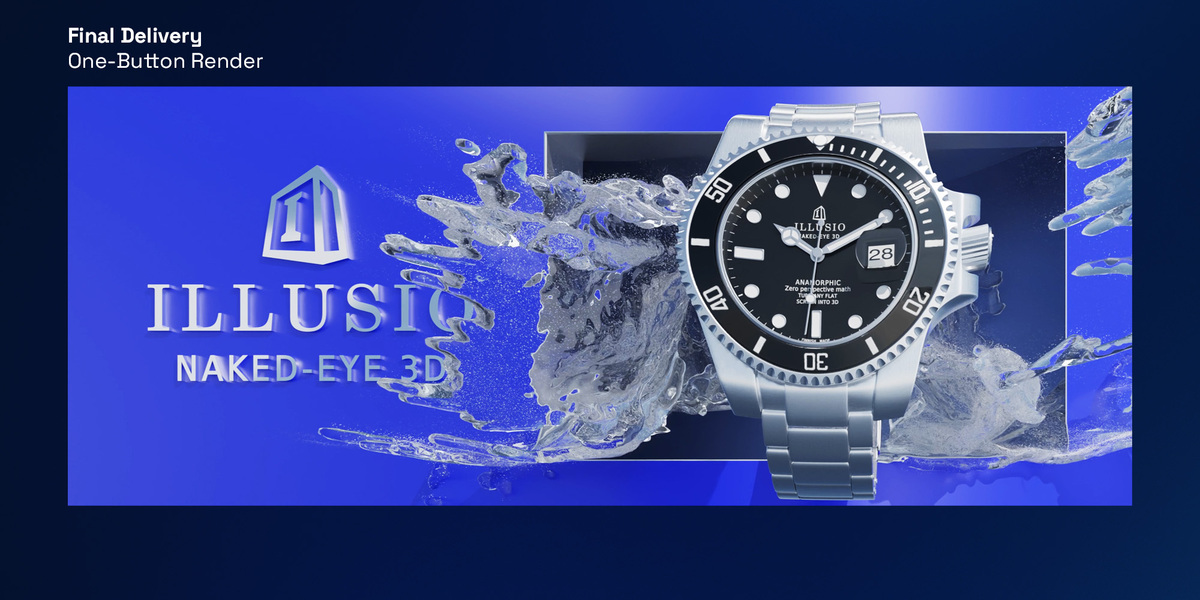
In a folder called illusio_out beside your .blend, with a README.txt that says which file goes on which display and an index.html contact sheet. If the .blend hasn’t been saved yet, the folder is in your home folder.
Can someone open my .blend without the add-on?
Yes. The camera rig runs on drivers that Blender evaluates by itself, so a saved file opens and renders on any machine, a render farm included.
Can the corner marks and the fSpy-style perspective lines be used together?
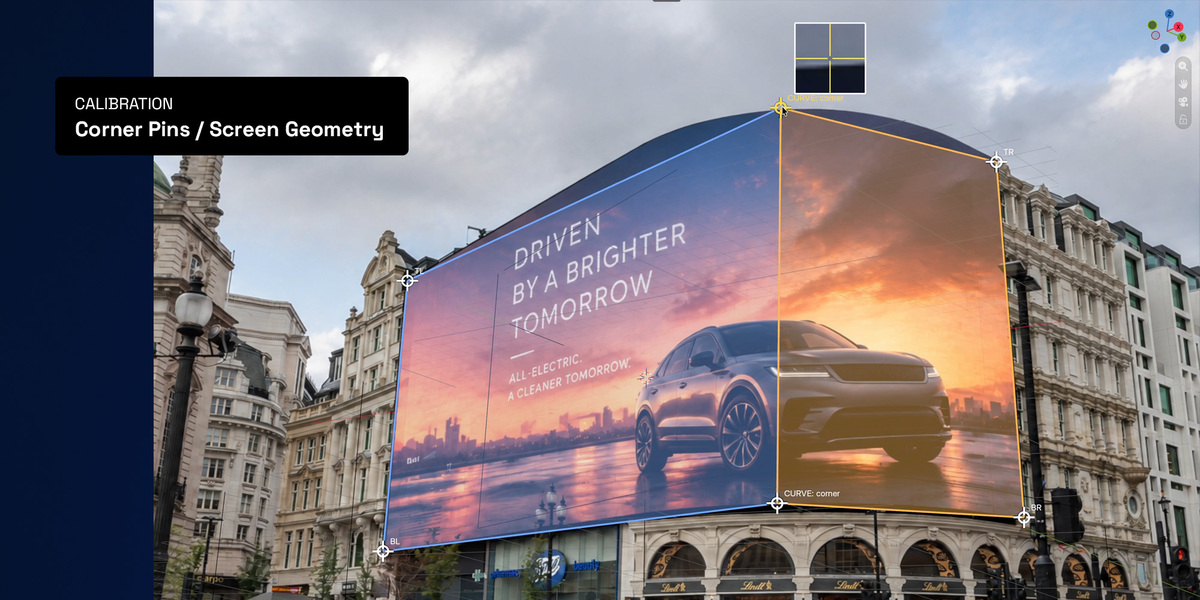
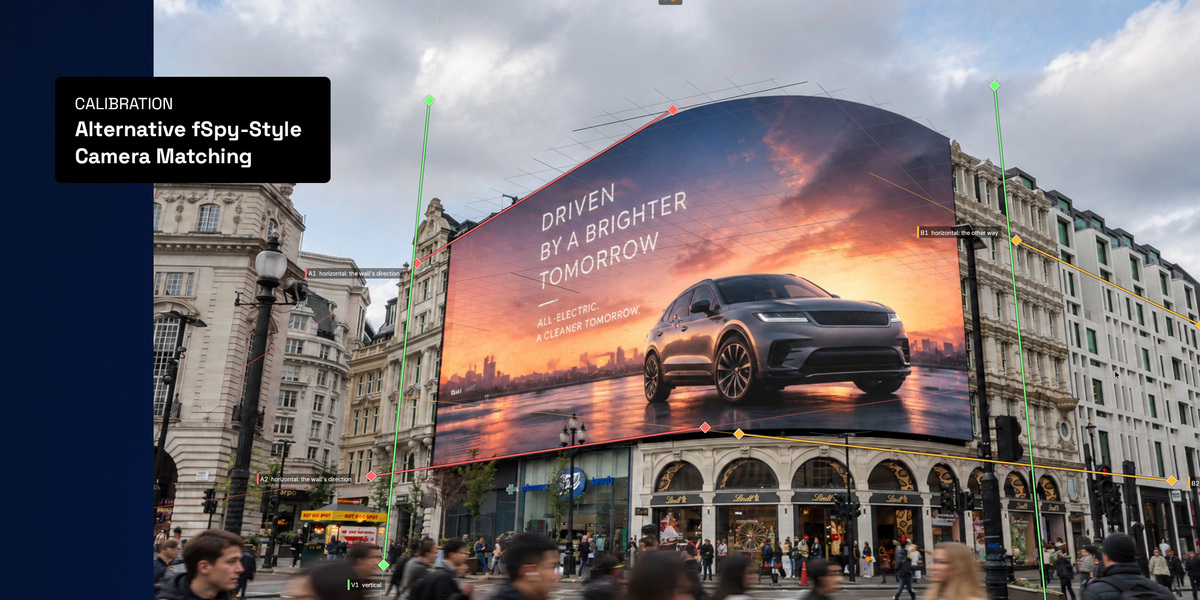
Yes. The perspective lines find the lens, and the corner marks place the camera. Using both helps most when the photo was taken almost straight on.
Do I need a photo of the screen?
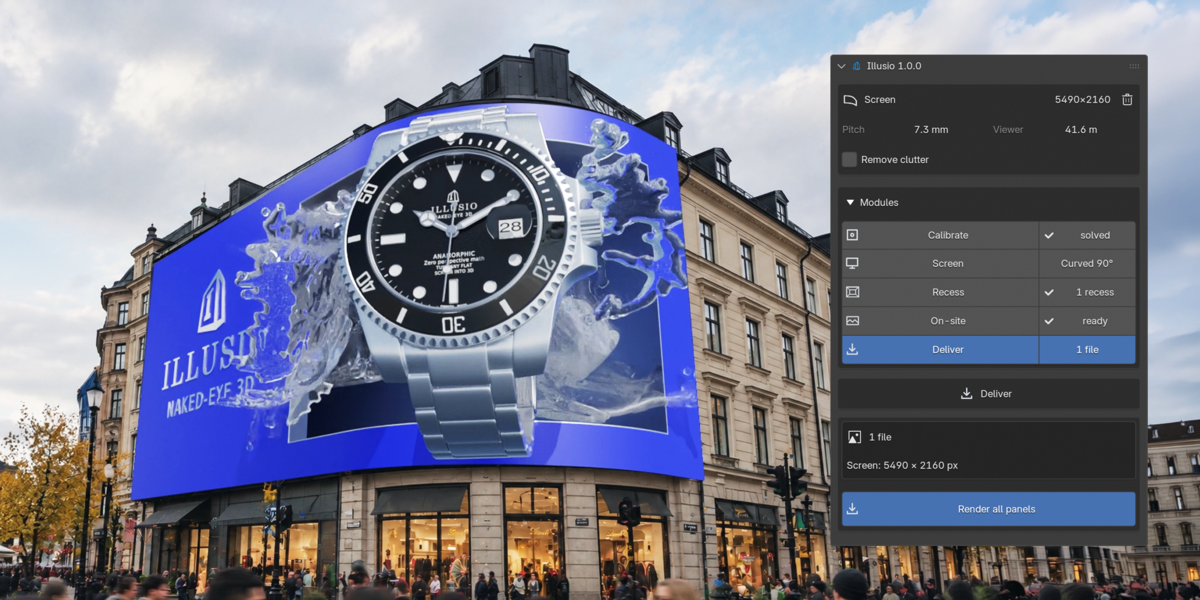
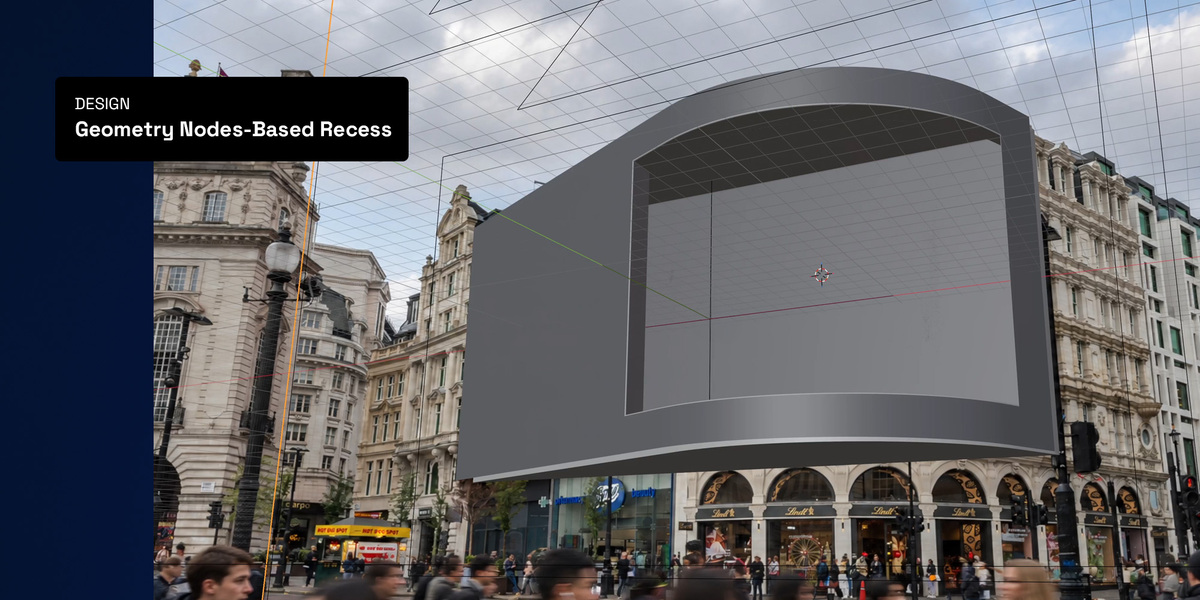
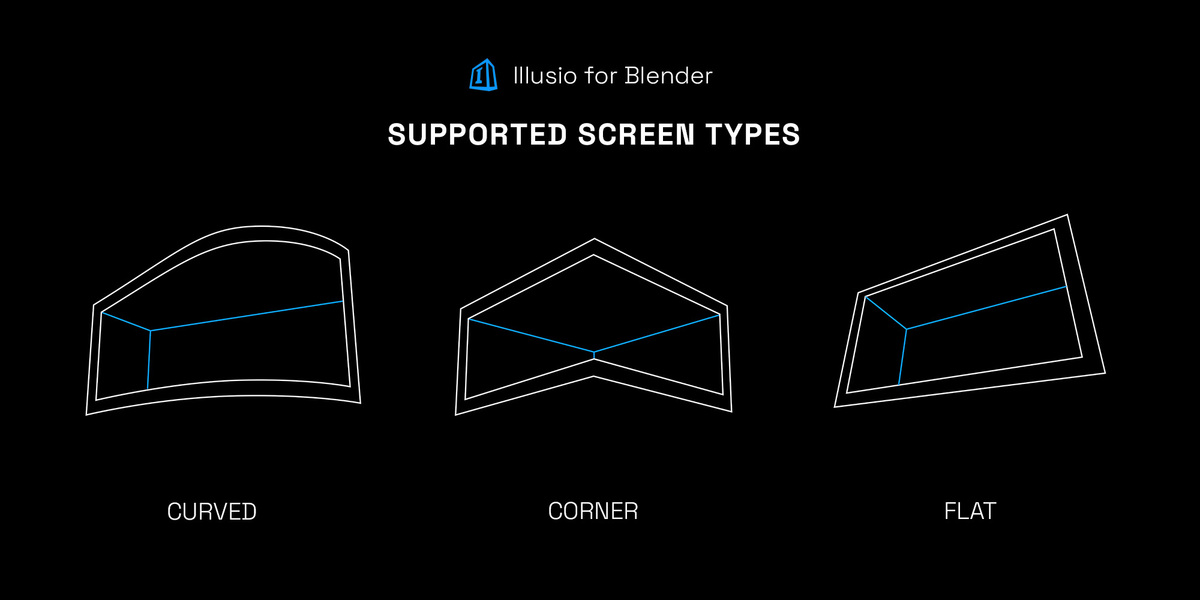
No. A photo lets the add-on find the camera and the viewer’s position for you, and shows your scene on the real building. Without one, make the screen from its specs and place the viewer by hand, by its numbers, with the mouse, or from the current view.
Do simulations like FLIP Fluids work?
Yes, simulations such as FLIP Fluids move in every frame of the files and the on-site mockup. Some simulations only run in the scene they were made in, while the add-on renders in scenes of its own. Rigid bodies are one of them: bake them to keyframes first (Object > Rigid Body > Bake To Keyframes). The Illusio tab warns you when this is needed.
Can the corner marks and the fSpy-style perspective lines be used together?
Yes. The perspective lines find the lens, and the corner marks place the camera. Using both helps most when the photo was taken almost straight on.
Which Blender versions are supported?
Blender 4.2 or newer, tested on 4.2, 4.5, 5.0, 5.1 and 5.2. Curved screens need 4.5 or newer.
Does it work on a Mac or an AMD graphics card?
Yes. Flat and corner screens render on any GPU. For curved screens, the Projection method uses any GPU, Metal included. The Exact method needs an NVIDIA GPU with OptiX, so on a Mac or an AMD card it renders on the CPU.
Does it work with EEVEE, or only Cycles?
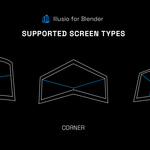
Flat and corner screens render with any engine, EEVEE included. Curved screens have two methods: Exact renders in Cycles, and Projection uses your project’s own engine, EEVEE included.
Have questions about this product?
Login to message
| Blender Extension Compatible | Yes |
| Published | about 5 hours ago |
| Blender Version | 4.2 - 5.2 |
| Extension Type | Add-on |
| Render Engine Used | Cycles, Eevee |
| License | GPL |
