 Albert Megbenyo
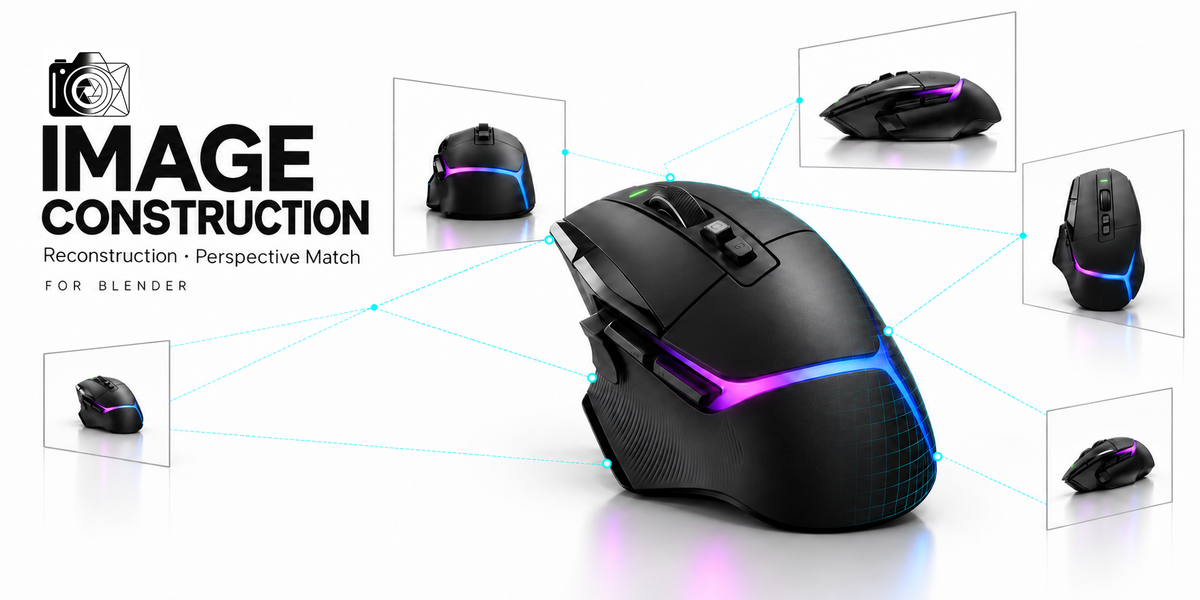
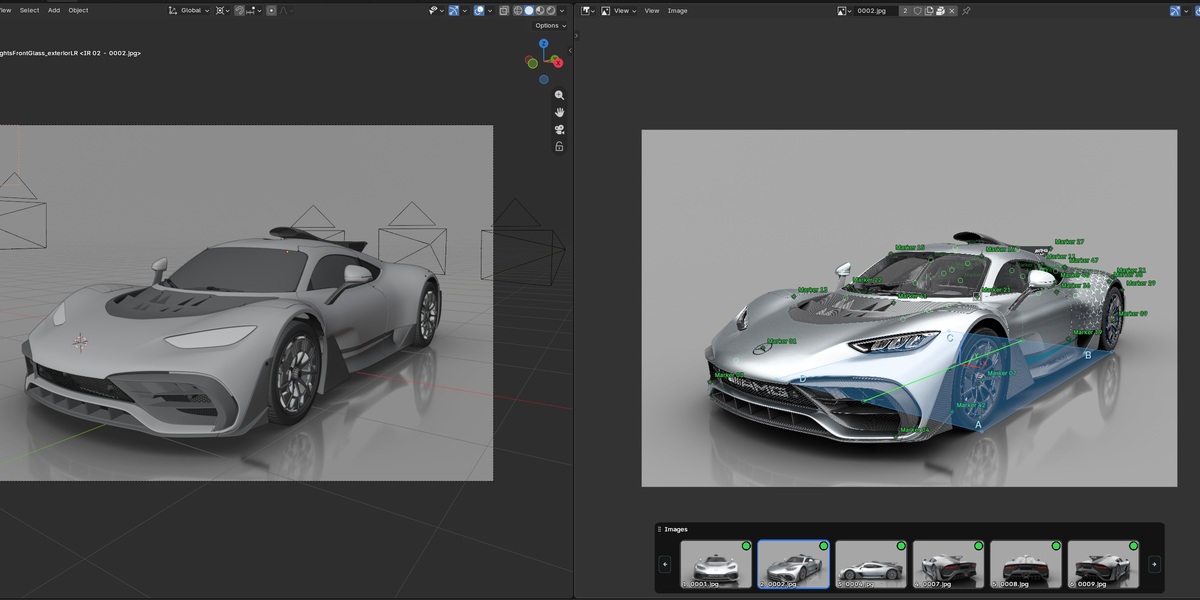
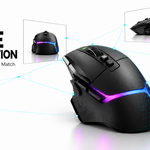
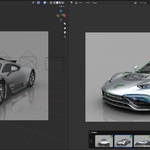
IMAGE CONSTRUCTION / FOR BLENDER
Your images.
Your next model.
Match cameras to your references, build from different angles, and refine the setup right inside Blender.
FROM REFERENCE IMAGES TO A WORKING MODELING SETUP
Two ways to find your perspective.
Start with shared features or visible directions. Reconstruction and Perspective Match come together in one add-on, with tools that stay useful while you model.
MATCH POINTS
Reconstruction
Use overlapping images and shared markers to solve cameras and points in 3D.
ALIGN GUIDES
Perspective Match
Use the directions in your images to match camera perspective, origin and scale.
01 / RECONSTRUCTION
Several images. One shared scene.
Place matching markers, solve the cameras, and build a setup you can model against.
Import views → Match points → Solve & review → Create setup
Place it precisely.
Zoom in with the drag magnifier and hold Shift for finer movement. Fit colors and pixel deviation help you review marker placement.
Set the scene straight.
Define the floor, heading, origin and scale with marker-based controls and visual guide previews.
02 / PERSPECTIVE MATCH
Bring the camera to your image.
Align guides to visible edges, place the origin, and set a reference length.
1, 2 or 3 vanishing points
Choose the mode that fits your reference. One-point mode uses one image and a known focal length.
More than one angle
Match several images in two- and three-point modes using a shared physical origin and reference length.
Refine it directly in the viewport.
Live Guides lets you adjust the match in the 3D Viewport. Turn guiding off to lock the handles, or keep the guidelines visible while you model. Customize handle style, size and line thickness.
Lens feedback as you work. Use automatic estimation or a known lens value where supported. Image metadata can provide a starting value; check the lens convention and any cropping.
03 / MODELING
Stay aligned as you build.
Move between references without losing the view that matters.
Change the depth. Keep the alignment.
View Translator moves objects or vertices along the viewing rays of a chosen camera or view. Refine the shape from another angle while preserving its alignment in the source view.
Your source view stays fixed until you recapture it or turn the tool off. An optional green border identifies the source camera.
More angles. Less switching.
Create a viewport layout from your image count or set the number yourself. Let the Main View follow the Image Editor, keep the others on independent images, and collapse the layout when you are done.
04 / REFERENCES
A workspace that keeps up.
Organize the images around the way you work.
Keep every view close.
Move and resize the thumbnail strip, switch between horizontal and vertical layouts, and jump to the reference you need.
Put them in order.
Drag thumbnails to arrange images around your subject. Keep the sequence easy to follow as you check each angle.
Duplicate. Flip. Keep working.
Create a mirrored reference when the subject’s symmetry makes it useful. In Perspective Match, the image and guides flip together.
Mirroring assumes symmetry; it does not reveal unseen details. Reconstruction clears a flipped image’s marker placements so you can assign them correctly.
05 / DEVICE TRANSFER
From your phone to your project.
Scan. Select. Send. No wired connection needed.
Open a session in Blender and scan its QR code. Choose your images on the phone and send them straight into the active project. The session closes after import.
Direct transfer requires a compatible network. Some networks block direct connections; relay fallback is currently disabled.
06 / FINISHING
Keep the workspace clear.
See what you need while modeling. Keep your work when you are done.
Less clutter. More context.
Adjust image opacity, camera size and marker appearance. Hide floor or camera lines while keeping images and markers visible.
Finish with a clean scene.
Project Cleanup removes the add-on’s setup while keeping your modeled objects.
Before you start
Choose useful references.
Use clear images of a rigid subject. Reconstruction needs accurate shared markers, useful overlap and viewpoint variation. Perspective Match works best with identifiable straight edges and perspective directions.
Both workflows. One package.
Reconstruction, Perspective Match, reference-management tools and modeling tools are included together. The user guide covers the workflows and controls.
Separate downloads: Windows x64 and macOS Apple Silicon (M-series). Mac requires macOS 13+ and native Apple Silicon Blender 5.1+. This update has not been tested natively on Mac. Intel Mac and Linux packages are not included.
Support & Community
Need help, found a bug, or have a feature suggestion? Join our Discord server to ask questions, share feedback, and show what you’re creating.
IMAGE CONSTRUCTION
